
This is the technical support forum for WPML - the multilingual WordPress plugin.
Everyone can read, but only WPML clients can post here. WPML team is replying on the forum 6 days per week, 22 hours per day.
Tagged: Documentation request, Exception
This topic contains 3 replies, has 2 voices.
Last updated by Mohamed Sayed 1 year, 10 months ago.
Assisted by: Mohamed Sayed.
| Author | Posts |
|---|---|
| February 19, 2024 at 3:45 am #15315835 | |
 romantaL Site owner |
Dear Support Team, I hope this message finds you well. I am writing to bring to your attention an issue regarding an article I recently wrote in Indonesia. It can be accessed through the following link: hidden link Unfortunately, I've encountered an unexpected problem where several URLs embedded within the article do not redirect to their intended destinations. The URLs that I have included in this article should lead to the following link: hidden link However, it appears that these URLs are instead directing users to an attached image rather than the intended URL (hidden link) I would greatly appreciate your guidance on how to rectify this issue promptly. Thank you for your attention to this matter. Regards. 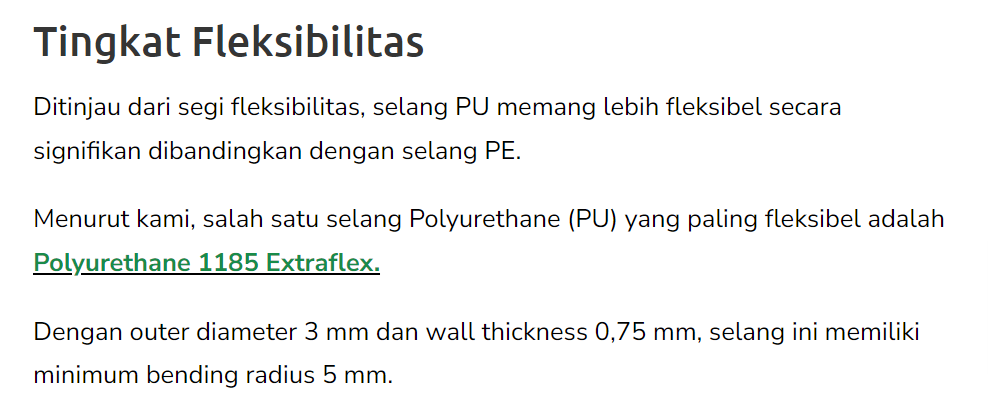 |
| February 19, 2024 at 4:00 pm #15319502 | |
 Mohamed Sayed |
Hi there, Please try the following steps: - Edit the translation with the WPML's advanced translation editor Kindly check this guide for more details: https://wpml.org/faq/how-to-translate-urls-shortcodes-and-html-attributes-using-the-advanced-translation-editor/ Kind regards, 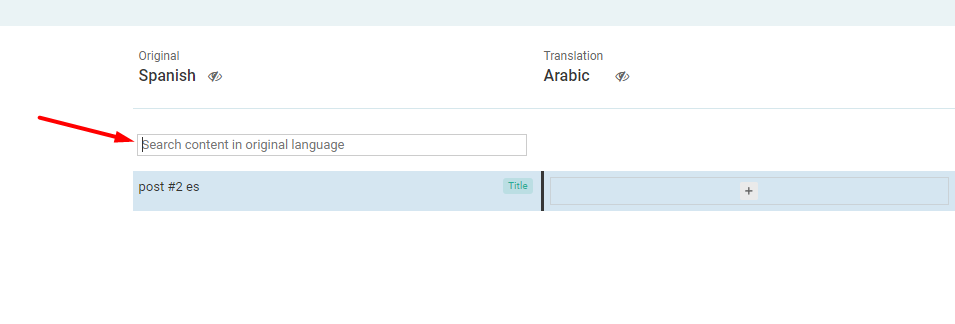 |
| February 20, 2024 at 1:57 am #15320398 | |
|
romantaL Site owner |
I've opted to utilize the WordPress Translation Editor instead of the WPML Translation Editor. This decision stems from my lack of necessity for a dual-language setup for product pages, and I have more advantages when using WordPress Translation Editor. As such, my current practice involves publishing articles in Indonesian containing links to product pages available solely in English. However, WPML appears to redirect the intended URLs to image attachments instead of the English product pages. Could you kindly advise me on configuring WPML to avoid redirecting the desired URLs to unintended destinations (based on my case)? Thanks for your support, and I appreciate your assistance. |
| February 20, 2024 at 9:43 am #15321416 | |
|
Mohamed Sayed |
When using the WordPress editor to create the translation, WPML doesn't translate the links added to the page since you're adding them manually. So kindly edit the translated page with the WP editor and replace the incorrect URLs manually. I checked the page and I see that the link points to the correct URL, please check this recording: hidden link |
| February 21, 2024 at 12:36 am #15325095 | |
|
romantaL Site owner |
Thank you for your efforts in assisting me with resolving my issue. My situation is unique; when I wrote content and inserted an internal link to a product page to hidden link When the content is live, WPML automatically converts my URL to an attached media (hidden link). In my assessment, this may be due to my activation of the translate media feature. Consequently, when the slug for the product (which is only available in English) resembles the slug for the image, WPML redirects to the attached media, as I did not provide content in English. I have addressed this by referencing the Post ID instead of the exact URL. To ensure that the URL is directed to the intended destination, as demonstrated in your video. Once again, I appreciate your support in helping me resolve this issue. |