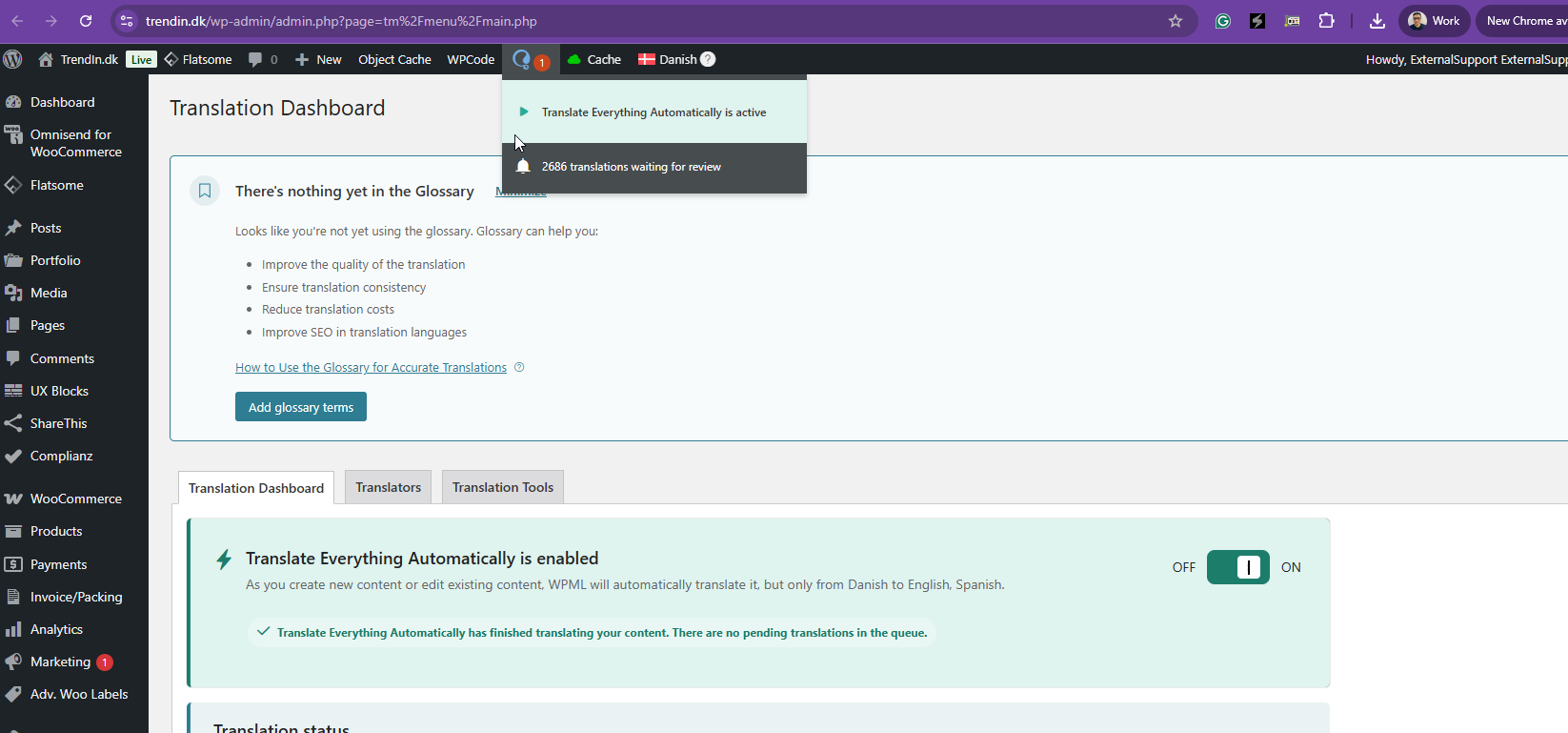
Thanks for your reply. I'm not entirely sure what caused this issue. It often happens when automatic translation is running and the server resources become depleted. I’ve checked WPML on your website, and everything looks fine at the moment. You can continue using it without any issues for now.
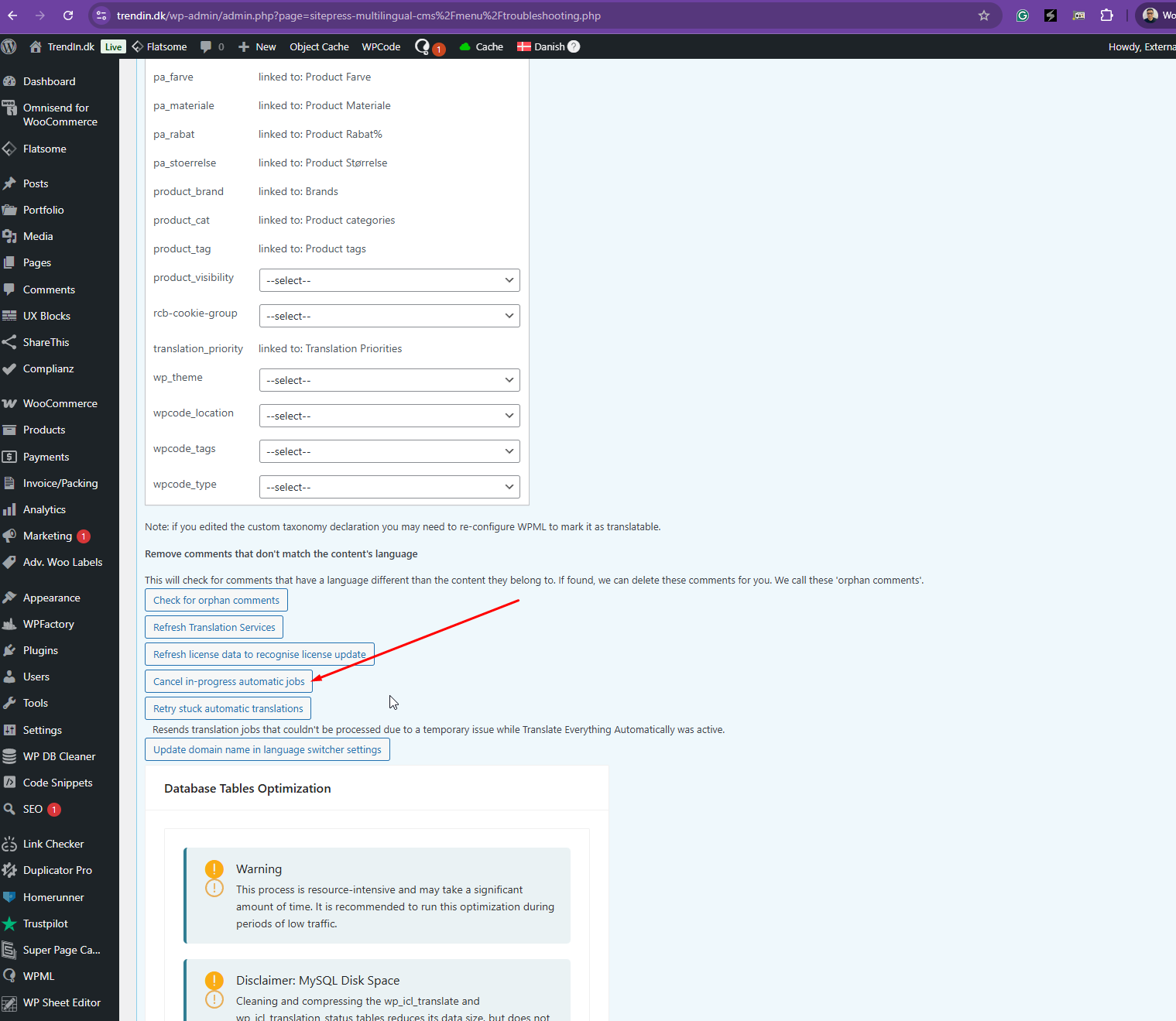
Good, and I now know where this function is for the future - it should just not be nesscesary, if WPML is made solid.
New thing with WPML. This morning at 9.31 the mail below came. Please read.
It looks like a program flaw, right?
I can raise memory max, but I already have a max much higher than standard, so I guess that it is a fault in programming from WPML or in WordPress.
What do you think?
Regards Michael
--- MAIL ---
07-10-2025 09:31
Hello!
WordPress has a built-in feature that detects when a plugin or a theme is causing an error on your site and notifies you via this automated email.
In this case, WordPress has found an error in one of your plugins, WPML Multilingual CMS.
First, visit your site ([hidden link)) and check for any visible issues. Next, visit the page where the error was detected ([hidden link)) and check for any visible problems.
Contact your host for assistance in investigating this issue further.
If your site appears to be broken and you cannot access your dashboard as usual, WordPress now has a special “recovery mode.” This allows you to securely log in to the dashboard so you can investigate the error more closely.
[hidden link)
To keep your site secure, this link will expire in 1 day. Don’t worry — if the error occurs again after that time, a new email will be sent to you.
If you request help with this issue, you may be asked for some of the following information:
An error of type E_ERROR occurred on line 150 in the file
`/var/www/trendin.dk/public_html/wp-content/plugins/sitepress-multilingual-cms/classes/translations/TranslationElements/FieldCompression.php`.
Error message: `Allowed memory size of 536870912 bytes exhausted (tried to allocate 32768 bytes)`
Thanks for your reply. The email is referring to your server's insufficient memory. Kindly share this error log with your hosting provider, and they will know what to do from their end.
An error of type E_ERROR occurred on line 150 in the file
`/var/www/trendin.dk/public_html/wp-content/plugins/sitepress-multilingual-cms/classes/translations/TranslationElements/FieldCompression.php`.
Error message: `Allowed memory size of 536870912 bytes exhausted (tried to allocate 32768 bytes)`
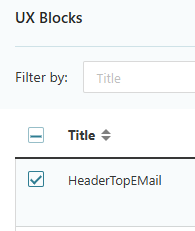
I found UXBlocks in dashborad, set V in box on the 2 elements and translated. WPML said thei were translatede, but I forced. And now the icons and text became translated.
Qustion: should WPML not do this on it own wbhen I change the primary language?
Error: I have 2 and 3 spaces between icons and text in prim. lang., but WPML removes everything over 1 space. This is not good, as I want 2 and 3 spaces, and the same should be synced to secundary lang.s.
Now I will try to change prim. lang and see if WPML now syncs to sec. lang.s.
Thanks for your reply. I’m sorry to hear you’re still experiencing issues with the WPML plugin. I’ve checked the headers you mentioned:
hidden link
hidden link
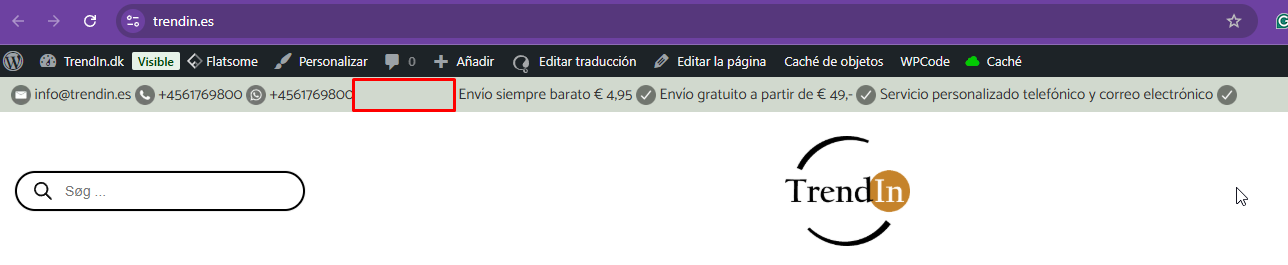
Then, I compared the top header on both the Danish and Spanish versions of the site hidden link and hidden link and everything appears fine on my end (as shown in the attached screenshot).
It’s possible I may have misunderstood the issue. Could you please share a short screen recording demonstrating the problem so I can better understand what’s happening?
Thanks for your reply. You mentioned that the UX block is not synced. Could you tell me a little bit more about it? Perhaps you can share the URL of the page in question and include some screenshots?
Please read the last 6 posts incl. your from today, and you understand, and would not ask like this.
Right?
Then please answer the questions/error a few posts up. I repeat them here:
Question: should WPML not do this on it own wbhen I change the primary language?
Error: I have 2 and 3 spaces between icons and text in prim. lang., but WPML removes everything over 1 space. This is not good, as I want 2 and 3 spaces, and the same should be synced to secundary lang.s.
These two should be answered in context of the last 6 posts. When you read them you will have the full understanding - and would not ask as you did to day.
Looking forward to your answer for the Question: and the Error:.
Thanks for your reply. I'll try to answer your questions accordingly.
Referring to your question, you mentioned this
I found UXBlocks in dashborad, set V in box on the 2 elements and translated. WPML said thei were translatede, but I forced. And now the icons and text became translated.
I'm not sure what you mean by "set V in box on the 2 elements and translated". Which V option are you referring to?
Question: should WPML not do this on it own wbhen I change the primary language? May I know what WPML should do when you change th primary language?
Error: I have 2 and 3 spaces between icons and text in prim. lang., but WPML removes everything over 1 space. This is not good, as I want 2 and 3 spaces, and the same should be synced to secundary lang.s.
This is a V, better known as a check mark. I put them on the two elements in question and translated. See clip.
Yes, I am asking you if it is not WPML plugins job to just translate text and graphics and sync structore from prim. lang to translated lang. when I SAVE in UXBuilder? Asking because it did not, and I fixed it kind of manually with the 2 x V checkmarks and a re-translation from the Dashboard.
Yes WPML has an error with spaces in prim. lang. translating to other lang. Try this in your test setup or try it on my site (ignore the ", they are there so you can see the spaces):
Example A. in UXBlocks =
Make a text in UXBlocks like this = "Kor er en dygtig supporter WOW!"
Result from WPML in UK lang. = "Kor is a brilliant supporter WOW!"
This is a problem, because when I want 3 or 5 spaces, I actually want that. I can fix it by changing the WPML translatede sub sites after the translations, but why should I have to do this. 99% of the time a WPML user wants the same layout in all languages, and if not it is better to have the works with that in 1% of the time.
Example B. in Pages with UX Builder =
Make a text like this = " Ny computertaske? "
Result from WPML in UK lang. = "New laptop bag?"
This one you can se live by us on hidden link and hidden link which is a problem. I made a space in start end end of text on the two top pictures on purpose and I want a space there. WPML tangles with my idea and removes my spaces.
That was what I ment.
Are my questions more clear now?
New threads created by Kor and linked to this one are listed below: