Background of the issue:
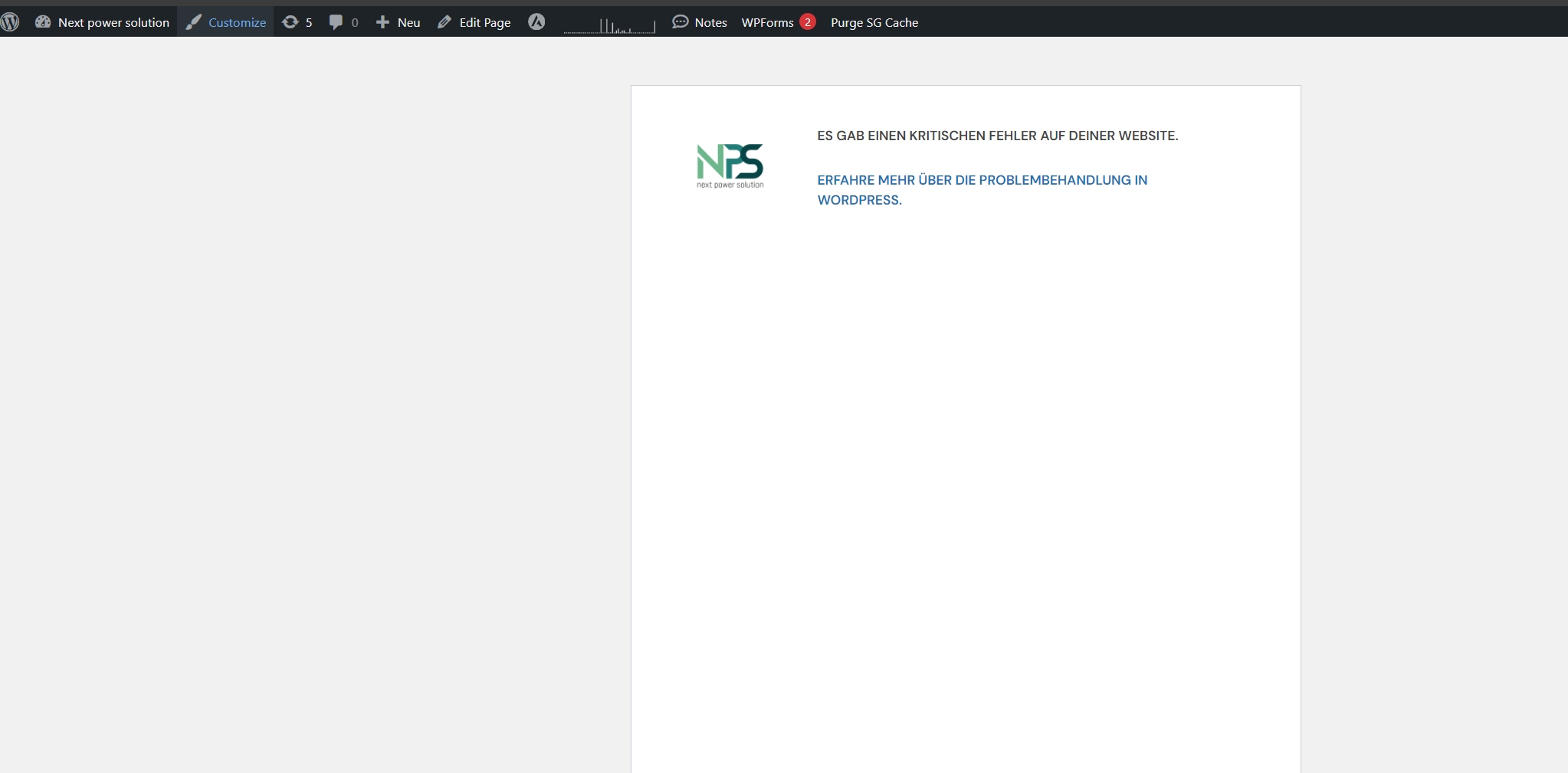
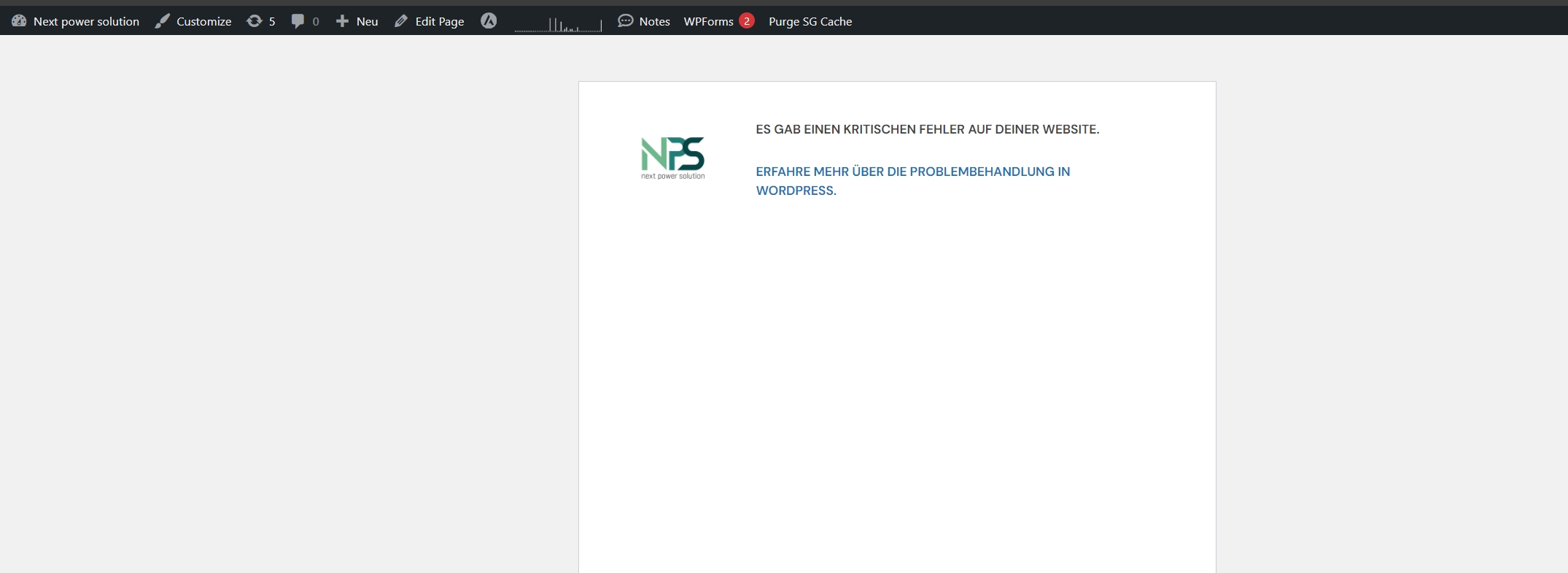
I am try to add German to my website. I finished the installation and selected German during the installation process,after that the website showed:ES GAB EINEN KRITISCHEN FEHLER AUF DEINER WEBSITE.(which means:THERE HAS BEEN A CRITICAL ERROR ON THIS WEBSITE.)
Symptoms:
I am try to add German to my website. I finished the installation and selected German during the installation process,after that the website showed:ES GAB EINEN KRITISCHEN FEHLER AUF DEINER WEBSITE.(which means:THERE HAS BEEN A CRITICAL ERROR ON THIS WEBSITE.)
Now, we can try to reproduce the issue once again.
We should now be able to locate the debug log in: /wp-content/debug.log
Paste the content (if any) on a site like pastebin.com and then share the link with us (only you and us will see the URL you are sharing, it is automatically hidden for anyone else).
After adding the code to the wp-config.php file and saving it, you must repeat the steps that caused the critical error. Then, you should see the debug.log file in the /wp-content/ folder.
Please try it and share the error with me.
If there is no error, please give me access to your site. I'm enabling a private message for the following reply. Privacy and Security Policy
We have strict policies regarding privacy and access to your information. Please see: https://wpml.org/purchase/support-policy/privacy-and-security-when-providing-debug-information-for-support/ **IMPORTANT**
- - Please backup the site files and database before providing us access. --
-- If you have a staging site where the problem can be reproduced, it is better to share access to the staging site.--
I added the code and saved it. After I enabled the plugin WPML Multilingual CMS in wordpress, the website cannot be accessed (as long as I disable the plugin, the website will return to normal). After that I entered the /wp-content/ folder, I could not find the "debug.log" and search won't find it too, Now how do I let you to access my website?Just need the URL?
[02-Jul-2024 03:47:46 UTC] PHP Fatal error: Uncaught InvalidArgumentException: Argument $language_code must be a non empty string. in /home/customer/www/nextpowersolution.com/public_html/wp-content/plugins/sitepress-multilingual-cms/classes/translations/class-wpml-translation-element.php:80
This known issue is fixed with version 4.6.9 and onward. We need to investigate why it still happens on your site.
Please let me access your site and, if needed, take a copy of it. To do so, please allow me to install plugins like Duplicator or All In One Migration. I'm enabling a private message for the following reply. Privacy and Security Policy
We have strict policies regarding privacy and access to your information. Please see: https://wpml.org/purchase/support-policy/privacy-and-security-when-providing-debug-information-for-support/ **IMPORTANT**
- - Please backup the site files and database before providing us access. --
-- If you have a staging site where the problem can be reproduced, it is better to share access to the staging site.--
Thanks,
Itamar.
The topic ‘[Closed] When I installed and activated WPML, the web crashed and front end of my site showed:CRITICAL ERR…’ is closed to new replies.