Skip to content Skip to sidebar

This thread is resolved. Here is a description of the problem and solution.

Problem:
The client needs help setting up WooCommerce URLs for different languages using WPML. Specifically, they want the shop, cart, and checkout pages to reflect language-specific URLs.
Solution:
We recommend first disabling the WPML plugins temporarily to check if the issue persists. If the problem still occurs with WPML disabled, it suggests that the issue is not related to WPML but rather to the WooCommerce settings or configuration. In this case, the client should review their WooCommerce settings.

If this solution does not resolve the issue or seems outdated, or if it does not apply to your case, we highly recommend opening a new support ticket. Additionally, please check related known issues at https://wpml.org/known-issues/, verify the version of the permanent fix, and confirm that you have installed the latest versions of themes and plugins. For further assistance, you can also visit our support forum at WPML Support Forum.

This is the technical support forum for WPML - the multilingual WordPress plugin.

Everyone can read, but only WPML clients can post here. WPML team is replying on the forum 6 days per week, 22 hours per day.

This topic contains 6 replies, has 1 voice.

Last updated by lauraR-37 1 month, 1 week ago.

Assisted by: Andrey.

Author Posts
March 3, 2026 at 2:54 pm #17869053

lauraR-37

I need help to set my WooCommerce URLs.
Default english language and german translationsÉ
shop page should be on /shop/ - /de/shop/
cart page should be on /cart/ - /de/warenkorb/
checkout page should be on /checkout/ - /de/checkout/
I can not do this on the WPML admin. I will provide admin access. I already made a backup. Thanks in advance

March 3, 2026 at 7:32 pm #17869976

lauraR-37

I managed to rename the cart and checkout pages in phpMyAdmin and they work fine. I am still having issue with the shop page. If the URL is store and de/store it works fine. As soon as i change it to shop and de/shop it prints the content of an archive page:
wp-singular page-template-default page page-id-320 logged-in admin-bar wp-custom-logo wp-embed-responsive wp-theme-coloron overflow-x-hidden theme-coloron woocommerce-js woo-variation-swatches wvs-behavior-blur wvs-theme-coloron wvs-show-label wvs-tooltip customize-support mysticky-welcomebar-apper

March 3, 2026 at 7:52 pm #17869991

Andrey
WPML Supporter since 06/2013

Languages: English (English ) Russian (Русский )

Timezone: Europe/Kyiv (GMT+03:00)

Thank you for contacting WPML support.

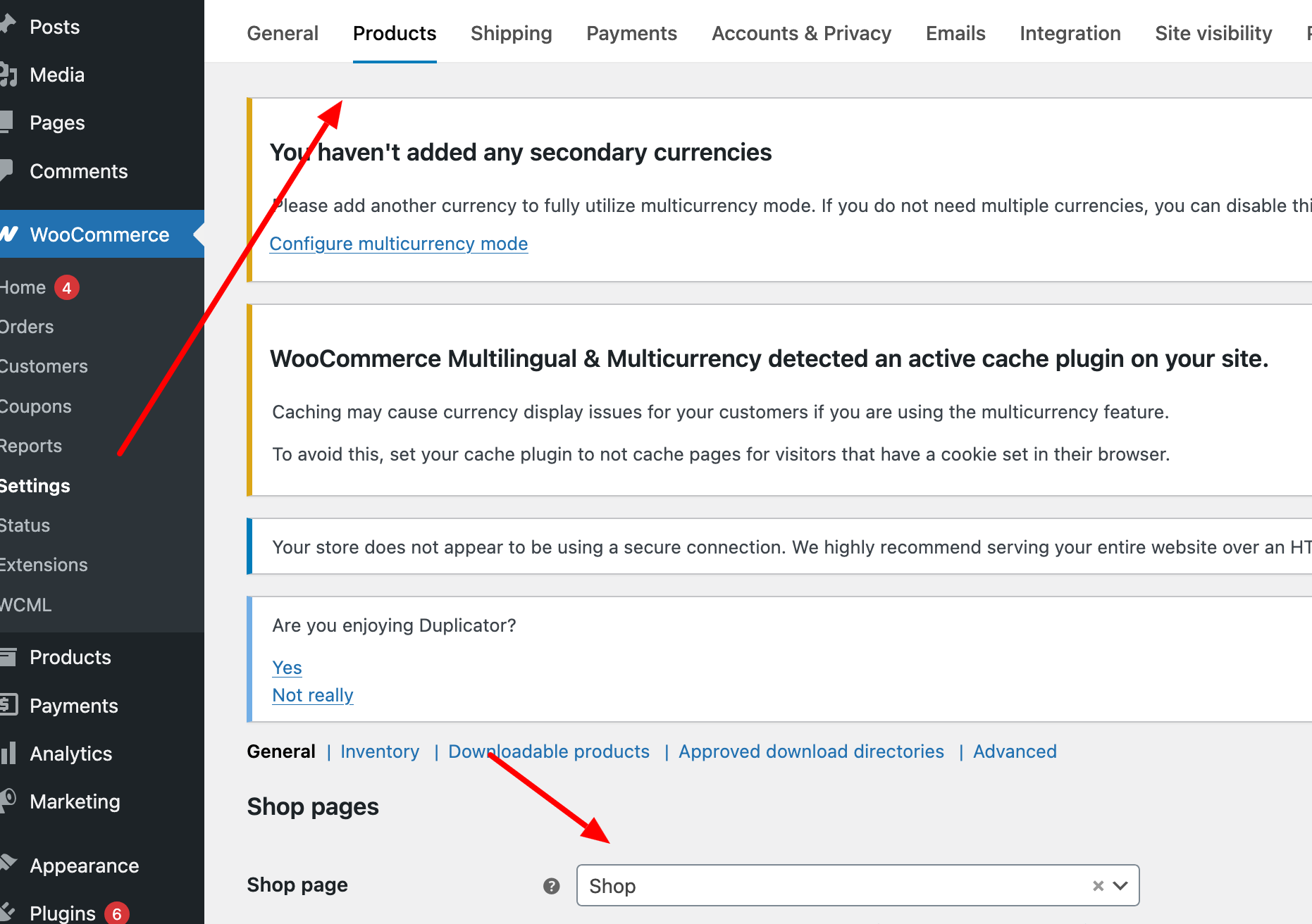
After renaming or creating the Shop page, have you set it correctly in WooCommerce → Settings → Products → Shop page?

Once the page is assigned there, please make sure to translate it as well (if it hasn’t been translated yet), and then check if the issue persists.

I’m attaching a screenshot for your reference.

WooCommerce-settings-‹-wcml-3433-—-WordPress.png
March 3, 2026 at 8:02 pm #17870043

lauraR-37

I set this up. However WooCommerce displays product loops and other hooks. I just hide them with CSS

March 3, 2026 at 8:14 pm #17870048

Andrey
WPML Supporter since 06/2013

Languages: English (English ) Russian (Русский )

Timezone: Europe/Kyiv (GMT+03:00)

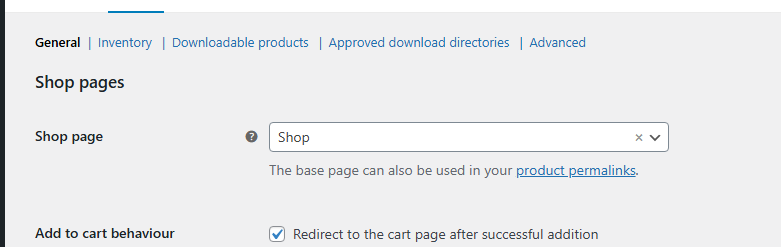
Can you show me in the screenshots how you have set everything up?

I've enabled debug information for this support ticket. Please refer to this link for instructions on how to retrieve this information from your site and provide it to us: http://wpml.org/faq/provide-debug-information-faster-support/

March 4, 2026 at 6:32 am #17870554

lauraR-37

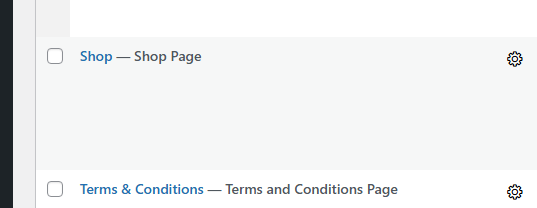
I am not sure it is an issue with WMPL or WooCommerce though. The page content is mixed with WooCommerce header and product loop.

shop-pages.png
pages.png
March 4, 2026 at 8:49 am #17870945

Andrey
WPML Supporter since 06/2013

Languages: English (English ) Russian (Русский )

Timezone: Europe/Kyiv (GMT+03:00)

Thank you for your feedback.

You can verify this by temporarily disabling the WPML plugins and then visiting your shop page again. If the issue still occurs with WPML disabled, it indicates that the problem is not related to WPML.

In that case, you will likely need to review your WooCommerce settings or configuration, as the issue would originate there and cannot be resolved from the WPML side.

March 9, 2026 at 8:27 pm #17883269

lauraR-37

Thanks for checking it for me Andrey!