[Resolved] WPML + ACF Options Page translations not working
This thread is resolved. Here is a description of the problem and solution.
Problem: You are using WPML with ACF Options Page to display translated versions of your Options Page ACF fields. After updating Advanced Custom Fields Multilingual to version 2.1.4.2, the translated versions are not visible when not logged into the admin site. Specifically, header and footer links/page options remain in English instead of German when not logged in, but appear correctly when logged in as an Admin. Solution: We found that the issue is due to a specific code in your custom theme located at
. This method includes a return "false" condition that prevents the ACF option names from populating properly unless the user is logged in. To resolve this, we recommend commenting out or refactoring this code. The
acf/init
hook used might be too early and unsuitable for this logic.
If this solution does not resolve your issue or seems outdated, please check for related known issues at https://wpml.org/known-issues/, verify the version of the permanent fix, and confirm that you have installed the latest versions of themes and plugins. We highly recommend opening a new support ticket at WPML support forum for further assistance.
This is the technical support forum for WPML - the multilingual WordPress plugin.
Everyone can read, but only WPML clients can post here. WPML team is replying on the forum 6 days per week, 22 hours per day.
Background of the issue:
I am trying to use WPML with ACF Options Page to display translated versions of our Options Page ACF fields. With the recent update for Advanced Custom Fields Multilingual (2.1.4.2), we are no longer seeing the translated versions when not logged into the admin of the site. The issue can be seen on this page: hidden link.
Symptoms:
When not logged in, all header and footer links/page options are in English instead of German. When logged in as an Admin, the translations appear correctly.
Questions:
Why are the translated ACF Options Page fields not displaying when not logged in?
How can I ensure that the translations appear correctly for all users?
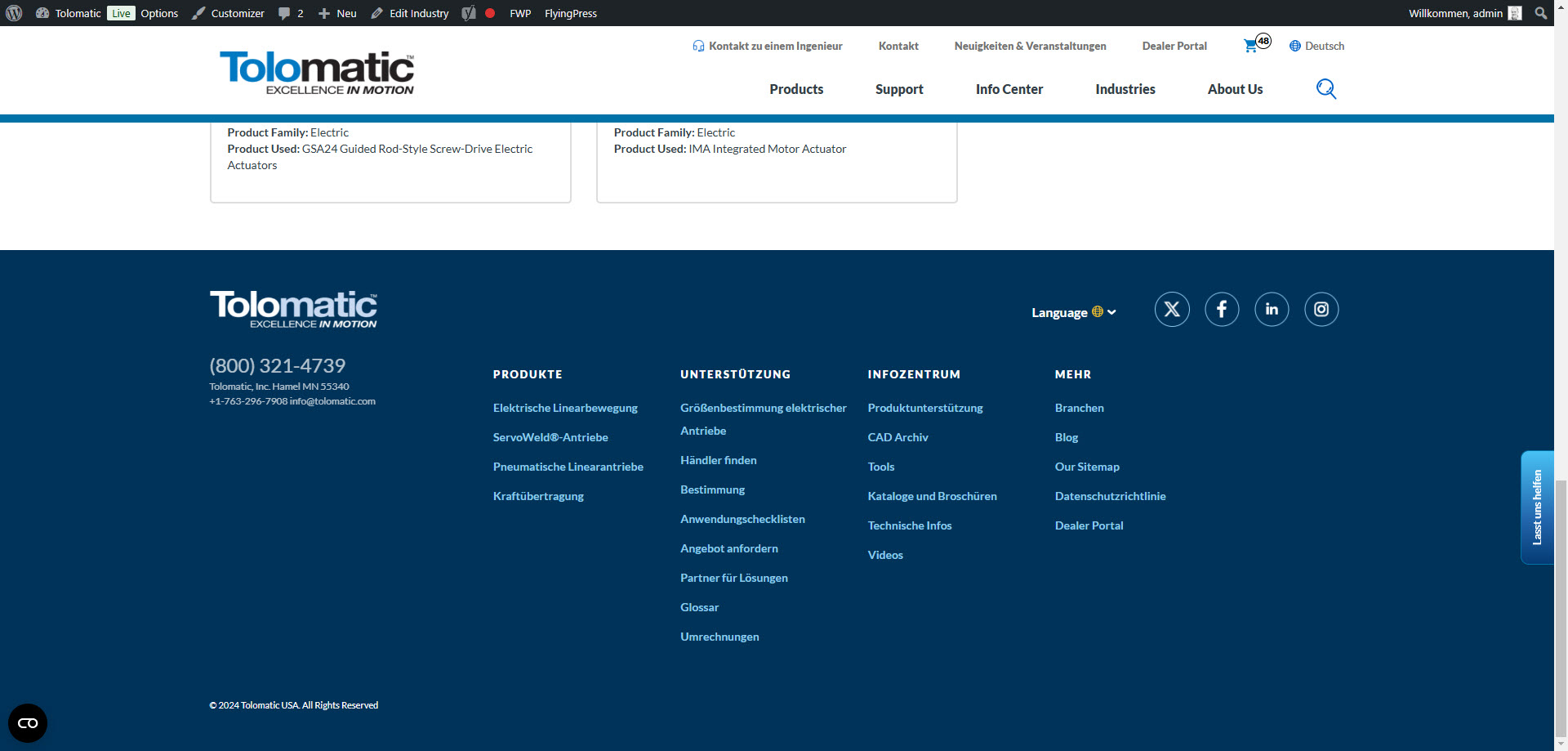
Attaching an "expected" screenshot. The main nav is not translated when logged in, which is another issue, but that has been going on for awhile.
Thanks for your reply. I will need to closely examine your website. Therefore, I will require temporary access (WP-Admin and FTP) to a test site where the problem has been replicated, if possible. This will enable me to provide better assistance and determine if any configurations need to be modified.
Please note that it is important to have a backup for security purposes and to prevent any potential data loss. You can use the UpdraftPlus plugin (https://wordpress.org/plugins/updraftplus/) to fulfill your backup requirements.
Your upcoming reply will be treated with confidentiality and will only be visible to you and me.
✙ To resolve the issue, I may need your consent to deactivate and reactivate plugins and the theme, as well as make configuration changes on the site if necessary. This emphasizes the significance of having a backup.
While checking the debug info, I see that the WordPress Memory Limit is below the requirements. The minimum requirements are 128M, but we do recommend 256M and the debug information of your site shows it set to 40M. Please check this link for more details https://wpml.org/home/minimum-requirements/.
You can increase it by adding the following code in your wp-config.php file, right before the /* That’s all, stop editing! Happy publishing. */ line:
Sorry, I broke the site while troubleshooting it and the FTP access is not working.
Could you restore the site and provide a snapshot of the site? Alternatively, with your permission, I can create one myself. For this purpose, I typically recommend using the free plugin "Duplicator." If you're already familiar with Duplicator (https://wordpress.org/plugins/duplicator/), please skip the following steps and simply send me the archive file you downloaded.
To guide you further, please adhere to these instructions:
1. View the Duplicator instructions video: hidden link
3. If the archive file exceeds 400MB, please use Duplicator's file filters to exclude cache, wp-uploads directory, media, and archive files.
Once you have the archive file ready, kindly share the link with us. You can utilize platforms like Google Drive, Dropbox, or similar for file sharing, as the snapshot file might be large.
Please note that your next reply will be private, visible only to you and me. You can paste the file link there. Rest assured that once the issue is resolved, I will delete the local site.
Thanks for your patience. I apologize for the delay. Just letting you know that I would need more time to investigate this and I will come back to you as quickly as possible.
I will need to escalate this further to our 2nd Tier Support for further investigation. Before I do that, could you tell me how the header and footer options are created? You mentioned ACF, but when I checked the ACF field groups, they were empty.
I need more information before I can escalate this.
They are ACF field groups that are created in code. There is a "siteoptions" folder under the rmg-site-functionality plugin and that is where they are configured.
I have set up that sandbox site with our theme and plugin and am able to reproduce that error. I added a few items to the supplemental nav and when viewing incognito, I only get the English versions of those links on both the English and German translated pages. The translations do work correctly when I am logged in.
Hello!
I am George from the second tier support and your ticket reached me.
After a brief check, I found a code in your custom theme in the file: wp-content/plugins/rmg-site-functionality/inc/ACF_Group.php
exactly in the method named: \RMG\Tolomatic\SiteFunctionality\ACF_Group::acf_init_settings_page
It appears that you have there a return "false" clause there, done on `acf/init`:
	/**
	 * Initialize the field group as a settings page if $is_settings_page is true
	 *
	 * @return false
	 */
	public static function acf_init_settings_page() {
		if ( ! current_user_can( 'edit_theme_options' ) ) {
			return false;
		}
this is the code responsible for the issue that only when the user is logged-in the translations are being shown.
This code short-circuits the logic to populate properly the ACF option names, and when WPML and respectively ACFML plugin checks for the option group and tries to translate the values, this returns `false` if the user is not logged-in.
My suggestion is to comment-out that code and refactor it so that it works better for you. (perhaps the hook acf/init is not suitable and too early for this code?)
I have not analysed further what this code actually does, but once I commented-out the return false cause, I got the translations even when not logged-in.