I am facing a critical issue where I cannot translate my pages.
The Issue:
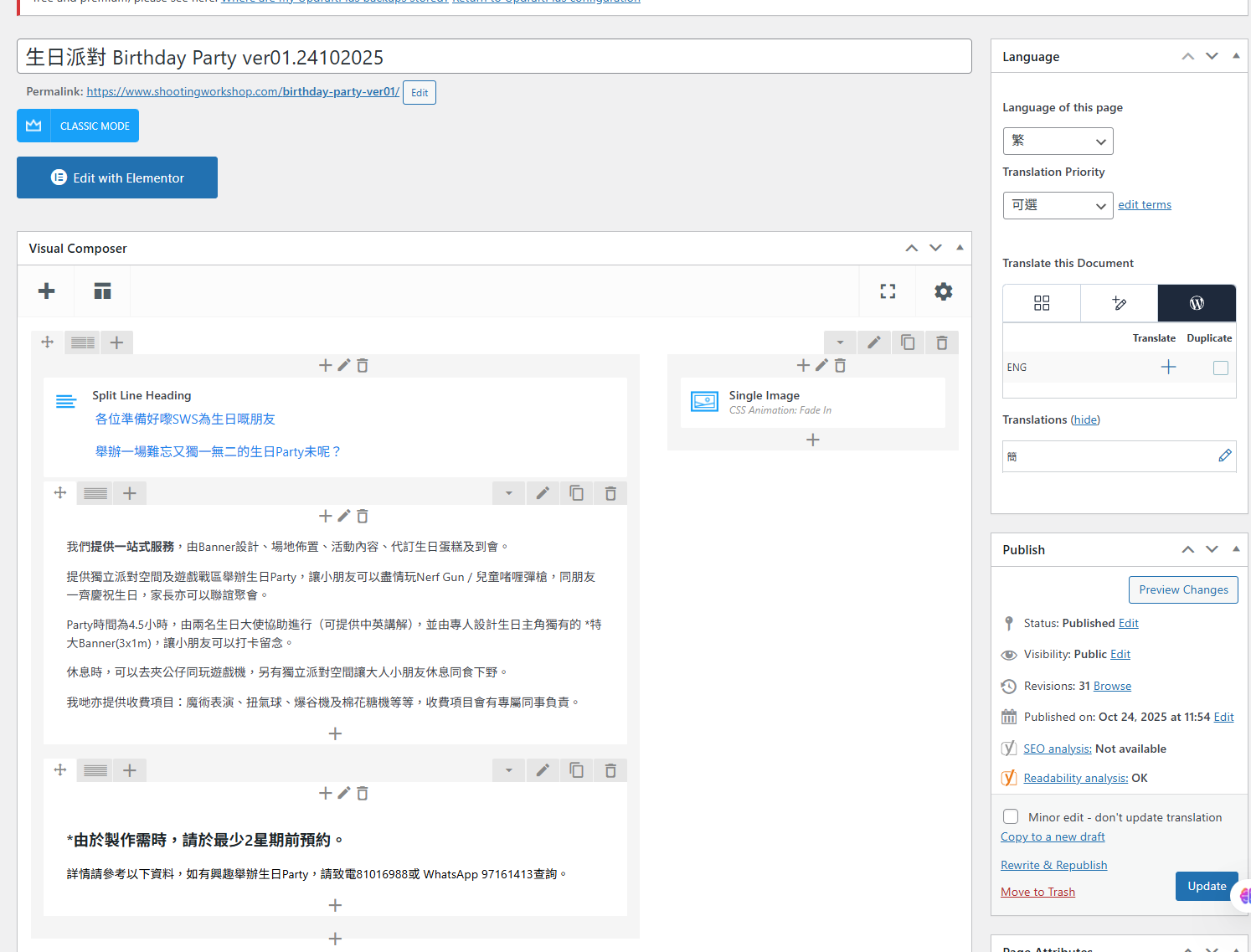
1. My page is built using WPBakery Page Builder (Visual Composer).
2. In the editor sidebar, when I click the (+) icon to translate into English, the Advanced Translation Editor (ATE) does NOT open.
3. Instead, the page just reloads or stays in the standard WordPress editor.
Technical Details:
- I have checked the WPML communication logs, and I see "ate_communication_error (50)" errors.
- My settings are correctly set to use the "Advanced Translation Editor".
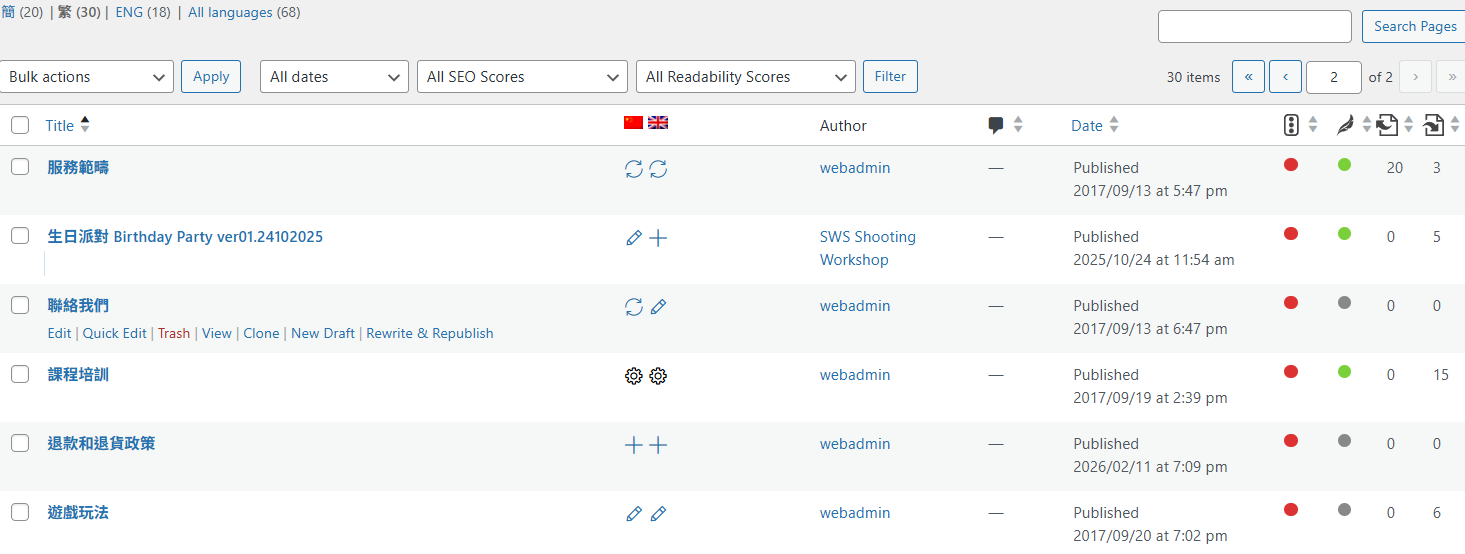
Please check the attached screenshot. You can see I am clicking the (+) icon, but ATE is not launching due to the connection error.
Please help me fix the ATE connection so I can start translating.