Home›Support›English Support›[Resolved] wpml automatic translation- some of the words doesnt have proper white spaces after trabslation
[Resolved] wpml automatic translation- some of the words doesnt have proper white spaces after trabslation
This thread is resolved. Here is a description of the problem and solution.
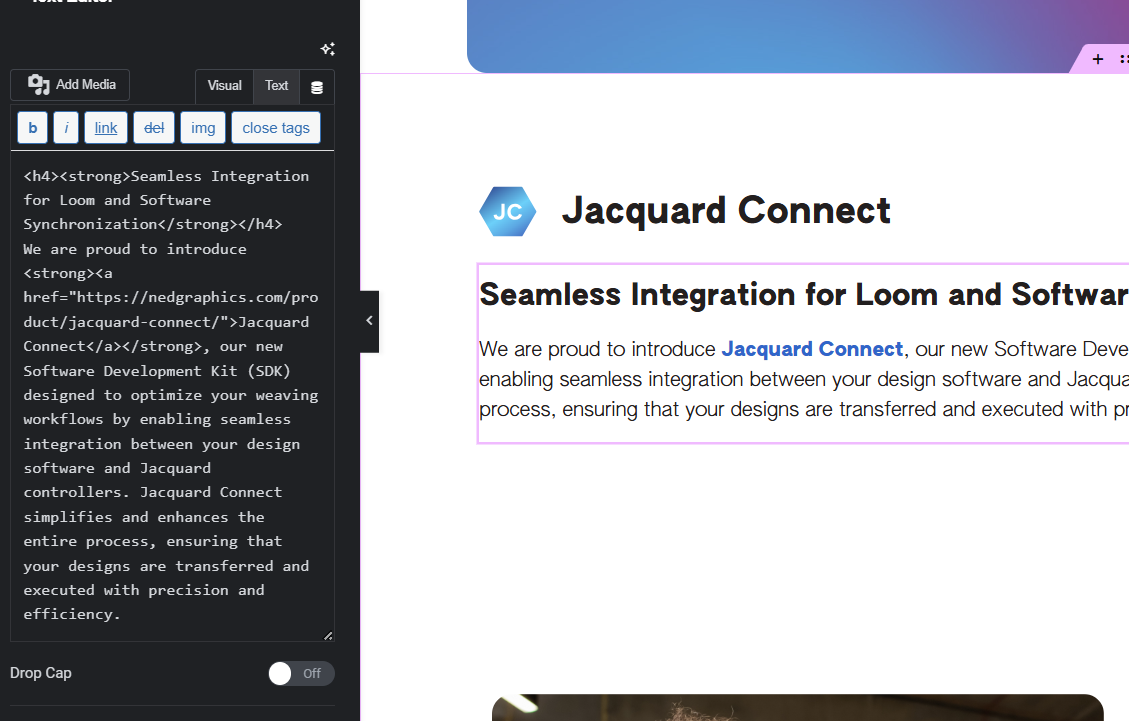
Problem: The client was experiencing an issue where words were merging together in translated pages using WPML with Elementor Text Editor. The problem persisted even after manual corrections and reappeared with changes in the base language. Solution: We initially suggested the client to make a small change to the default language page and resend it for translation to see if the issue persists. After reproducing the issue on a test site, it was escalated to our second-tier support. The problem was identified to be related to nested tags and specific translation engines like DEEPL. We recommended avoiding nested tags or manually adjusting the text in the WPML editor until a permanent fix was released. Eventually, the issue was resolved on our side, and we confirmed that automatic translation no longer removes white spaces between words. The client was advised to update the content in the default language and resend it for translation.
If this solution does not resolve your issue, or if it seems outdated or irrelevant to your case, we highly recommend checking related known issues at https://wpml.org/known-issues/, verifying the version of the permanent fix, and confirming that you have installed the latest versions of themes and plugins. If the problem persists, please open a new support ticket.
This is the technical support forum for WPML - the multilingual WordPress plugin.
Everyone can read, but only WPML clients can post here. WPML team is replying on the forum 6 days per week, 22 hours per day.
Background of the issue:
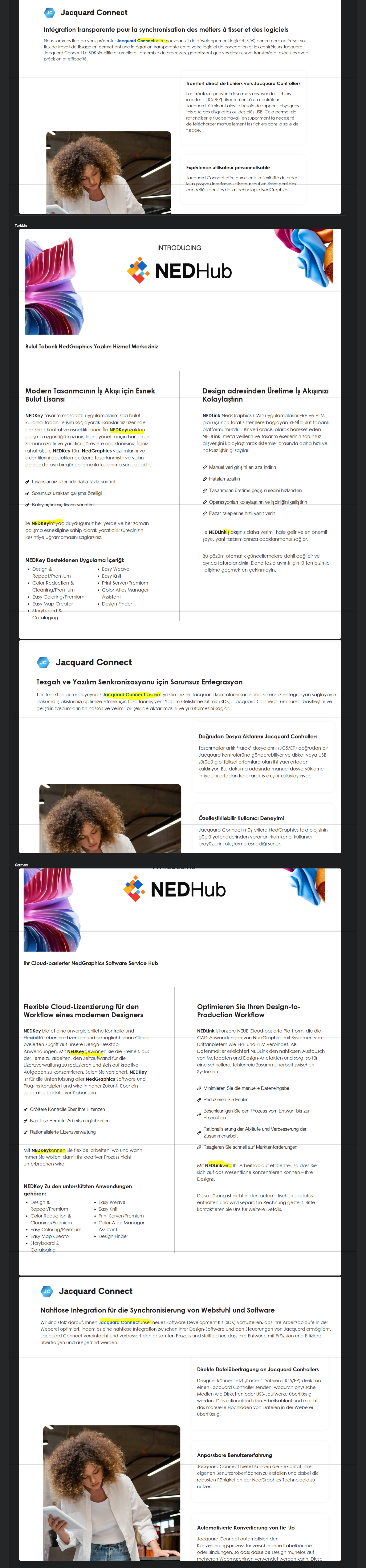
I am trying to translate the 'what's new' page using WPML. Some of the words are merged together in the translated pages. I have manually fixed these a few times, but the issue reappears when I make any changes in the base language and translate again. Here is the screenshot of the issue in translated pages: hidden link. The issue can be seen on the screenshot
Symptoms:
Some of the words don't have proper white spaces after translation, causing them to merge together.
Questions:
How can I prevent words from merging together in translated pages?
Why does the issue reappear after making changes in the base language?
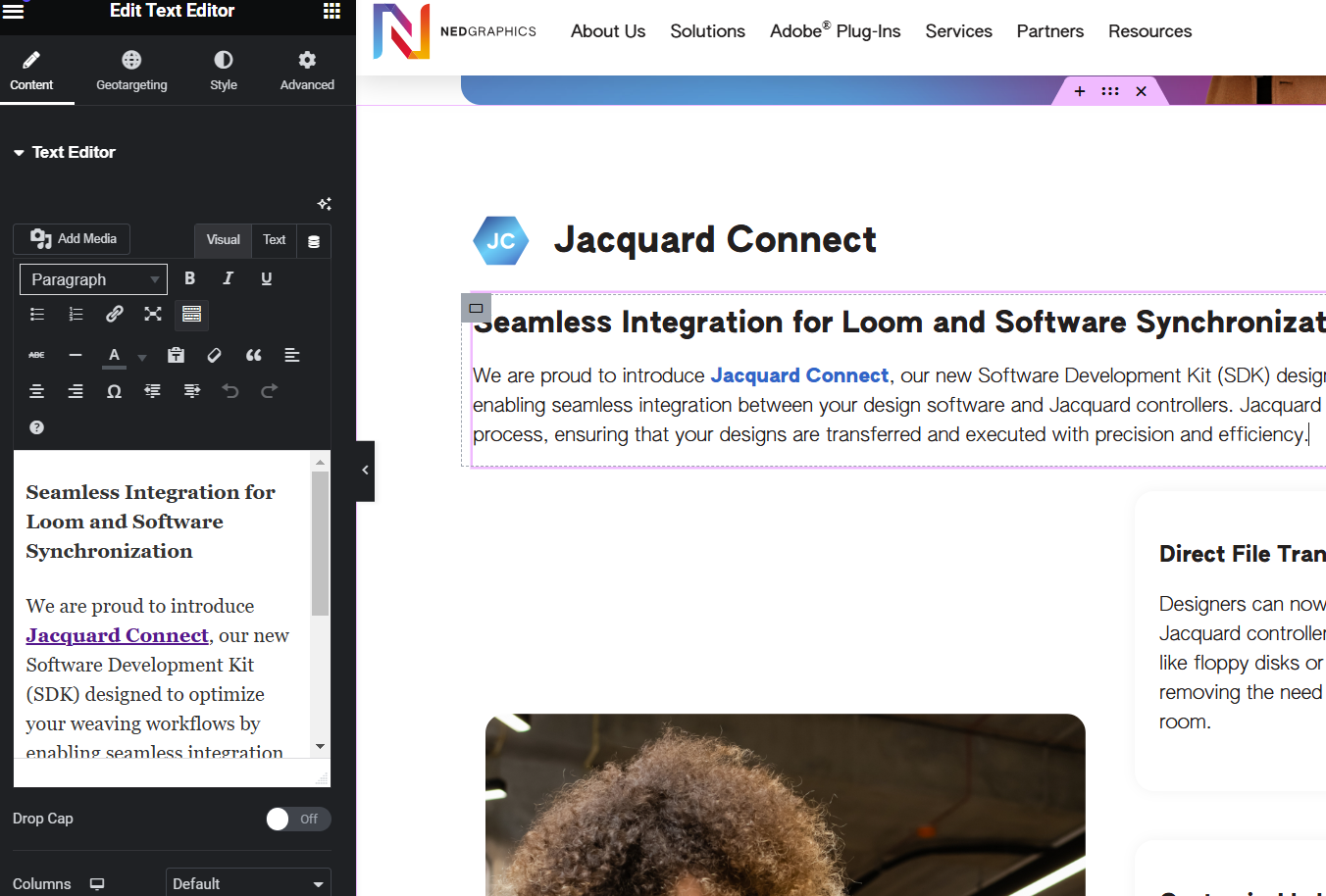
Can you please share more info on how you are adding this text in the default language? To which widget are you adding it, and how are you adding space, tags etc?
Can you please make a small change to default language page and send it again for translation and see if that helps? I have done some changes on our side for your website.
Can you please try to reproduce same issue on next test site? I have tried with Elementor text block and similar text as you have, but seems to work fine.
it works just fine form my side I just checked, can you please try in private window or another device, maybe some addon or software is causing issues.
hello! thank you for your patience. after a long loading time, i was able to add sample text from my site to the sandbox. however, i noticed that the translations aren’t displaying correctly - instead of translating, the text simply has an "es" prefix added to the english strings in spanish. as a result, i couldn’t replicate the original issue in the sandbox environment hidden link
I am afraid I can not share any timeline, it is not something we can guarantee.
It will take a day or two before we have any update, and I will share when I have any workaround with you.