Hi,
I have a constant problem with this solution, and I'm one step away from leaving WPML for good.
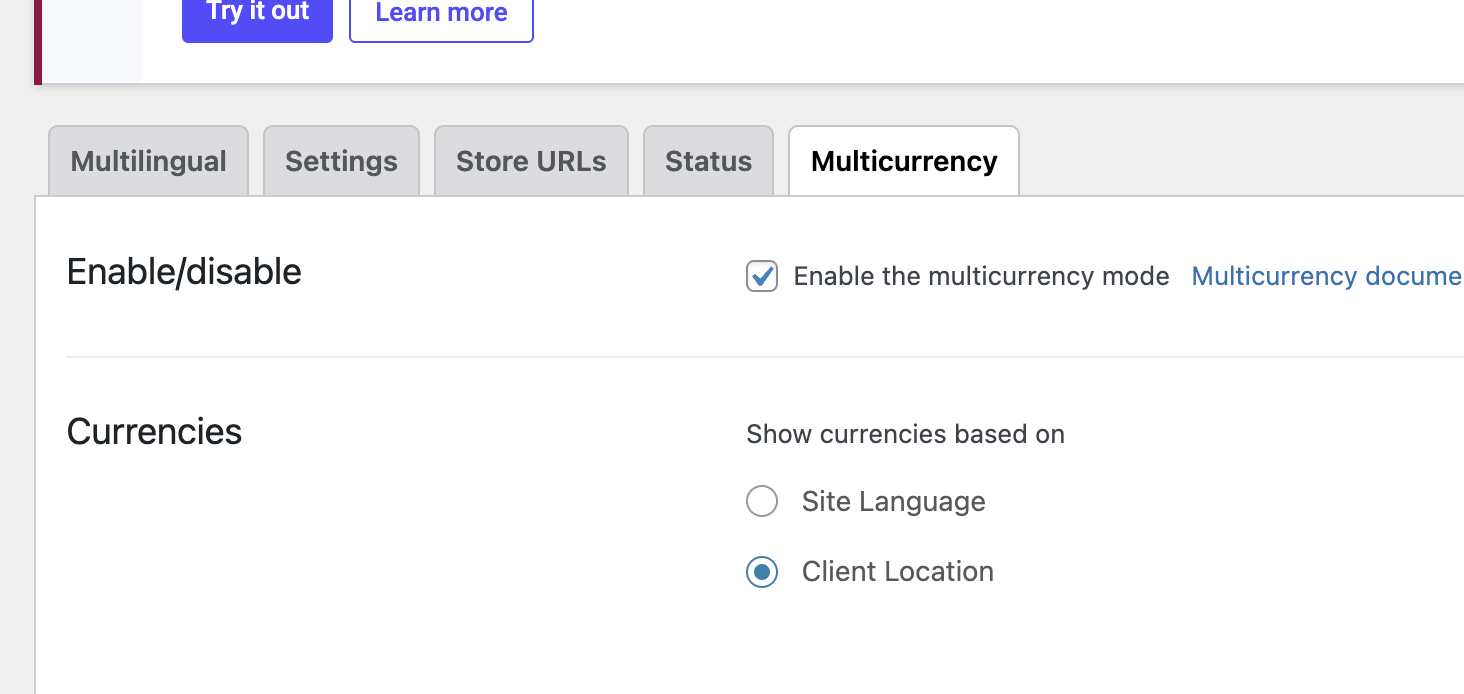
Long story short, WCML is constantly turning off from the Client Location setting to site language, so customers from UK for example see constantly prices in USD, as that is our main currency.
I have done almost everything I could to figure it out. At the moment, it works because I turned it back on, in a few hours it will turn off. I'm sure.
I added a cookie exception to Cloudflare in Cloudways. I turned off object catche. I updated htacess
I checked the website and it is indeed still showing the Client location (please check the screenshot)
You have mentioned that the issue should be apparent after 3-4 hours. Now its been a while since the option is set and it has not been changed.
This shows in a minimal installation that only WPML and Woocomemrce is involved; the issue can not be seen.
That shows one of the third-party plugins you use on your website causes the problem.
It will be hard to identify it but here is what I suggest:
- Please enable the plugins one by one or in batches of 3.
- Wait three hours to see if the option changes from Client location to Language or not.
- If not, continue with the next batch. If yes. Then you identify the possible three plugins that might have the issue, you can pinpoint which plugin is the cause of the issue.
If you need any help from my side during the process I will be happy to give.
I understand that it might take time, but this seems to be the correct path as the issue is not replicable when the minimal setup of WPML and Woocommerce is presented.