Home›Support›English Support›[Resolved] WPML not copying the css styles I have on my send button of my Contact Form 7, form.
[Resolved] WPML not copying the css styles I have on my send button of my Contact Form 7, form.
This thread is resolved. Here is a description of the problem and solution.
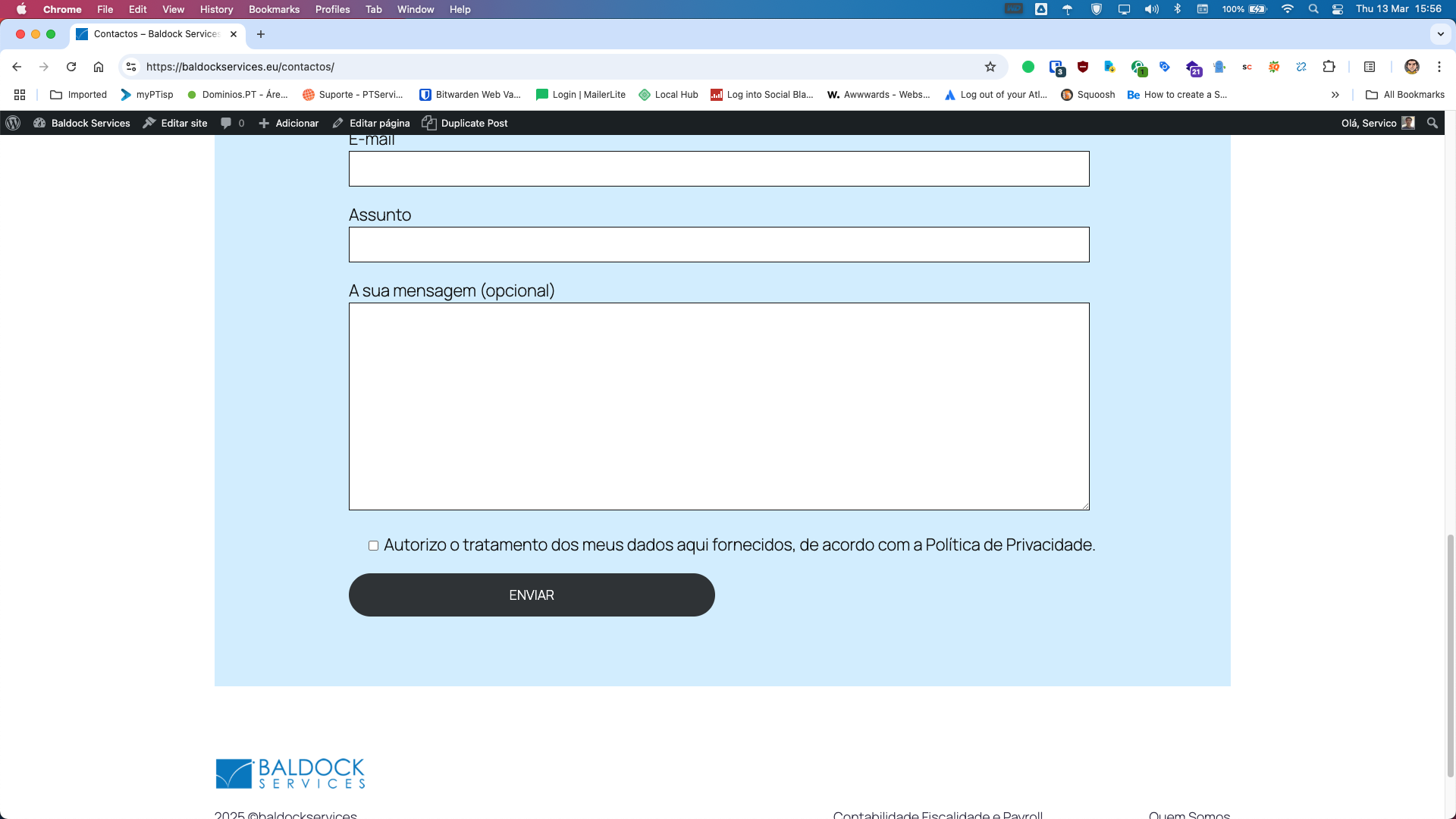
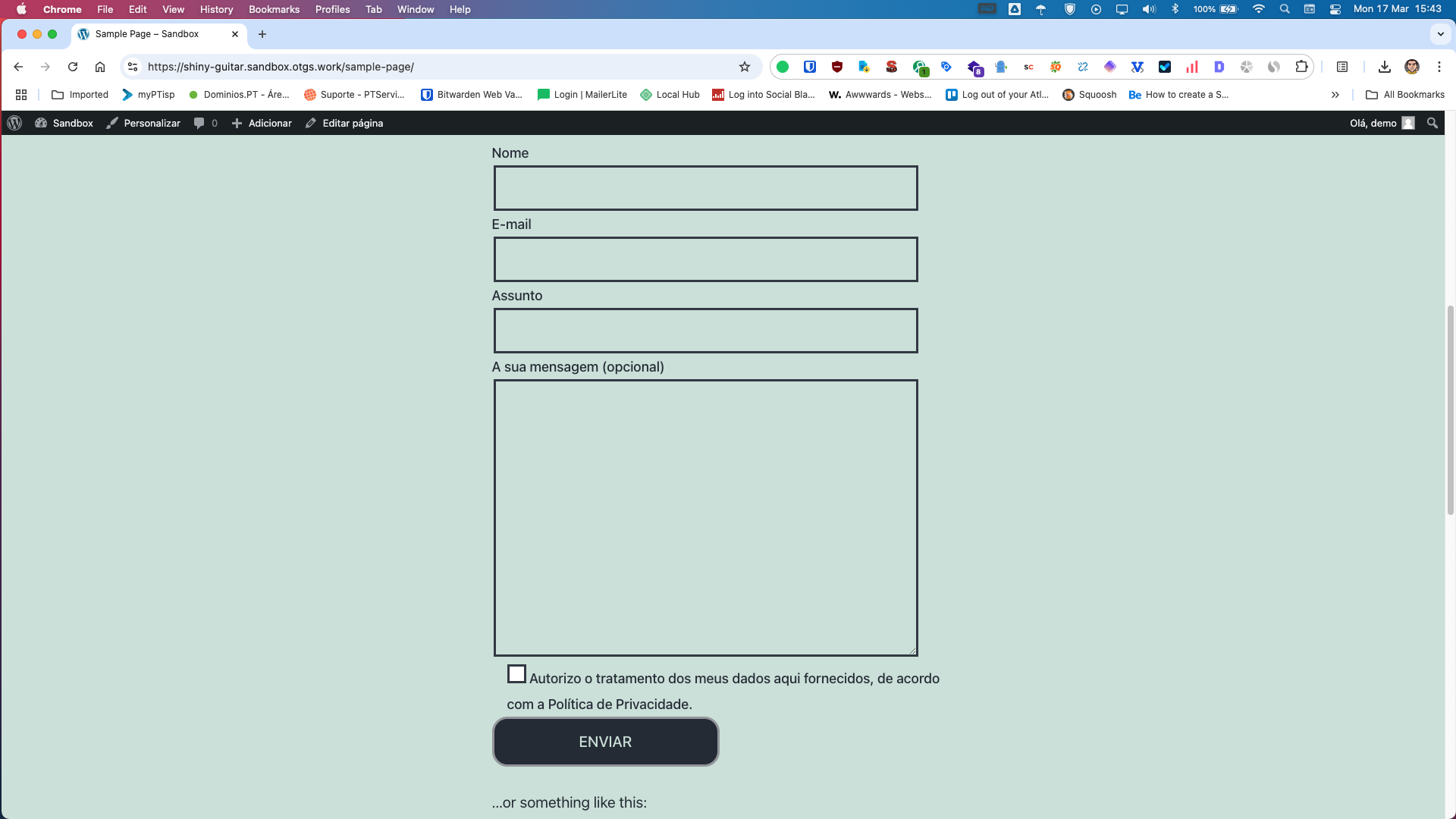
Problem: The client is using WPML with Contact Form 7 and has custom CSS styles applied to the send button on their form. However, the button 'Enviar' appears black in the Portuguese version and white in the English version because WPML doesn't copy the custom CSS styles. Solution: We recommend editing the translated form using the WordPress editor and manually copying the classes there. This action should ensure that the CSS is correctly added to the form on the front end.
If this solution does not resolve your issue, or if it seems outdated or irrelevant to your case, we highly recommend checking related known issues at https://wpml.org/known-issues/, verifying the version of the permanent fix, and confirming that you have installed the latest versions of themes and plugins. If the problem persists, please open a new support ticket.
This is the technical support forum for WPML - the multilingual WordPress plugin.
Everyone can read, but only WPML clients can post here. WPML team is replying on the forum 6 days per week, 22 hours per day.
Background of the issue:
I am using WPML with Contact Form 7 on my website hidden link. I have custom CSS styles applied to the send button on my form.
Symptoms:
The button 'Enviar' in my form is black in the Portuguese version and white in the English version. WPML doesn't copy my custom CSS styles.
Questions:
Why doesn't WPML copy my custom CSS styles for the send button in Contact Form 7?
Could you please increase the WordPress memory limit (WP Memory Limit) to at least 256 MB? WPML requires at least 128 MB.
Your current values are:
PHP Memory Limit 256 MB
WP Memory Limit 40 MB
To do this, you need to connect to your website's server and open the wp-config.php file in a text editor. The file is located in the WordPress root directory.
Add this code to the wp-config.php file to increase WordPress's memory:
define ('WP_MEMORY_LIMIT', '256M');
Add this just before this comment:
// That's all, stop editing! Happy blogging.
The current values can be viewed under WPML > Support > WordPress.
These settings can be restricted directly by your hosting provider. Therefore, I recommend contacting them and asking them to change them directly if the changes are not applied immediately.
---
If adjusting the limit does not solve the issue, please let us know how you are applying the CSS changes and which selectors and properties you are using.
In case you actually made the design changes on the form edit, then you will need to update the form's translation to see the changes.
The only custom css I'm using are the classes for the button.
I also clicked on Translate Link Targets, to adjust links. And nothing change in the english page. Any clue for what might be going on?
I'am using twenty twenty five theme a Block wordpress theme, and in your sandbox we are using the twenty twenty one theme a Classic theme. I copy my custom CSS, with little changes because of different themes. I add border-radius to 20px.
The problem is the same, the classes in our "formulario português" are not being copied to the translated form.
Thanks for replicating the issue. I was able to fix the issue by editing the translated form using WordPress editor and copying the classes there. (hidden link)
After that, the CSS is added correctly to the form on the front end. (hidden link)