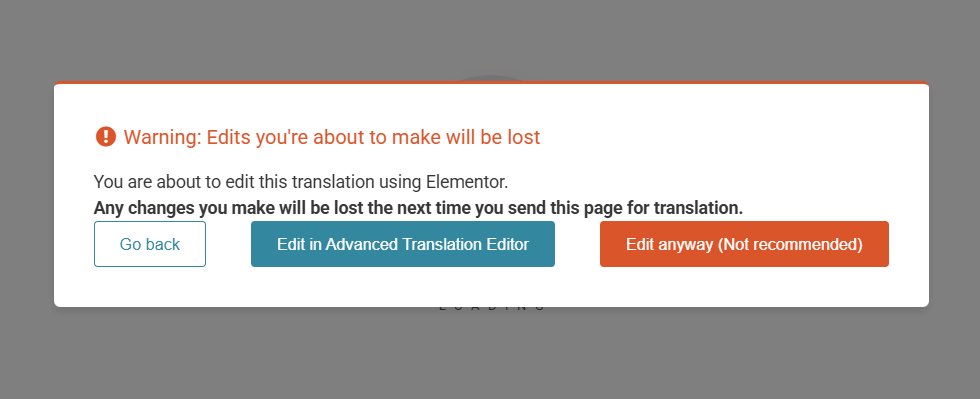
Site is designed with german language with wordpress elementor builder.
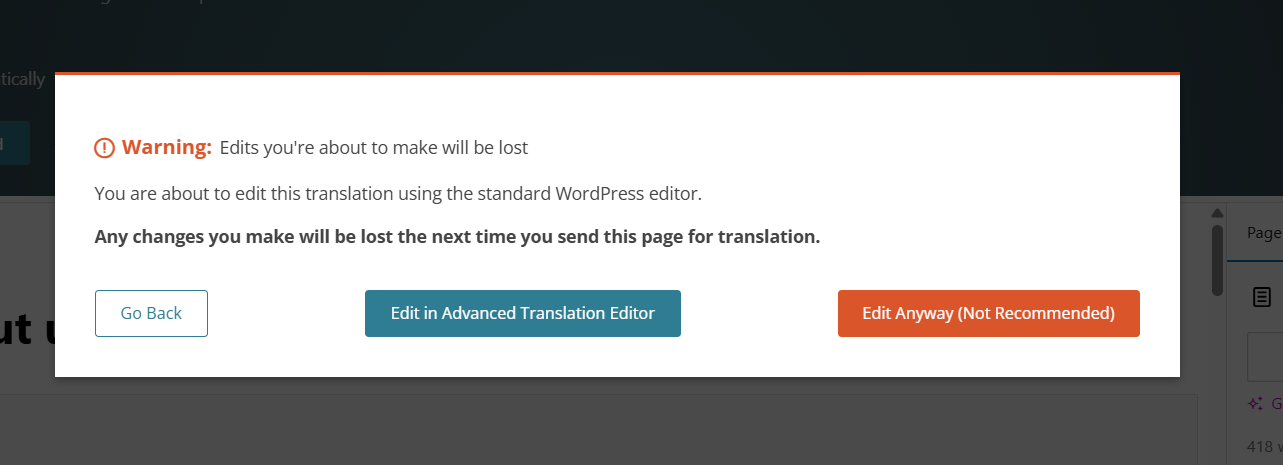
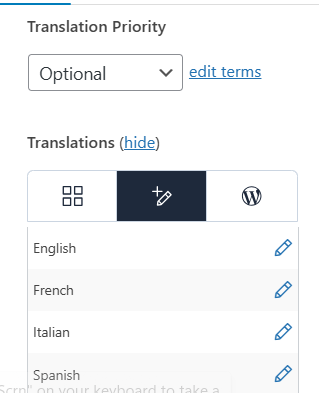
After translating the pages to different language and when we try to edit the pages it is default editor or wpml translation editor insted of elementor editor
I have followed the steps said by Maiya AI Support 3
but not working
After switching to wordpress editor and saving the page works proper but when we refresh same page again switches to WPML advanced editor and displays default design on frontend instead of elementor design
Could you please increase the WordPress memory limit (WP Memory Limit) to at least 256 MB? WPML requires at least 128 MB.
Your current values are:
PHP Memory Limit 256M
WP Memory Limit 40M
To do this, you need to connect to your website's server and open the wp-config.php file in a text editor. The file is located in the WordPress root directory.
Add this code to the wp-config.php file to increase WordPress's memory:
define ('WP_MEMORY_LIMIT', '256M');
Add this just before this comment:
// That's all, stop editing! Happy blogging.
The current values can be viewed under WPML > Support > WordPress.
These settings can be restricted directly by your hosting provider. Therefore, I recommend contacting them and asking them to change them directly if the changes are not applied automatically.
If changing the limit does not solve the issue, please let me know.