Thank you for contacting WPML Support. Could you please follow the below steps and see if this resolves the issue:
1. The current WP Memory Limit on your site is 40MB. The WP memory limit needs to be increased, it's different from PHP memory. PHP memory is fine but WordPress uses 40MB as default in your site. The minimum requirements for WPML are 128MB: https://wpml.org/home/minimum-requirements/
Please add this line to your wp-config.php file to increase WP memory, wp-config.php file is located in the root of your WP install:
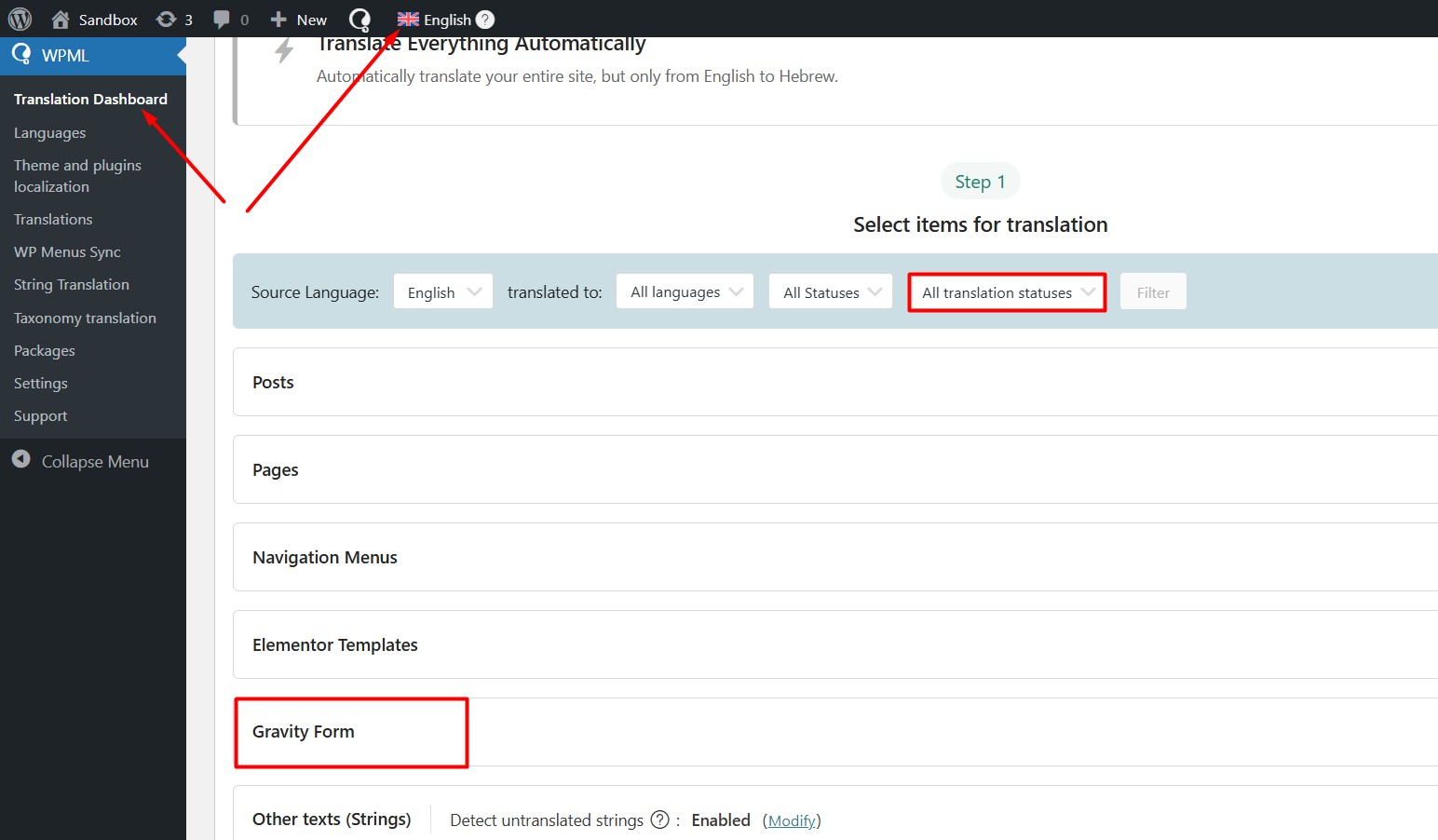
I've followed all of the four points, but I'm afraid that hasn't resolved my issue. I still don't see the Gravity Forms section under WPML → Translation Dashboard.
Thanks for trying the above suggested steps. Could you please take a backup of your site and go to WPML >> Support > Troubleshooting page and press the below buttons:
- Clear the cache in WPML
- Synchronize posts taxonomies
- Remove ghost entries from the translation tables
- Synchronize local job ids with ATE jobs
- Synchronize translators and translation managers with ATE
- Assign translation status to duplicated content
- Fix post type assignment for translations
- Set language information
And see if this resolves the issue.
If the issue persists, please provide temporary access (WP-Admin and WPML Account Login info) to your site, so that I can look into your setup and debug the issue.
Your next answer will be private, meaning only you and I can access it.
=== Please backup your database and website ===
✙ I would need your permission to deactivate and reactivate Plugins and the Theme and to change configurations on the site. This is also a reason the backup is essential.
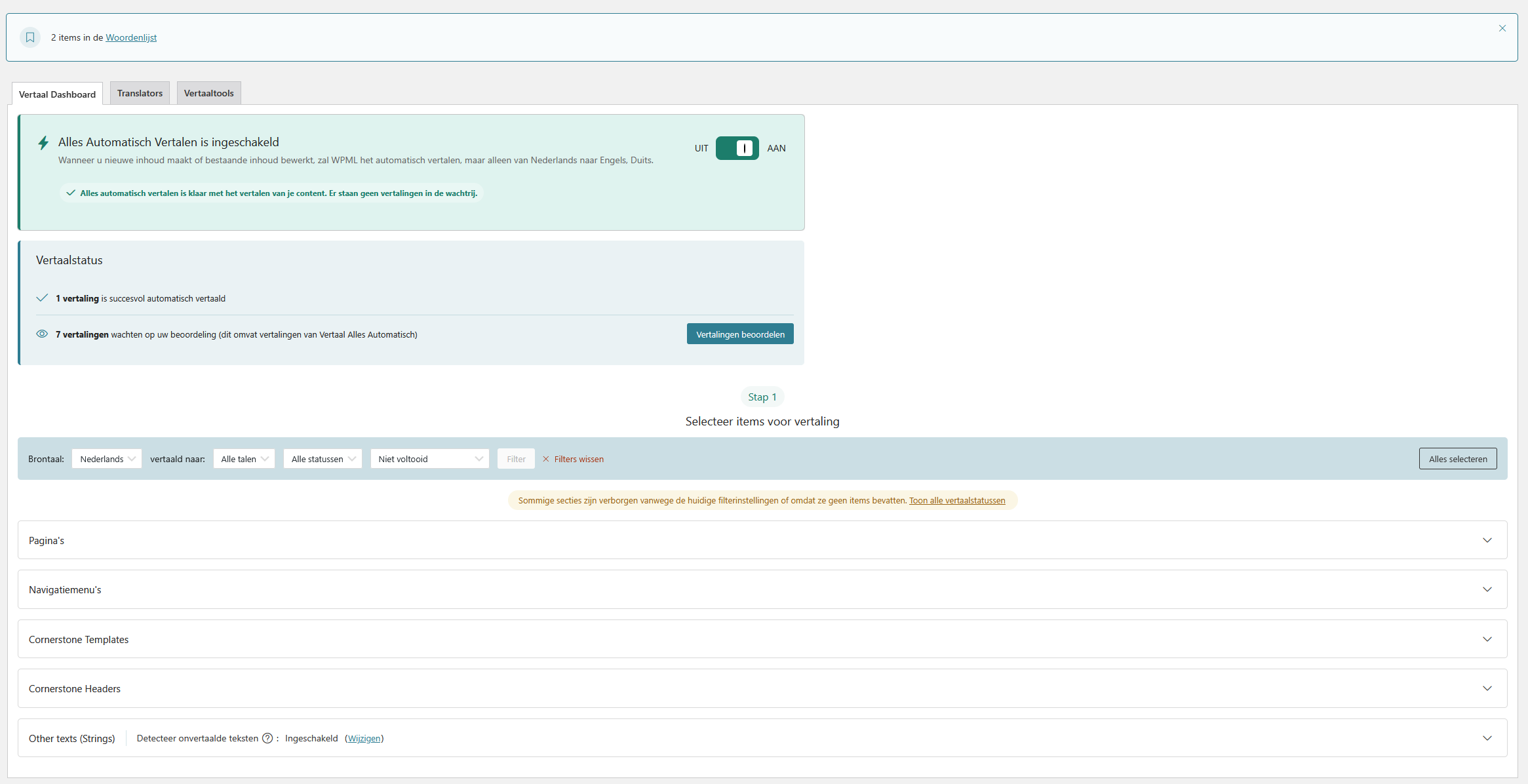
this is my dashboard RN. Still no GF.
There's another support-ticket active where the support engineer is having access to my testing server. I think it's wise to not overwrite that one right now.
But feel free to user the private credentials shared in my previous active topic!
It looks like the login details from your previous ticket were removed after that ticket was resolved. We need fresh access details for each new ticket, as they are automatically cleared once an issue is closed. Please share the login again here so I can continue checking this issue.
Your next answer will be private, meaning only you and I can access it.