Hi,
We are using "Advanced Product Fields Pro for WooCommerce" plugin for our products and would like to use WPML automatic translation to translate all product fields added via this plugin.
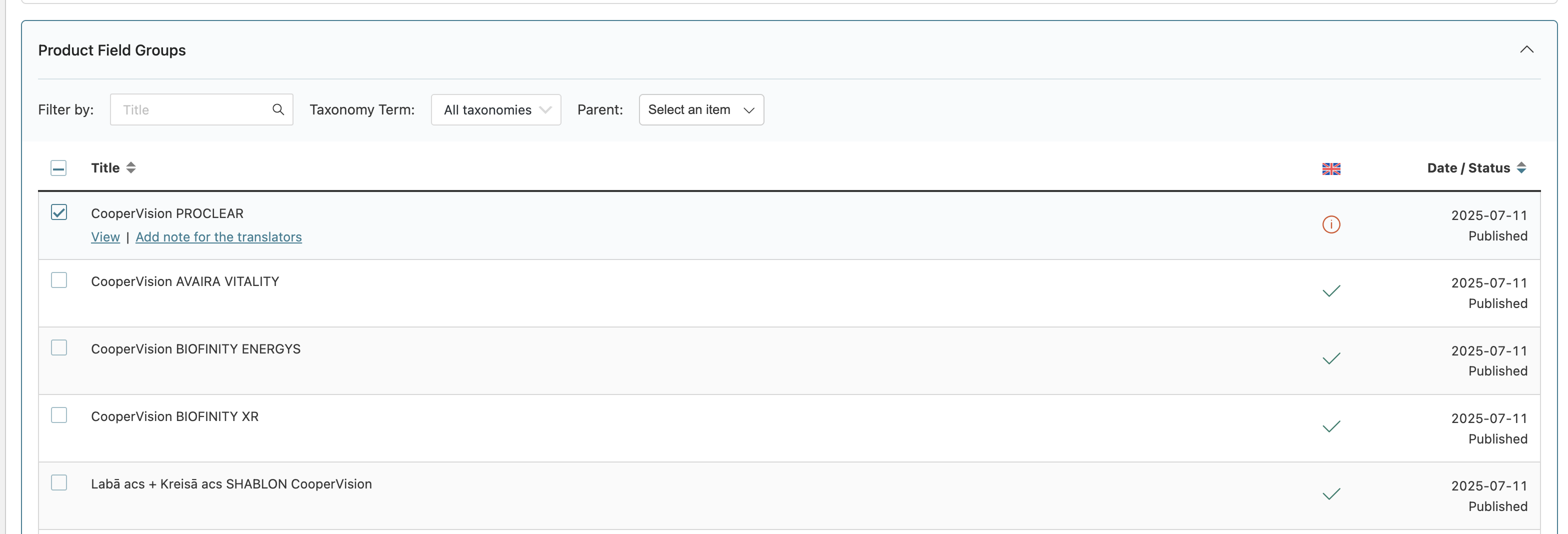
Currently if we try doing this through Translation Dashboard, it says that the product field group is already translated.
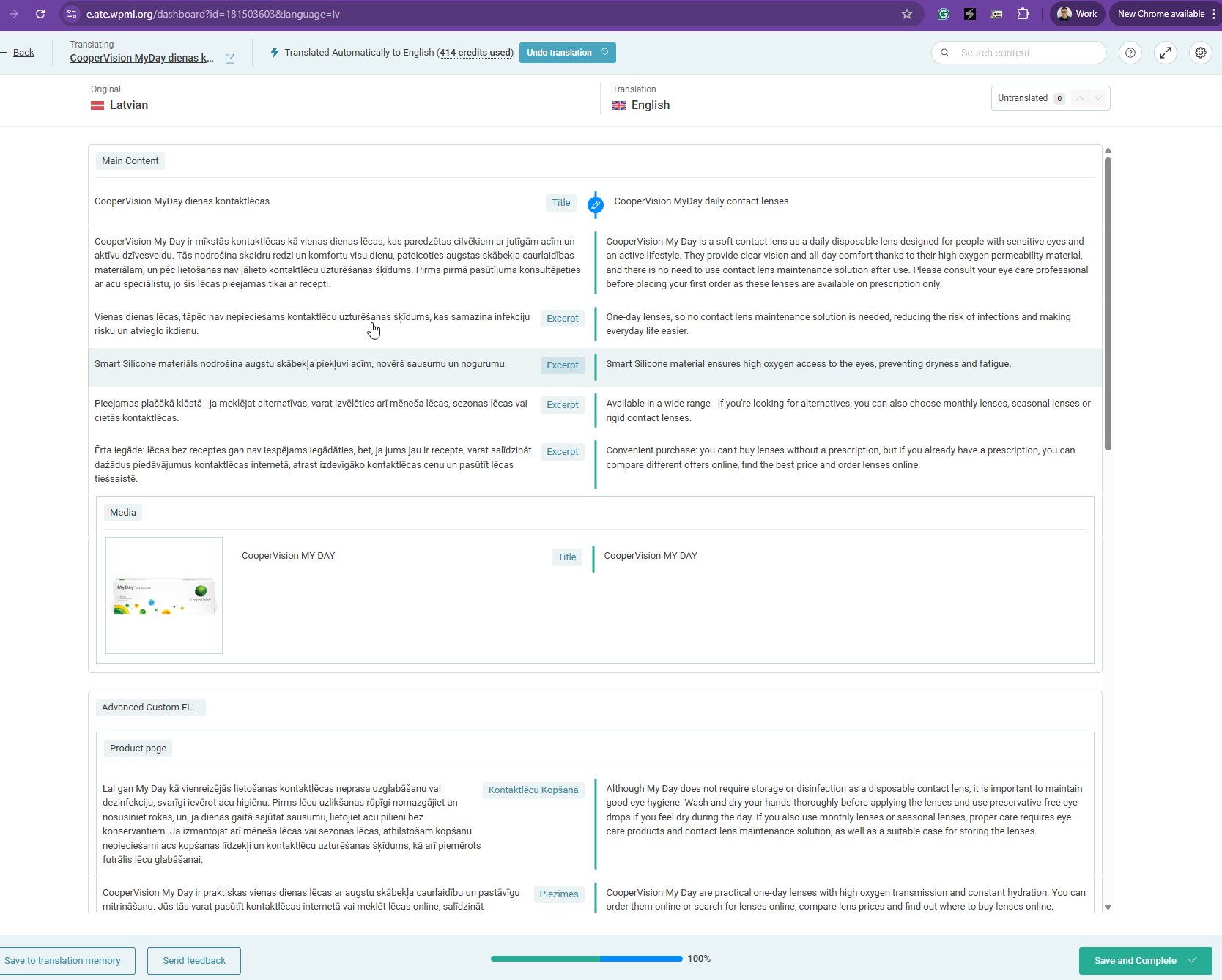
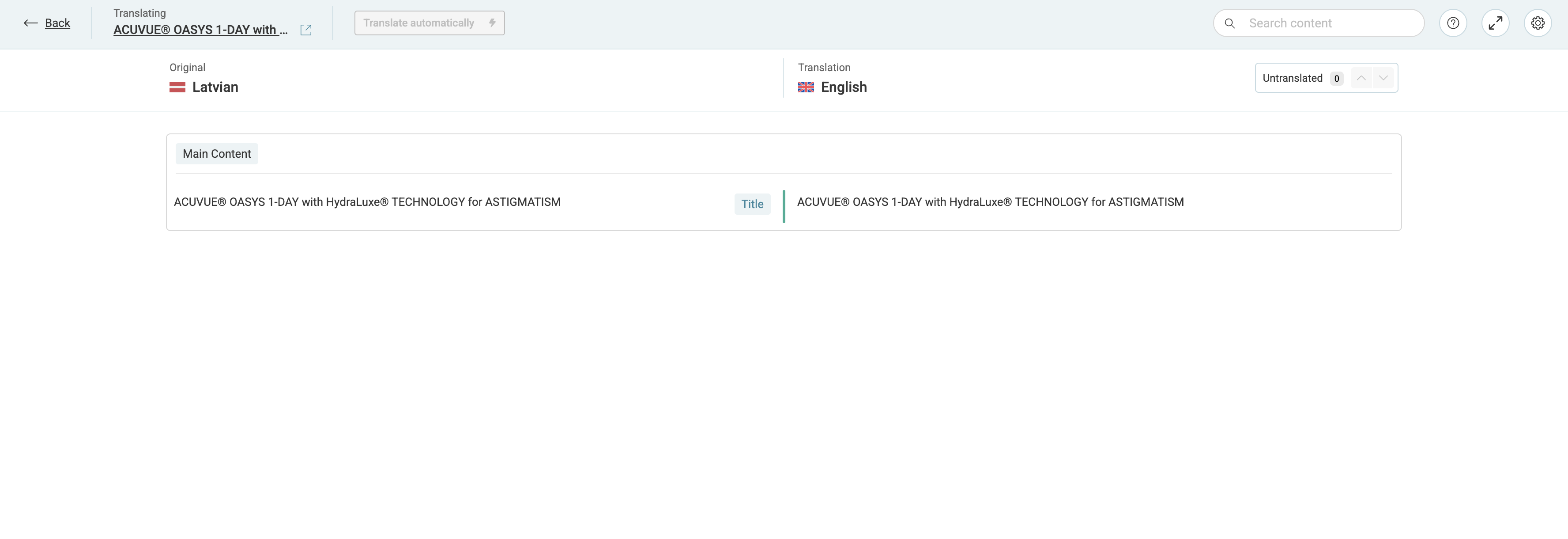
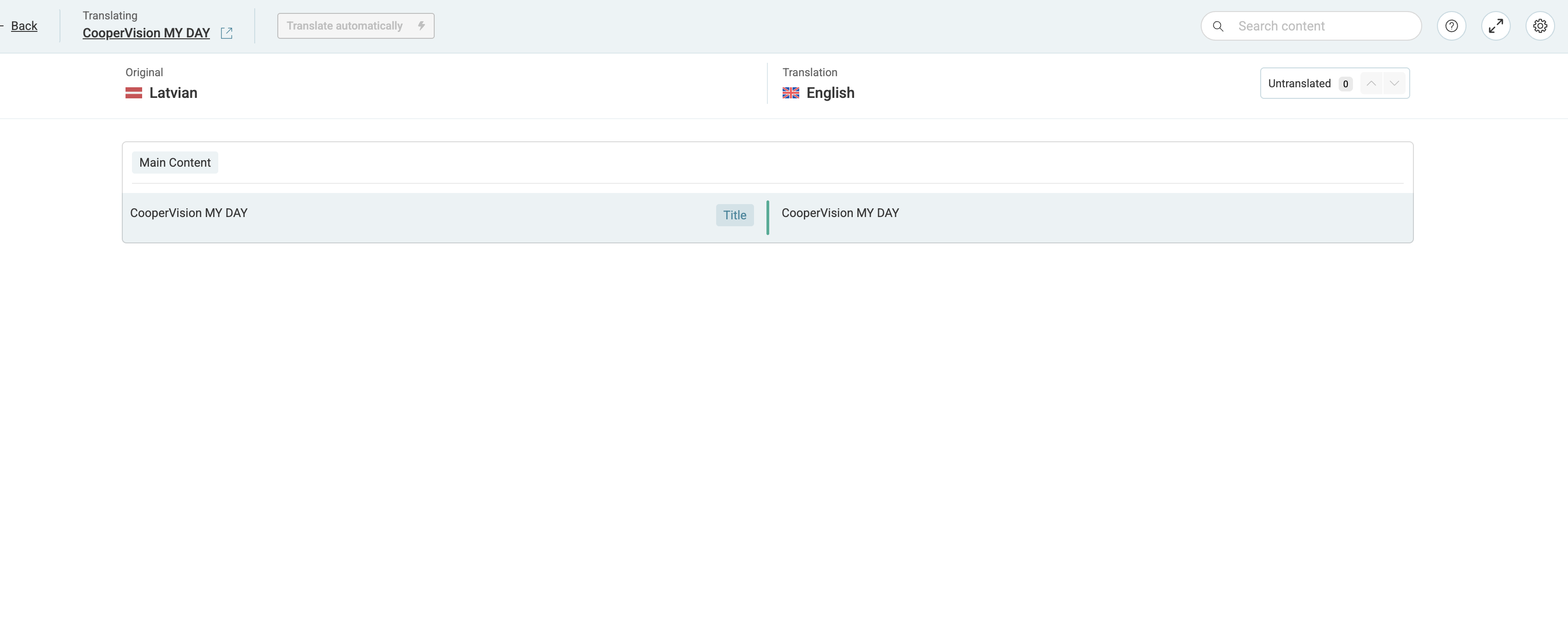
If you check the WPML advanced translation editor, it only shows the title as the translatable field, nothing else.
Do we need to adjust any settings so that all fields inside the "Product Fields" can be either automatically translated or at least visible in the translation editor?
Thanks for your patience. I will require temporary access (WP-Admin and FTP) to a test site where the problem has been replicated, if possible. This will enable me to provide better assistance and determine if any configurations need to be modified.
Please note that it is important to have a backup for security purposes and to prevent any potential data loss. You can use the UpdraftPlus plugin (https://wordpress.org/plugins/updraftplus/) to fulfill your backup requirements.
Your upcoming reply will be treated with confidentiality and will only be visible to you and me.
✙ To resolve the issue, I may need your consent to deactivate and reactivate plugins and the theme, as well as make configuration changes on the site if necessary. This emphasizes the significance of having a backup.
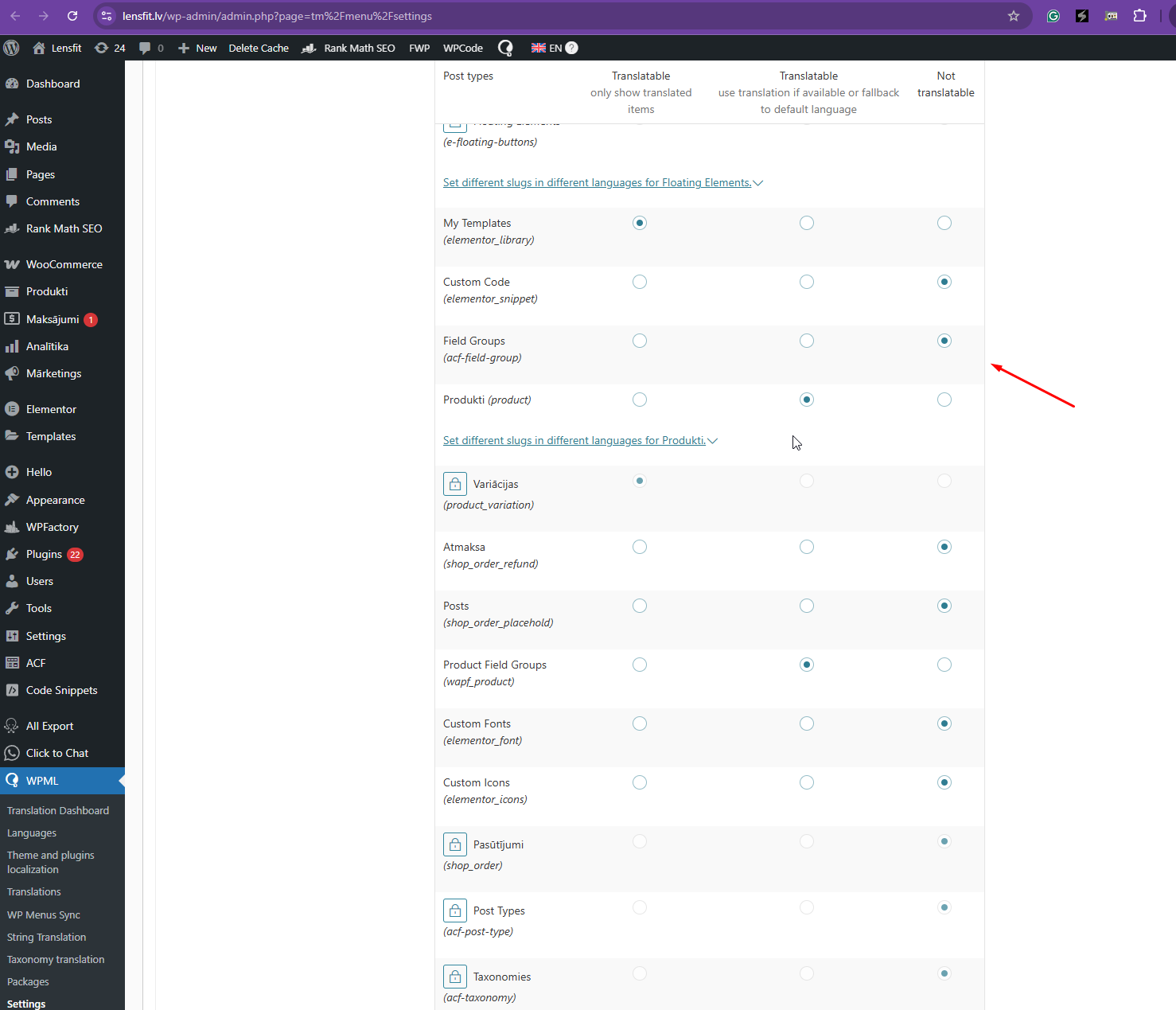
Thanks for your reply. I've checked and I noticed that you've configured the "acf-field-group" to Translatable and that's incorrect. I've configured it to "Not Translatable" and it seems to work now. Could you check?
Also, please update all WPML plugins to the latest version when you have a backup prepared.
Hi,
Thank you for your response. You've mentioned ACF fields, however we don't have an issue with those. The question was about Product Field Groups plugin, which is separate (Advanced Product Fields Pro for WooCommerce).
I will include screenshots for clarification.
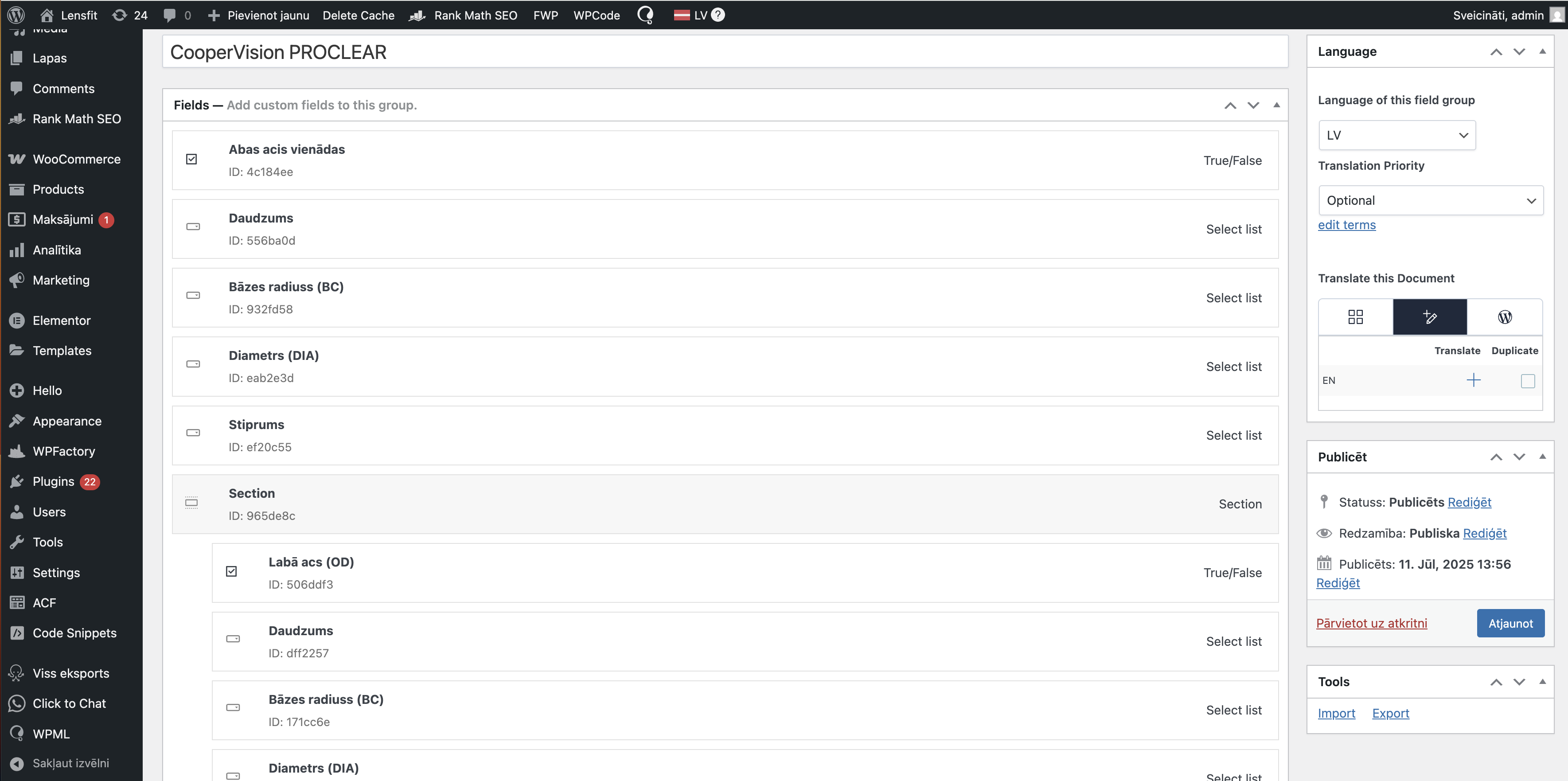
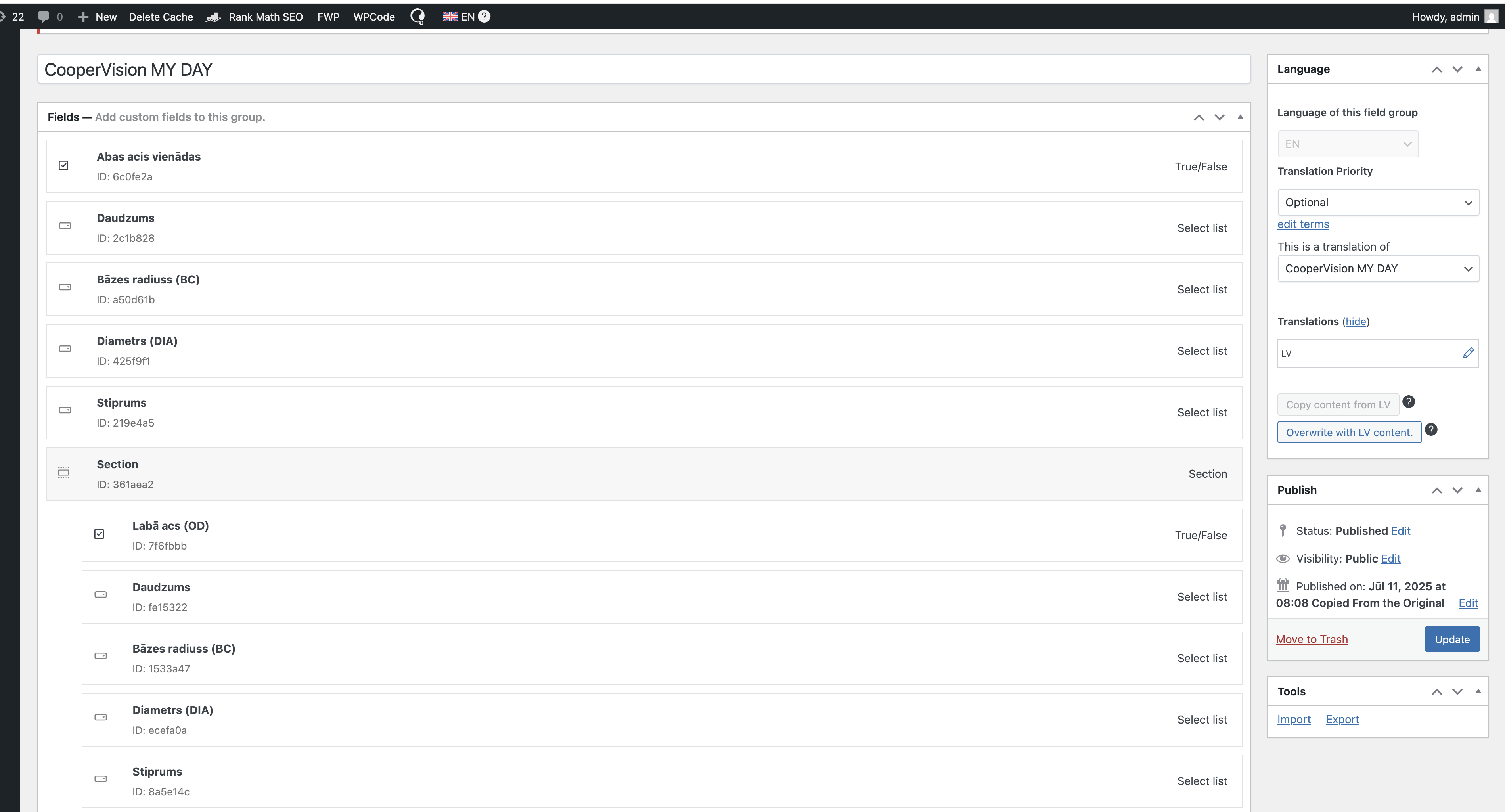
The last few screenshots is our team trying to translate one of the field groups via automatic translation. It seems to work on the surface, the EN version is added, but when you go to check - it's empty. The fields that are present in LV version are not there in EN.
Thanks for your reply, and apologies for the confusion earlier.
I’ve checked your primary product field group here hidden link , and it is correctly translated into English here hidden link .
Could you please let me know how this product field group is being used on the product? Since everything looks correct in the backend, the next step would be to verify the frontend output.
Hi,
Can you please show what you mean by "correctly translated"? As you can see in the screenshots, the fields are exactly the same in both language versions. In this case EN was simply duplicated from the original LV version, no translation has taken place. And if you check the translation editor screen, it's empty except for the title.
Our goal is to use automatic translations via translation dashboard, as described in my previous message. If you go to translation dashboard, select any of the untranslated Product fields and try automatic translation, you will be able to test that it doesn't work.
Even if we wanted to translate each product field group via the advanced translation editor, it is not possible (as shown on the screen - only title is available for translation).
And manual translation of each field is not a feasible option for us because of the huge volume of content.
Thanks for your reply. My apologies for my mistake. I can see the issue now. I will need a snapshot of the site to troubleshoot this further locally. Alternatively, with your permission, I can create one myself. For this purpose, I typically recommend using the free plugin "Duplicator." If you're already familiar with Duplicator (https://wordpress.org/plugins/duplicator/), please skip the following steps and simply send me the archive file you downloaded. https://wpml.org/de/faq/provide-supporters-copy-site/
To guide you further, please adhere to these instructions:
1. View the Duplicator instructions video: hidden link
2. If the archive file exceeds 400MB, please use Duplicator's file filters to exclude cache, wp-uploads directory, media, and archive files.
Once you have the archive file ready, kindly share the link with us. You can utilize platforms like Google Drive, Dropbox, or similar for file sharing, as the snapshot file might be large.
Please note that your next reply will be private, visible only to you and me. You can paste the file link there. Rest assured that once the issue is resolved, I will delete the local site.