This thread is resolved. Here is a description of the problem and solution.
Problem: You have translated a Revolution Slider with three slides, each assigned a Dutch language version. The first slide displays correctly on the translated page, but the second and third slides appear empty. Solution: We recommend switching the slider engine in the "Globals" settings from SR7 to SR6 engine. This change often resolves display issues with translated slides. Additionally, consider using directories for language settings instead of the current method, as this approach generally avoids such issues. For setting up language directories and implementing redirects, please refer to Google's recommendations here.
If this solution does not resolve your issue or seems outdated, we highly recommend checking related known issues at https://wpml.org/known-issues/, verifying the version of the permanent fix, and confirming that you have installed the latest versions of themes and plugins. If the problem persists, please open a new support ticket with us for further assistance.
This is the technical support forum for WPML - the multilingual WordPress plugin.
Everyone can read, but only WPML clients can post here. WPML team is replying on the forum 6 days per week, 22 hours per day.
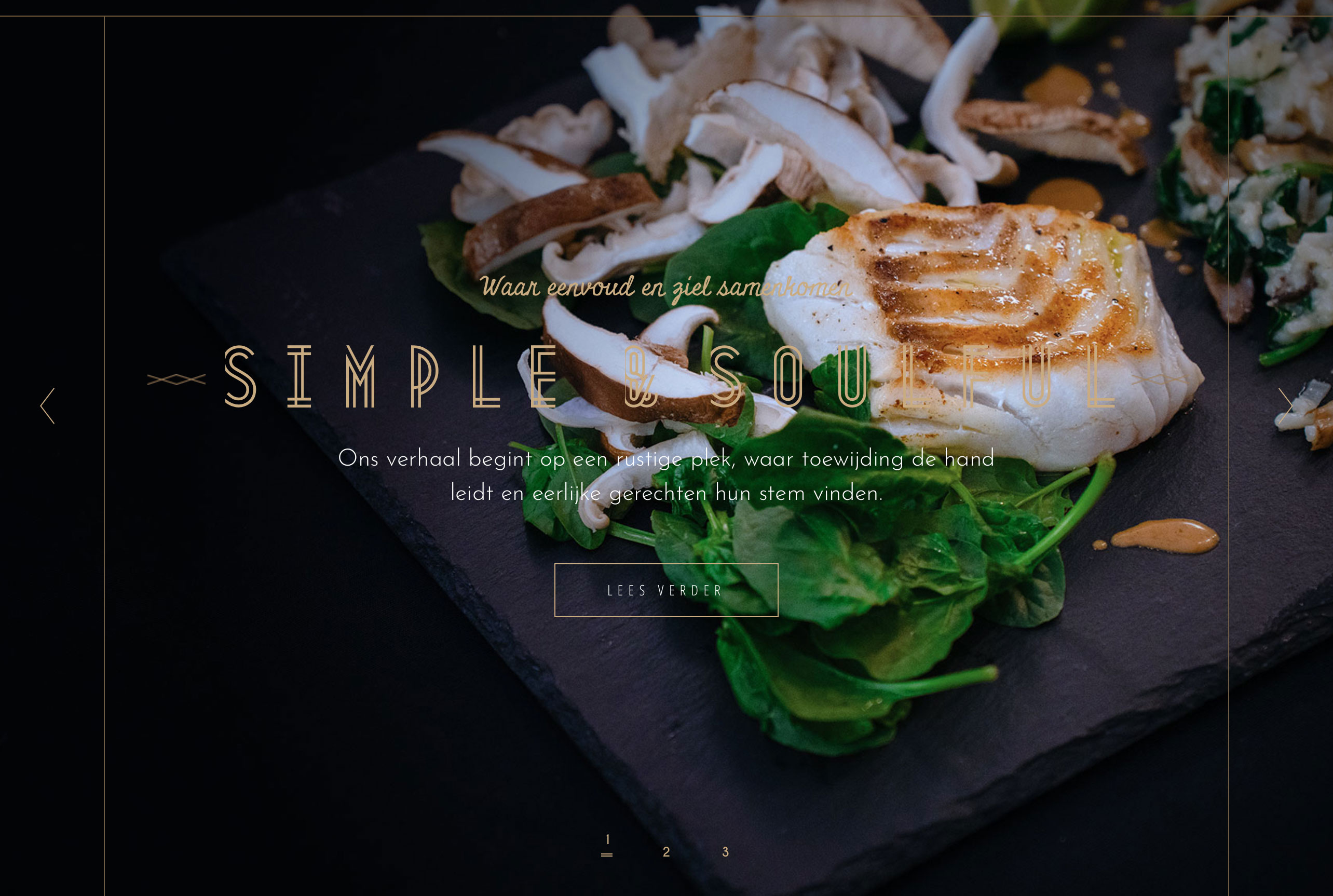
I have translated a revolution slider that contains 3 slides.
All slides have content (text and image).
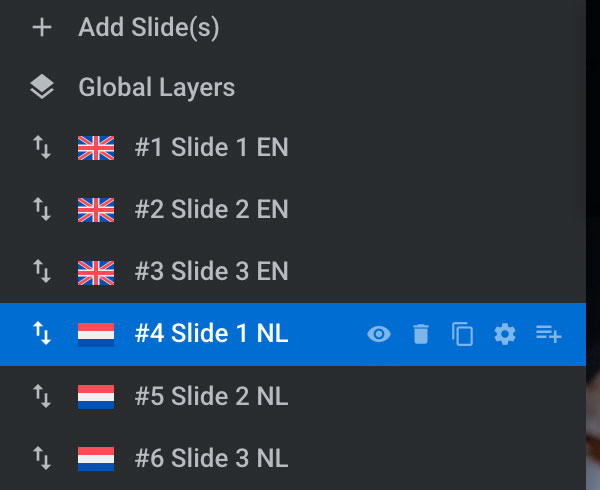
A language (dutch) has been assigned to each translated slide.
The first slide is displayed on the translated page.
But the second and third slide is empty.
In order to rule out any plugin or theme conflicts, I've disabled all non-essential plugins and I've switched to the default WP theme 2025. The issue persists. This could means it's a Revolution Slider-WPML compabitility issue. Are the developers aware of this?
Thanks for checking the issue in the minimal environment. I also tried the following steps:
1. Syncing images from WPML >> Settings > Media Translation.
2. Re-uploading the images for the 2nd and 3rd slides.
3. Changing the position of the slides.
4. Troubleshooting options from WPML >> Support.
It appears to be a compatibility conflict. When we identify a potential compatibility issue, we need to reproduce it on a fresh WordPress site before escalating it to our compatibility team. I’ve set up a fresh WordPress site and installed the WPML plugins. Could you please try to reproduce the issue by following the steps below:
1. Login to the fresh WP site by clicking on the auto login URL: hidden link
2. Install the Revolution Slider plugin.
3. Create a new slider with two slides and try to translate it.
Please note that we only need the above mentioned theme/plugin functionality, you don't need to set up an entire website or clone your existing site.
Kindly let me know the results,
Thank you for your cooperation
Languages: English (English )Spanish (Español )German (Deutsch )
Timezone: Europe/Vienna (GMT+01:00)
Hi,
My colleague Noman is currently unavailable, so I will be handling your ticket.
This issue is not related to our code. After checking, it appears that the system is using the new engine called SR7. According to the documentation below, the problem can be resolved by performing Step 7 – Clear and Rebuild SR7 Data:
hidden link
After following this step, the issue was resolved.
Languages: English (English )Spanish (Español )German (Deutsch )
Timezone: Europe/Vienna (GMT+01:00)
Hi,
Yes, it seems that their website is currently offline. Unfortunately, I can’t share more information, as our team only provided the specific link for that documentation to review the mentioned step.
I'm sorry, but the issue returns after a while.
I have to clear and rebuild the tables after some time.
And then after a while the issue repeats, an I have to perform this action again.
Languages: English (English )Spanish (Español )German (Deutsch )
Timezone: Europe/Vienna (GMT+01:00)
Hi,
you can try in "Globals" to "Use the SR6 engine" insteaf of SR7.
Please note that the issue doesn't happen whe nusing directories for language. I would recommend you to change that and set some redirects. You can see the recommendation from Google her: hidden link.