Skip to content Skip to sidebar

This thread is resolved. Here is a description of the problem and solution.

Problem:
The client is trying to manually translate pages using WPML on a WordPress site without an SSL certificate. The issue is that the two-column translation view for the homepage shows incorrect content from a test Divi page instead of the default page content.
Solution:
The content appearing incorrectly in the translation view is due to a Global Body Template assigned to the 'Homepage' condition in the Divi Theme Builder. To resolve this, the client needs to manage the global Divi template through WPML → Translation Management.

If this solution does not apply to your case, or if it seems outdated, we recommend opening a new support ticket. We also highly recommend checking related known issues at https://wpml.org/known-issues/, verifying the version of the permanent fix, and confirming that you have installed the latest versions of themes and plugins. For further assistance, please visit our support forum at WPML support forum.

This is the technical support forum for WPML - the multilingual WordPress plugin.

Everyone can read, but only WPML clients can post here. WPML team is replying on the forum 6 days per week, 22 hours per day.

Tagged: 

This topic contains 3 replies, has 1 voice.

Last updated by simonE-22 3 weeks, 5 days ago.

Assisted by: Marcel.

Author Posts
November 20, 2025 at 7:53 pm #17596990

simonE-22

Background of the issue:
I am trying to manually translate pages in my WordPress site using WPML. The site does not yet have an SSL certificate assigned. The issue can be seen on this page: hidden link. I expected to see the usual translation view with the content from the default page in English on the left and empty sections for applying translated content on the right. This appears to only apply to the Home page.

Symptoms:
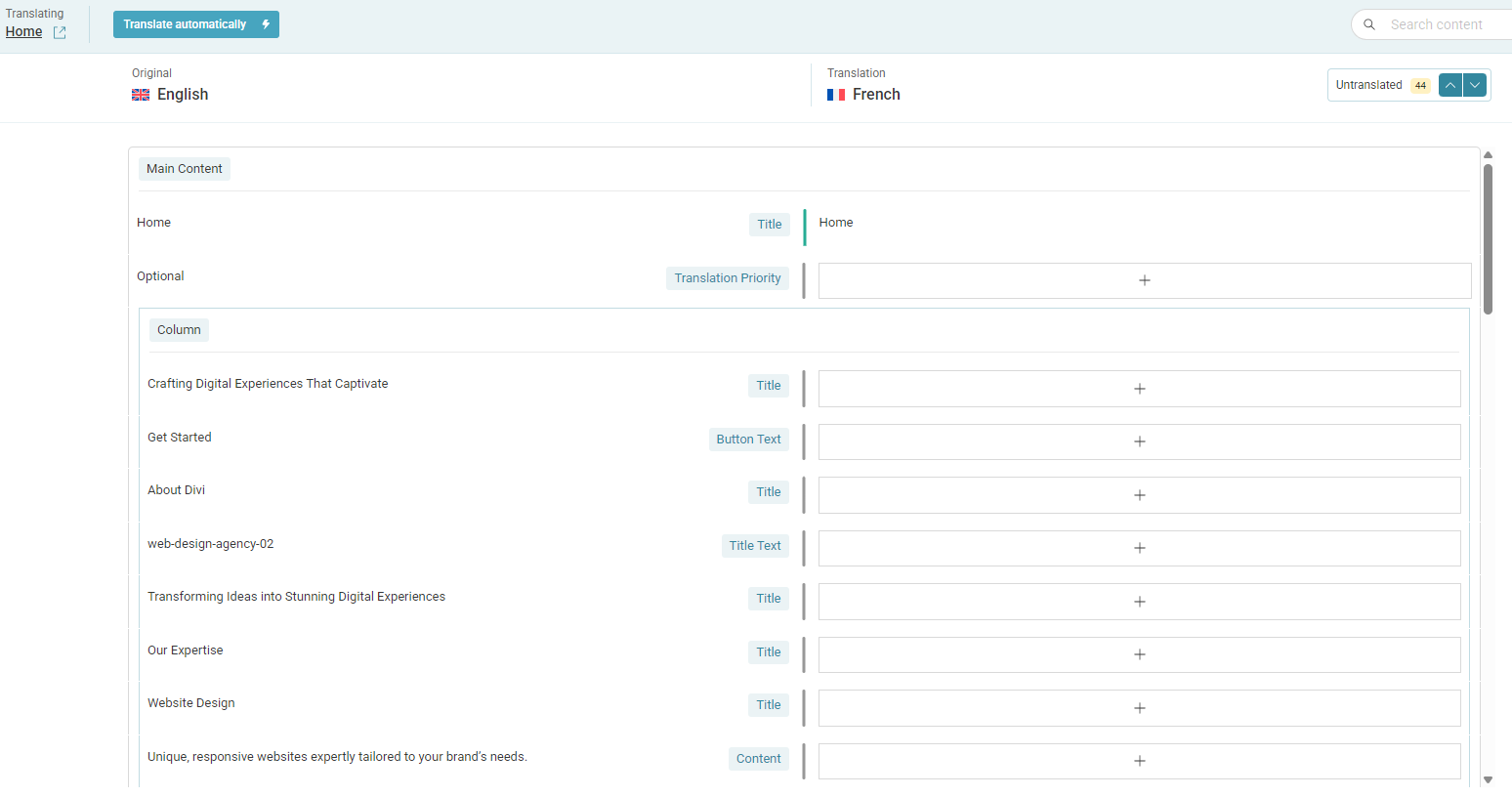
The two-column translation view appears, but the content on the left is incorrect. It seems to be content from a test Divi page instead of the expected default page content.

Questions:
Why is the translation page showing incorrect content from a test Divi page?
How can I ensure the correct content appears in the translation view?

November 24, 2025 at 2:14 pm #17605206

Marcel
Supporter

Languages: English (English ) Spanish (Español ) German (Deutsch )

Timezone: Europe/Madrid (GMT+02:00)

Hi,

can you please try to finish the ongoing translation job with 100% and then re-send it for translation? Then, update the original page and see if the content in the editor is adjusted.

If not, I would eventually also need to request temporary access (WP-Admin and FTP) to your site
– preferably to a test site where the problem has been replicated if possible –
in order to be of better help and check if some configurations might need to be changed

Your next answer will be private which means only you and I have access to it.

❌ Please backup your database and website ❌

✙ I would additionally need your permission to de-activate and re-activate Plugins and the Theme, and to change configurations on the site. This is also a reason the backup is really important.

✙ Please add the Links to the […] Edit Screen, the Page/Post where you insert the […] and the corresponding Front End Page/Screen

Best Regards,
Marcel

November 27, 2025 at 3:41 pm #17615733

Marcel
Supporter

Languages: English (English ) Spanish (Español ) German (Deutsch )

Timezone: Europe/Madrid (GMT+02:00)

Hi,

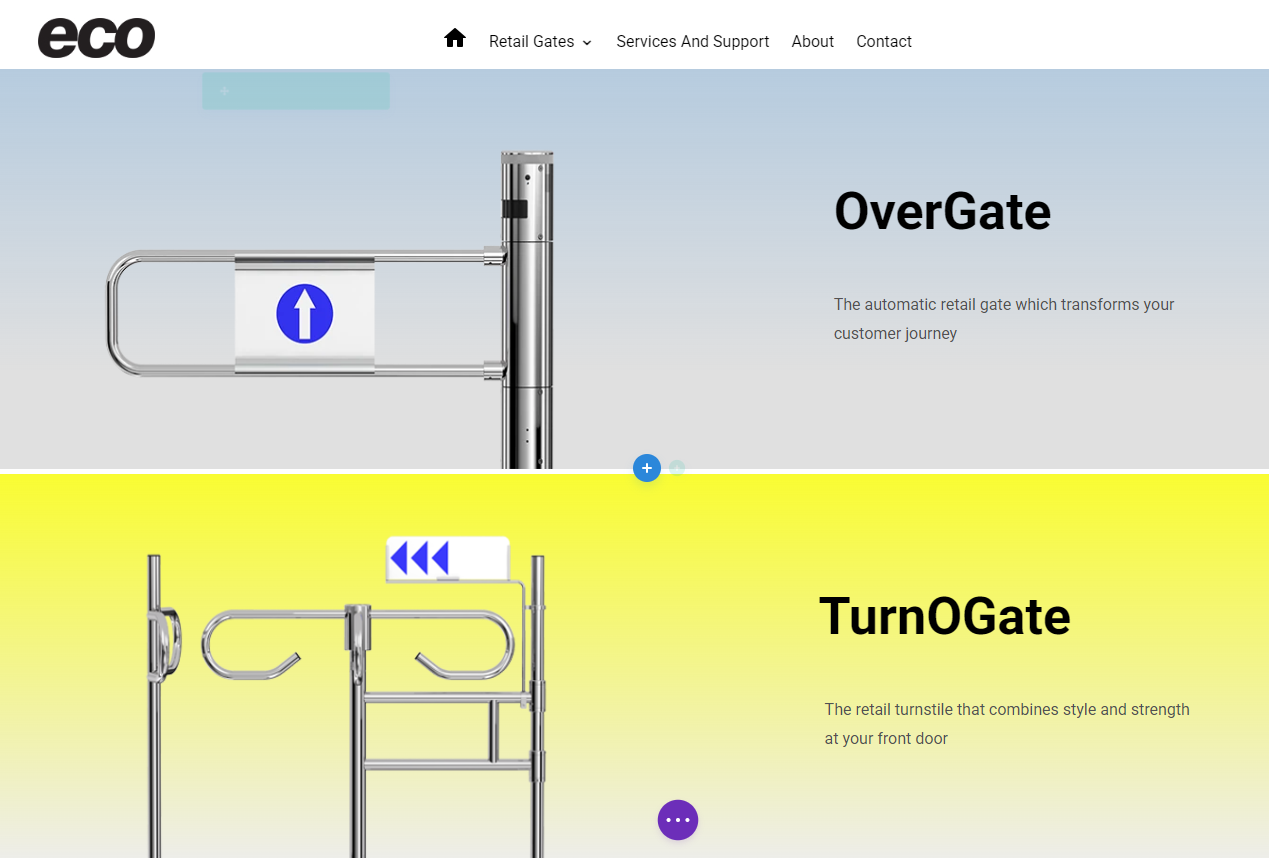
thank you for the access. The content on the homepage is showing correctly in the editor because it reflects the actual page content. However, what you see on the frontend comes from a Global Body Template that’s assigned to the "Homepage" condition in the Divi Theme Builder:
hidden link

To translate this, you need to manage the global Divi template through WPML → Translation Management.

Best regards,
Marcel

November 29, 2025 at 1:18 am #17619261

simonE-22

Hi Marcel,

Thanks for taking the time to investigate, much appreciated.

Kind regards,

Pete Crane