Skip to content Skip to sidebar

This thread is resolved. Here is a description of the problem and solution.

Problem:
If you're unable to see your Advanced Custom Fields (ACF) in the translation editor after they have been added or modified, it might be because the fields were configured after the initial translation setup.
Solution:
We recommend making a minor edit to the post content and then updating the page. This action should refresh the translation editor and allow the newly configured ACF fields to appear correctly. If after these steps the fields are still not visible, it might be due to other compatibility issues or settings.

Please note that this solution might be outdated or not applicable to your specific case. We highly recommend checking related known issues at https://wpml.org/known-issues/, verifying the version of the permanent fix, and confirming that you have installed the latest versions of themes and plugins. If the problem persists, please open a new support ticket.

This is the technical support forum for WPML - the multilingual WordPress plugin.

Everyone can read, but only WPML clients can post here. WPML team is replying on the forum 6 days per week, 22 hours per day.

This topic contains 8 replies, has 0 voices.

Last updated by Andrey 1 month, 2 weeks ago.

Assisted by: Andrey.

Author Posts
November 21, 2025 at 11:19 am #17598593

davidF-89

Background of the issue:
I am trying to find my ACF fields, but they are not showing up as expected.

Symptoms:
The ACF fields are not visible. I expected to see 'firl;s', but instead, I got 'notign'.

Questions:
Where are my ACF fields?
Why don't they show up?

November 21, 2025 at 11:43 am #17598675

Andrey
WPML Supporter since 06/2013

Languages: English (English ) Russian (Русский )

Timezone: Europe/Kyiv (GMT+02:00)

Thank you for contacting WPML support.

Your custom fields are probably not configured to be translated.

You need to follow this guide to translate the ACF fields:
https://wpml.org/documentation/related-projects/translate-sites-built-with-acf/#translate-with-acfml

If there is still an issue, please provide more details on the ACF field configurations.

I've enabled debug information for this support ticket. Please refer to this link for instructions on how to retrieve this information from your site and provide it to us: http://wpml.org/faq/provide-debug-information-faster-support/

November 24, 2025 at 9:13 am #17603549

davidF-89

i have set up the acf fields properly andc it dorsn't work

November 24, 2025 at 4:28 pm #17605696

Andrey
WPML Supporter since 06/2013

Languages: English (English ) Russian (Русский )

Timezone: Europe/Kyiv (GMT+02:00)

Thank you for your feedback.

Could you please provide the examples shown in the screenshots? Specifically, include:

- an example of the custom field

- its configuration

- the page or post where it is used

The more details you can provide, the better I can assist you.

November 27, 2025 at 8:28 am #17613999

davidF-89

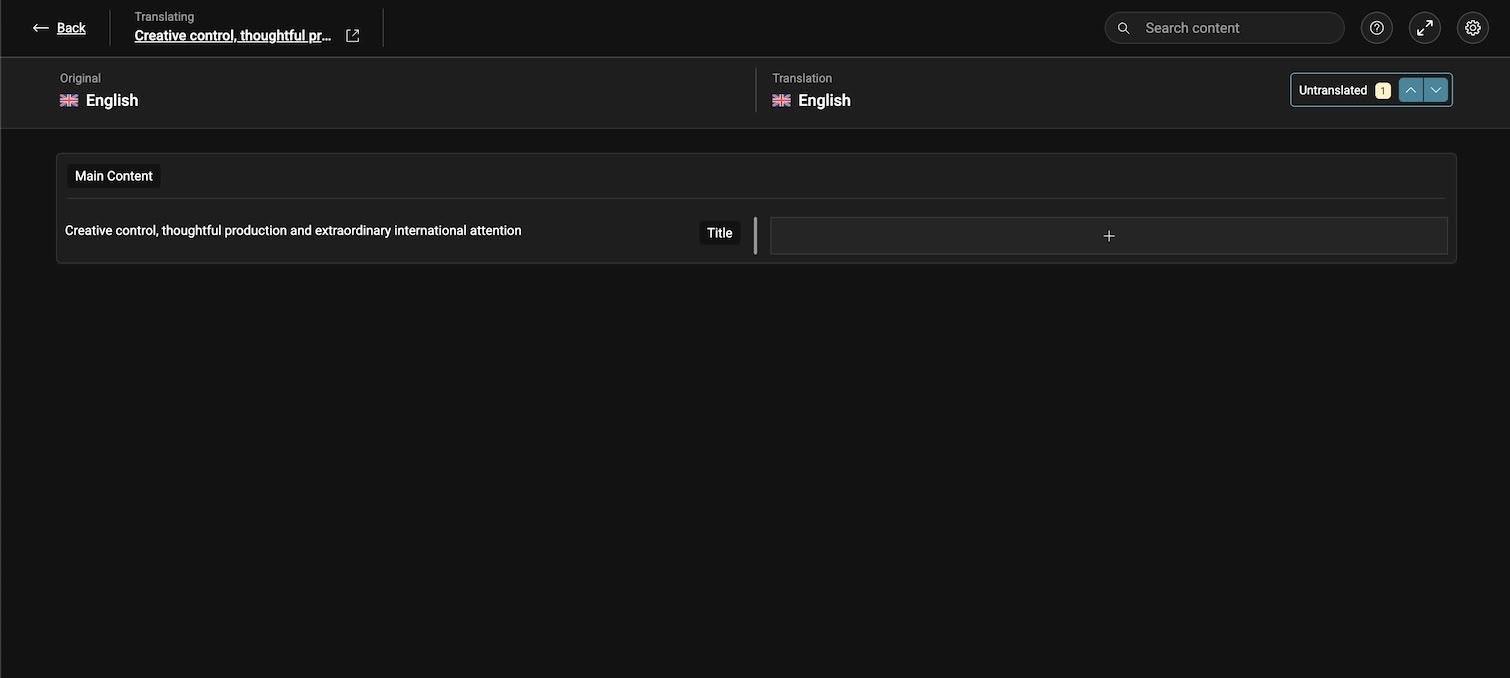
no fields - hidden link

should be fields - hidden link

November 27, 2025 at 10:14 am #17614470

Andrey
WPML Supporter since 06/2013

Languages: English (English ) Russian (Русский )

Timezone: Europe/Kyiv (GMT+02:00)

I need to request temporary access (wp-admin and FTP) to your site—preferably to a test site where the problem has been replicated if possible—in order to be of better help. When you log in to leave your next reply, you will find the needed fields below the comment area. The information you will enter is private, meaning only you and I can see and access it.

November 28, 2025 at 7:00 am #17617255

davidF-89

i supplied all the details request - confirm received. i am getting messages this ticket will be closed. i still need to resolve this

November 28, 2025 at 8:12 am #17617370

Andrey
WPML Supporter since 06/2013

Languages: English (English ) Russian (Русский )

Timezone: Europe/Kyiv (GMT+02:00)

Thank you for providing the details.

I will take a look and let you know once I have more information.

November 28, 2025 at 2:35 pm #17618434

Andrey
WPML Supporter since 06/2013

Languages: English (English ) Russian (Русский )

Timezone: Europe/Kyiv (GMT+02:00)

I have reviewed your website along with the screenshots you provided.

It looks like the custom fields were configured after you initially tried to translate the page, which is why they did not appear in the translation editor.

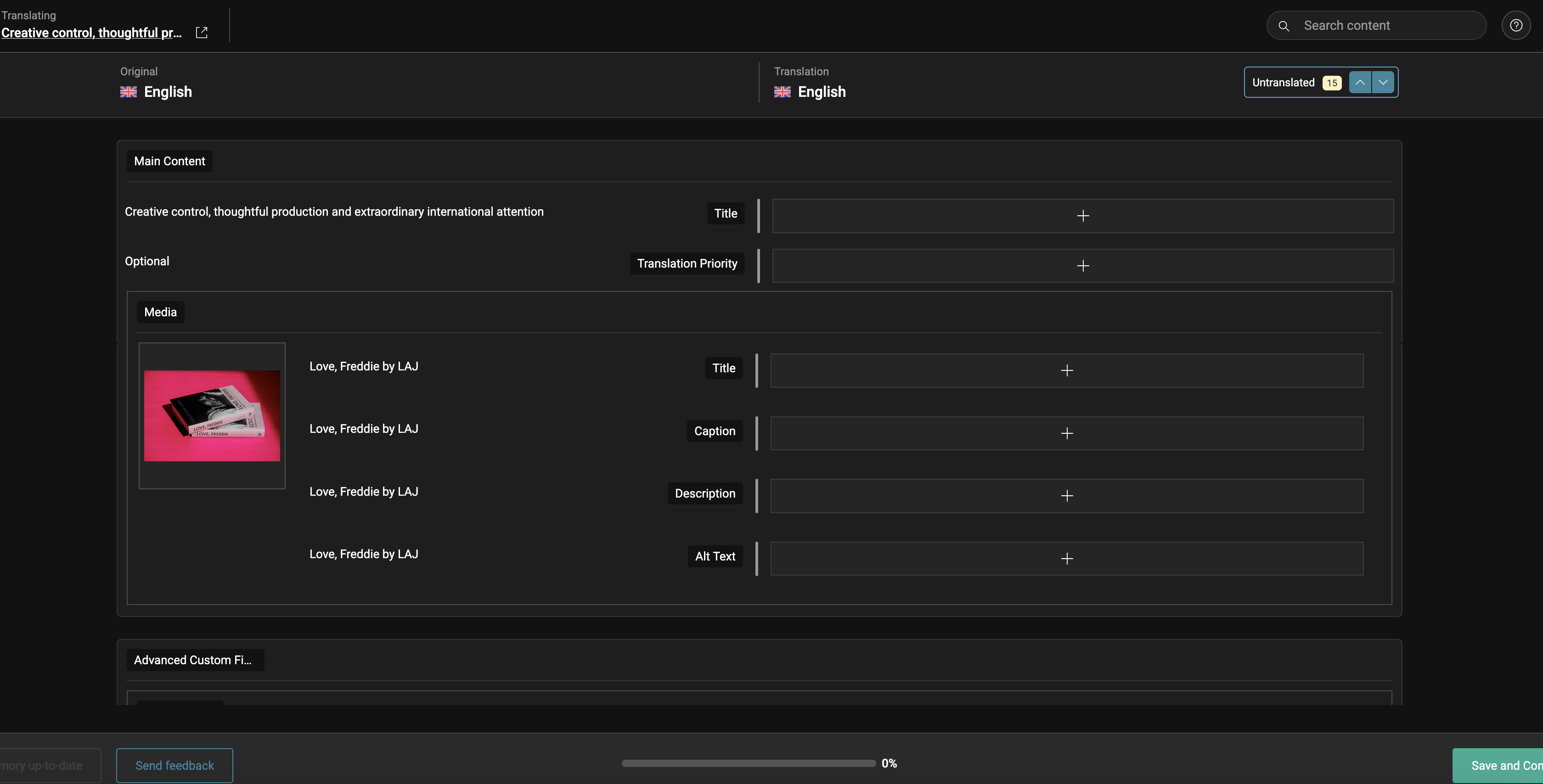
To refresh the translation, I made a small change to the post content and updated the page. After that, I opened the translation again, and the remaining custom fields appeared correctly.

I’ve attached a screenshot for your reference.

Screenshot 2025-11-28 at 16.32.06.png