[Resolved] WPML didn't manage to translate this page
This thread is resolved. Here is a description of the problem and solution.
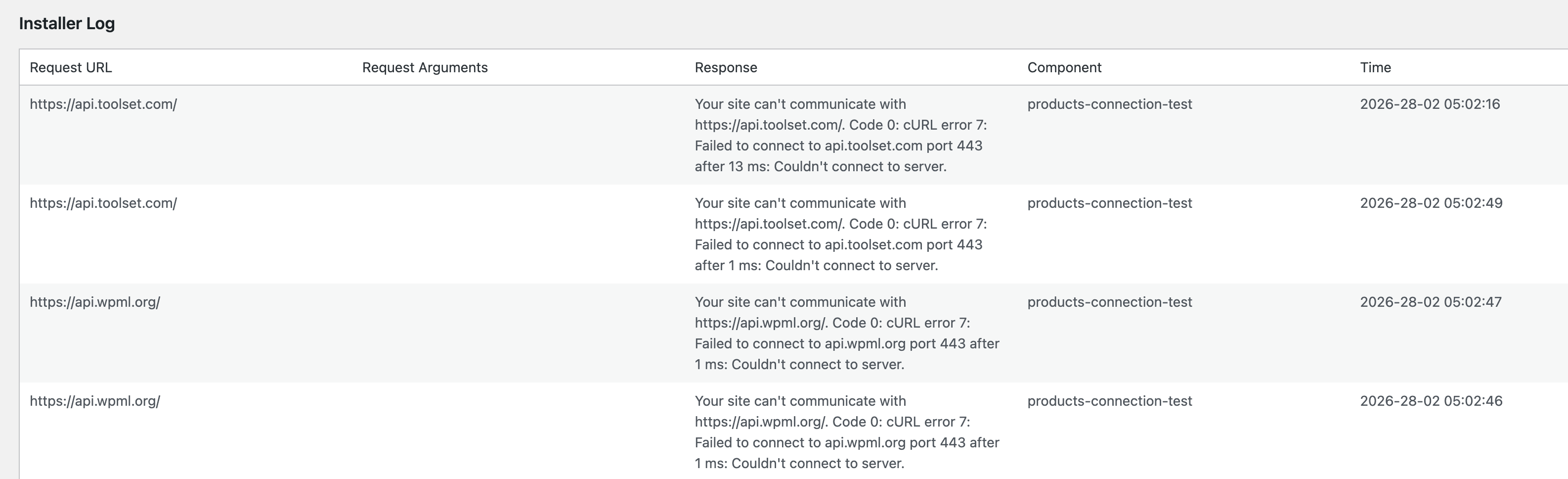
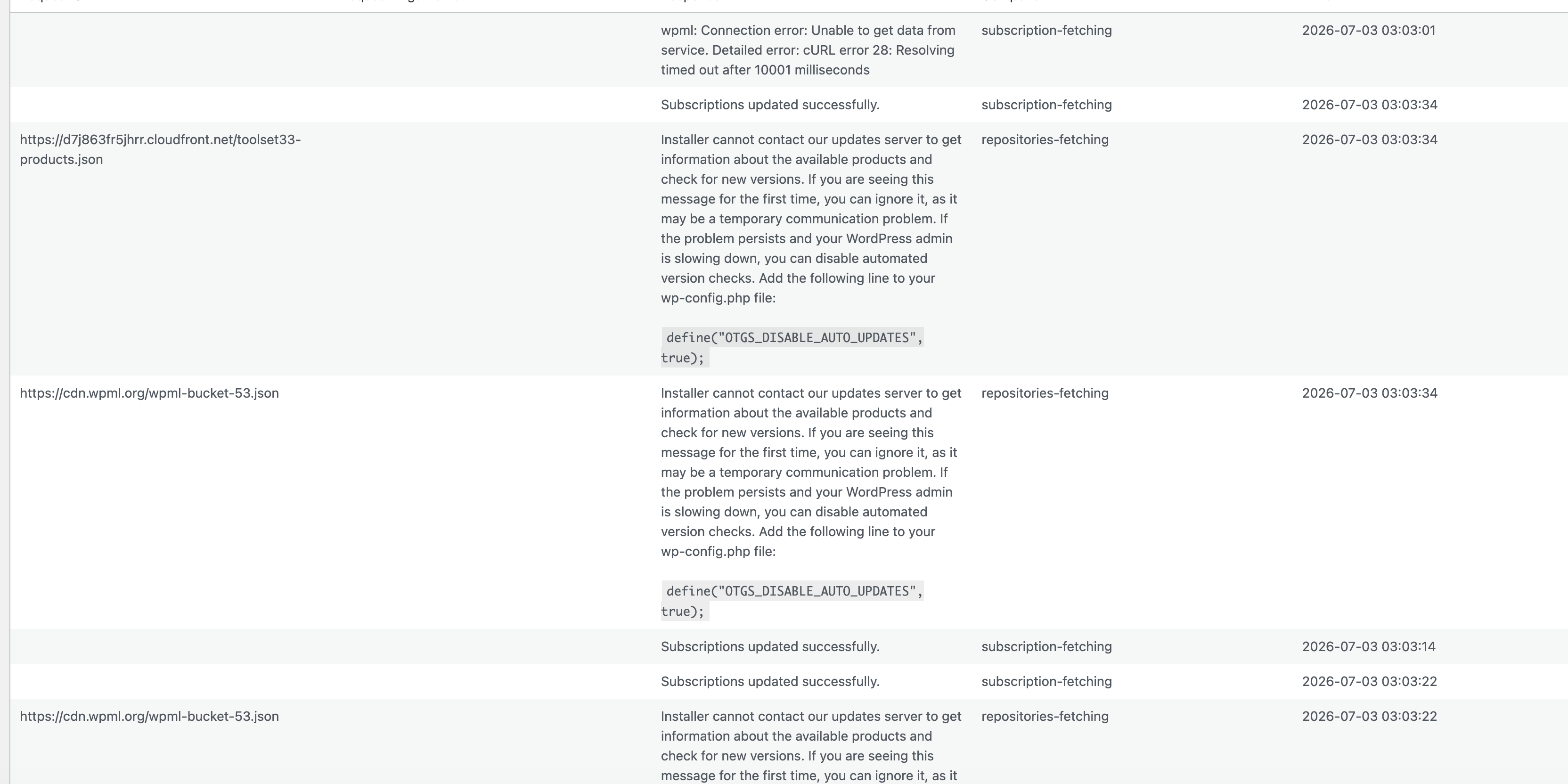
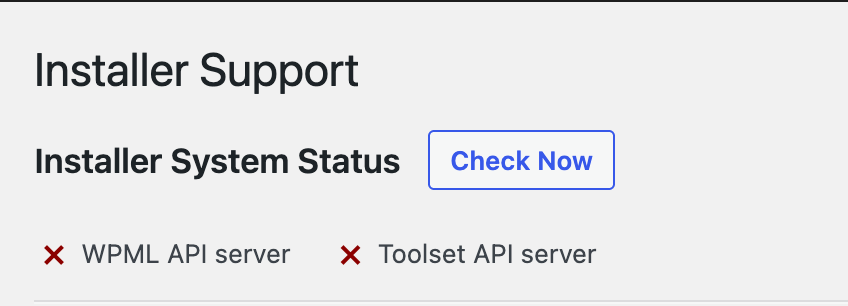
Problem: After migrating the server and restoring the backup using the all-in-one WP Migration plugin and re-registering WPML, the client encountered the 'WPML didn't manage to translate this page' problem and an installer support error. Solution: We recommend ensuring that the following domains are whitelisted on your server or firewall:
wpml.org
cdn.wpml.org
api.wpml.org
api.toolset.com
cloudfront.net
Additionally, check if a third-party plugin might be affecting this behavior by temporarily disabling all plugins except WPML and testing this using a default WordPress theme. Before performing any of these actions, please make sure to create a full backup of your site. If the issue persists, please check with your hosting provider to ensure that outgoing connections are not being blocked, which could be caused by firewall rules, security policies, or other server-side restrictions.
This solution might be irrelevant if it's outdated or not applicable to your case. We highly recommend checking related known issues at https://wpml.org/known-issues/, verifying the version of the permanent fix, and confirming that you have installed the latest versions of themes and plugins. If the problem continues, please open a new support ticket at WPML support forum.
This is the technical support forum for WPML - the multilingual WordPress plugin.
Everyone can read, but only WPML clients can post here. WPML team is replying on the forum 6 days per week, 22 hours per day.
I migrated the server and restored the backup using the all-in-one WP Migration plugin, and re-registered WPML, but I encountered the "WPML didn't manage to translate this page" problem and an installer support error.
First, please check whether your hosting environment is not blocking communication with our API. You may need to contact your hosting provider and ask them to whitelist the following domains:
• wpml.org
• cdn.wpml.org
• api.wpml.org
• api.toolset.com
• cloudfront.net
If you suspect a translation is stuck, try the following:
• Cancel the affected translation job.
• Make a small change to the original page.
• Resend it for translation.
You can also try forcing a translation refresh by:
1. Adding a minor change to the original page (for example, adding a dot).
2. Saving the page.
3. Removing the change and saving again.
This should mark the translation as needing an update and allow you to reopen it in the WPML translation editor.
If the issue still persists, go to WPML → Support → Troubleshooting and look for the button “Force-enable WPML’s Advanced Translation Editor.” (Please note that this option may not always be visible.)
I checked the installer support according to the above instructions. When I clicked the "check now" button, the WPML API server and Toolsdet API server were sometimes working and sometimes showing errors.
I have checked our logs and did not find any indication that your site is being blocked on our end.
So, I still recommend ensuring that the following domains are whitelisted on your server or firewall:
• wpml.org
• cdn.wpml.org
• api.wpml.org
• api.toolset.com
• cloudfront.net
In addition, please check whether a third-party plugin might be affecting this behavior. You can do this by temporarily disabling all plugins except WPML. If possible, also test this using a default WordPress theme.
Before performing any of these actions, please make sure to create a full backup of your site.
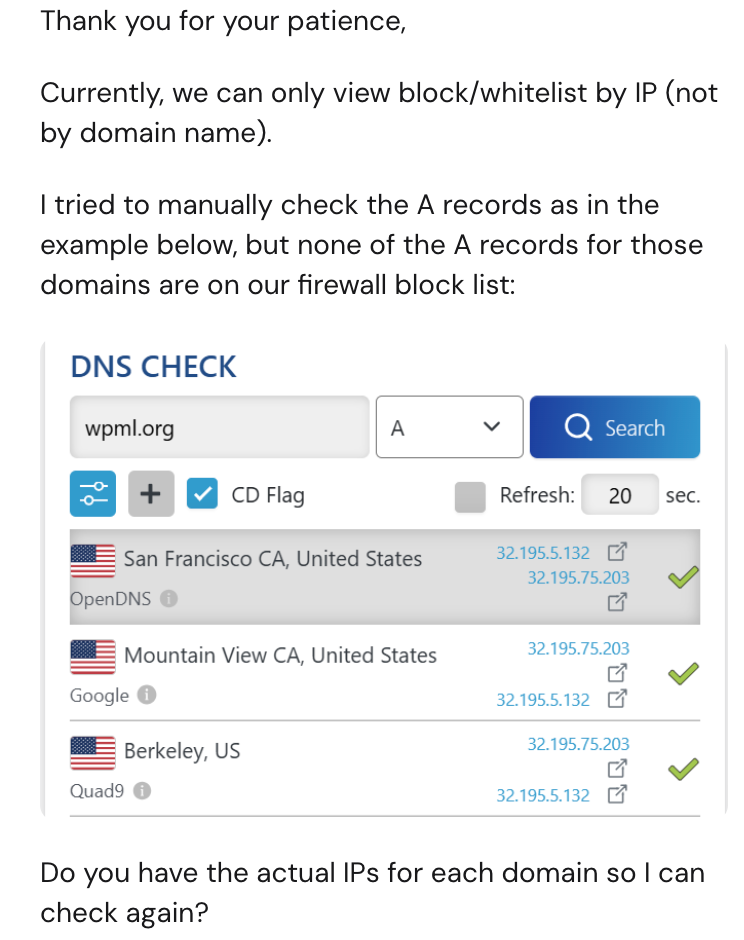
There are no IP addresses available to whitelist—only domain names can be used.
I have also checked this with our system team, and I can confirm that your site is not being blocked on our side. This means the issue is most likely related to the hosting environment.
Please check with your hosting provider to ensure that outgoing connections are not being blocked. It could be caused by firewall rules, security policies, or other server-side restrictions.