This thread is resolved. Here is a description of the problem and solution.
Problem:
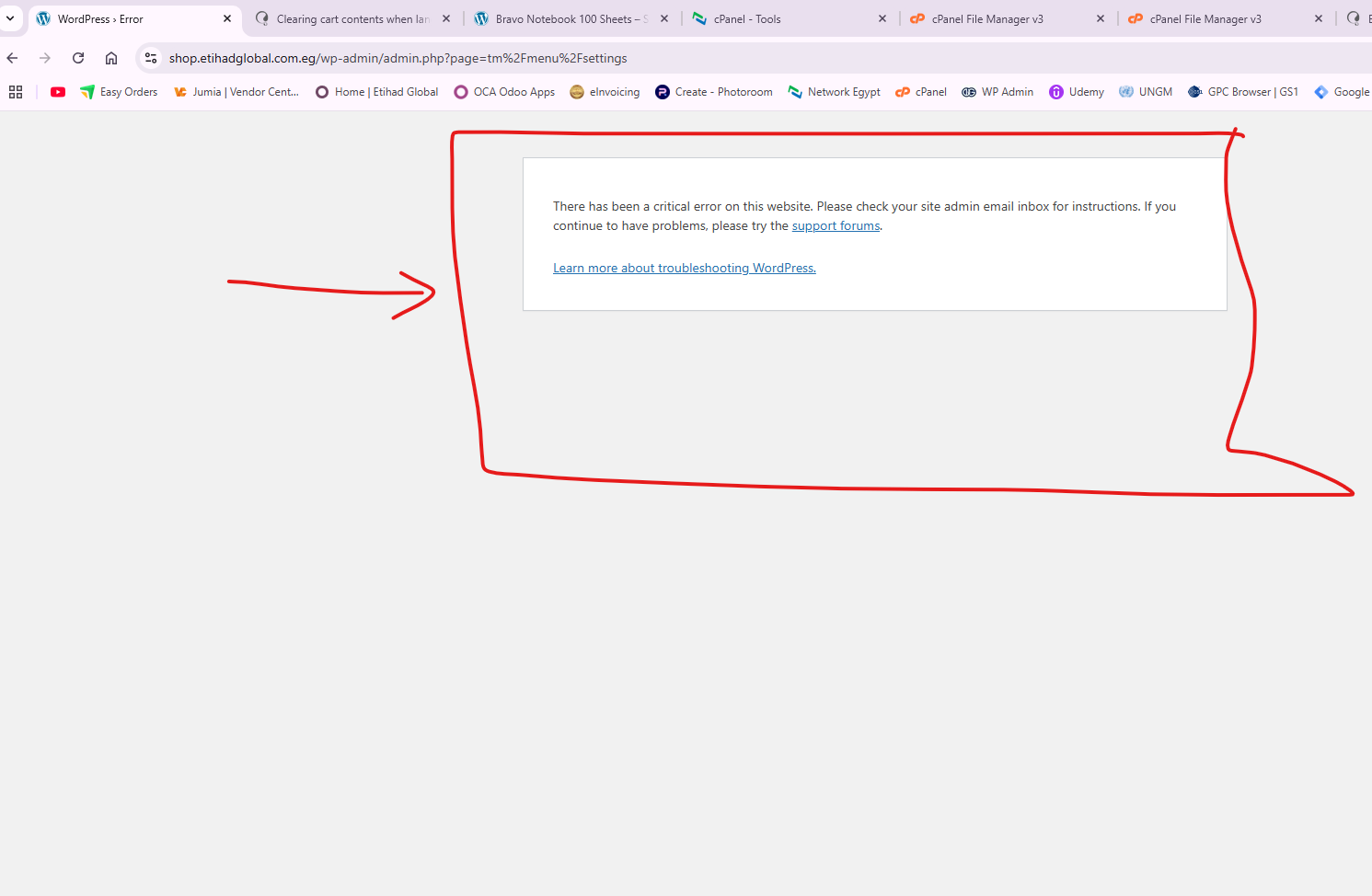
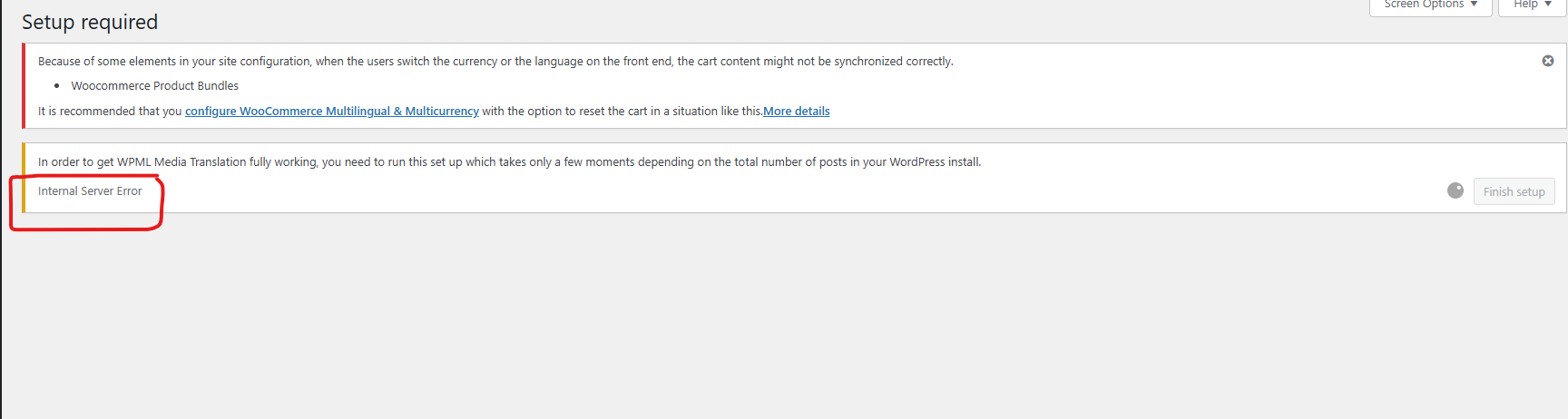
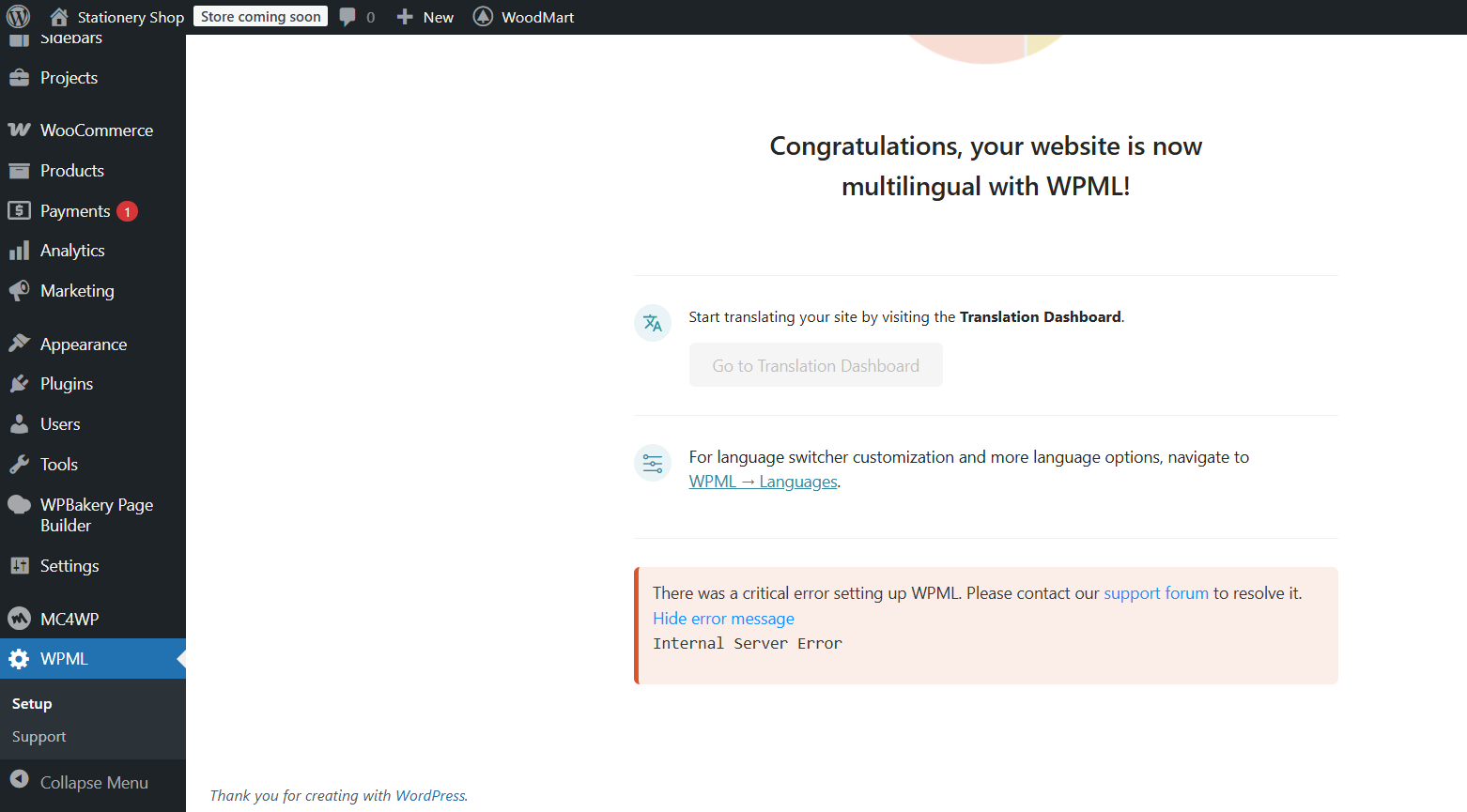
The client is unable to complete the WPML setup on their site due to an error message that occurs every time the setup process is initiated.
Solution:
First, we recommend checking the WPML settings on a test site to ensure they are correctly configured. If the settings appear similar and the issue persists, it's likely related to server restrictions or plugin conflicts. Here are the steps to troubleshoot:
1. Ensure that your server firewall is not blocking the WPML API. You should whitelist the following domains:
- wpml.org
- cdn.wpml.org
- api.wpml.org
- api.toolset.com
- cloudfront.net
2. Temporarily deactivate all other plugins except WPML to check for conflicts. Remember to back up your database before making these changes.
3. If using the Woodmart theme and its plugins, try disabling them temporarily to see if the issue resolves.
For more detailed guidance, visit https://wpml.org/faq/wpml-plugin-cannot-connect-to-wpml-org/.
If these steps do not resolve the issue, it might be due to other factors not covered here. We highly recommend checking related known issues at https://wpml.org/known-issues/, verifying the version of the permanent fix, and confirming that you have installed the latest versions of themes and plugins. If the problem persists, please open a new support ticket at WPML support forum for further assistance.
This is the technical support forum for WPML - the multilingual WordPress plugin.
Everyone can read, but only WPML clients can post here. WPML team is replying on the forum 6 days per week, 22 hours per day.
This topic contains 1 replies, has 0 voices.
Last updated by 10 months, 3 weeks ago.
Assisted by: Lauren.