Skip to content Skip to sidebar

This thread is resolved. Here is a description of the problem and solution.

Problem:
The client reported that the option to choose payment methods per currency disappeared from their website, causing all payment methods to be visible regardless of the currency.
Solution:
We advised the client to ensure the proper setup of WPML for managing payment methods per currency. Here are the steps we recommended:
1. Ensure that WPML String Translation is installed.
2. Install and activate WPML Multilingual CMS.
3. Complete the WPML setup by adding any secondary language, then proceed to hide this language in WPML > Languages.
4. Install and configure WooCommerce Multilingual and Multicurrency.
5. Reactivate the Payments per Currency feature.

If this solution does not resolve the issue or seems outdated, we highly recommend checking related known issues at https://wpml.org/known-issues/, verifying the version of the permanent fix, and confirming that you have installed the latest versions of themes and plugins. If further assistance is needed, please open a new support ticket at WPML support forum.

This is the technical support forum for WPML - the multilingual WordPress plugin.

Everyone can read, but only WPML clients can post here. WPML team is replying on the forum 6 days per week, 22 hours per day.

Tagged: 

This topic contains 2 replies, has 0 voices.

Last updated by Lucas Vidal de Andrade 7 months ago.

Assisted by: Lucas Vidal de Andrade.

Author Posts
June 11, 2025 at 1:55 pm

christiaanB-8

Background of the issue:
I have been using the multicurrency functionalities of WPML on my website for multiple years. I activated different payment methods depending on the currency, and this setup has been working well. We have the agency package, the website is registered, and we only have one language. Multilingual CMS is not installed. I tried to unregister the website and register it again, but the option is still not there. The issue can be seen on this page: hidden link

Symptoms:
The option to choose payment method per currency disappeared, and users now see all payment methods.

If you add a product in your cart and go to checkout, at the bottom of the checkout page you can choose your payment method, "Selecciona un methodo de pago".
When a user is in the EURO zone, the only availabe currency is EURO and the possible payment solutions should only be REDSYS (the first option with visa/mastercard..), BIZUM in Spain, Google and Apple. The other currencies should have Stripe (visa/mastercard..), Google and Apple.

Questions:
Why did the option to choose payment method per currency disappear?
How can I restore the functionality to have different payment methods for each currency?

June 11, 2025 at 8:07 pm #17127768

Lucas Vidal de Andrade
WPML Supporter since 11/2023

Languages: English (English )

Timezone: Europe/Vienna (GMT+01:00)

Hey there. I'm still checking with the development team what might be causing that. I'll get back to you as soon as I hear from them.

June 13, 2025 at 8:07 pm #17134667

Lucas Vidal de Andrade
WPML Supporter since 11/2023

Languages: English (English )

Timezone: Europe/Vienna (GMT+01:00)

Hey there,

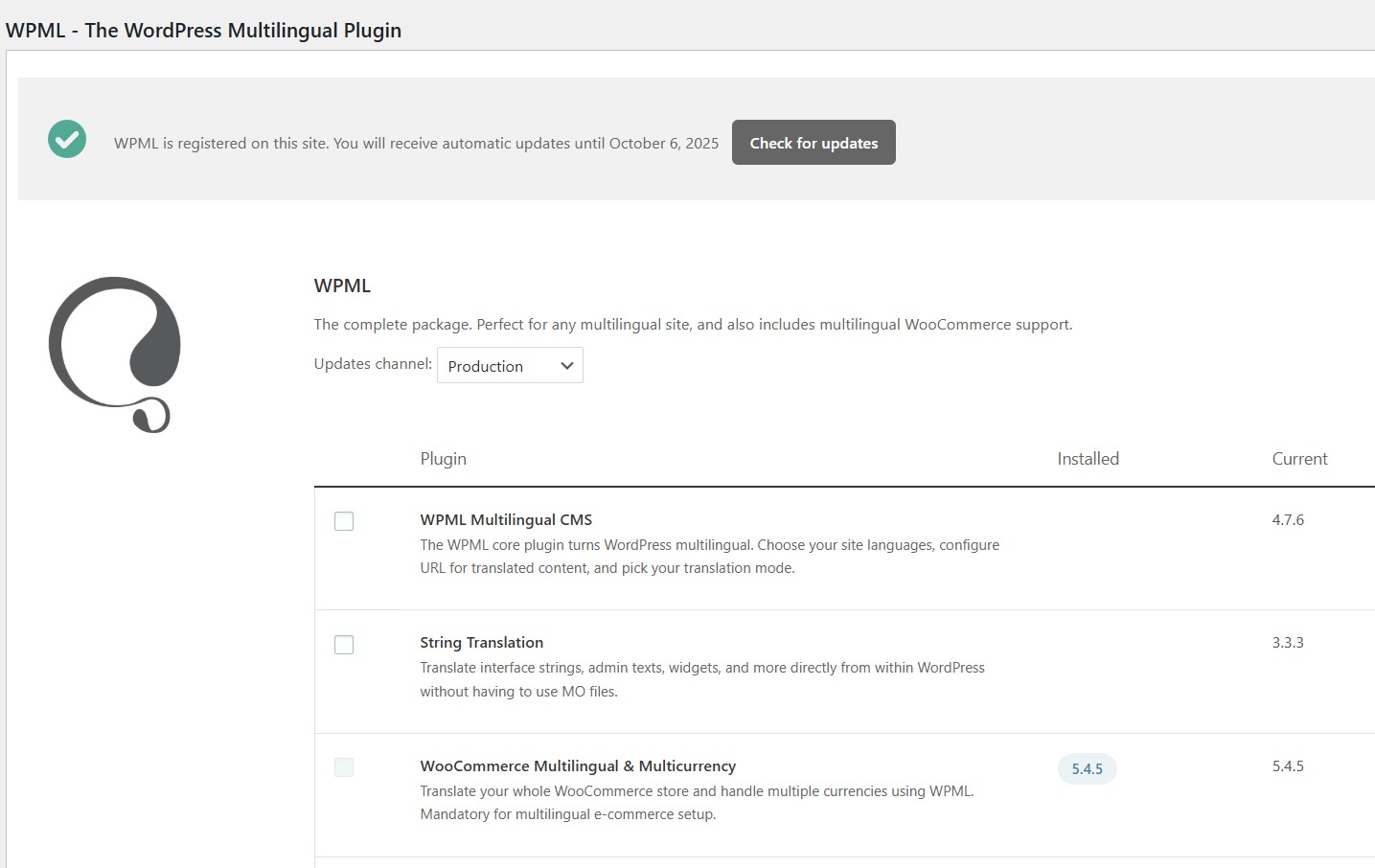
Thank you for waiting. We double-checked internally and the feature of Payment Gateways by Currency depends on WPML. Please check the image attached. Unfortunately, I cannot confirm why or how you had this feature working on your website, without having WPML installed and setup.

Here's the solution:

1. Make sure you have WPML String Translation Installed;
2. Install and activate WPML Multilingual CMS;
3. Run the setup in WPML - you can add any secondary language just to move forward;
4. Go to WPML > Languages and hide the secondary language;
5. Run the WooCommerce Multilingual and Multicurrency setup (it's necessary, after installing the main WPML plugin);
6. Reactivate the Payments per Currency feature, like you had before;

Please let me know how it goes.

Screenshot 2025-06-13 064327.png