Skip to content Skip to sidebar

This is the technical support forum for WPML - the multilingual WordPress plugin.

Everyone can read, but only WPML clients can post here. WPML team is replying on the forum 6 days per week, 22 hours per day.

Sun Mon Tue Wed Thu Fri Sat
- 9:00 – 13:00 9:00 – 13:00 9:00 – 13:00 9:00 – 13:00 9:00 – 13:00 -
- 14:00 – 18:00 14:00 – 18:00 14:00 – 18:00 14:00 – 18:00 14:00 – 18:00 -

Supporter timezone: Europe/Kyiv (GMT+02:00)

Tagged: 

This topic contains 3 replies, has 1 voice.

Last updated by Andrey 15 hours, 42 minutes ago.

Assisted by: Andrey.

Author Posts
February 12, 2026 at 7:43 pm #17818693

fleurv-7

Hi, I am refering to my last ticket: https://wpml.org/forums/topic/elementor-templates-translation-3/
I do not get it working yet. But there is progress.
I do see now the ACF fields in the projects that I made in visual Portfolio.
I can translate all the portfolio projects now 🙂
Can you help me further?

February 12, 2026 at 8:00 pm #17818819

fleurv-7

I still need assistence

February 12, 2026 at 11:15 pm #17819047

Andrey
WPML Supporter since 06/2013

Languages: English (English ) Russian (Русский )

Timezone: Europe/Kyiv (GMT+02:00)

Thank you for contacting WPML support.

You can manage translations from WPML → Translation Dashboard. There, you can select the content you want to translate and either:
• Send it for automatic translation, or
• Choose to translate it manually yourself.

Here are the relevant guides:

Translation Dashboard:
https://wpml.org/documentation/translating-your-contents/

Automatic Translation:
https://wpml.org/documentation/automatic-translation/

February 16, 2026 at 8:14 pm #17826918

Andrey
WPML Supporter since 06/2013

Languages: English (English ) Russian (Русский )

Timezone: Europe/Kyiv (GMT+02:00)

I've got some updates from you — I’m glad to hear that most things are working properly now.

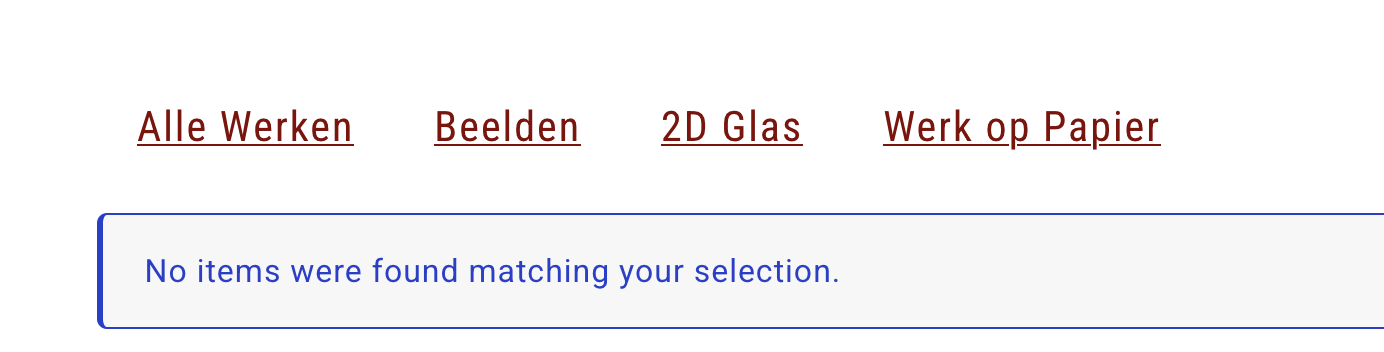
Regarding your other question, could you please share a few screenshots showing exactly what you’re trying to translate? This will help me better understand the setup and guide you more precisely.

In general, you can also translate Elementor templates via WPML → Translation Dashboard. From there, you can select the relevant template (for example, header, footer, or section templates) and send it for translation, just like regular pages or posts.