Home›Support›English Support›[Resolved] How can i change image (src) on fixed banner where loaded with custom plugin?
[Resolved] How can i change image (src) on fixed banner where loaded with custom plugin?
This thread is resolved. Here is a description of the problem and solution.
Problem: You need to change the image source (src) on a fixed banner loaded with a custom plugin, with a different image per language. Solution: 1. Update your plugin with the following code:
2. Navigate to WPML >> Theme and plugins localization, select your plugin, and press the “Scan selected components for strings” button. 3. Go to WPML >> String Translation. 4. Translate the 'banner_image_url' string by replacing it with the image URL for each language (e.g., EN image URL). This approach allows WPML to load a different image URL per language without hardcoding multiple variables. For more details, refer to the following documentation:
If this solution does not apply to your case, or if it seems outdated, we recommend opening a new support ticket. We also highly recommend checking related known issues at https://wpml.org/known-issues/, verifying the version of the permanent fix, and confirming that you have installed the latest versions of themes and plugins.
This is the technical support forum for WPML - the multilingual WordPress plugin.
Everyone can read, but only WPML clients can post here. WPML team is replying on the forum 6 days per week, 22 hours per day.
How can i change image (src) on fixed banner where loaded with custom plugin?
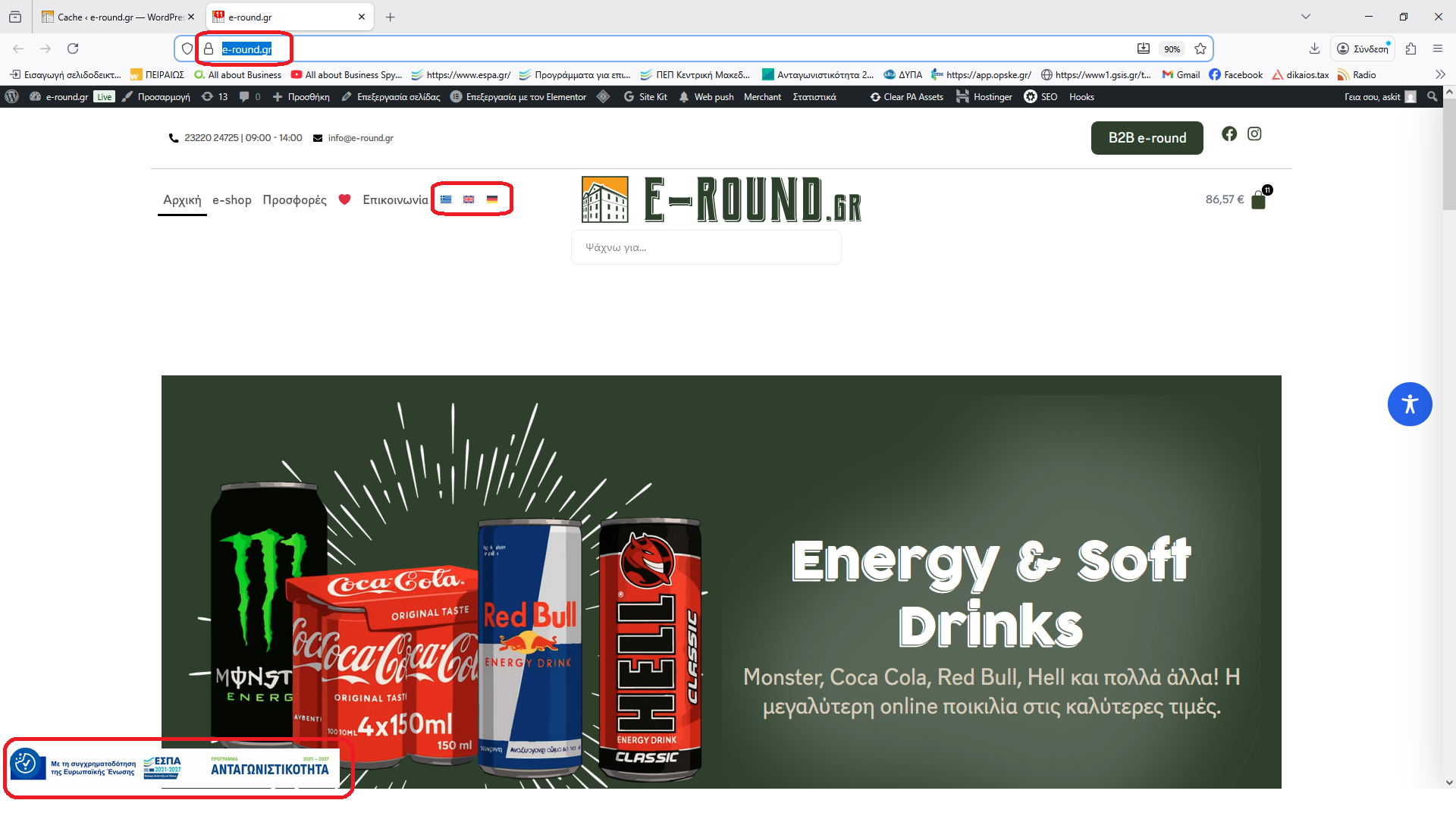
I site hidden link on bottom left on screen i load with custom plugin fixed banner with image.
I wont to have other image src per language.
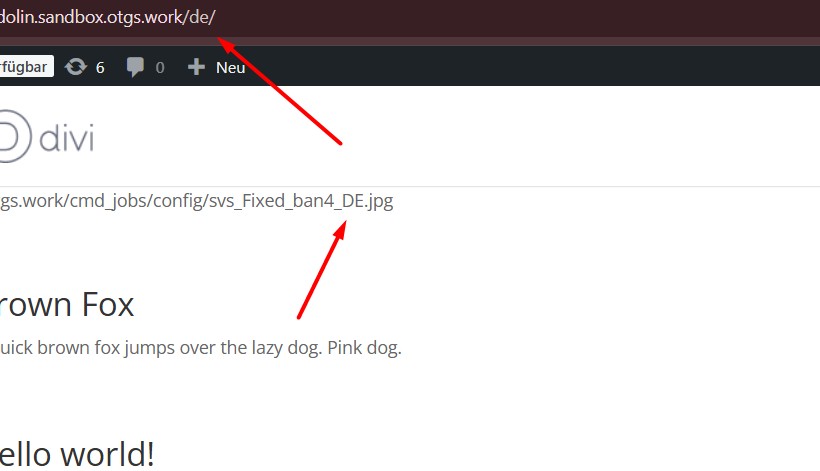
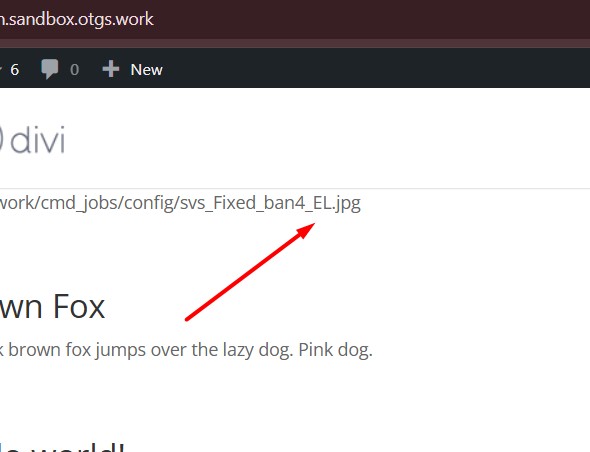
I upload the screen snapshot.
Thank you for contacting WPML Support. If the image is added via the plugin’s options page, you should be able to translate it by following the below steps:
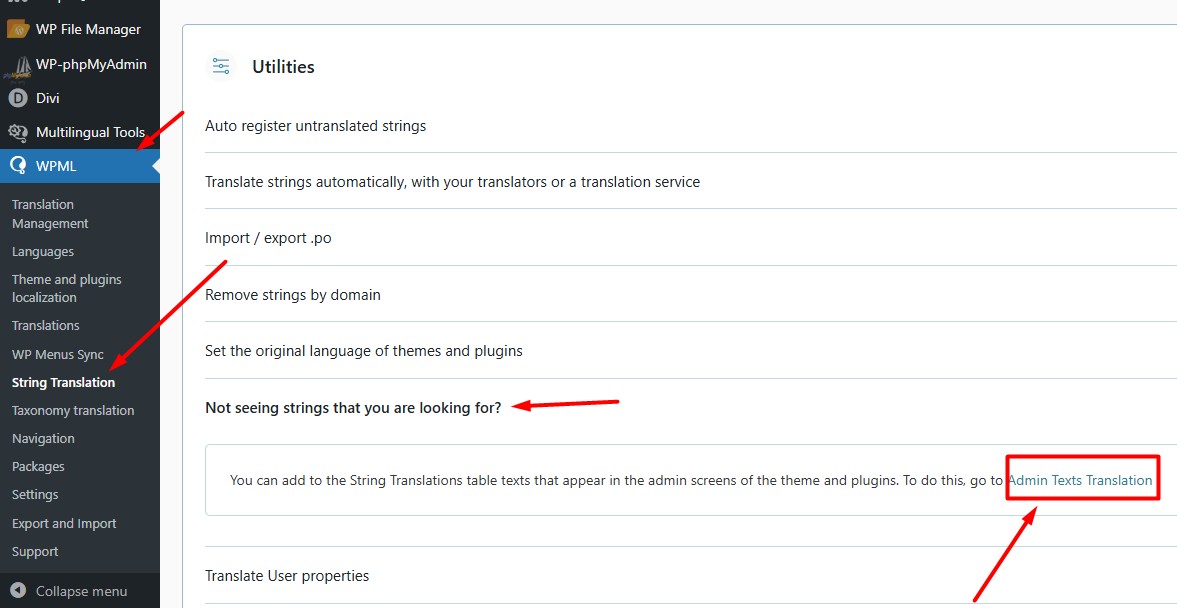
1. Go to WPML >> String Translation
2. Open the “Not seeing strings that you are looking for?” section and press the “Admin texts translation” link.
3. Search for the image URL and enable its translation.
4. Go to the WPML >> String Translation page again and add the translated image URL as translation and see if this resolves the issue.
If the image URL is hardcoded in the plugin code, it needs to be wrapped in a gettext function. After that, it will appear in WPML >> String Translation and you can translate it per language. For example, use `__( 'image url, 'text-domain' )` and this will make the URL appear in WPML >> String Translation.
Thanks for your answer.
I searched in admin text and nothing found, maybe because the image link is hardcoded.
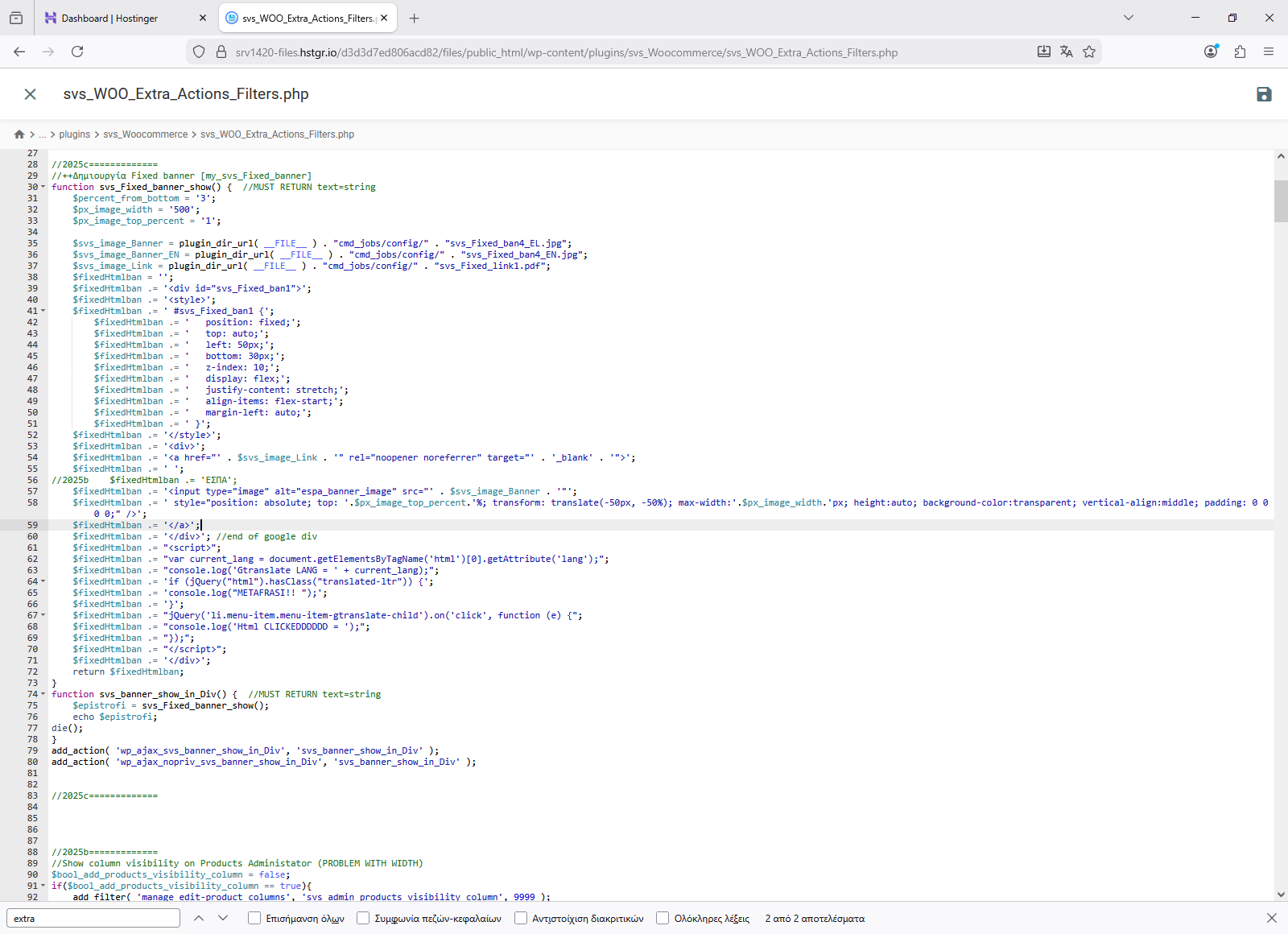
Here is the php code that i use to load the banner:
$svs_image_Banner = plugin_dir_url( __FILE__ ) . "cmd_jobs/config/" . "svs_Fixed_ban4_EL.jpg";
$svs_image_Banner_EN = plugin_dir_url( __FILE__ ) . "cmd_jobs/config/" . "svs_Fixed_ban4_EN.jpg";
2. Go to WPML >> Theme and plugins localization page, select your plugin and press the “Scan selected components for strings” button.
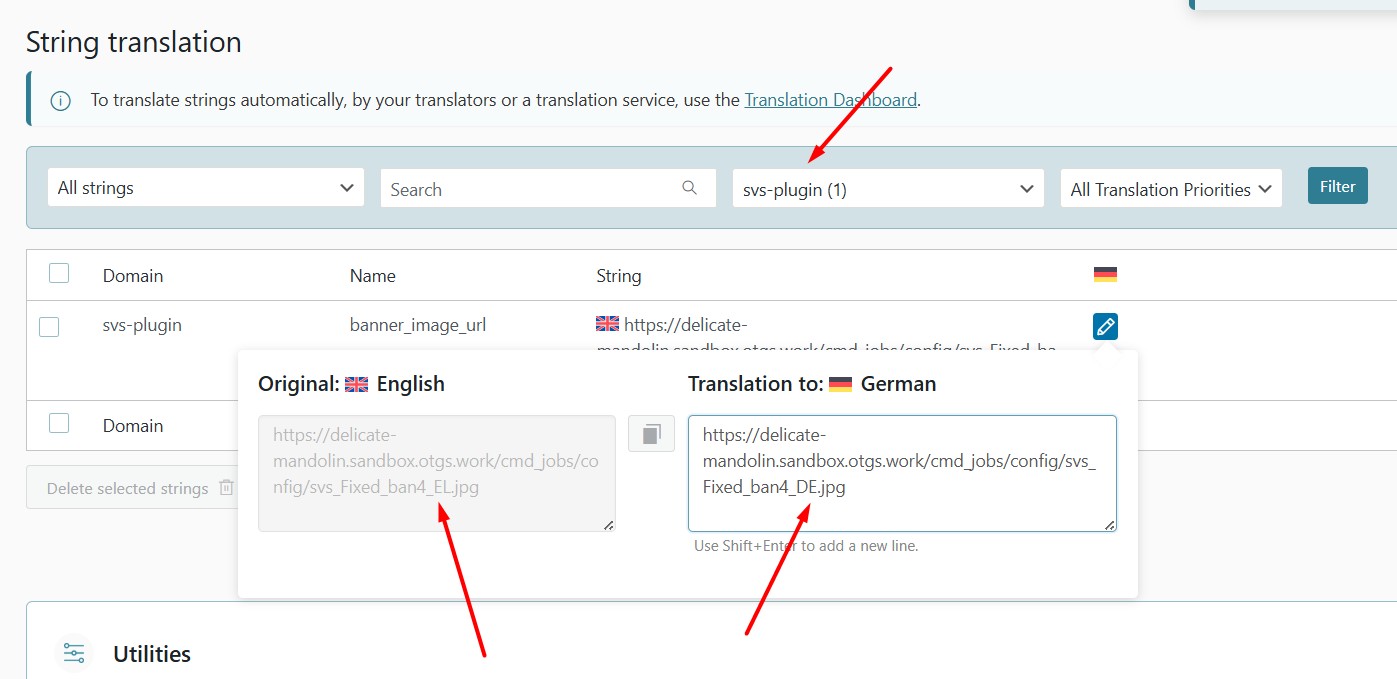
3. Go to WPML >> String Translation
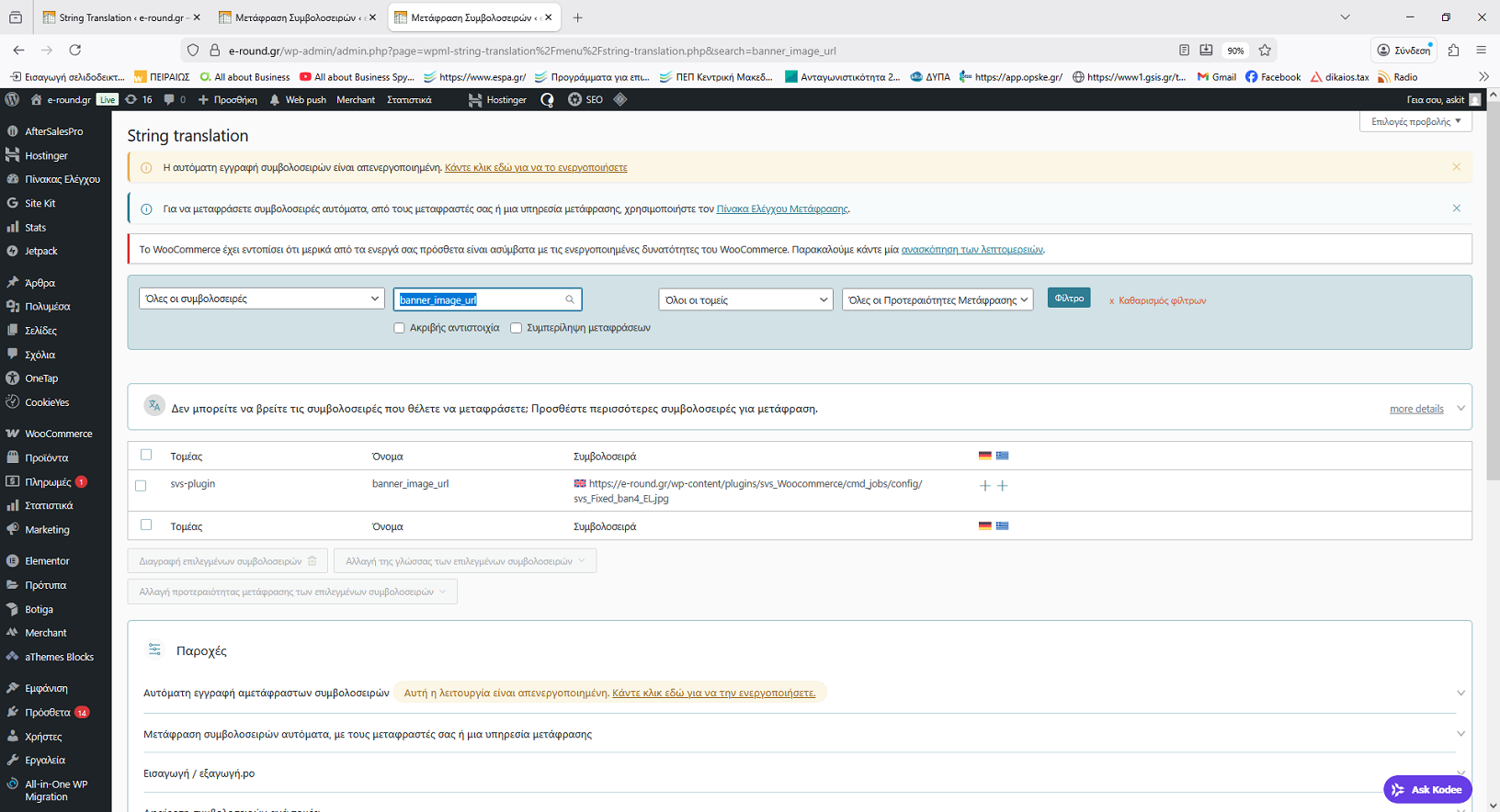
4. Translate the banner_image_url string by replacing it with the image URL for each language (e.g. EN image URL).
This way, WPML will load a different image URL per language without hardcoding multiple variables.
I added the code and i do the scan on my plugin.
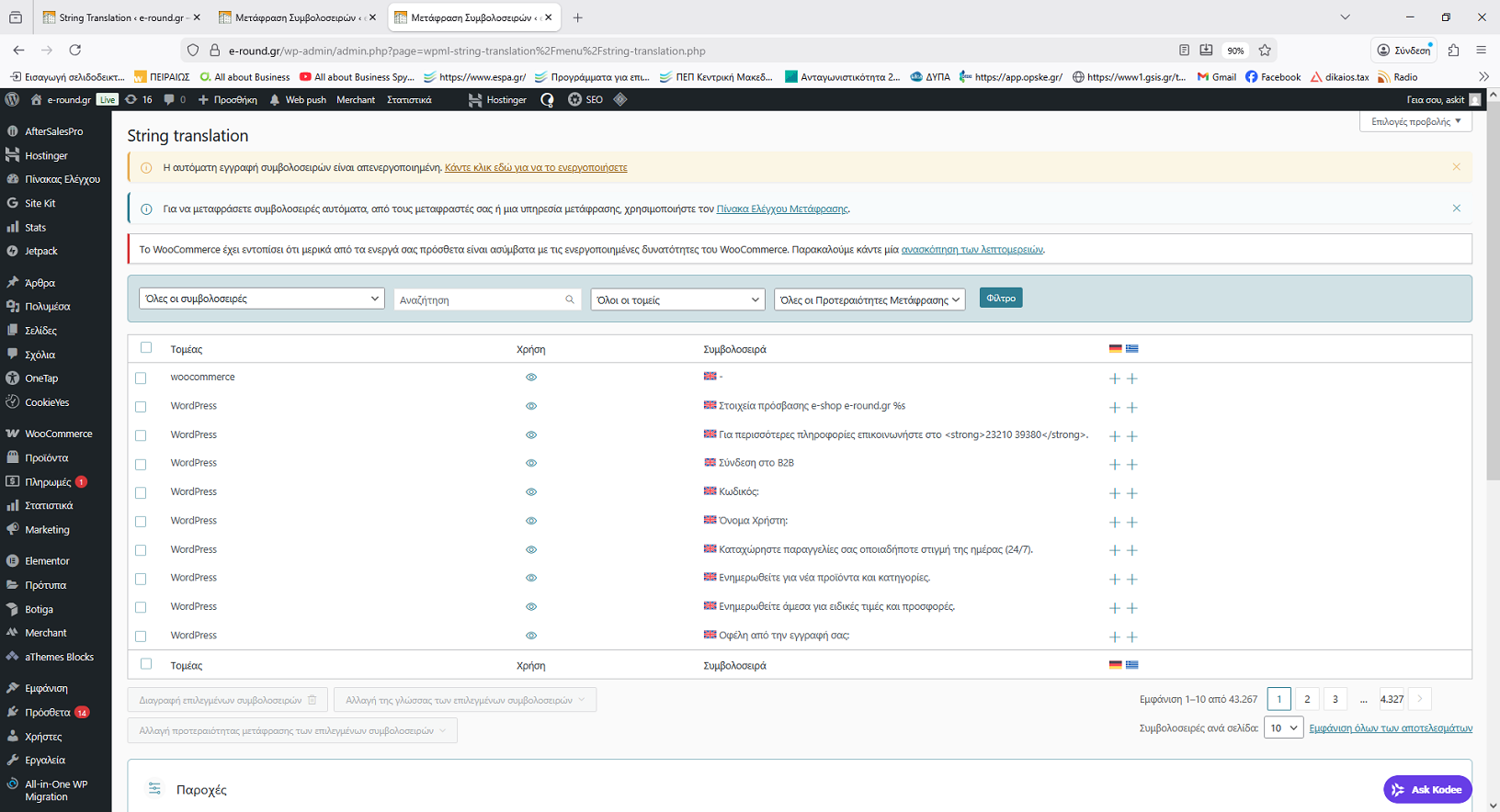
Now the banner_image_url exist on string translation, but the language that found is English and NOT el (greek) wich is the default wpml language.
This happens for all string translations!
This is wrong because the actual strings is greek.
Why?
New threads created by Noman and linked to this one are listed below: