Home›Support›English Support›[Resolved] Admin users not appearing in “Add Translation Manager” list (WPML 4.6.x)
[Resolved] Admin users not appearing in “Add Translation Manager” list (WPML 4.6.x)
This thread is resolved. Here is a description of the problem and solution.
Problem: The client is experiencing issues with assigning a Translation Manager role in WPML. Specifically, some users cannot be assigned the Translation Manager role. Additionally, there is an issue with importing XLIFF files, where the error message indicates that the translation job or the XLIFF file does not belong to the system. Solution: For the issue of assigning the Translation Manager role, the user deleted the users and recreated them which solved the issue. Regarding the XLIFF file import error, it is crucial to ensure that the original content does not change after exporting the XLIFF file and before importing it back into WPML. If changes are made to the original content, it will generate a new job ID, causing the XLIFF file to mismatch and fail during the import. For more details on handling this issue, please refer to our documentation here: Handling XLIFF file errors in WPML.
Please note that the solution provided might be outdated or not applicable to your specific case. We highly recommend checking related known issues at WPML Known Issues, verifying the version of the permanent fix, and confirming that you have installed the latest versions of themes and plugins. If the issue persists, please open a new support ticket with us for further assistance.
This is the technical support forum for WPML - the multilingual WordPress plugin.
Everyone can read, but only WPML clients can post here. WPML team is replying on the forum 6 days per week, 22 hours per day.
Background of the issue:
We’re running WPML version 4.8.4 and experiencing an issue assigning a Translation Manager.
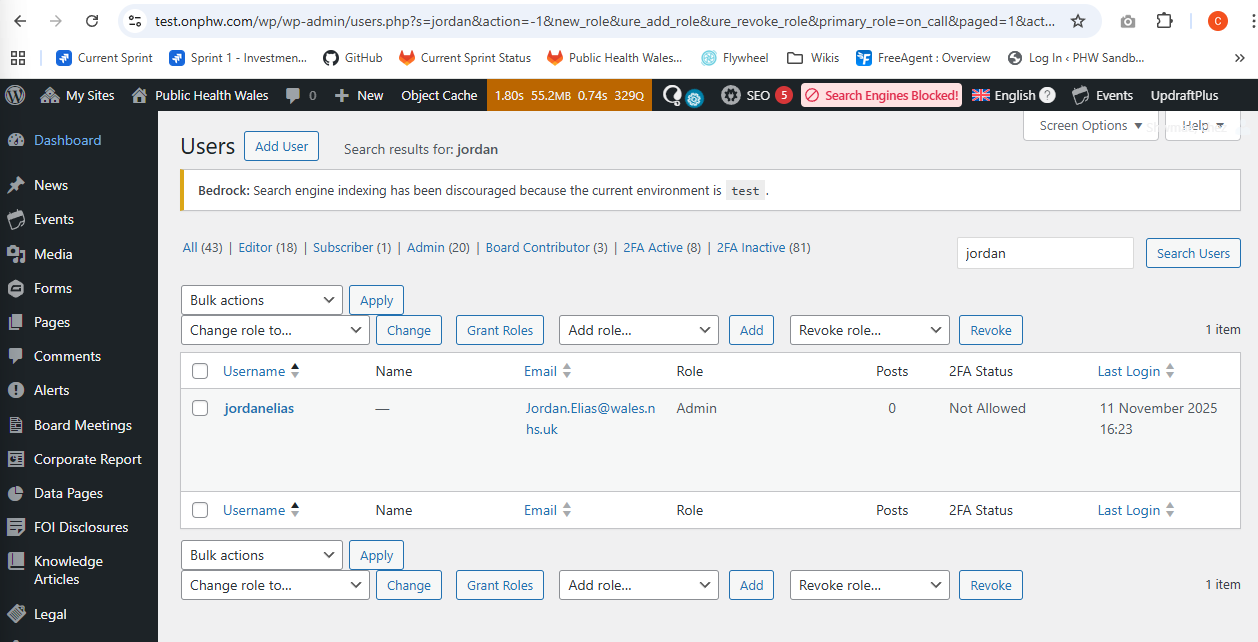
We have two "Admin" users (NOT "Administrator") — "sarahgriffiths29" and "jordanelias".
Both are registered translators with the same language pairs (English ↔ Welsh).
Symptoms:
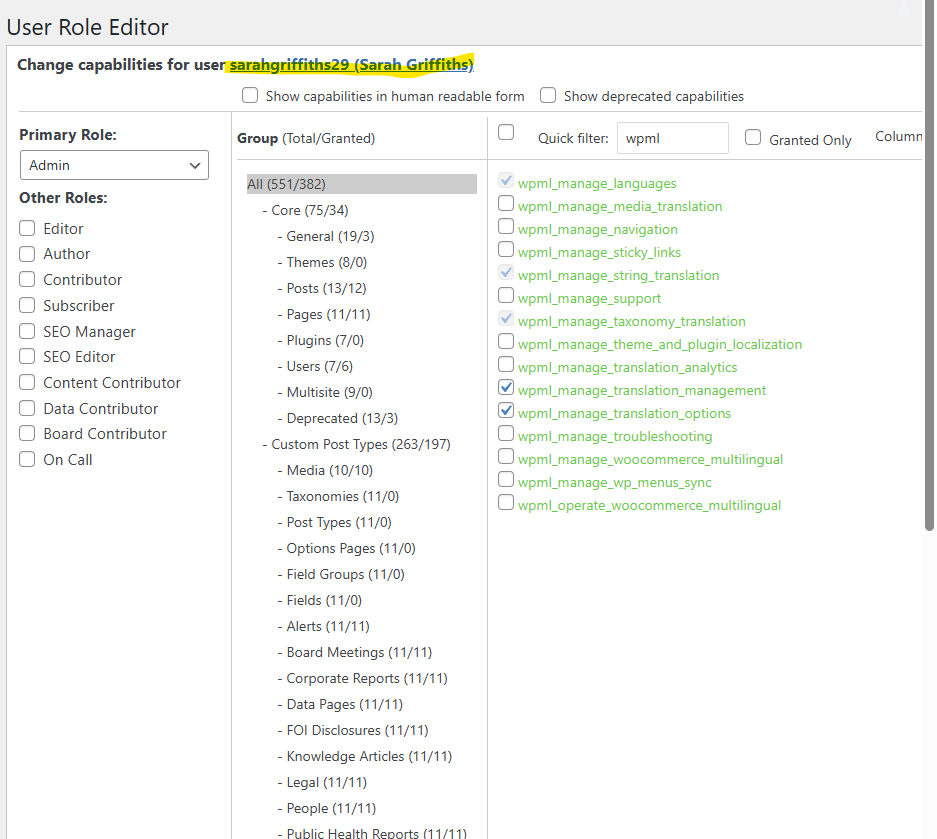
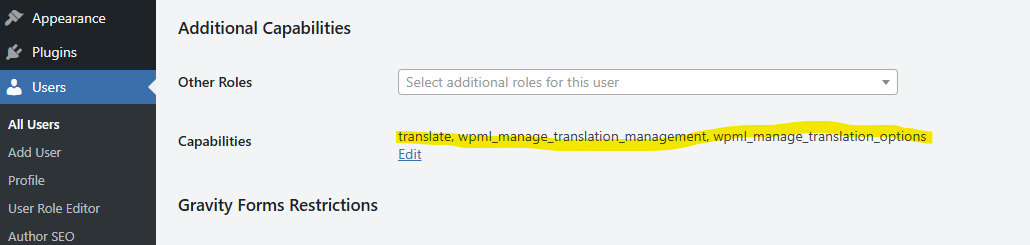
Sarah’s account includes the capability wpml_manage_translation_options and behaves as a Translation Manager (her Translations tab only shows manually queued pages).
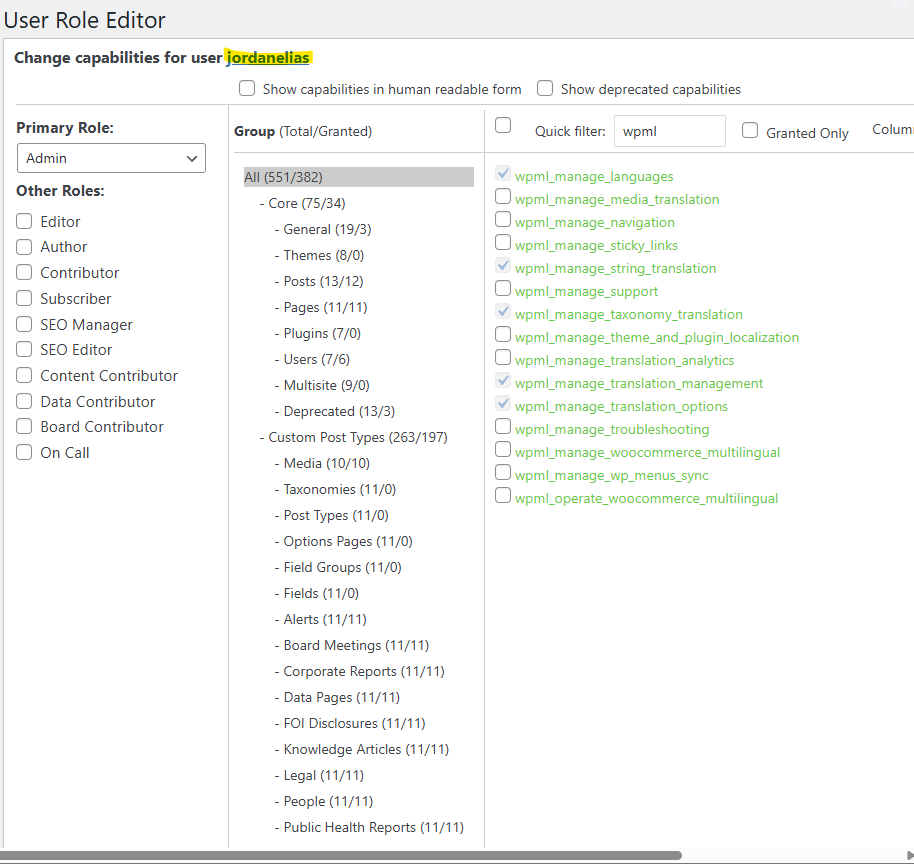
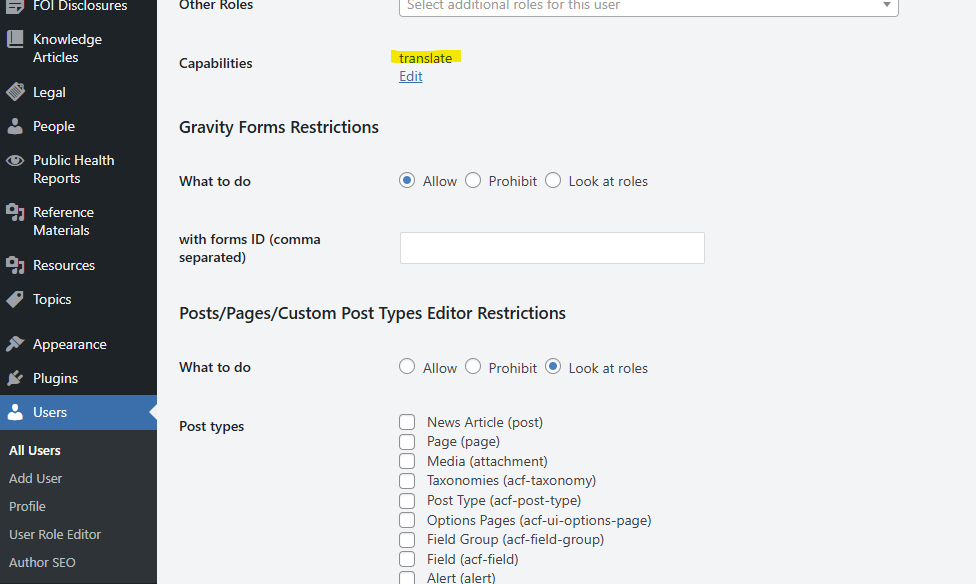
Jordan’s account does not include that capability, and he sees an automatically populated translation queue (which is impossible to work from).
When we go to WPML → Translators → Add a Translation Manager, Jordan does not appear in the list — even when his WordPress role is temporarily switched to Editor.
The capability wpml_manage_translation_options is greyed out in User Role Editor, so we can’t toggle it manually.
We’ve already tried re-adding Jordan as a translator and re-saving his language pairs, but he still doesn’t show in the list.
Questions:
Could you please manually register Jordan as a Translation Manager or advise how to resync WPML’s internal role mapping so that his user profile gains the wpml_manage_translation_options capability? We have 19 active "Admin" users that require this functionality.
This is a production site (not visible to the public, but we have 19 active "Admin" users constantly adding/editing/translating content). It is also part of a multinetwork that contains actual live production sites (live to the public) so we cannot deactivate or reinstall WPML.
The URL is hidden link (redirected from live.onphw.com)
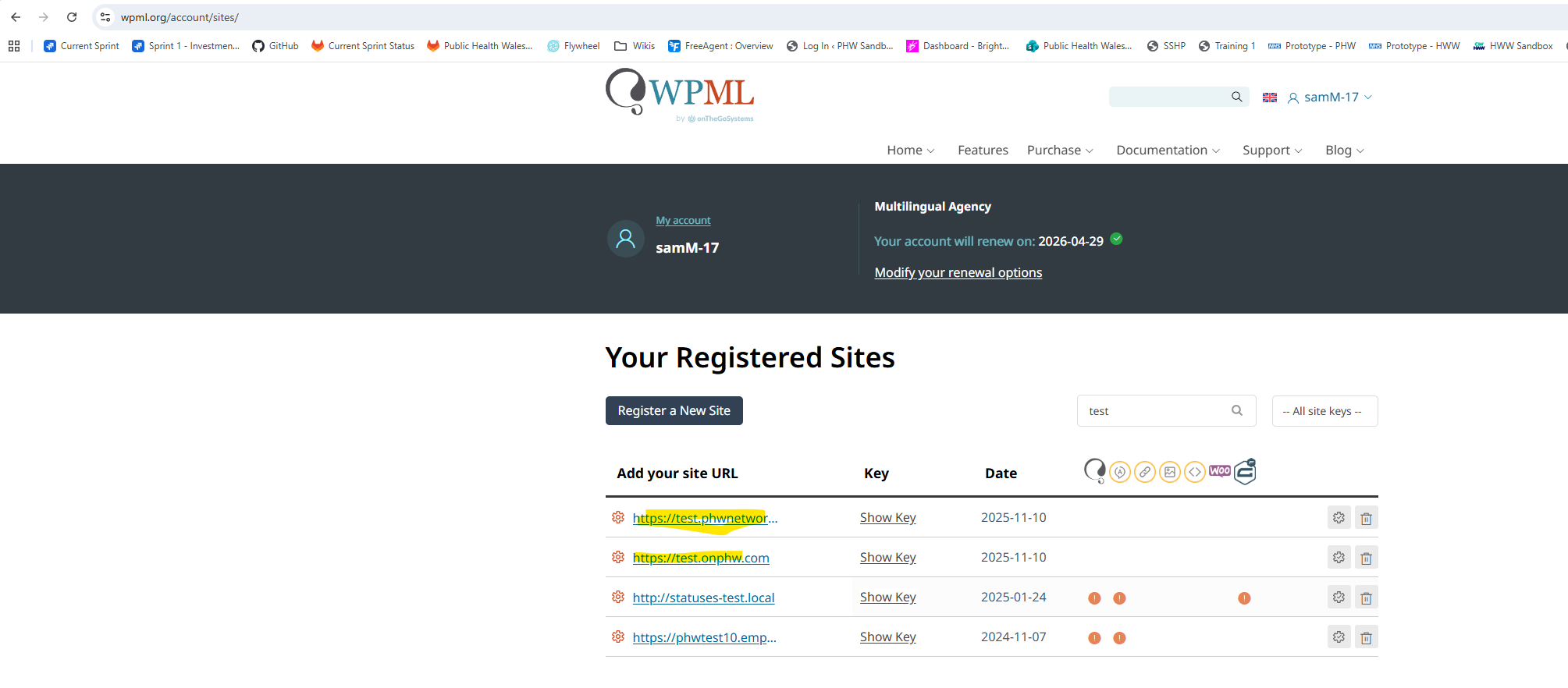
We have a test site which we can use to make a duplicator package. We have registered a new development site called hidden link however we cannot update the key anywhere in the UI since updating WPML. When we try to visit "/wp-admin/options-general.php?page=installer" it says we are not allowed to access the page. We do not have database access to update the key
Languages: English (English )Spanish (Español )German (Deutsch )
Timezone: America/Lima (GMT-05:00)
Hello,
I'd like to request temporary access (wp-admin and FTP) to the website to investigate the issue further.
You'll find the necessary fields below the comment section if you log in to leave the next reply. The information you provide will be private, meaning only you and I will be able to see and access it.
IMPORTANT
Please be sure to create a backup of the website and database before granting us access.
If you don't see the "wp-admin / FTP" fields, your login credentials for the post and website will be set to "PUBLIC." Do NOT publish the information unless you see the required wp-admin / FTP fields.
The private reply form looks like this:
hidden link
When replying again, click "I still need assistance".
Video: hidden link
Please note that we are required to request this information individually on each ticket. We are not permitted to access any login information that was not specifically provided in the private reply form for this ticket.
Languages: English (English )Spanish (Español )German (Deutsch )
Timezone: America/Lima (GMT-05:00)
To be able to assist you, it would be ideal to have access to a Superadmin, as I need the possibility to install plugins for testing or taking a copy of the site.
Further, I need to install a plugin like Adminer or WPphpmyadmin to take a look at the user's data on the database.
About translators:
Newly created user accounts will not be able to see translation jobs that were created before the user existed.
Just realised - you wont be able to manually install the plugins as we use composer/azure to do this - if you let me know which exact plugins you need I can add them in.
They do exist on the site. If you go into the network admin and then users, you can see "jordanelias". Then if you go to the site "Public Health Wales" (the site this is mainly referring to) > users > "jordanelias" you will see that jordan has an admin role for the phw site (and others). Same for Sarah. The database has been copied from live so the set up is the same and im looking at it right now when logged in as an admin. I've also logged in as both jordan and sarah and can see the issue in question where Jordan is being given everything in his queue and sarah only has selected items assigned. I asked if you wanted the logins for these two users and you didnt reply.
You can also see that i've registered the network and the Public Health Wales test sites here. And when you login to the admin area it doesn't prompt me to re-register - it just works.
Languages: English (English )Spanish (Español )German (Deutsch )
Timezone: America/Lima (GMT-05:00)
I can not pass the server protection for hidden link.
I can access hidden link, but it does not contain users like"sarahgriffiths29" and "jordanelias".
Also, WPML is still not registered here. It needs to be registered first to be able to use Translation Management and the Advanced Translation Editor.
Please register WPML and make sure to give the users a first name and last name in their profile.
Each user needs a valid email, first name, and last name to be able to be authorized for the usage of Translation Management and the Advanced Translation Editor.
I removed and re-added the user in the end which fixed the issue. But now we have a separate issue.
I'm translating content in WordPress. I've used the WPML plugin. I added pages to a translation queue, downloaded as xliff files, and sent to a translation agency. The translated filed have been returned but I'm getting an error message when I try to import the translated files. I had issues with my user account and have had to create a new account. I think this may the be the cause because the error message says 'this translation job doesn't belong to you' and 'the xliff file doesn't belong to this system.'I'd like help in solving how I can upload the translations please