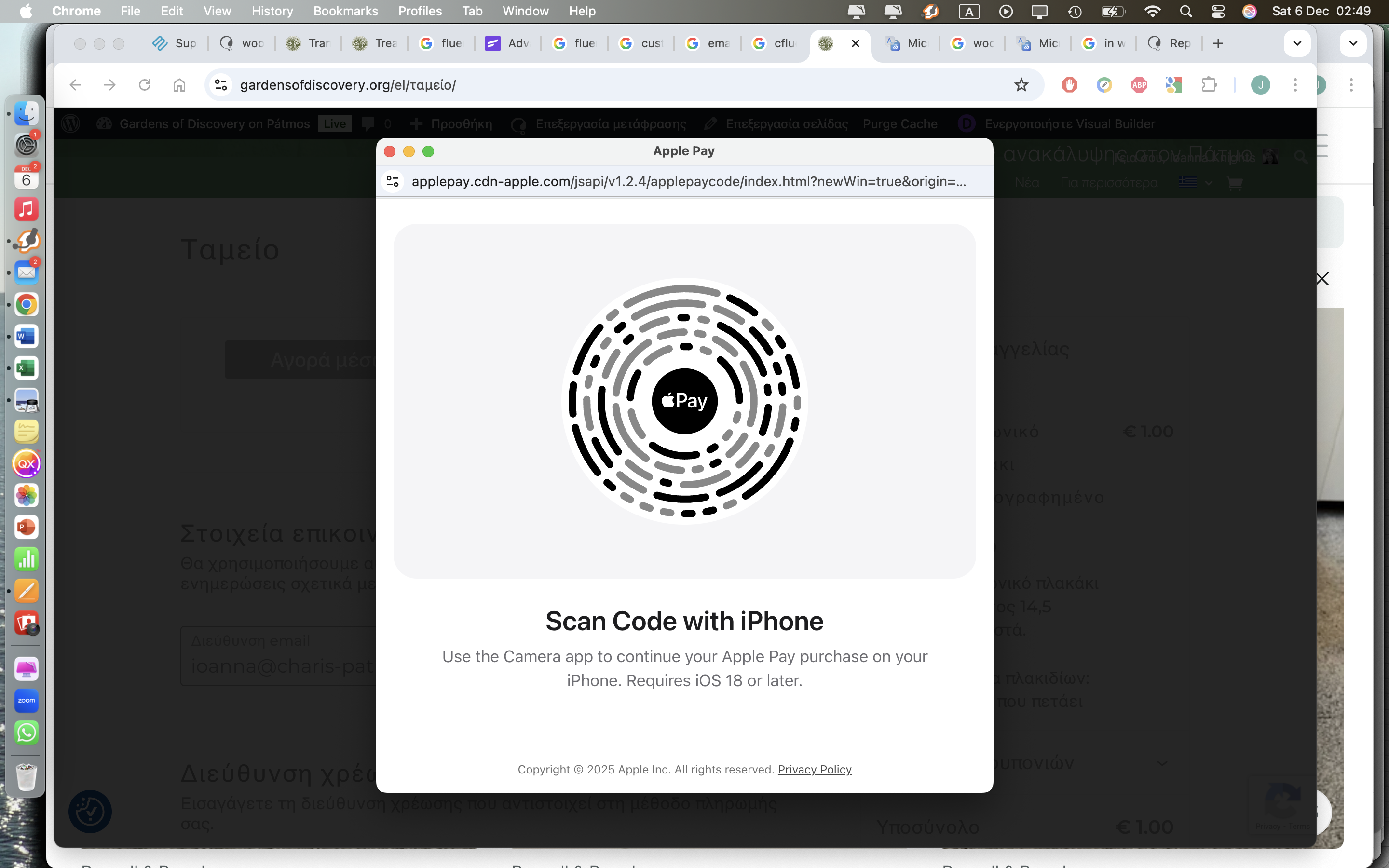
This thread is resolved. Here is a description of the problem and solution.
Problem:
You are experiencing issues with the translation of popup screens for ApplePay and Google Pay after being transferred to the payment gateway. Despite following WPML guidance, you are unable to locate the strings in the admin.
Solution:
We have identified that the code for ApplePay and Google Pay is proprietary and loaded from an external server, which means it is not connected to WordPress and cannot be translated using standard WordPress methods. Since these services do not use getText() calls, which are essential for WPML to translate strings, the content remains untranslated.
We recommend contacting Apple or Google directly to request that they include translations for their systems. This would ensure that the content is translated across different apps and CMS platforms, not just WordPress/WPML. However, based on Apple's explanation, which you can view here: https://support.apple.com/guide/iphone/change-wallet-apple-pay-settings-iphf8b1fc01e/ios, it seems unlikely that they will implement such an integration.
If this solution does not resolve your issue or seems irrelevant, we highly recommend checking related known issues at https://wpml.org/known-issues/, verifying the version of the permanent fix, and confirming that you have installed the latest versions of themes and plugins. If you still need assistance, please open a new support ticket at WPML support forum.
This is the technical support forum for WPML - the multilingual WordPress plugin.
Everyone can read, but only WPML clients can post here. WPML team is replying on the forum 6 days per week, 22 hours per day.
This topic contains 4 replies, has 1 voice.
Last updated by 1 month, 1 week ago.
Assisted by: Marcel.