URGENT
Hi,
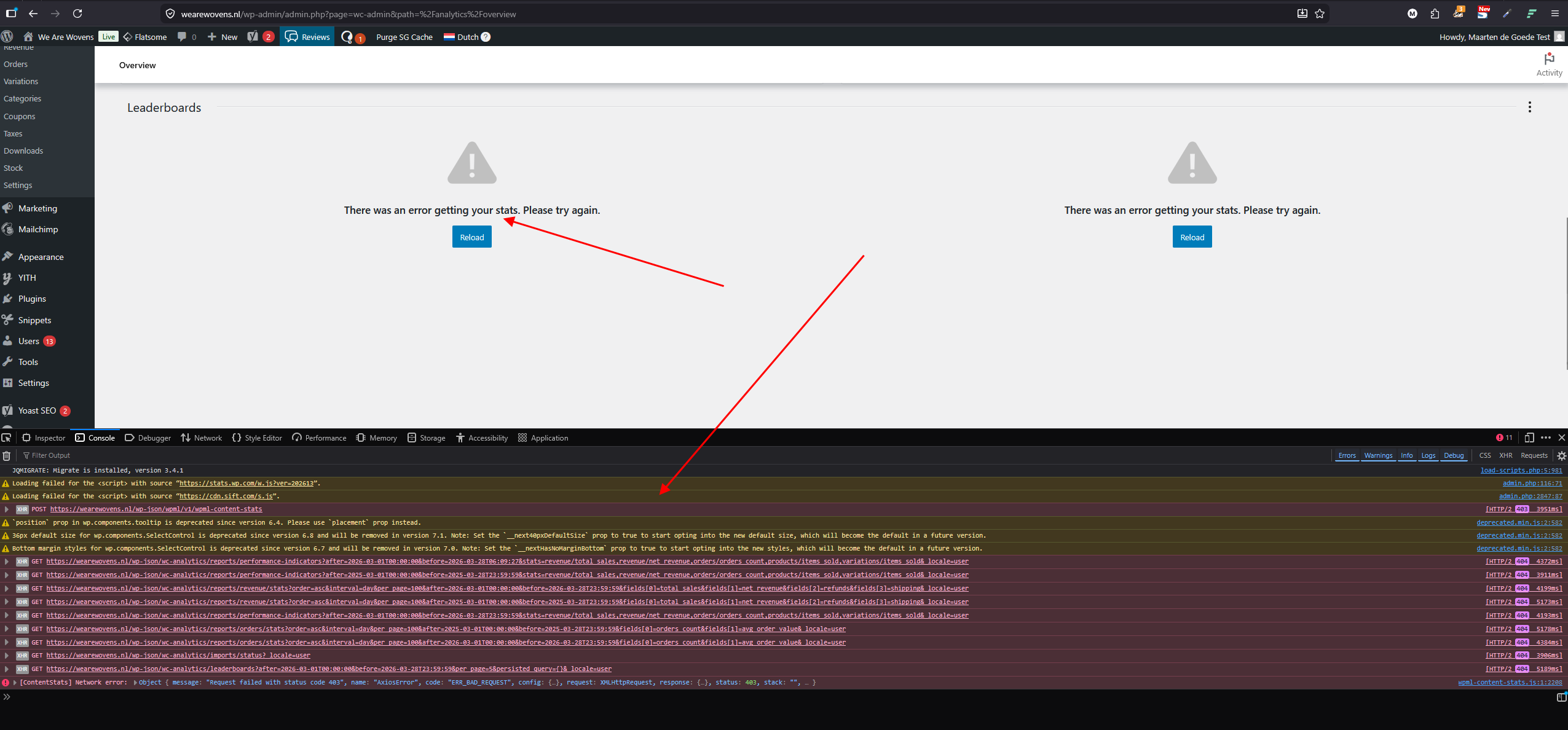
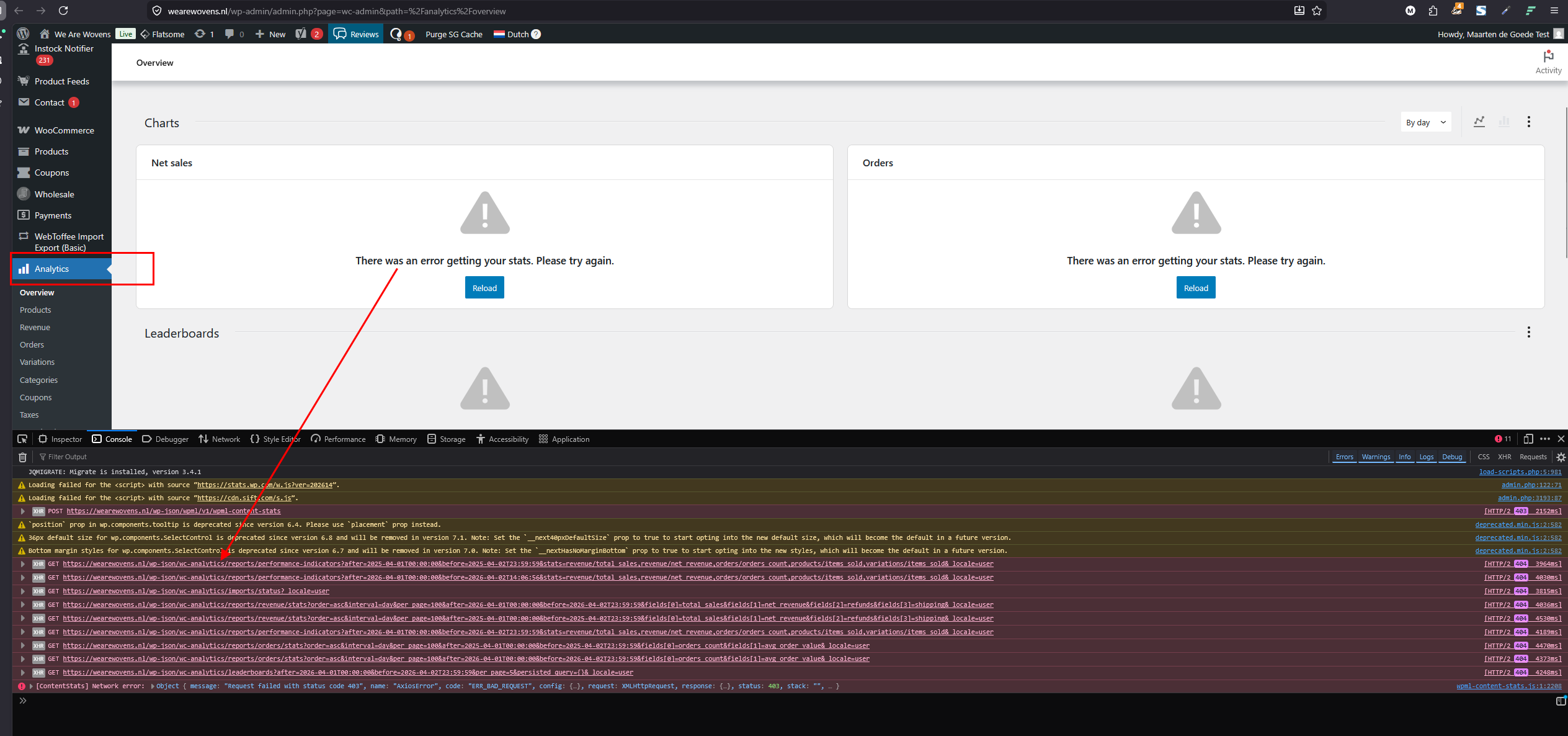
When I enable the The WPML plugin is creating problem all the time. My Client is facing error on WooCommerce Analytics when they enabled your plugin. All the plugins are updated, but it is showing error when enabled. The WooCommerce Analytics page says "There was an error getting your stats. Please try again."
I’d be happy to assist. In the meantime, I took the liberty of testing the configuration `woocommerce-analytics.0.9.13.zip` + `WC 10.6.1` + the latest WPML/WCML on my environment and didn’t encounter any blockers. It seems the issue may result from a specific interaction or configuration.
In this case, I’ll need a few additional details:
- Are there any errors appearing in `debug.log`? This would greatly help in identifying the cause.
- Is it possible to reproduce the issue by following specific steps?
- Alternatively, would it be possible to provide access to a non-production environment so we can investigate and create a backup using Duplicator to diagnose the problem? I will mark the next message as private.
Please share any additional information so I can assist further.
Hi,
The problem is on my website when i activate your "WPML Multilingual CMS" my WooCommerce Analytics page inside my WP admin panel show no graph it shows error. See attached image. But when i disable your plugin all works fine.
So, the main problem is on your "WPML Multilingual CMS". Please note that the Database and the full website is 12GB in size and it's a live website. If you want I can give you access to login to WP Admin Panel to see.
Or you can tell me how to fix it. This is urgent.
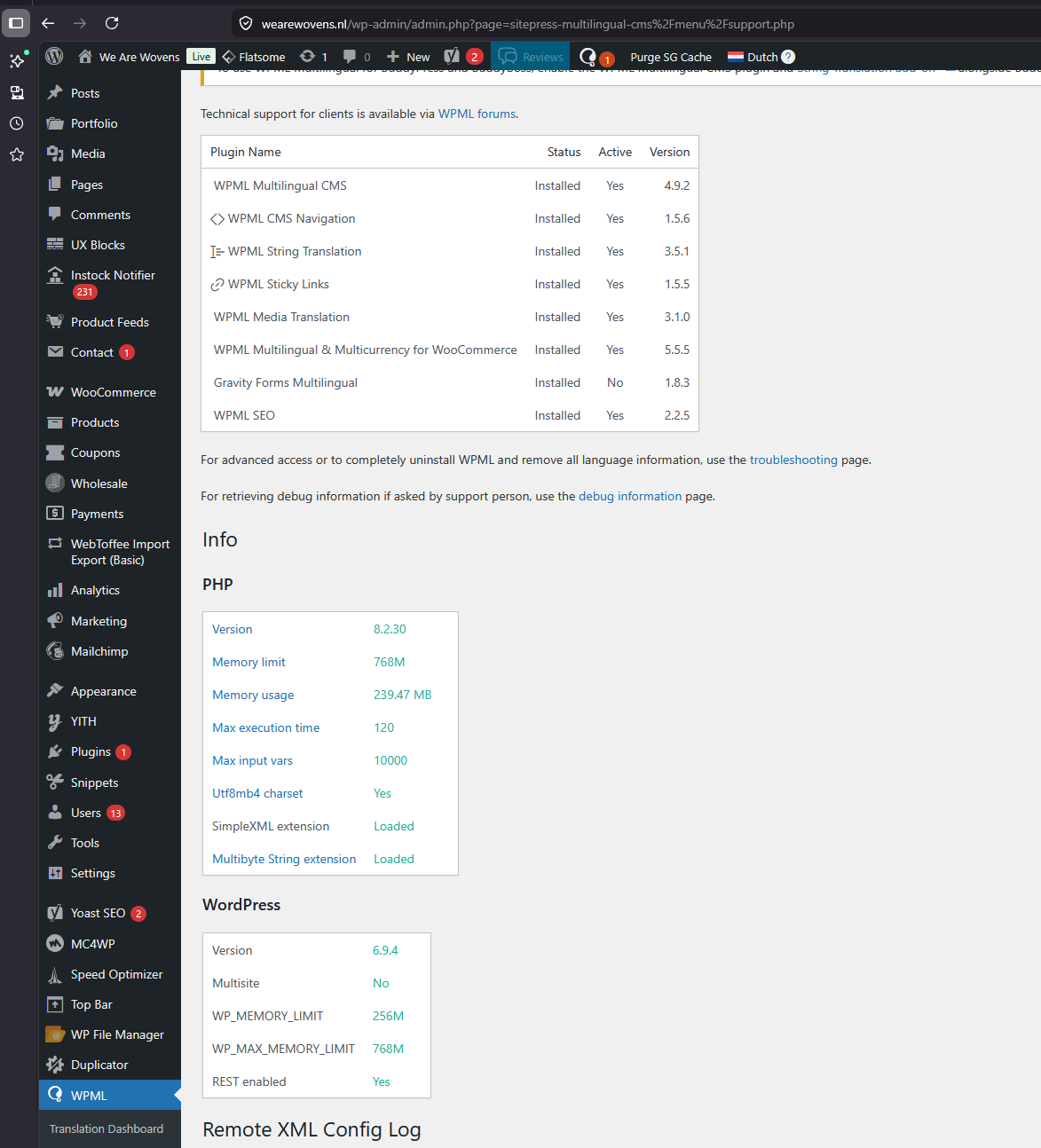
Here is a copy of your WPML > support > debug-information
Languages: English (English )Vietnamese (Vietnamese )
Timezone: Asia/Ho_Chi_Minh (GMT+07:00)
Hi Safiul,
I'm Long from the WPML Development team, I'm happy to help you with this issue.
Based on your screenshot, I see there is a connection issue with our internal feature to share the site stats. I suggest you go to WPML > Settings > Section "Get a proactive support", select the option "No, don't send this information and skip maintenance alerts". Then clear all caches (plugin, browser ...) and see if it helps.
If it does not help, I would like to request temporary access (wp-admin and FTP) to your site so I can take a better look at the issue. It would be better to have a testing site where the issue is replicated. Your next reply is set to private to share the info.
❌ IMPORTANT: Please backup your database and website before proceeding ❌