This thread is resolved. Here is a description of the problem and solution.
Problem:
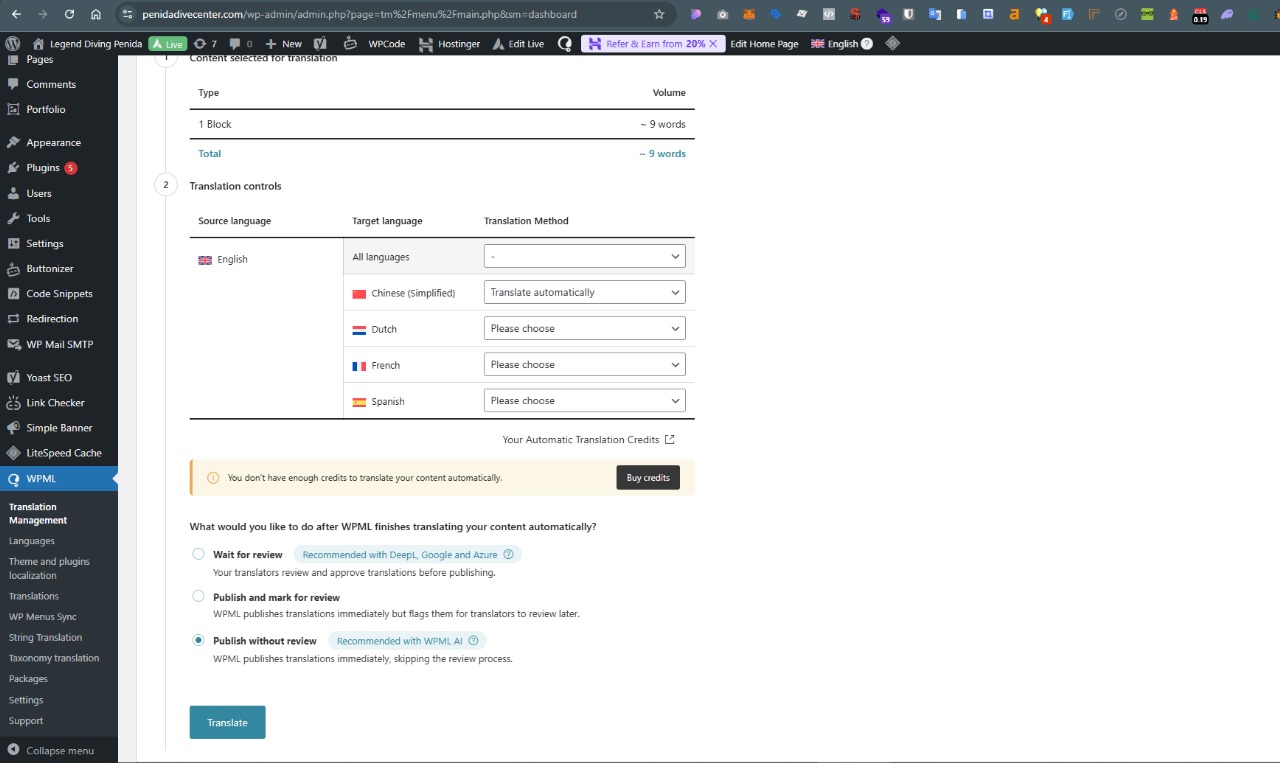
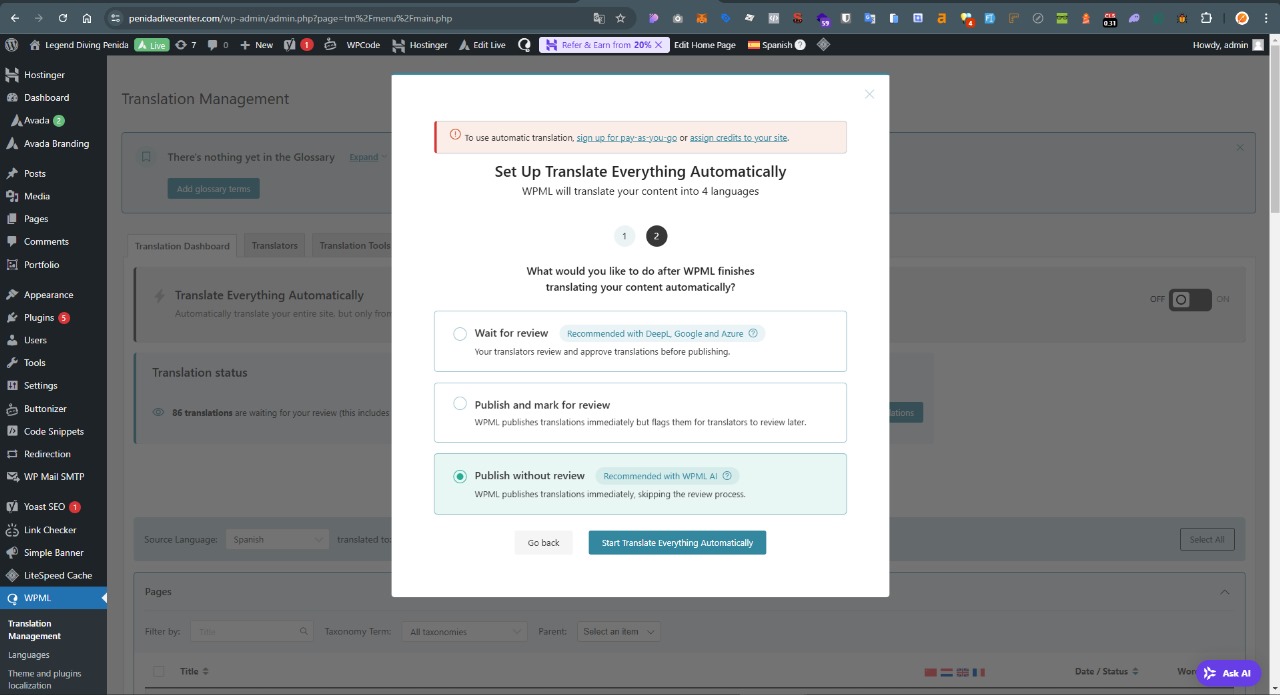
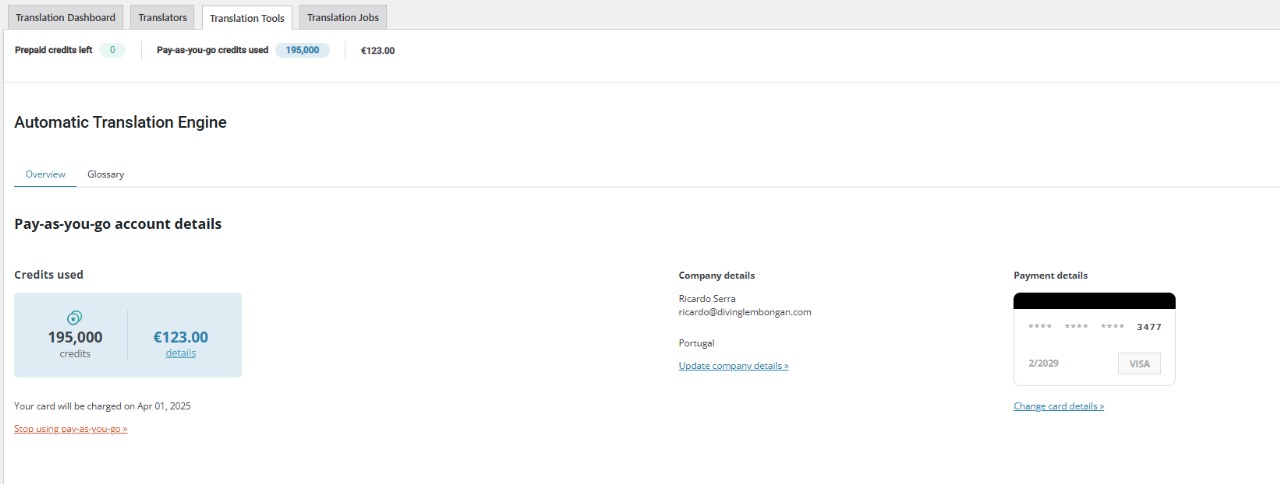
The client is unable to translate their website using WPML's pay-as-you-go system despite having activated it. They encounter messages stating insufficient credits and are prompted to register for pay-as-you-go again when trying to activate automatic translation.
Solution:
If you're experiencing similar issues with the pay-as-you-go system in WPML, here are the steps we recommend:
1. Check if you have hit the pay-as-you-go safety limit. WPML has two safety limits to prevent excessive spending and fraud, triggered at $100 and $4,000 of spending in a month. Once you reach these limits, you need to make a payment to continue.
2. To make a payment, go to WP > All Posts, select any post, and click on the "+" button. This will open the Advanced Translation Editor where you can click on Add Credits.
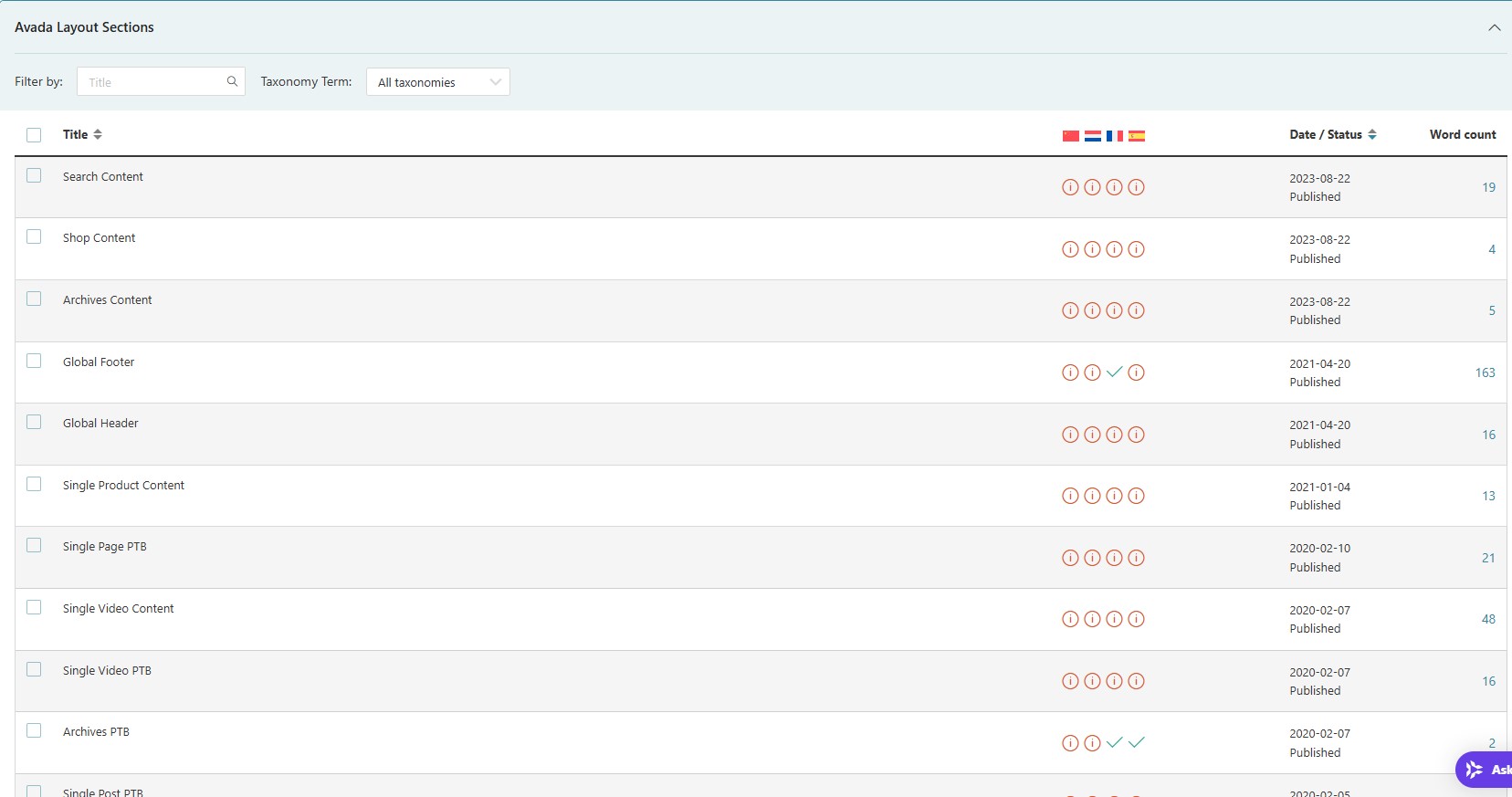
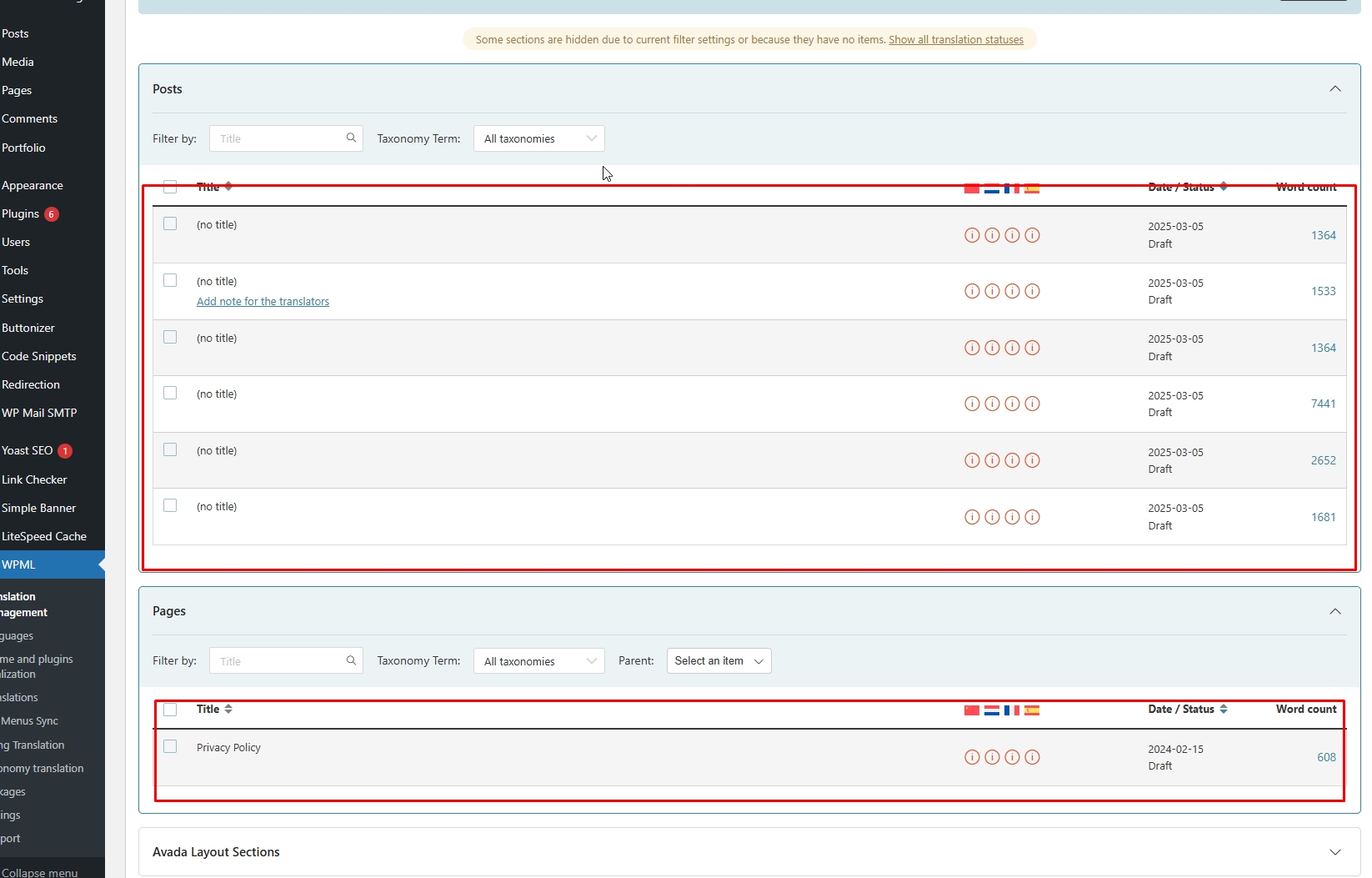
3. If you want to translate specific pages or posts using automatic translation, ensure that these contents are selectable for translation in your WPML settings.
Please note that this solution might be outdated or not applicable to your specific case. We highly recommend checking related known issues at https://wpml.org/known-issues/, verifying the version of the permanent fix, and confirming that you have installed the latest versions of themes and plugins. If these steps do not resolve your issue, please open a new support ticket.
This is the technical support forum for WPML - the multilingual WordPress plugin.
Everyone can read, but only WPML clients can post here. WPML team is replying on the forum 6 days per week, 22 hours per day.