This thread is resolved. Here is a description of the problem and solution.
Problem: You are unable to change or write new translations for locked strings in WPML. Solution: If you're experiencing issues with string translation not working, it's important to first verify that the strings are registered and available for translation in WPML → String Translation. For instance, if you're trying to translate 'Country' to 'Država', this translation might be sourced from .mo files, potentially provided by your theme. It's crucial to identify where the 'Country' field is configured within your property search to pinpoint the exact source of the string. If the 'Country' field no longer appears in your property search, this could indicate a change in configuration or source.
Please note that this solution might be outdated or not applicable to your specific case. We highly recommend checking related known issues at https://wpml.org/known-issues/, verifying the version of the permanent fix, and confirming that you have installed the latest versions of themes and plugins. If the issue persists, please open a new support ticket at WPML support forum for further assistance.
This is the technical support forum for WPML - the multilingual WordPress plugin.
Everyone can read, but only WPML clients can post here. WPML team is replying on the forum 6 days per week, 22 hours per day.
Please update your WPML plugin and add-ons to the latest version, 4.9.2, to benefit from the latest bug fixes and improvements. This may not necessarily resolve your problem; however, we need to work on the newest code available to troubleshoot the issue best.
You can check the latest released versions under "My Account -> Downloads" on this site. Instructions to update can be found here: http://wpml.org/faq/install-wpml/
If you do not see the updates, you might need to click the Check for updates button in the Plugins → Add New Plugin → Commercial tab.
Please remember to backup your database before you proceed.
If the issue persists after an update, please provide more details about it.
Could you please provide more details on exactly what is not working with String Translation?
It would also be very helpful if you could upload related screenshots where the issue can be seen. This will help me better understand the issue and assist you more effectively.
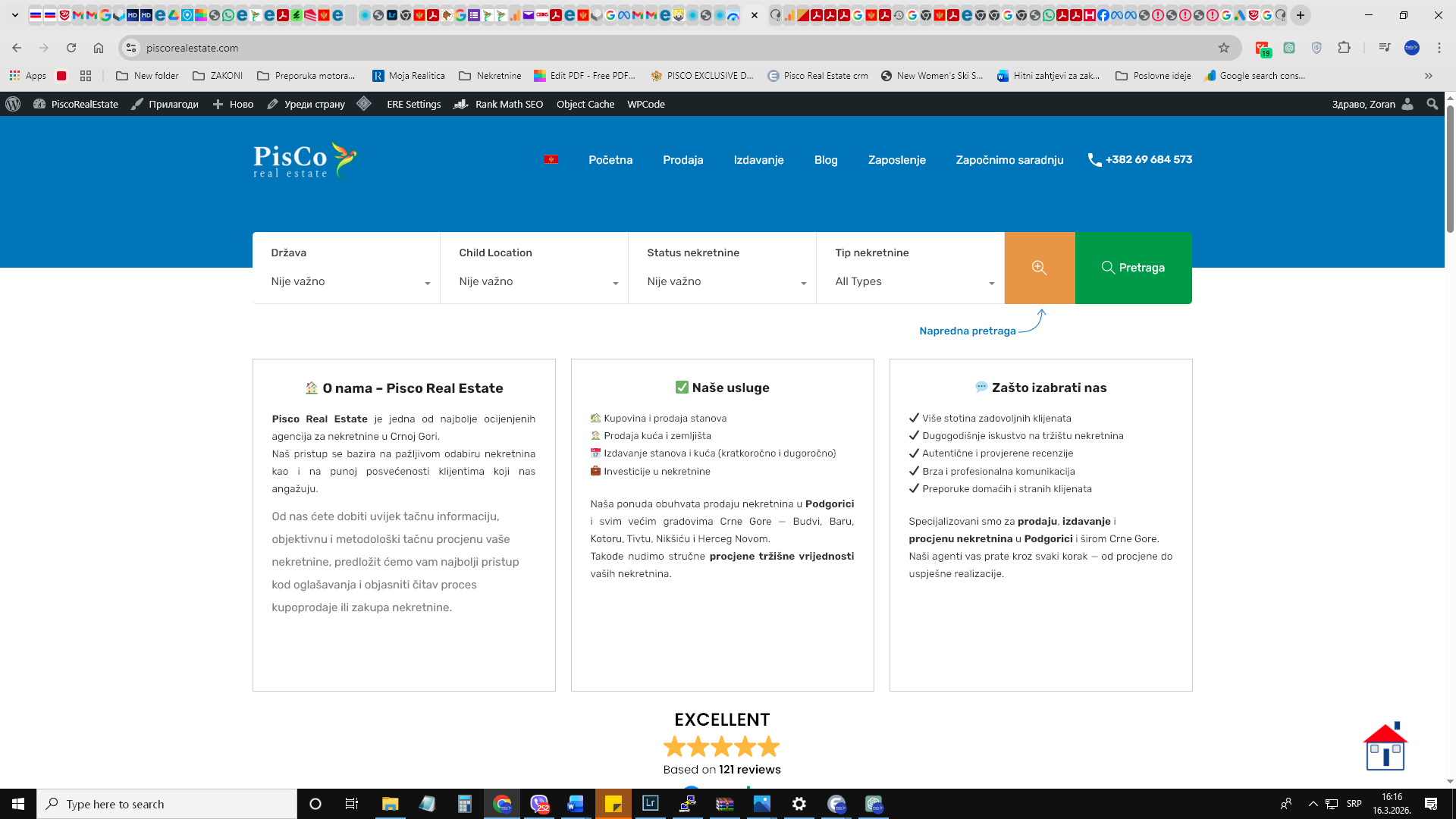
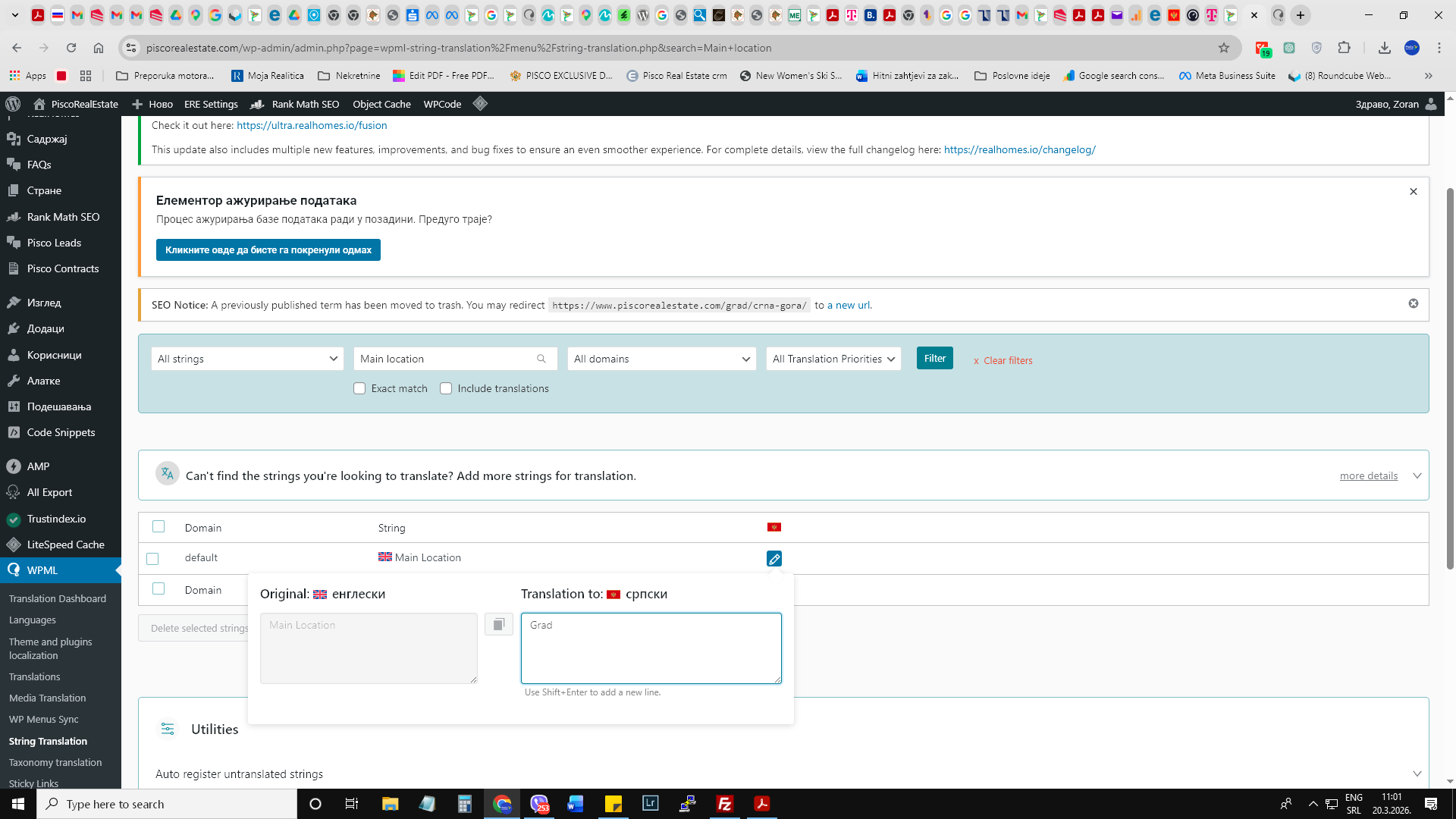
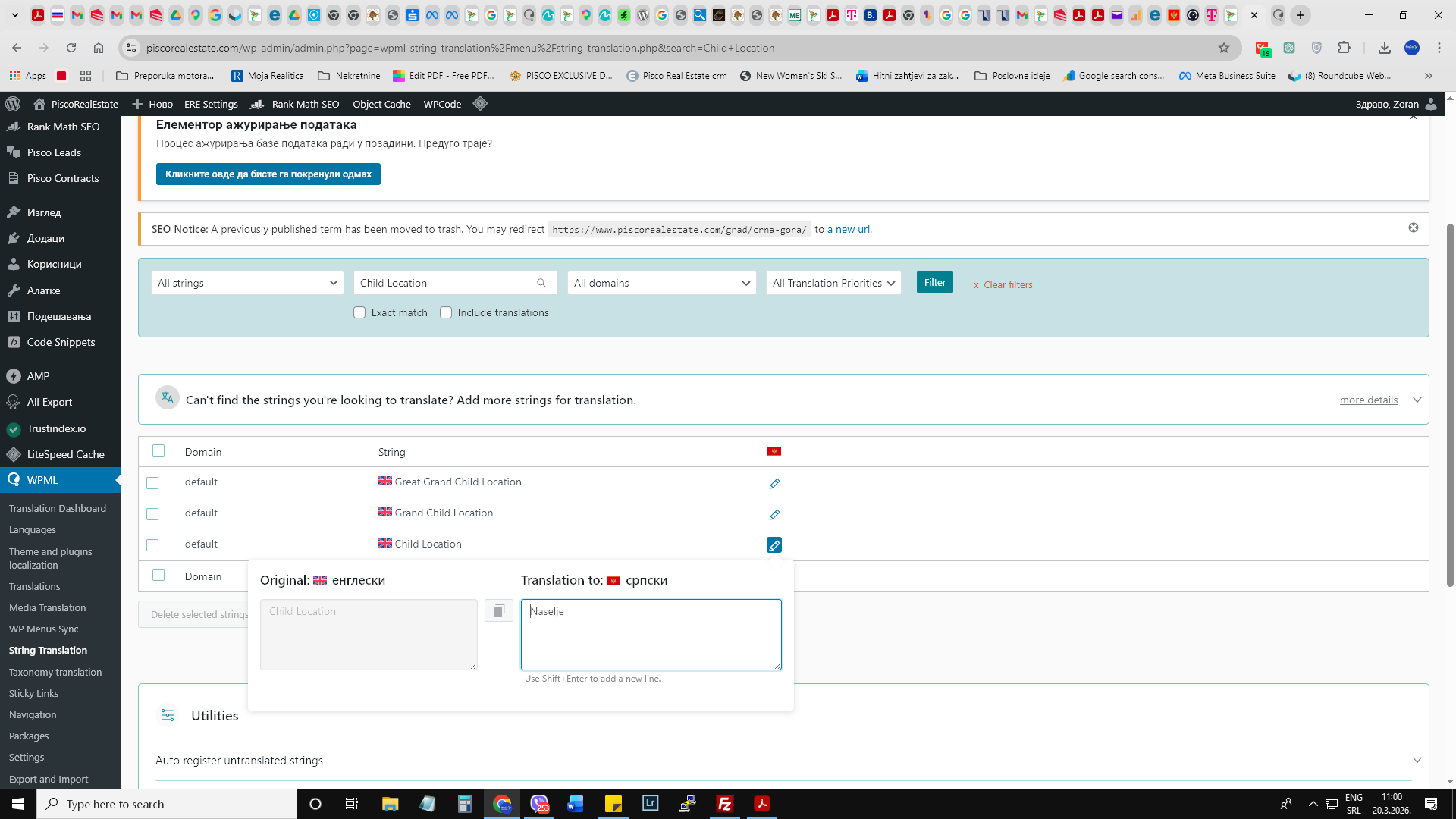
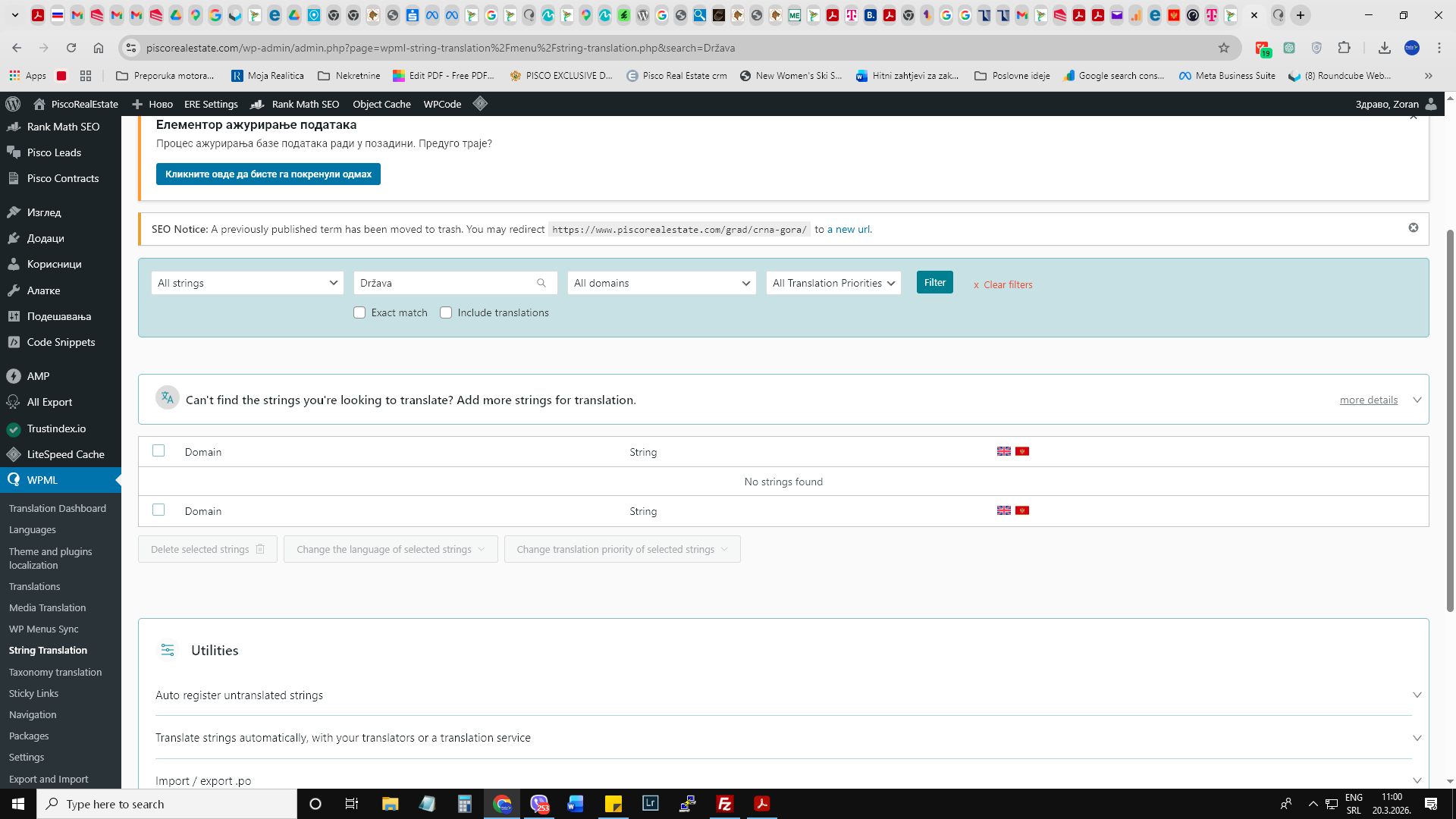
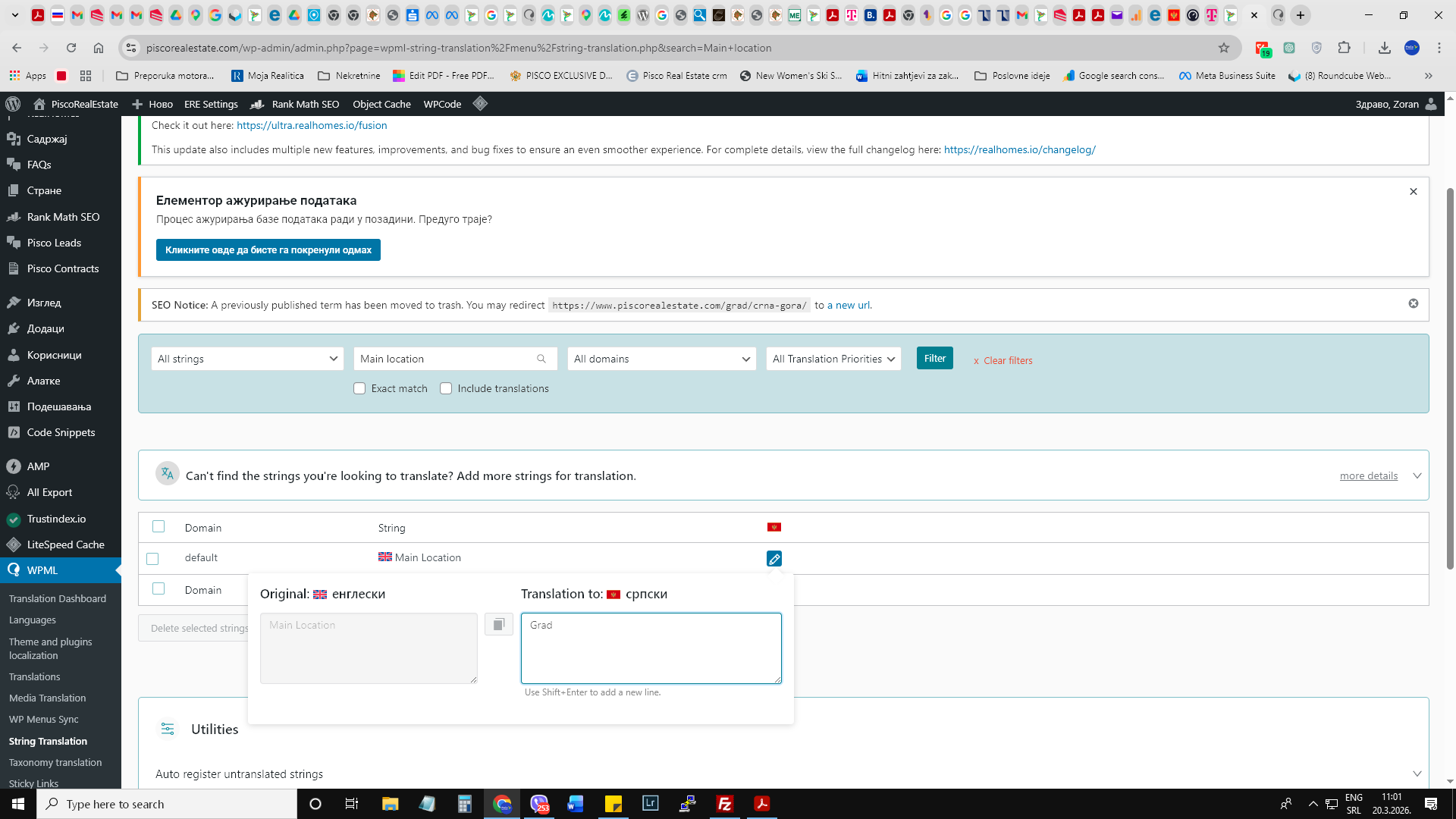
hi, I checked and string translation not working at all. I tried to translate random from theme string names but it cant find it, for example property search, wpml cant find it as a string. Also some names are translated earlier but also cant find to fix it like " Država" for example in property searche theme section. I will upload screenshoot. Aslo therm " Child Location" for example I couldnt find to transle in string section.
I need to request temporary access (wp-admin and FTP) to your site—preferably to a test site where the problem has been replicated if possible—in order to be of better help. When you log in to leave your next reply, you will find the needed fields below the comment area. The information you will enter is private, meaning only you and I can see and access it.
Also some names are translated earlier but also cant find to fix it like " Država" for example in property searche theme section. I will upload screenshoot. Aslo therm " Child Location" for example I couldnt find to transle in string section.
Could you please clarify where these labels (for example “Država”) are configured? Are they set in the theme settings, a plugin, or perhaps coming from custom fields? Any additional details or screenshots will help me better understand where these strings originate from.
If further investigation is needed, I may ask to replicate your site locally. For that, I would need to temporarily install a plugin such as Duplicator or All-in-One WP Migration to create a copy of your site and its content. Alternatively, you can create the backup yourself and share the exported package with me.
" Država" is translating from property search theme box for " Country" . But the problem persist because I cant find that string, wpml couldnt find it as well.
Could you please show me in a screenshot where you configured the “Country” field in the property search (theme settings)? This will help me better understand how it’s set up.
Also, would it be okay if I create a copy of your site to perform further testing?
The problem is because on the site exist translate for example " Država" or other on Serbian language but when I tray to find it not exist in string translation section on Serbian but exist on English version. For example, when I try to find " Country" I can find it and translate but when I try to find "Država" as translation for " Country" there is no string. so there is no Serbian language in string translation or not all string. Also now Location sector on Serbian language refused to show on property search section on website so I turned off string plugin, how customers can search properties.
Is not allowed coping of website on another place.
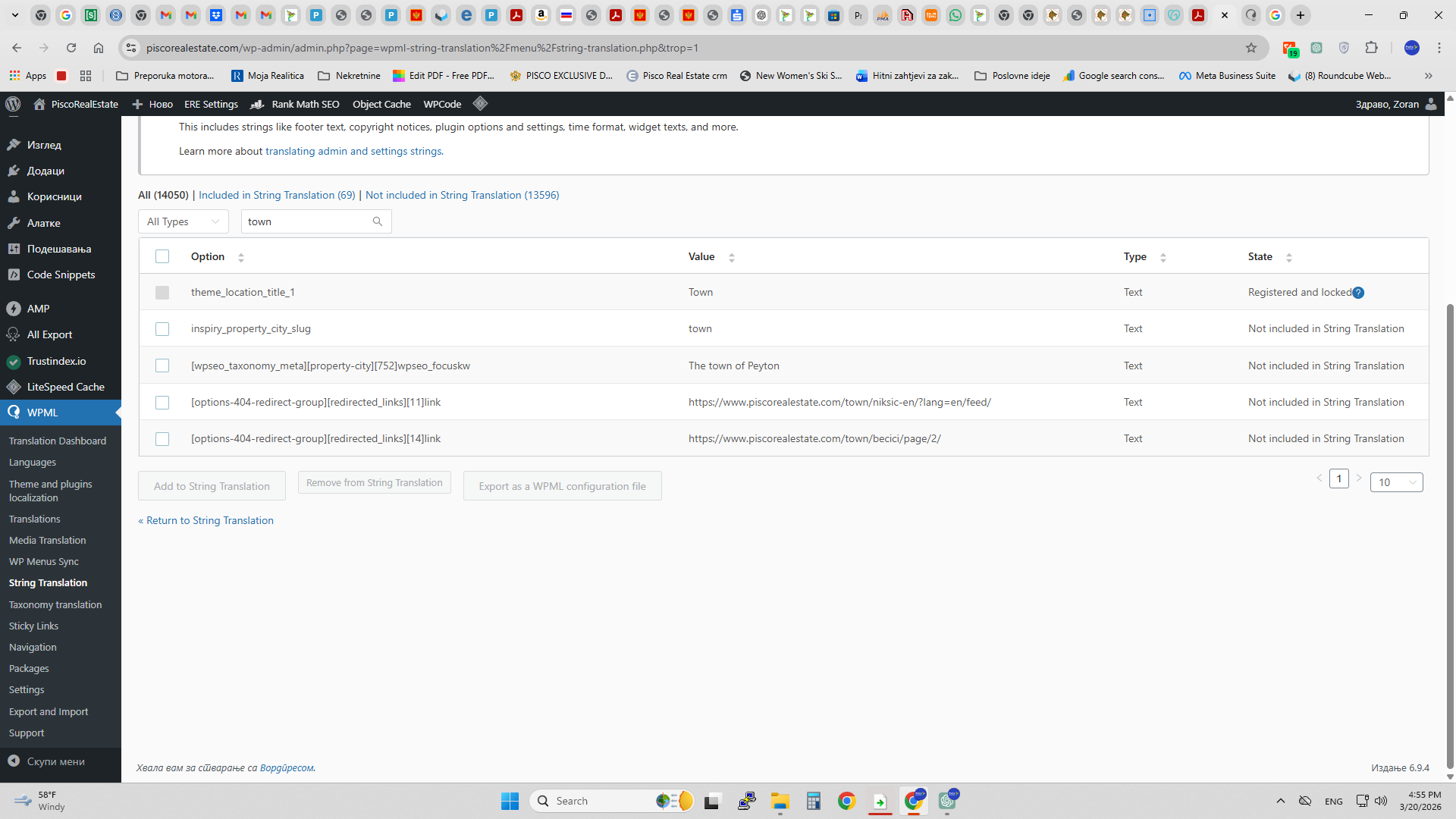
The locked strings indicate that they are registered and available for translation in WPML → String Translation.
I do understand, you are looking for the translation of “Country” → “Država”. Please note that this translation could also come from .mo files (for example, from the theme).
That’s why I asked how and where the “Country” field is configured in the property search—to determine the exact source of the string.
At the moment, I can see that the property search no longer includes the “Country” field.
Im sorry but string plugin make problem with theme because if it active a few fields for property search missing. So I turned off. Also any other changes in string translation not work with it. There is some incompatibility. I tried to turn off other plugin to check some comflict but nothing happened.
I’m concerned that we have limited options for safely testing on your live site.
Would it be possible to set up a staging site? This would allow you to reproduce the issue (keep it as is), and we can conduct further investigations without risking your live environment.