This thread is resolved. Here is a description of the problem and solution.
Problem: The client was trying to uninstall WPML from their website. After deleting all pages and following the support troubleshooting instructions, the website's database crashed. Solution: If you're experiencing this issue, we recommend the following steps: 1. Go to Plugins -> Installed Plugins and deactivate all plugins, leaving only WPML enabled. 2. Navigate to WPML -> Support -> Troubleshooting page, check the 'I am about to reset all translation and language data.' option, and click on the 'reset and deactivate WPML' button. 3. Return to the Plugins screen and delete the WPML plugins. This process should not cause any problems or crashes on your website. It's likely that there was a conflict with another plugin causing the database crash. Ensure you have a complete website and database backup before proceeding.
This solution might be irrelevant if it's outdated or not applicable to your case. We highly recommend checking related known issues at https://wpml.org/known-issues/, verifying the version of the permanent fix, and confirming that you have installed the latest versions of themes and plugins. If the issue persists, please open a new support ticket at WPML support forum.
This is the technical support forum for WPML - the multilingual WordPress plugin.
Everyone can read, but only WPML clients can post here. WPML team is replying on the forum 6 days per week, 22 hours per day.
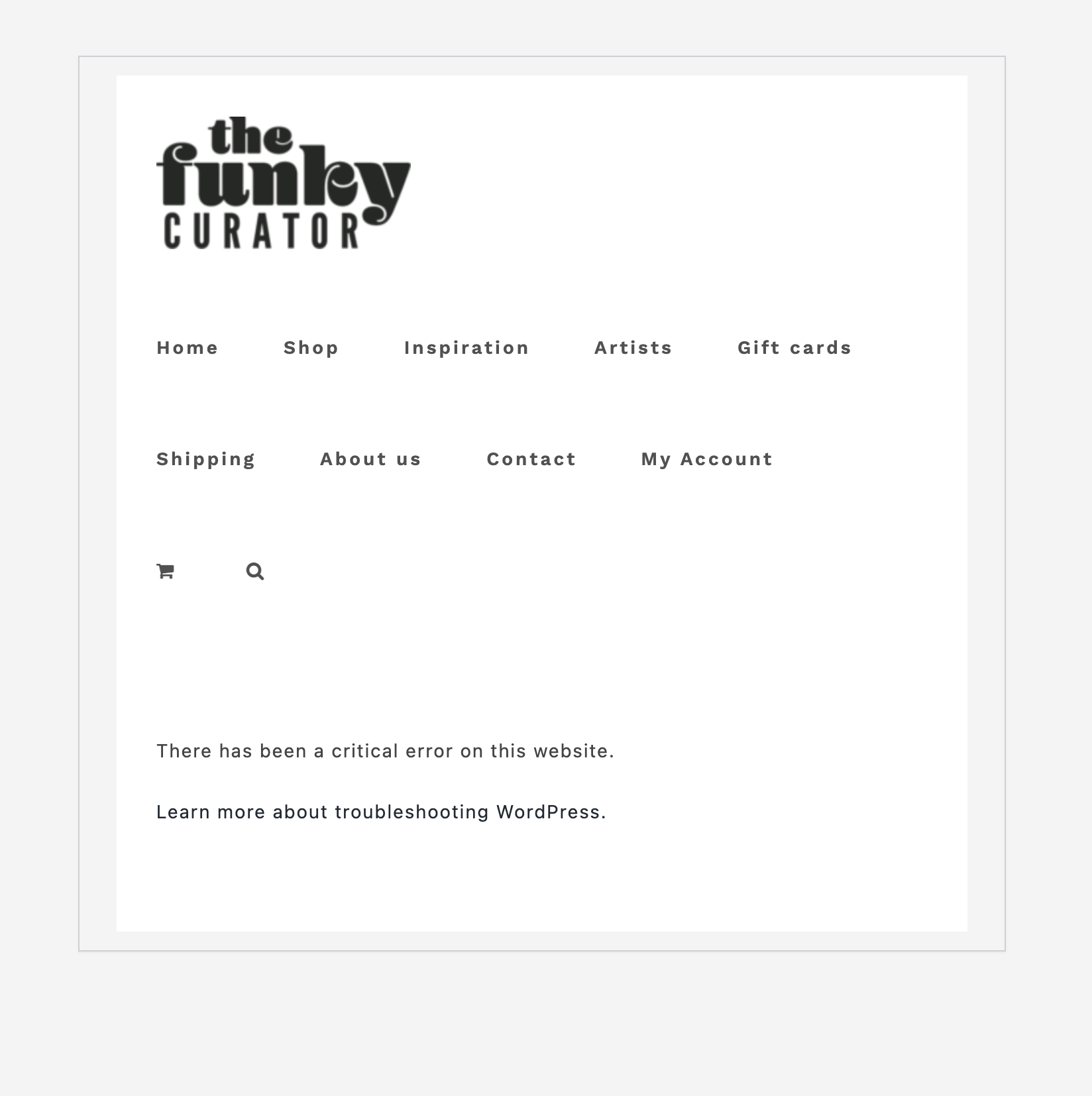
Uninstall WPML from my website. I deleted all the pages, then went to support troubleshooting and follow instructions. But the website's database crushes
Languages: English (English )Portuguese (Brazil) (Português )
Timezone: America/Sao_Paulo (GMT-03:00)
Hello,
Thanks for your contact, and welcome to the WPML support forum!
I would like to request temporary access (wp-admin and FTP) to your site to take a better look at the issue. You will find the needed fields for this below the comment area when you log in to leave your next reply. The information you will enter is private which means only you and I can see and have access to it.
Our Debugging Procedures
I will be checking various settings in the backend to see if the issue can be resolved. Although I won't be making changes that affect the live site, it is still good practice to backup the site before providing us access. In the event that we do need to debug the site further, I will duplicate the site and work in a separate, local development environment to avoid affecting the live site.
- Please make a backup of site files and database before providing us access.
- If you do not see the wp-admin/FTP fields this means your post & website login details will be made PUBLIC. DO NOT post your website details unless you see the required wp-admin/FTP fields. If you do not, please ask me to enable the private box. The private box looks like this: hidden link
Please, let me know if you need any additional details. Have a nice day.
Languages: English (English )Portuguese (Brazil) (Português )
Timezone: America/Sao_Paulo (GMT-03:00)
Hey there,
Thank you for sharing the website credentials.
Unfortunately, we're not able to access the dashboard area using the provided login. It says: "ERROR: Invalid username. Lost your password?". Screenshot: hidden link
Could you please review the information? I'm marking your next reply as private again so that you can enter a different login, if needed. Thanks, please let us know.
Languages: English (English )Portuguese (Brazil) (Português )
Timezone: America/Sao_Paulo (GMT-03:00)
Hey there,
Thanks for your reply.
Sorry about this back and forth, but we're still unable to access the dashboard area. Now we're receiving this message when we try to make the login: hidden link. Could you please review it once more?
Another possibility for us to take a closer look at this issue would be to create a package of your website and send it to us.
If you want to proceed with the package, please use the plugin Duplicator(hidden link) to create a full copy of your website so we can take a look at it and see what's causing the issue with the large table.
If you come across problems while creating it, please feel free to ignore(exclude from the backup) both uploads and cache folders.
I'm enabling the proper field for your to share this copy, you'll see it on your next response.
Alternatively, you may use any file sharing service that you prefer and share the link in the ticket(your next response is being marked as private, only you and I have access to it).
I don't understand why you can't access. you had problems with FTP and wordpress?
I only want to uninstall the WPML because is making my website extremely slow! 🙁
Please find bellow new user and password for my WordPress site
I just entered using this passwords
Please check on the last hidden message that I added a new username and password
Languages: English (English )Portuguese (Brazil) (Português )
Timezone: America/Sao_Paulo (GMT-03:00)
Hello there,
Thanks for your efforts in providing us with the website credentials. They're working now, and we were able to access the backend.
However, we're still facing a hard time trying to migrate the website to a copy version hosted on our servers. This is crucial in order to debug the issue in a different environment, and therefore, not affect the live website (since the database got crashed when the issue is replicated). We have been trying to do the migration through different ways and plugins, but it seems to have a restriction on the website that is preventing us to accomplish it.
Having said that, I'd like to offer you two options:
#1 Would it be possible that you set a staging website, where we can openly check and debug the issue without affecting the live production? If you can do that, I'm marking again your next reply as private, so that you can put the credentials for the staging website.
#2 Another possibility is to continue using WPML on the website and try to solve the performance issue that you reported. Here are some tips for this:
- Another attempt that you can try is to go to WPML -> Languages -> Make themes work multilingual and disable the "Adjust IDs for multilingual functionality" option. With this enabled, load times are higher.
Please review these options and let us know how you'd like to proceed. Thanks for your patience and understanding.
Hi, I created a stage website and I sent you the username email and password on our last hidden message. Hope you can manage to completely uninstall the plugin
Languages: English (English )Portuguese (Brazil) (Português )
Timezone: America/Sao_Paulo (GMT-03:00)
Hey there,
Thank you very much for creating the staging website.
Upon further inspection, we could solve the issue on the test website by following these steps:
- First, we went to Plugins -> Installed Plugins and deactivated all of them, leaving only WPML enabled
- Then, in WPML -> Support -> Troubleshooting page, we marked the ' I am about to reset all translation and language data.' option and clicked on the button 'reset and deactivate WPML'
- Back on the Plugins screen, we could successfully delete the WPML plugins
This did not cause any problems or crash on the website. Most probably, there was a conflict with some plugin, that made the database crash. Could you please repeat these steps on the live website? Just make sure to have a complete website and database backup before proceeding.