
This thread is resolved. Here is a description of the problem and solution.
Problem:
The client is trying to change the slug for products in the French version on their WooCommerce site but the changes are not taking effect. The products in the French version appear to be duplicates of the English version, and there are concerns about SEO optimization and duplicate content.
Solution:
1. Ensure the slug is updated in WooCommerce > WooCommerce Multilingual > Store URLs. After updating, resave the permalinks.
2. If the issue persists, go to WPML > String Translation, search for the original slug, and remove it. Then, try updating the slugs again from WPML > Settings > Post Type Translation > Products.
3. To display only translated products and avoid duplicates, go to WPML > Settings > Post Type Translation, find Products, and set the translation preference to "Translatable - only show translated items".
4. The slug 'acheter' was already in use for product category base translation, causing a conflict. We resolved this by renaming the category base slug to
acheter-1
, which allowed the French product URLs to work correctly. A different slug should be used for the French category base translation.
If this solution doesn't look relevant, please open a new support ticket.
This is the technical support forum for WPML - the multilingual WordPress plugin.
Everyone can read, but only WPML clients can post here. WPML team is replying on the forum 6 days per week, 22 hours per day.
Tagged: WCML
Related documentation:
This topic contains 15 replies, has 2 voices.
Last updated by Raja Mohammed 4 years ago.
Assisted by: Raja Mohammed.
| Author | Posts |
|---|---|
| March 31, 2022 at 7:00 pm #10923881 | |
 maxD-9 |
I try to change the slug for products in the french version from: hidden link TO hidden link I already changed the settings in WPML>Settings>Post Type translation>Products>Set different slugs in diff. languages. Unfortunately, it is not taking my changes, can you please guide me through this issue? What is the link to your site? |
| April 1, 2022 at 11:15 am #10928649 | |
 Raja Mohammed Supporter Languages: English (English ) Timezone: Asia/Kolkata (GMT+05:30) |
Hello there Please make sure the slug is also updated in WooCommerce > WooCommerce Multilingual > Store URLs. Sometimes it requires the slugs to be updated here directly. Once done try resaving the permalinks and check if that helps. If you still encounter the same issue, Let me know the results. Regards |
| April 1, 2022 at 6:55 pm #10931865 | |
|
maxD-9 |
Hi Raja, I've been through the whole process but I am still having the same issue. The problem might be because I don't have the products created in the french version. Somehow all the products I can see in the French version are simply duplicated from the English version. When I go under woocommerce products > french, there are no products displayed. But they are still visible on the website. (cf screenshots). What I try to achieve is: At the moment all the products are duplicated to a different URL which creates a lot of duplicate content on the website and it is impacting the way the website ranks on Google. Would you be able to guide me through this? I can provide you with credentials to access the website. Note that I have a dev website where I can create the translation and verify that everything is working fine. Is there a way to import all the translated products afterward? Cheers,  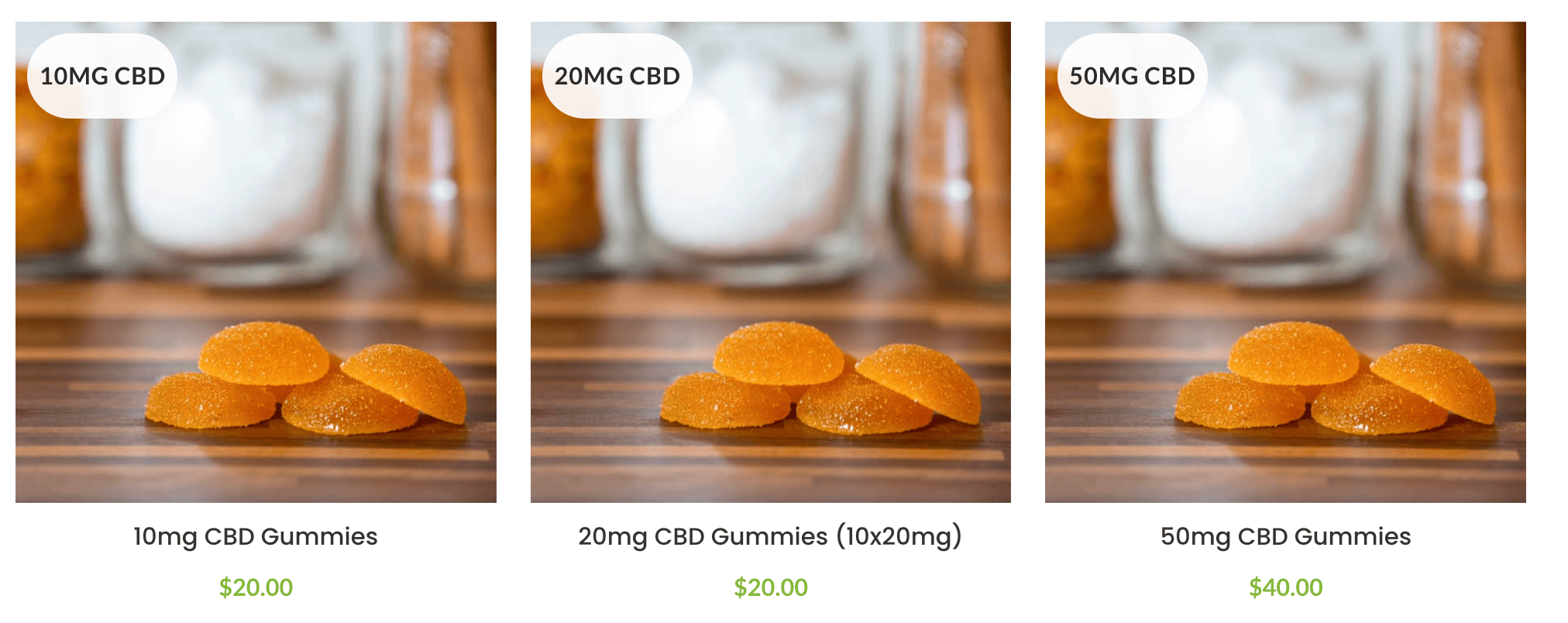 |
| April 4, 2022 at 9:57 am #10943055 | |
|
Raja Mohammed Supporter Languages: English (English ) Timezone: Asia/Kolkata (GMT+05:30) |
I see the products are set to Display as translated, which means, the products even if they are not translated will appear in the front by displaying the contents from the default language, If you wish to display only the translated products please goto WPML > Settings > Post type translation , Search for Products, and Set the translation preference as "Translateable - Only show translated contents". With that setting once you add the produce translation that will display the correct slugs. Regarding imports, it is not possible to import only the translated products. Regards |
| April 4, 2022 at 6:29 pm #10947851 | |
| maxD-9 |
Thanks Raja, I will need to use the automatic translation for that. I see that I currently have 20k credits, however, when I go into WPML pricing it says that I should have 90k credits for Multilingual CMS. Are you able to adjust the amount of credit for my account? When I go under WPML>Translation Man.>Automatic Trans. a problem occurs, according to the Installer log the "Site key not matching", so I went ahead and generate a new key then update it on the website but the feature is still not working. Can you please let me know how to solve this issue? Or I should just wait for 24hours. Note that I managed to get the following product automatically translated using the "translation" tool: hidden link (EN version) Even though the product is created and visible from the product Archive pages in the french version it does not display the products page itself when I click on it. So I updated the Permalinks for the website but it didn't change anything. Can you please let me know how to solve that? thanks New threads created by Raja Mohammed and linked to this one are listed below: 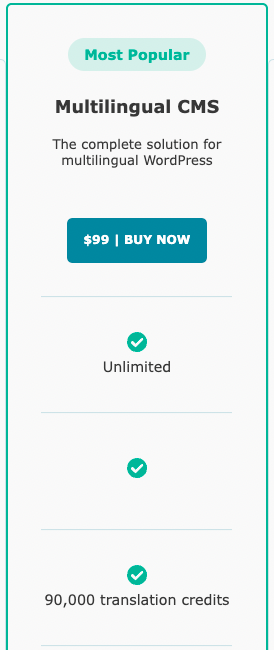  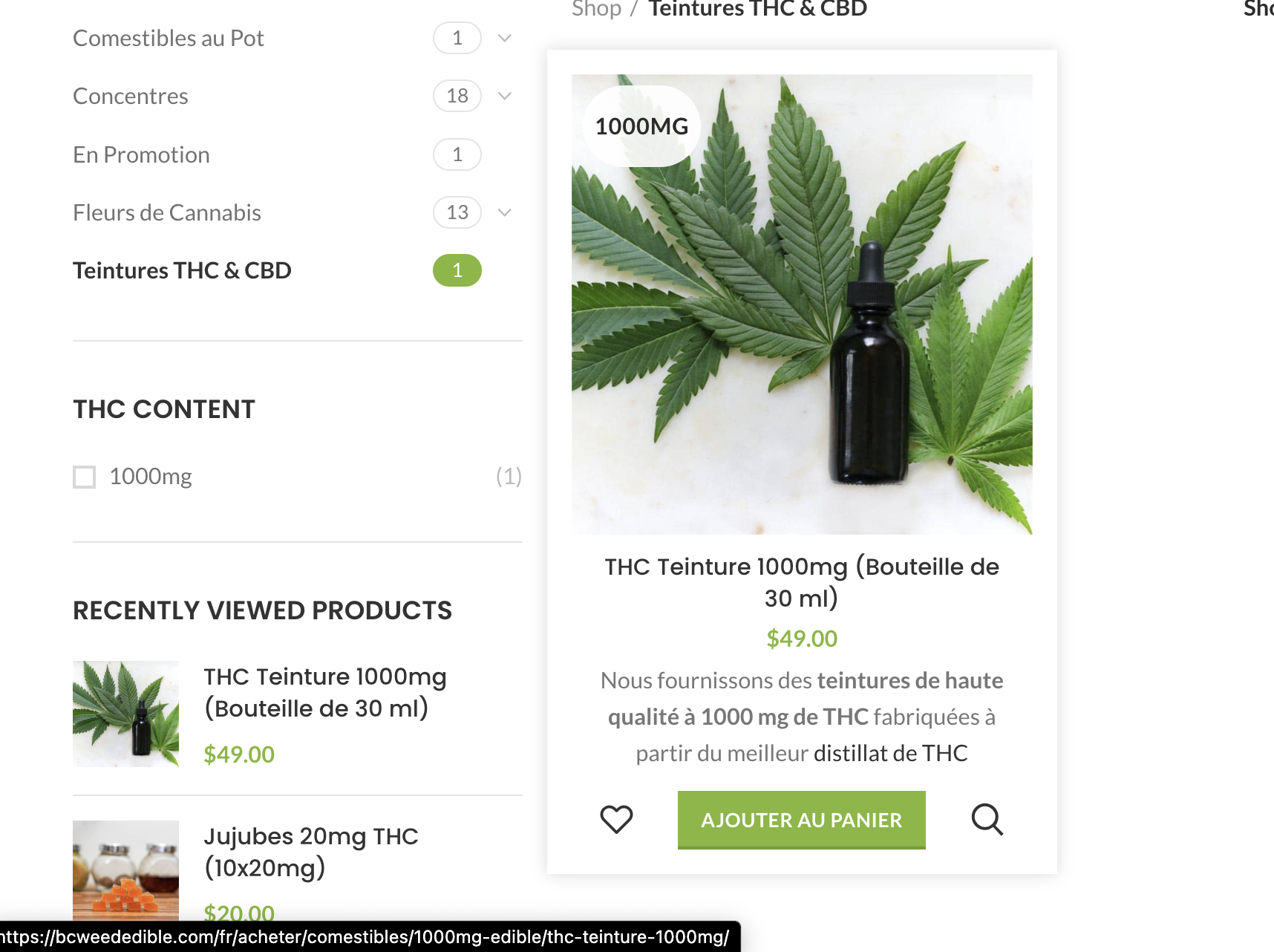 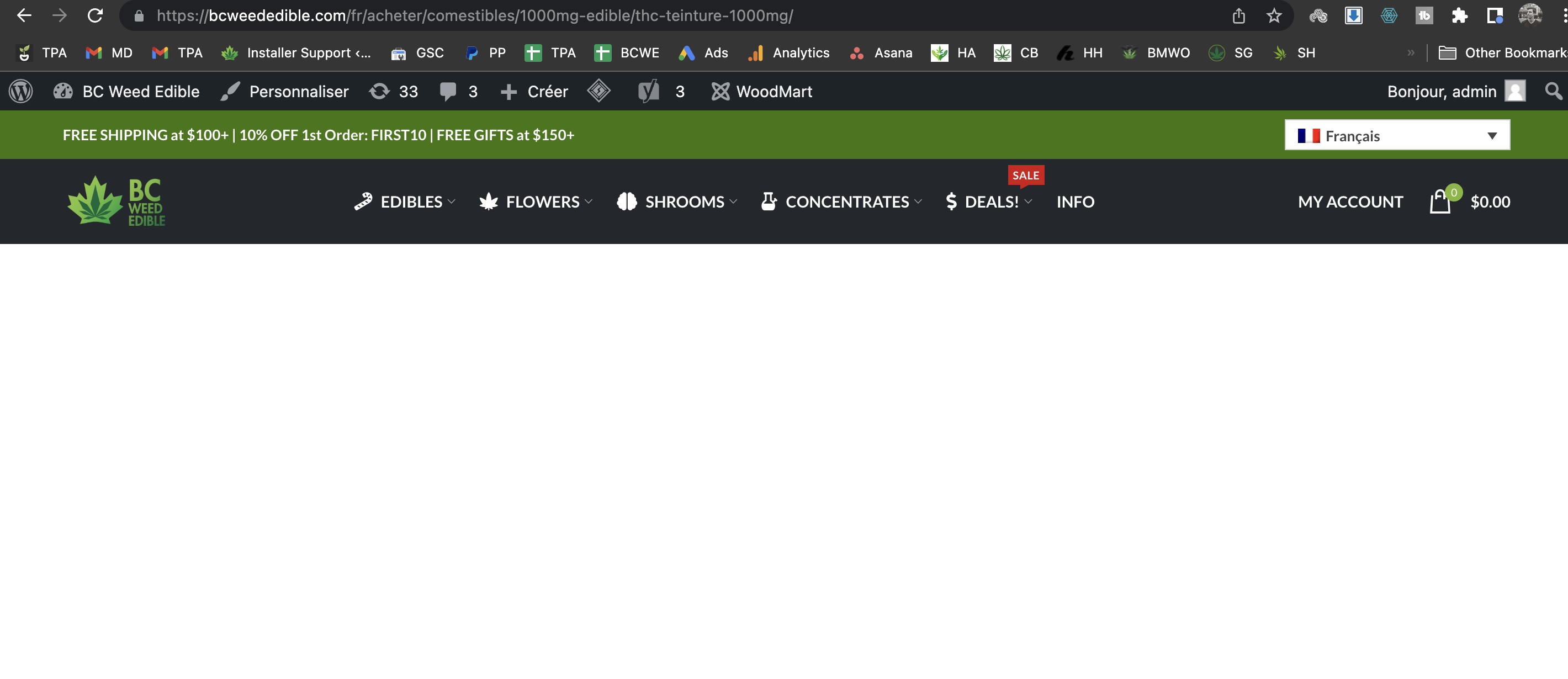 |
| April 5, 2022 at 8:17 am #10951131 | |
|
Raja Mohammed Supporter Languages: English (English ) Timezone: Asia/Kolkata (GMT+05:30) |
Hello there The 90k credits are applicable only to those purchases made with the new WPML pricing of $99. I see that you had purchased on Sep 21 2021 with the old pricing of $79 which is not eligible for the credits. Please make sure the translated product is published. If you are still stuck, consider sharing temporary access to the site, let me take a closer look into the issue. I am enabling private reply to securely share the information. Regards |
| April 7, 2022 at 12:55 am #10968533 | |
|
Raja Mohammed Supporter Languages: English (English ) Timezone: Asia/Kolkata (GMT+05:30) |
Hello there, The slug acheter is already used for product category base translation and hence using the same slug for product base conflicts with the category base. I have adjusted the category base by renaming the slug to acheter-1, after which I am able to access the products in french translation Please use differ slug for french category base translation 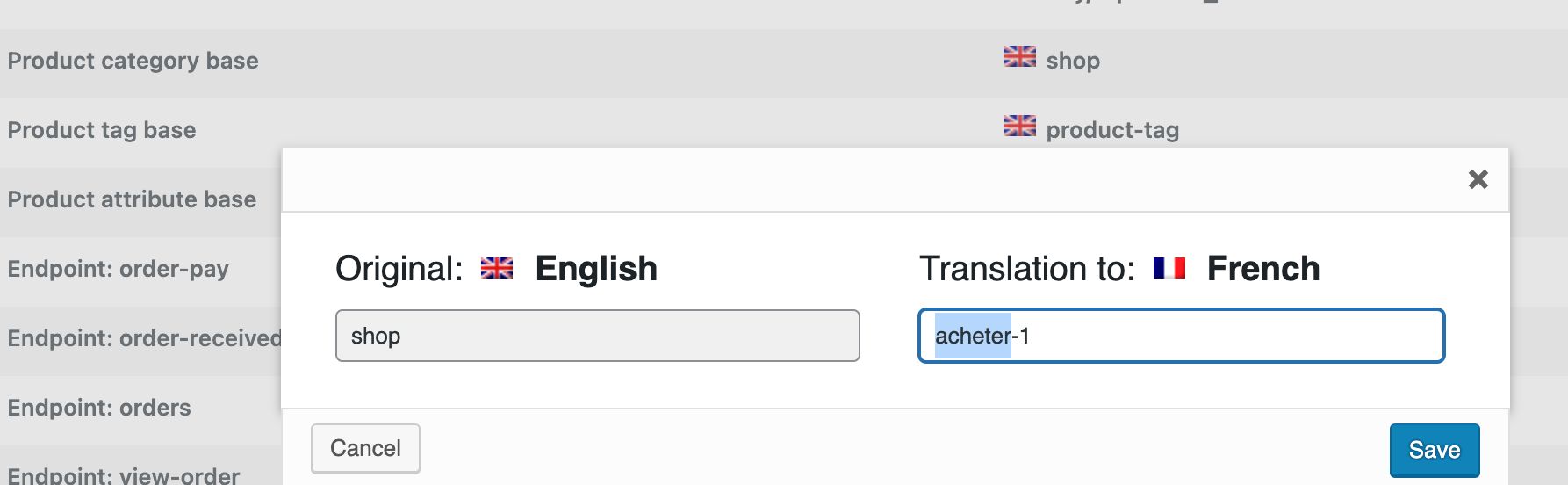 |
| April 8, 2022 at 2:49 am #10977663 | |
|
maxD-9 |
Thanks Raja. I just need to auto-translate now. |
| April 8, 2022 at 7:14 am #10978679 | |
|
Raja Mohammed Supporter Languages: English (English ) Timezone: Asia/Kolkata (GMT+05:30) |
I am afraid it is not possible at this point in time to move your subscription to the new pricing model since you have already used 6 months of the subscription, I will check with the concerned team for any possible way around. Please note the old pricing has the benefit of renewal at a discounted price of $59. |
| April 8, 2022 at 2:08 pm #10982193 | |
|
Raja Mohammed Supporter Languages: English (English ) Timezone: Asia/Kolkata (GMT+05:30) |
Hello there, I have created a separate ticket for the credits issue, One of the members from the accounts team will get in touch with you. Please follow up on this ticket https://wpml.org/forums/topic/split-woocommerce-products-slug-not-changing-when-in-different-languages/ I hope the issue related to the product slug is fixed and we are good to close now. Regards |
| April 8, 2022 at 8:13 pm #10984135 | |
|
maxD-9 |
Hi Raja, Thanks for everything. I started the translation for the products already. Thanks |
| April 12, 2022 at 7:34 am #11000707 | |
|
Raja Mohammed Supporter Languages: English (English ) Timezone: Asia/Kolkata (GMT+05:30) |
Hello there. I checked this further it seems like the theme needs an update, Please update the woodmart theme to the latest version 6.4.0. once installed please clear the site cache and resave the shop page check if that helps. Regards |
| April 12, 2022 at 6:38 pm #11006675 | |
|
maxD-9 |
Hi Raja, I updated the website and the shop page, but the problem remains. Can you please take a look at it? Thanks |
| April 13, 2022 at 9:49 am #11011483 | |
|
Raja Mohammed Supporter Languages: English (English ) Timezone: Asia/Kolkata (GMT+05:30) |
Thanks, Can you please also update the Woodmart Core plugin, and make sure it matches the theme version. |
| April 13, 2022 at 5:36 pm #11015805 | |
|
maxD-9 |
Hi Raja, It is now updated. Please remember that it is a dev website so you can go ahead and update the theme, plugins and everything you think can be important. Thanks |







