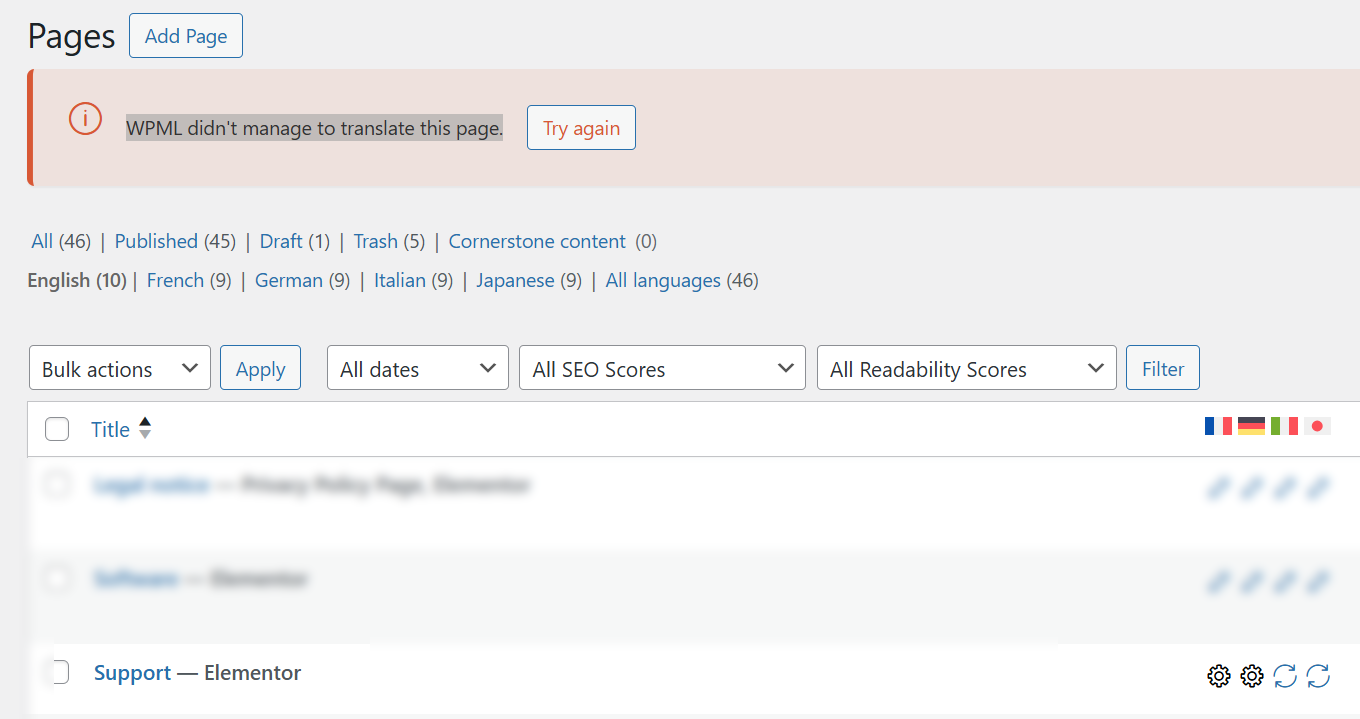
[Resolved] "WPML didn't manage to translate this page."
This thread is resolved. Here is a description of the problem and solution.
Problem: If you're experiencing issues where you cannot edit translations on your site and receive errors like 'WPML didn't manage to translate this page' or 'WPML tried to translate 3 times but failed', it might be due to server communication problems, especially after a site migration. Solution: First, check your server's ability to communicate with WPML's services. Ask your hosting provider to ensure that domains such as wpml.org, cdn.wpml.org, api.wpml.org, api.toolset.com, and cloudfront.net are not blocked and are whitelisted. For more details, refer to our guide: https://wpml.org/faq/wpml-plugin-cannot-connect-to-wpml-org/ If the problem persists, try re-registering your site with a new WPML site key by following these steps: 1. Remove your current site key from your account on wpml.org. 2. In your WordPress dashboard, go to Plugins → Add New → Commercial tab and click 'Unregister WPML from this site'. 3. Once the page reloads, click 'Register WPML'. When prompted for a key, click 'Get a key for this site'. 4. Complete the site key wizard in your WPML account, setting the site type to Production. 5. Copy the new key and paste it into the Commercial tab to register the site again. If these steps do not resolve the issue, consider asking your hosting provider to temporarily disable the firewall for testing, or test the site on another hosting environment.
Please note that this solution might be irrelevant if it's outdated or not applicable to your case. We highly recommend checking related known issues at https://wpml.org/known-issues/, verifying the version of the permanent fix, and confirming that you have installed the latest versions of themes and plugins. If the issue persists, please open a new support ticket at our support forum.
This is the technical support forum for WPML - the multilingual WordPress plugin.
Everyone can read, but only WPML clients can post here. WPML team is replying on the forum 6 days per week, 22 hours per day.
I encounter this error on a specific page (Support).
After editing just a bit of text on the original page, I wasn't able to edit any of the translations, and got the error "WPML didn't manage to translate this page.".
I tried several fixes found online (modify the original page just a bit to force WPML to scan again, use the troubleshooting to clear cache and delete ghost entries, and cancel the translation job), but none worked.
I don't know if that is related, but I had another error (WPML tried to translate 3 times but failed", the same day, on different points of my site.
We just migrated today, maybe that is also a factor ?
2) Check if there are any migration-related notifications in WPML → Translation Dashboard. This is an important step as your site was migrated.
3) If the problem persists, navigate to WPML → Support and click on the Troubleshooting link. On the Troubleshooting page, look for and click the button labeled Force-enable WPML’s Advanced Translation Editor (please note that this button may not always appear).
As another step, try triggering a translation update by making a small change to the original page (e.g., adding a dot), saving it, then removing the change and saving again. This should mark the translation as needing an update, allowing you to re-enter the WPML translation editor.
1. Removing the problematic pages from the job changes the icon on the pages (becomes a double-arrow instead of a gear), but when trying again to click on them to open the translator, same error appears.
2. After migrating, I followed WPML instructions on the dashboard, and everything went well.
3. I always used the advanced editor for this website project, and I can't see the Force-enable WPML’s Advanced Translation Editor button, unfortunately.
And yes, I tried changing the original page just a bit, to see if that allowed WPML to check again and unstuck the access to the translations, but to no avail.
Thank you for all these details. I appreciate this.
I need to request temporary access (wp-admin and FTP) to your site, where the problem has been replicated, if possible, in order to be of better help. When you log in to leave your next reply, you will find the needed fields below the comment area. The information you will enter is private, meaning only you and I can see and access it.
I’ve reviewed your site and the current WPML configuration. Everything appears to be set up correctly. However, I noticed the following entry in WPML → Support → Advanced Translation Editor Error Logs:
2026/03/06 10:42:23 AM ATE Server Communication cURL error 28: Resolving timed out after 10000 milliseconds
This usually indicates that the server cannot reach WPML’s services. Most often, this happens when the hosting environment blocks outgoing requests.
Please ask your hosting provider to ensure that the following domains are not blocked and are whitelisted if necessary:
- wpml.org
- cdn.wpml.org
- api.wpml.org
- api.toolset.com
- cloudfront.net
Are the other pages working fine? Are you able to open the Translation Editor for them?
I believe I have seen the same issue with other pages as well. If that’s not the case, could you please confirm whether this specific page uses any custom CSS inside the page itself?
after a discussion with my hosting provider, we bypassed our Cloudflare and tried to reproduce the error message.
But I can't : the original problem is still here (WPML didn't manage to translate this page), but in the log, the cURL issue is not displayed.
I only have several :
2026/03/09 12:52:39 PM Job resent to ATE 334 0 {"retry_count":5}
I also went to WPML > Support > Installer support, clicked on "Check now", but still no cURL.
Do you have any idea how this error was triggered, and how I could trigger it again so my hosting provider can check that the URL needed by WPML are reachable ?
Can I make a copy of your site to run some tests locally?
I'll need to install a "Duplicator" temporarily or "All In One Migration" plugin on your site. This will allow me to create a copy of your site and your content.
It would be easier to use one of the plugins I mentioned earlier, as they offer a much simpler and automated installation/migration process.
However, if that approach doesn’t work in your case, you can send me the site files together with the database, and I will review them and try to set up the site locally for further testing.
After discussion here, you can proceed with the plugin you'll find the most appropriate.
Please don't hesitate to ask me if I can be of help in your research,
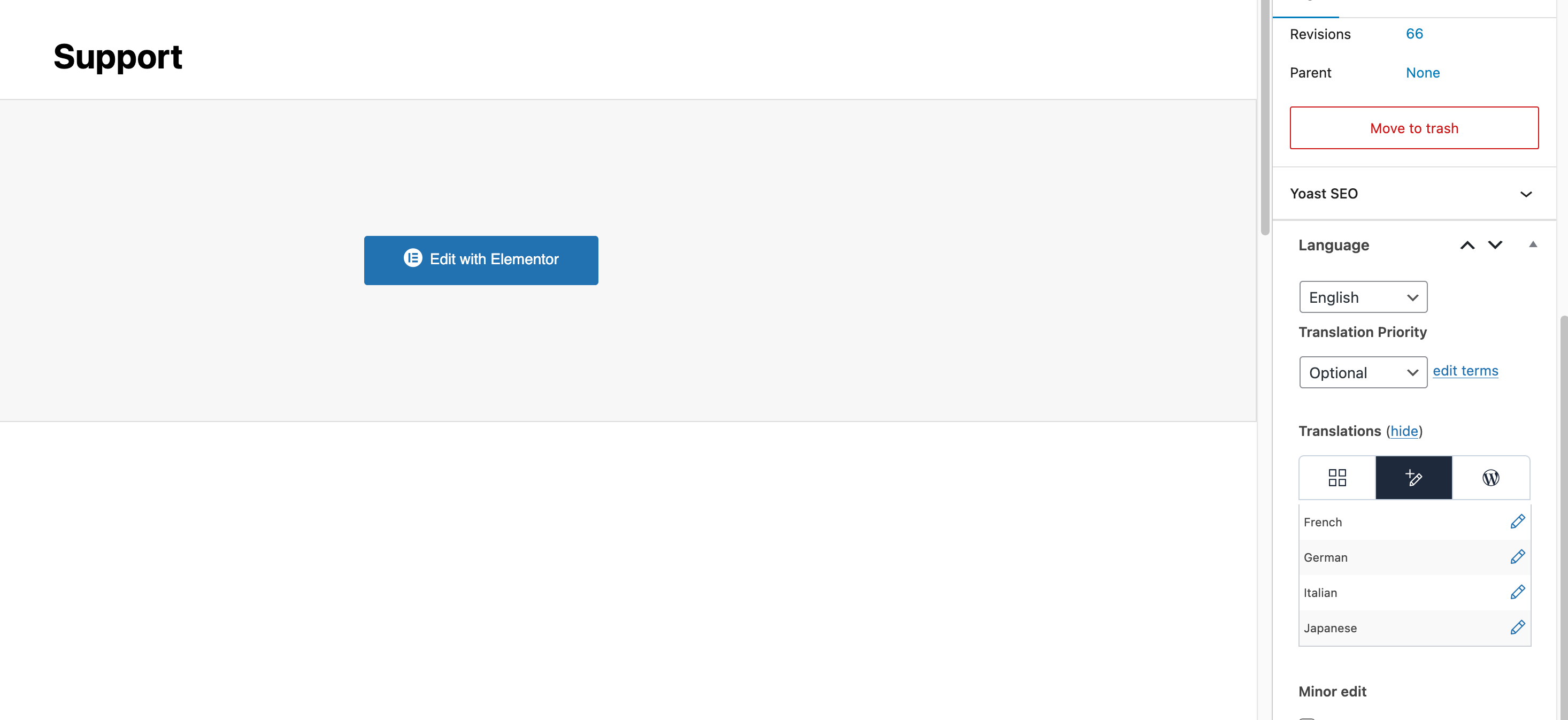
I installed your site in my local environment and performed additional tests. Without making any changes (just installing your site), the issue does not occur locally on the specific page. I’m able to edit, save, and complete translations without any problems. I’ve attached a screenshot for your reference.
The only change I made was re-registering the site with a new WPML site key.
I recommend trying to re-register your site with a new site key by following these steps if not tried yet:
1. Remove your current site key for this site from your account on wpml.org.
2. In your WordPress dashboard go to Plugins → Add New → Commercial tab and click Unregister WPML from this site.
3. Once the page reloads, click Register WPML. When prompted for a key, click Get a key for this site.
4. In your WPML account, complete the site key wizard and set the site type to Production.
5. Copy the new key and paste it into the Commercial tab to register the site again.
If the issue still persists after this, it may indicate that something on the hosting side is blocking the connection. In that case, I suggest:
• Asking your hosting provider to temporarily disable the firewall for testing.
• Checking whether you can test the site on another hosting environment, for example the previous hosting.
I also checked our firewall logs, and your site is not blocked on our side. This suggests the issue may be related to the hosting environment, firewall rules, or other security configuration.