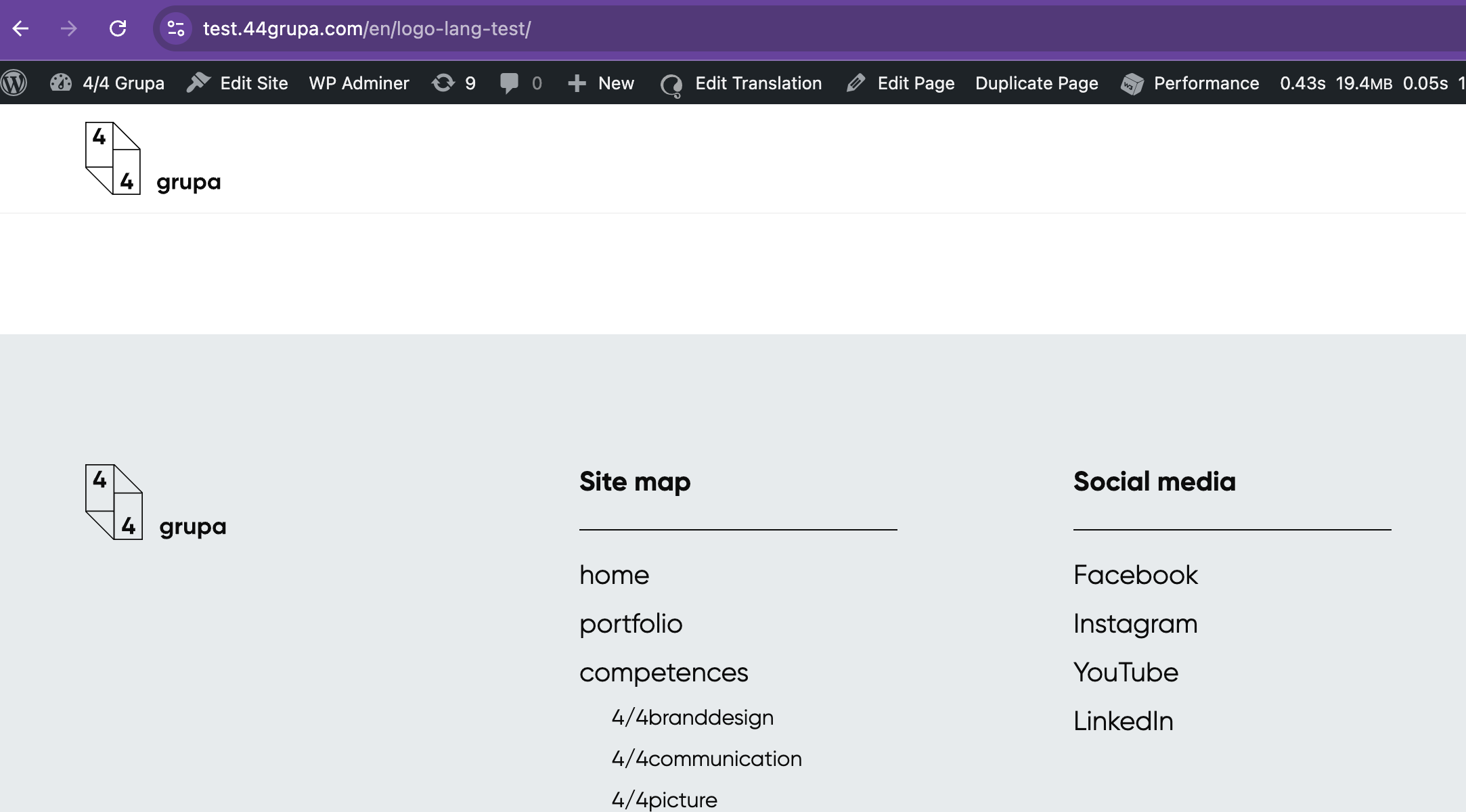
I confirm that the above PHP code resolved the issue, and now translated pages/posts are assigned to the correct templates 🙂 A few notes:
1. After implementing this code, re-translating the page/post didn't help. I had to remove the template translation and translate it again. This makes sense, as this PHP code removes the filter that ensures the uniqueness of the template slug. Now, in both languages, the template has the same slug, e.g., "page", "single-project" (previously in EN, it was "page-2", "single-project-2").
2. Do you plan to fix this issue in a future version of the plugin? I understand this problem is likely to occur to anyone building a template using "Full Site Editing."
3. The logo still didn't appear in the top menu on translated pages. I built it using the standard "Site Logo" block (see screenshot). I discovered that the image used in the logo needs to be translated using "WPML -> Media Translation." I'll leave it to you to decide whether this is a WPML bug. The same image inserted in the footer using the "Image" block doesn't require such a translation.
4. Could we please extend our plugin license by one month? We waited exactly that long for the bug to be fixed, which prevented us from launching the site.
Thanks for your patience. I've checked your translated page here hidden link and I'm able to see a logo on the top left corner of the header menu. Are we working on the same staging site?
The problem is this:
- I place the native “Site Logo” block in the FSE template
- I translate the template
- I translate the page assigned to this template
- the logo is not displayed on the translated page
As I wrote, I discovered that I have to translate the logo image using “WPML -> Media Translation.” That's why the logo is now displayed.
In my opinion, this is a bug in the WPML plugin or at least very non-intuitive behavior because:
- if I place a native “Image” block in the FSE template, I don't have to translate the image
- if I place a native “Site Logo” block in the FSE template, I have to translate the image
Thanks for your reply. I tested this on our sandbox site here: hidden link
I added an image (which can be considered a logo) to a blog template (test template) and then translated the template into another language here: hidden link
The image continues to display correctly on the translated template, and this works even without activating the Media Translation add-on.
Based on this, I suspect there may be a custom setup in your theme that is preventing the logo from being copied over. Could you try replicating the issue on our sandbox site using your theme? You may install your theme here: hidden link
The topic ‘[Closed] logo didn't appear in the top menu on translated pages’ is closed to new replies.