This thread is resolved. Here is a description of the problem and solution.
Problem:
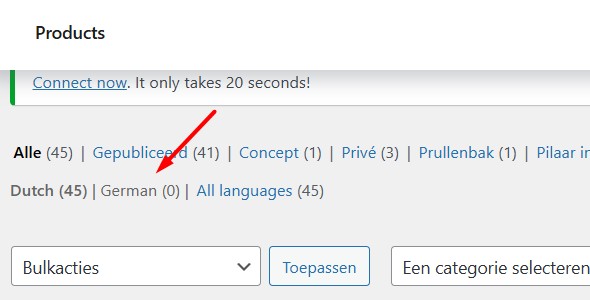
If you're experiencing issues with your FSE website using WooCommerce, where the base language is Dutch and German has been added, and you notice that after translating the shop template, the website redirects to /de/shop-2 (an empty page) instead of /de/shop, this might be due to inconsistent translation settings.
Solution:
We recommend checking if the products and related content (like attributes or categories) are consistently translated. In WooCommerce setups with WPML, it's crucial that either all elements are translated or none are, to avoid fallbacks to the default language which can lead to inconsistencies and errors. Here's what you can do:
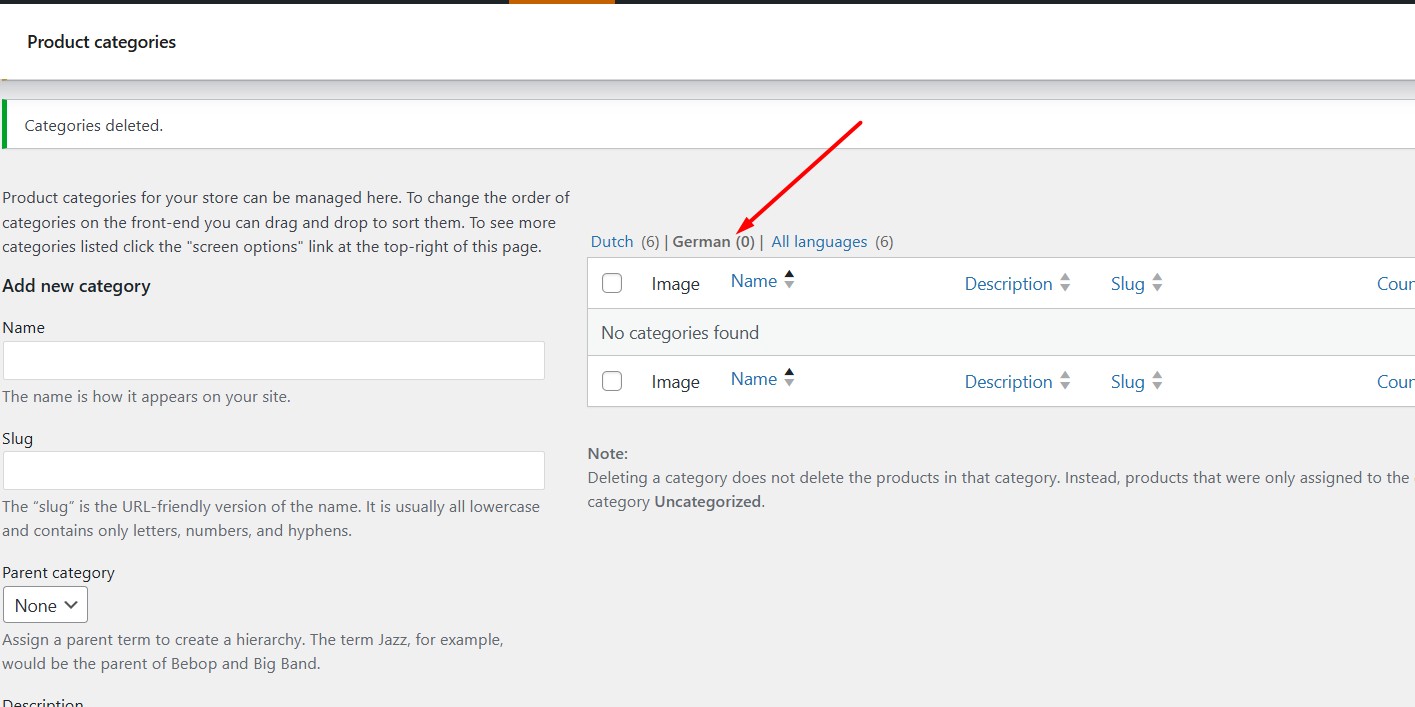
1. Go to Products >> Categories in your WordPress dashboard.
2. Switch to the German language.
3. Delete any translated categories.
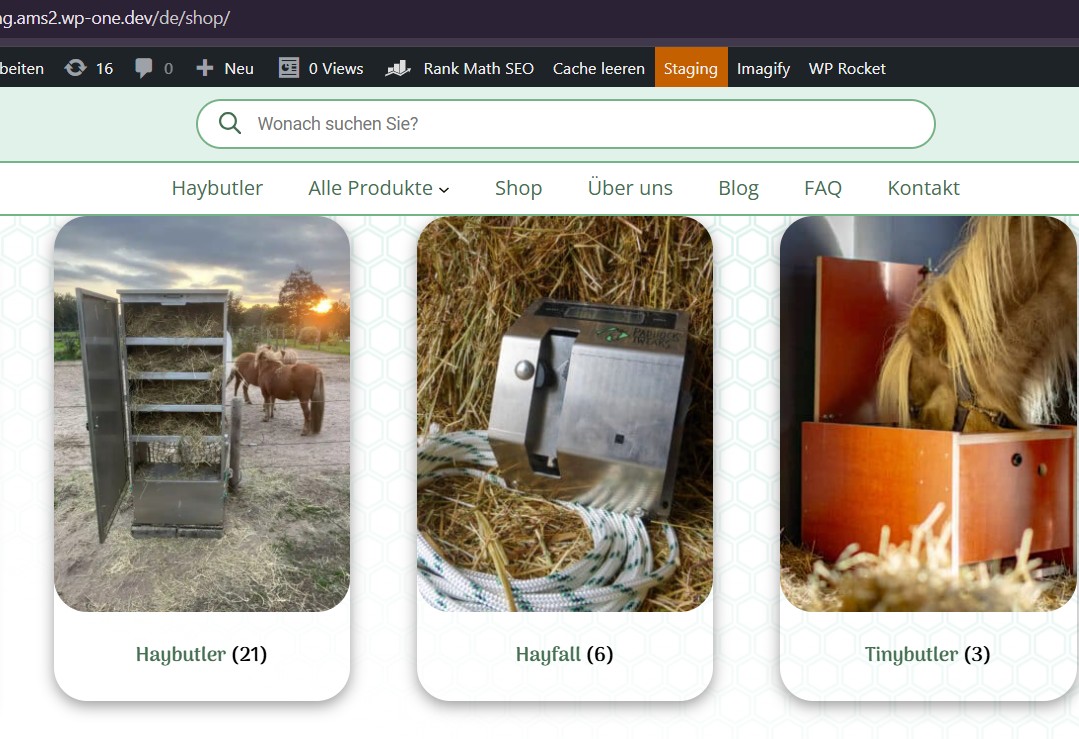
This should resolve the issue, and your shop page should now display the correct products in German. Please check and confirm if this resolves your problem.
If this solution does not apply to your case, or if it seems outdated, we highly recommend checking related known issues at https://wpml.org/known-issues/, verifying the version of the permanent fix, and confirming that you have installed the latest versions of themes and plugins. If issues persist, please open a new support ticket.
This is the technical support forum for WPML - the multilingual WordPress plugin.
Everyone can read, but only WPML clients can post here. WPML team is replying on the forum 6 days per week, 22 hours per day.