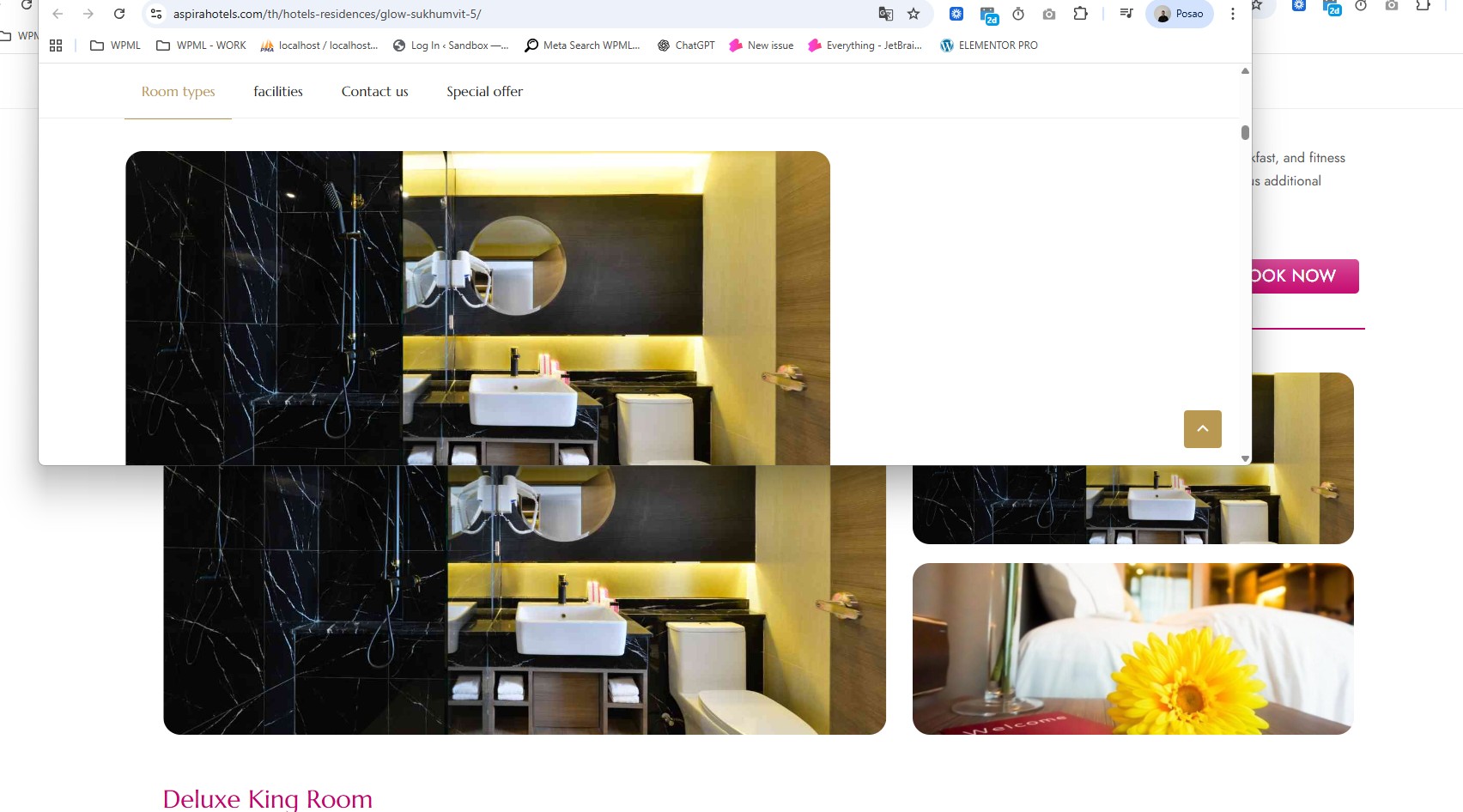
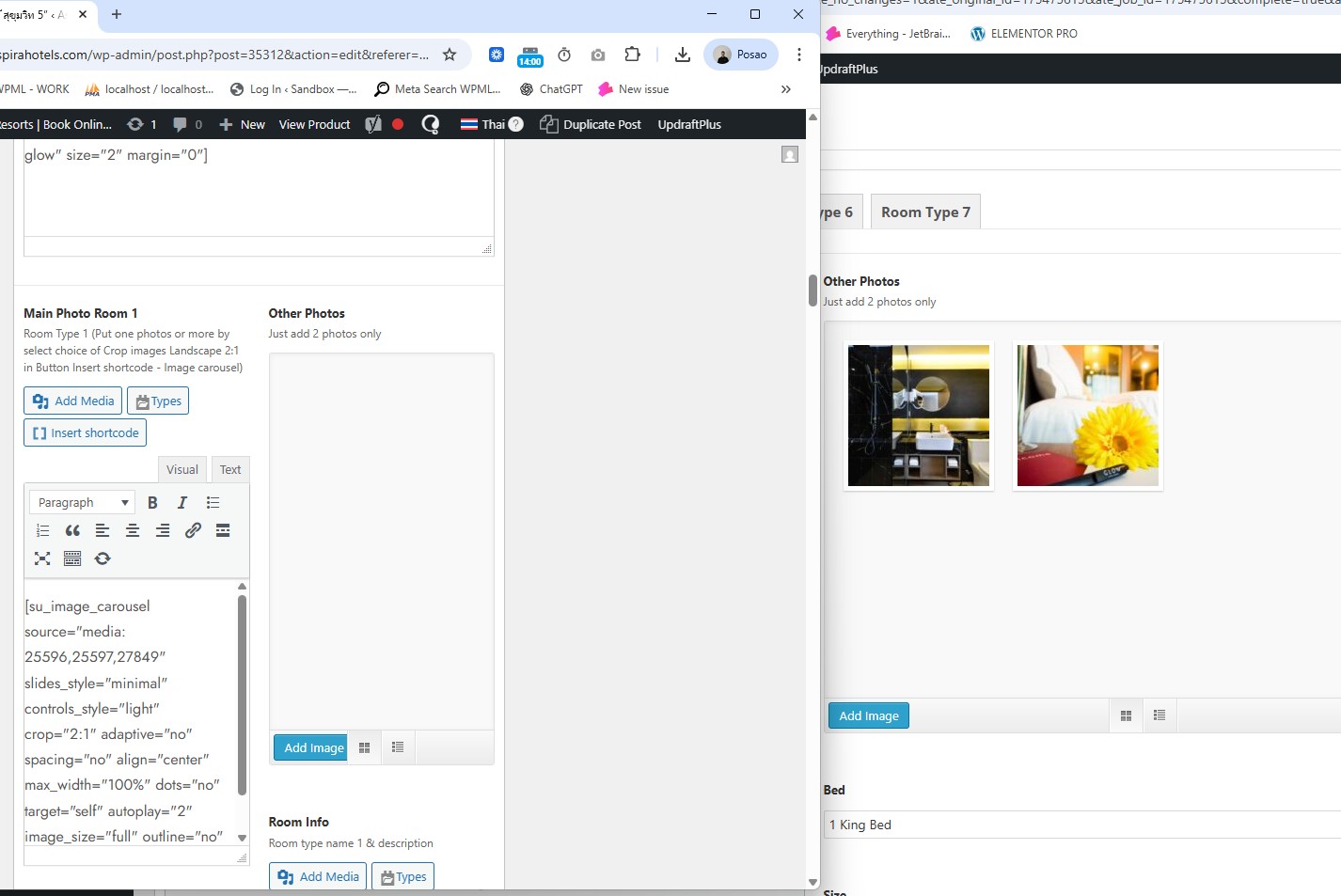
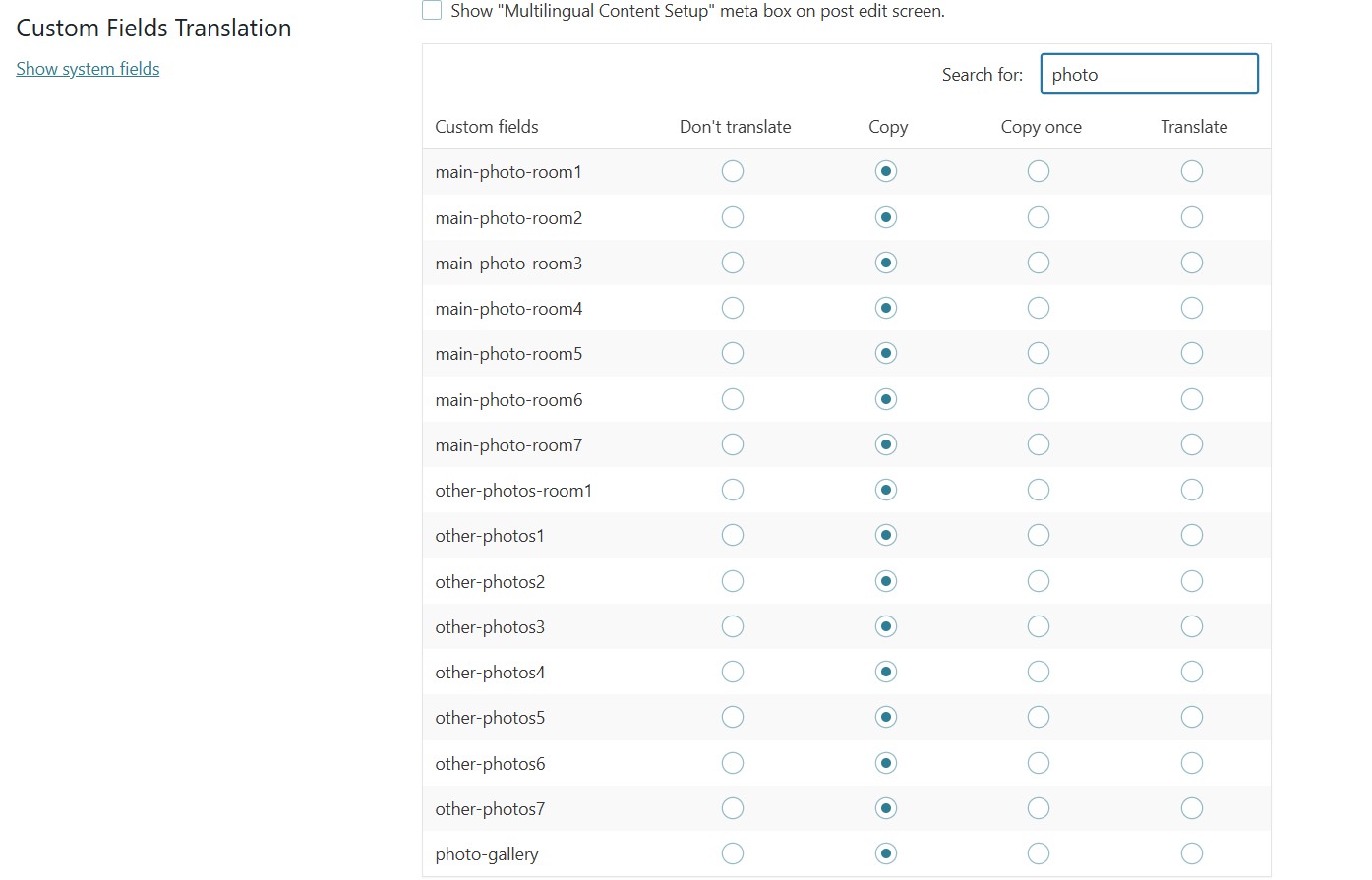
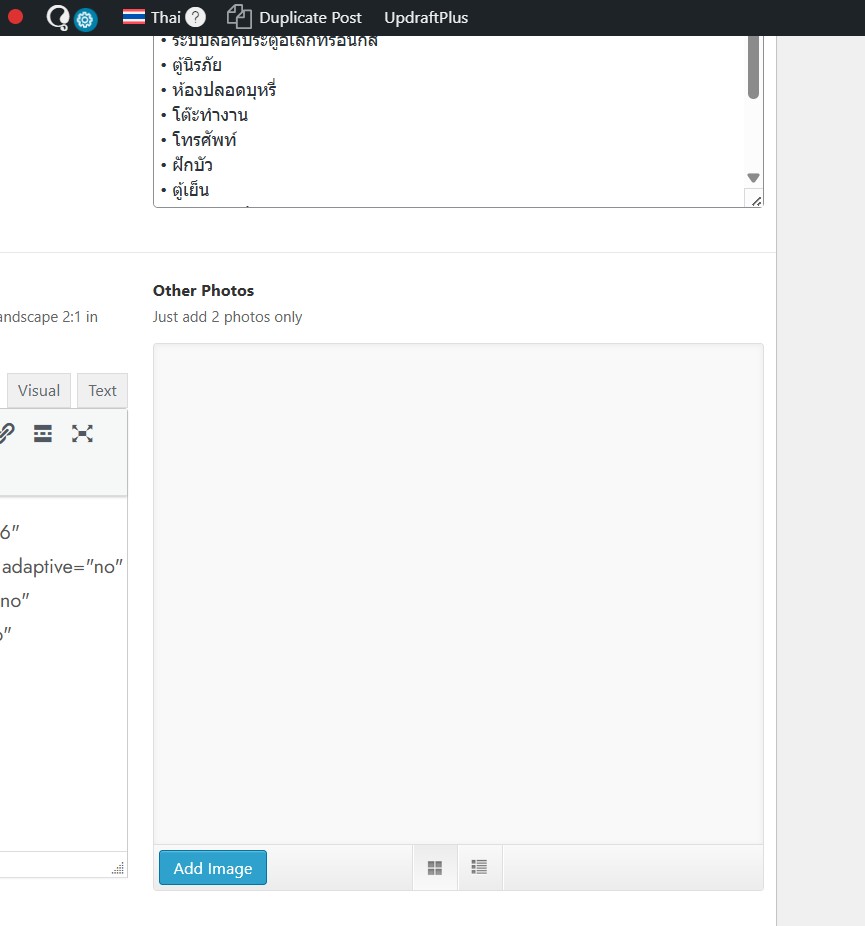
[Resolved] Some photo on translate page still no show.
This thread is resolved. Here is a description of the problem and solution.
Problem: If you're experiencing issues with photos not displaying on translated pages, it might be due to how custom fields are synchronized. In this specific case, the custom fields managed under a custom taxonomy do not synchronize properly, leading to empty images in translated listings. Solution: We recommend checking if the custom fields are set to 'not translatable' and re-saving the related content. However, if these steps do not resolve the issue, it's likely because the plugin managing these fields is not officially compatible with WPML. We suggest contacting the plugin authors to discuss this behavior and inquire about potential compatibility or updates. You can find more information about known issues and compatibility on the WPML Known Issues page.
If this solution does not apply to your case, or if it seems outdated, please open a new support ticket. We highly recommend verifying that you have installed the latest versions of themes and plugins. For further assistance, visit our support forum.
This is the technical support forum for WPML - the multilingual WordPress plugin.
Everyone can read, but only WPML clients can post here. WPML team is replying on the forum 6 days per week, 22 hours per day.
Languages: English (English )German (Deutsch )French (Français )
Timezone: Europe/Zagreb (GMT+02:00)
Hi,
Based on the URLs and my checks, the images do not appear to be missing. Instead, it seems that the images in the right column are not displaying correctly on the translated page.
Could you please confirm this behavior on your side?
If this is the case, would you be willing to provide temporary WordPress admin credentials so I can investigate the issue directly?
Languages: English (English )German (Deutsch )French (Français )
Timezone: Europe/Zagreb (GMT+02:00)
I’ve been investigating the issue, and at this point I believe the problem is related to how the custom fields are synchronized.
Here’s what I’ve tested so far:
* I set `ap_custom_field` to *not translatable*, but this did not resolve the issue.
* I deleted the translation of one of the affected custom fields (specifically this one: hidden link, but that did not help either.
* After that, I re-saved the related content here: hidden link
However, the custom fields still do not synchronize.
One important detail I’ve noticed is that these fields are managed under a custom taxonomy: hidden link
Because of this setup, these appear to be two distinct custom fields rather than a single field with translations, which would explain why they never synchronize properly and why these images are always empty in the translated listings.
I also looked into the plugin responsible for this functionality:
* hidden link
* hidden link
From what I can see, this plugin is not listed in the official WordPress.org repository and does not appear to be officially compatible with WPML. I wasn’t able to find much documentation or confirmation of multilingual support.
At this stage, my recommendation is to contact the plugin authors directly, share these findings with them, and ask if they can review this behavior on their side. Since we don’t have other reports of this issue and no other users using this particular plugin combination, it’s quite possible that the plugin simply isn’t designed to work with WPML in its current setup.
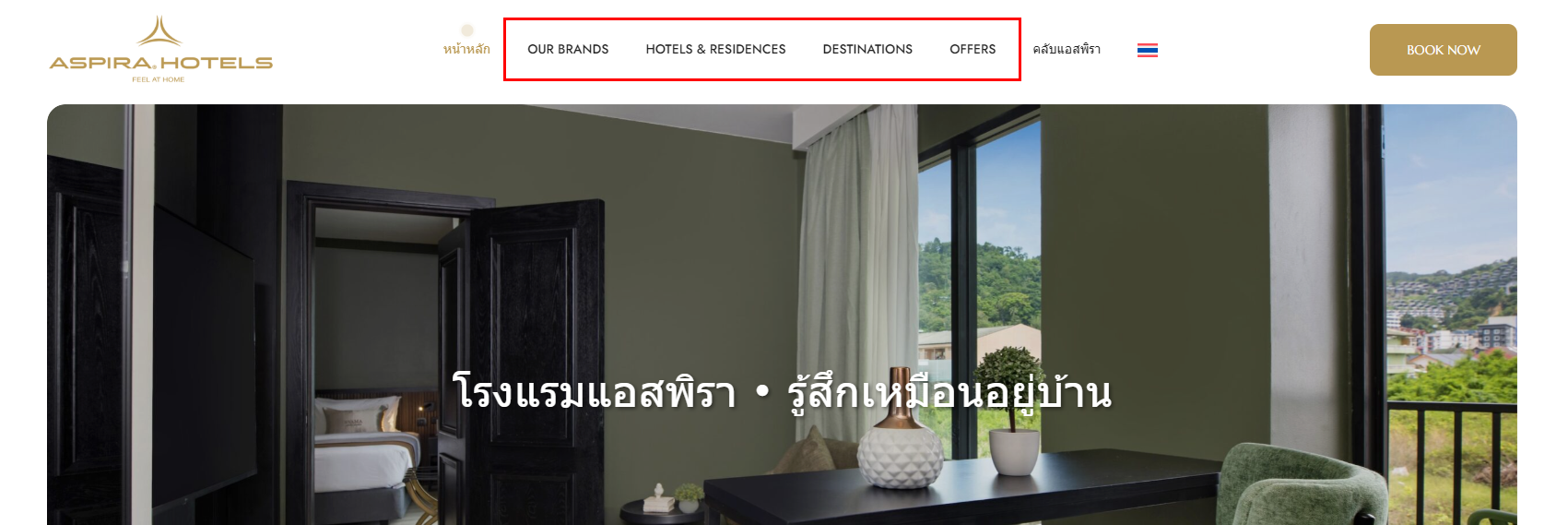
Noted with thanks. One more question: for the top navigations in the Thai version, they cannot show the translation some menus (error-menu.png). hidden link
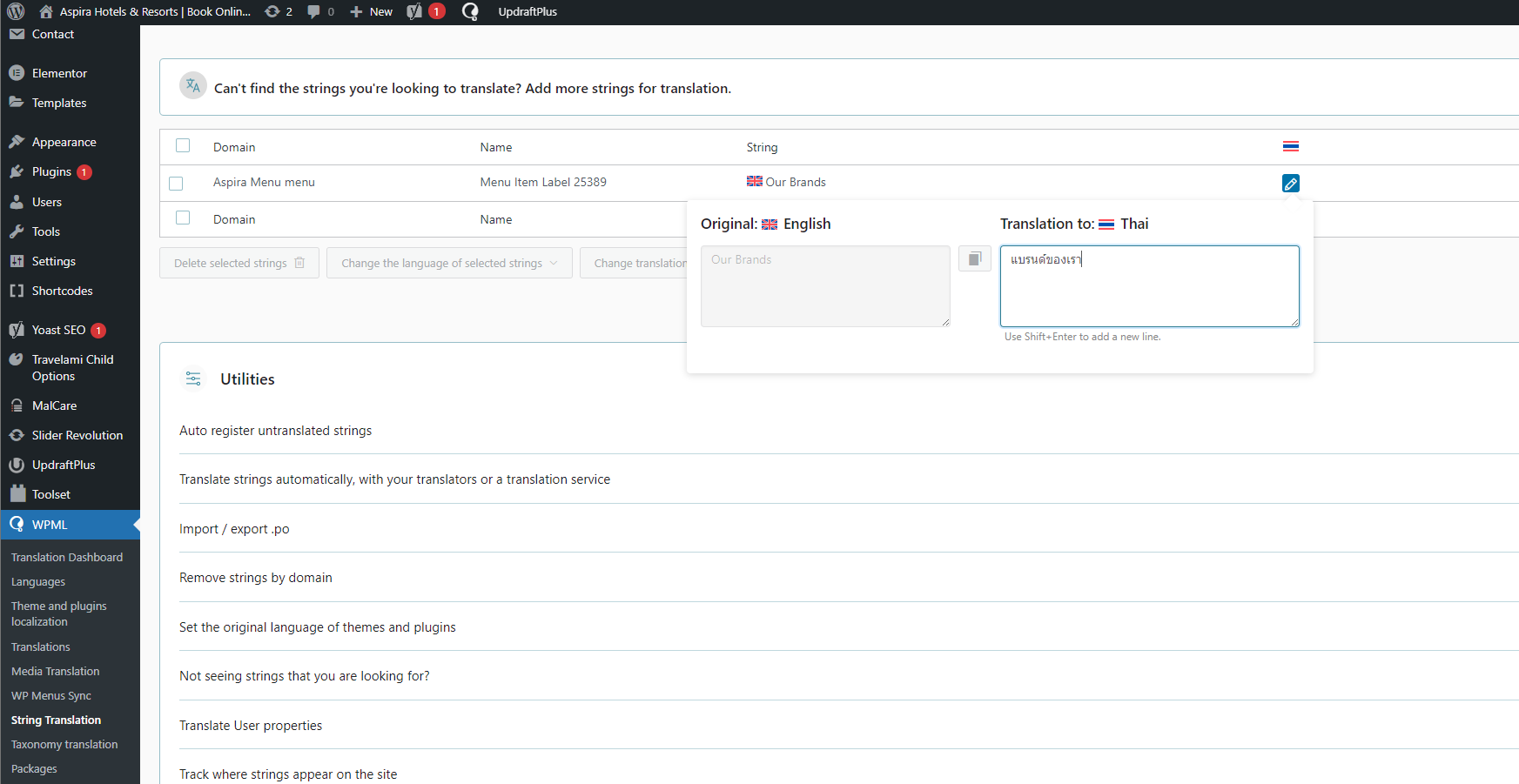
I tried using the string translation function but it had no effect. Do you have any recommendations?
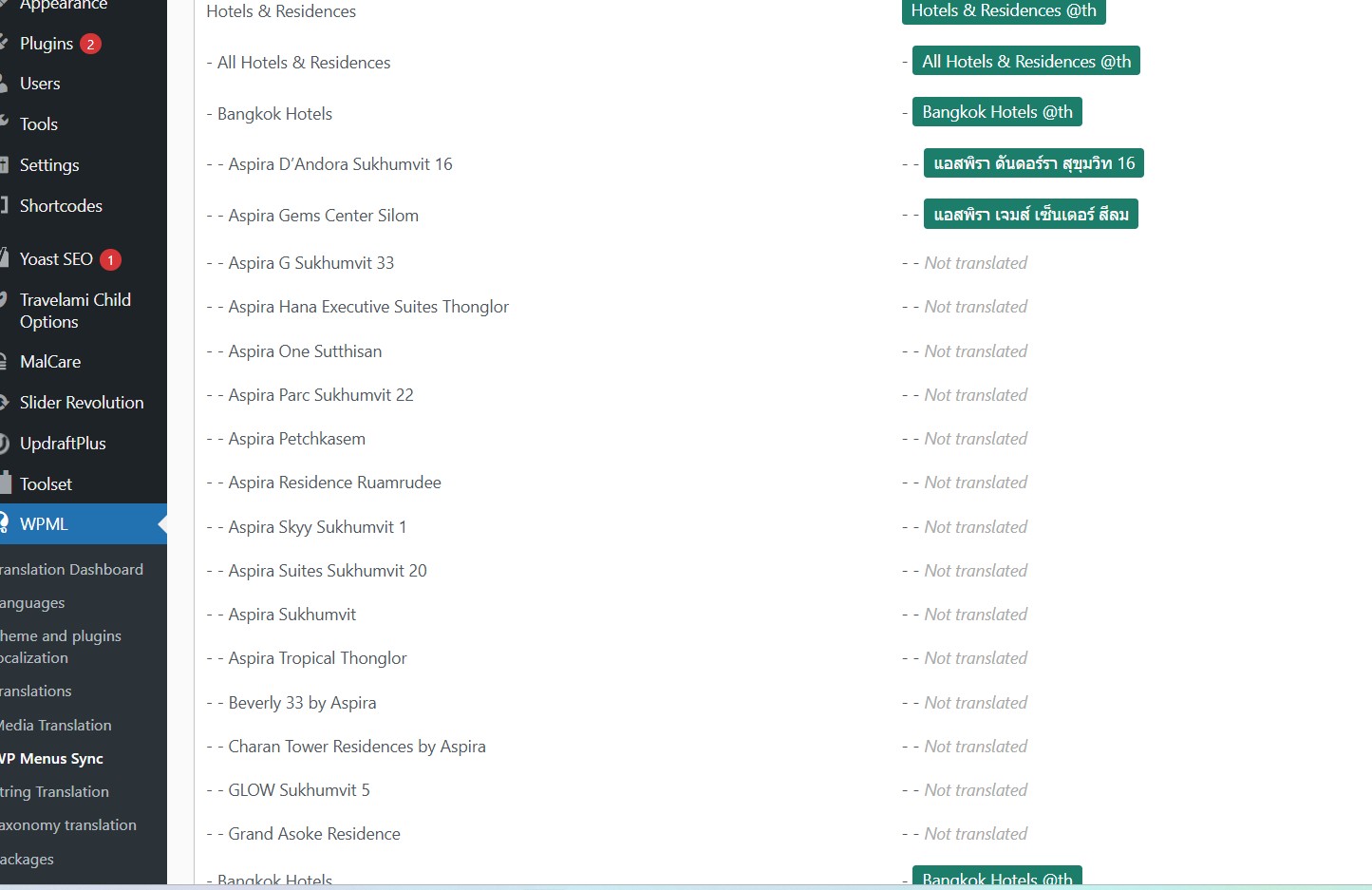
However, it looks like some pages haven’t been translated yet. For those, you may need to add custom links as well, or alternatively create a separate menu for the translated pages.