This thread is resolved. Here is a description of the problem and solution.
Problem:
The client was unable to view a post in a new language after using an automatic translator. The translated post was not visible when switching languages, and the client was unsure whether to delete existing translations and add new ones. Additionally, there was confusion about whether the issue was related to object cache settings.
Solution:
We recommended the following steps:
1) Disable the object cache temporarily as it can sometimes cause issues with translations. This setting can be re-enabled after completing the translations.
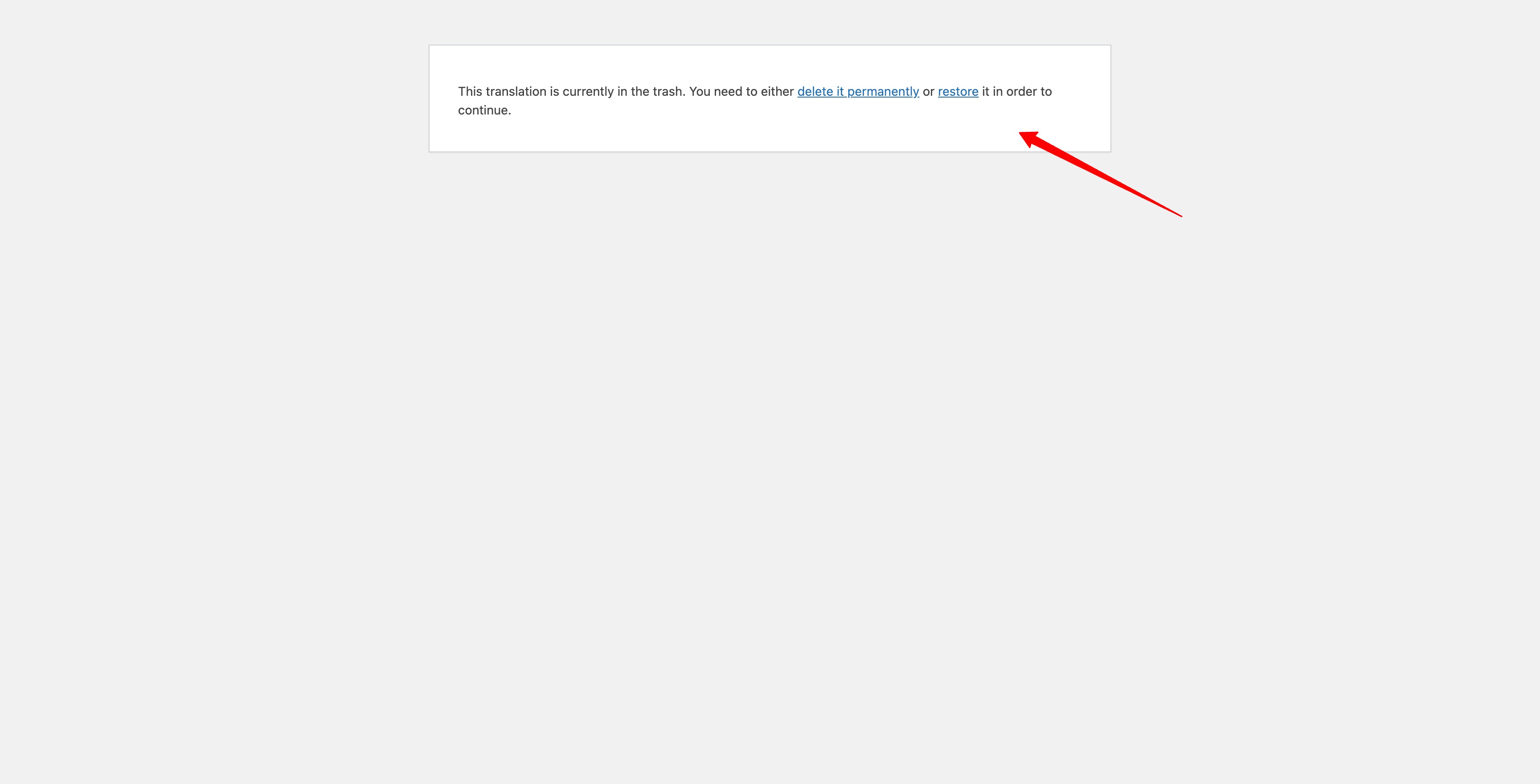
2) Check if the translated posts are in the trash. If they are, either permanently delete them or restore them. Having translations in the trash can prevent them from being visible even if they are translated anew.
3) Manually edit the post in the desired language, set it to publish, and adjust the page slug if necessary.
4) Make a small change to the title in the default language and save it. Then, re-translate the page. This may trigger a new translation job and avoid using an old one. You can revert the title change and re-translate if needed.
If these steps do not resolve the issue or if the solution seems outdated or irrelevant to your case, we highly recommend checking related known issues at https://wpml.org/known-issues/, verifying the version of the permanent fix, and confirming that you have installed the latest versions of themes and plugins. If problems persist, please open a new support ticket.
This is the technical support forum for WPML - the multilingual WordPress plugin.
Everyone can read, but only WPML clients can post here. WPML team is replying on the forum 6 days per week, 22 hours per day.
This topic is split from https://wpml.org/forums/topic/last_name-string-translated-but-not-visible-on-the-frontend/
This topic contains 3 replies, has 0 voices.
Last updated by 6 months, 3 weeks ago.
Assisted by: Dražen.