This thread is resolved. Here is a description of the problem and solution.
Problem: The drop-down menu for language selection overlaps on mobile devices, with the font being too large and orange. The client was unsure how to adjust this as it used to be integrated into the hamburger menu. Solution: We identified that the issue stems from custom rules applied within the client's child theme, which affect the presentation of the WPML Language Switcher. These rules are not part of WPML but are added through custom code in the theme. Unfortunately, we could not locate the Divi Header template as it appears to be implemented via custom code rather than the default Divi options. We recommend contacting the theme developer to check and resolve this issue.
Please note that this solution might be outdated or not applicable to your specific case. We highly recommend checking related known issues at https://wpml.org/known-issues/, verifying the version of the permanent fix, and confirming that you have installed the latest versions of themes and plugins. If the problem persists, please open a new support ticket.
This is the technical support forum for WPML - the multilingual WordPress plugin.
Everyone can read, but only WPML clients can post here. WPML team is replying on the forum 6 days per week, 22 hours per day.
The drop down menu for language selection overlaps on mobile devices. Font too large and orange. I don't know how to adjust this. It used to be in the hamburger menu.
It seems that there is a language switcher inserted directly on the main-header, on the mobile view. WPML does not do that by default, so this must have been inserted manually.
Please check if the header was created with Divi, if the language switcher is there. Also, since you're using a custom child theme, talk to your developer to see if there's a custom coded switcher there. Let me know your results.
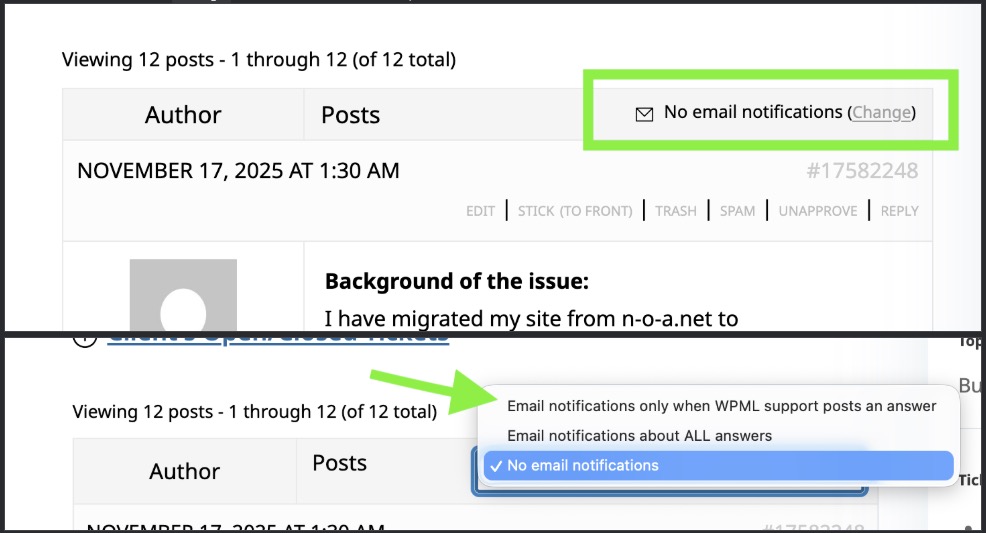
Make sure you're subscribed to the topic, so you receive notifications about my responses. Check the image.
Now, WPML allows you to add Language Switchers to your menus, footers, or templates, regardless if they're mobile or not - this comes from the theme. You can find the instructions here:
I would like to look at this directly on your site. For this I would need temporary access (WP-Admin and FTP) to your site, preferably to a test/staging site where the problem has been replicated if possible.
The required fields can be found below the comments section. The information you enter is private, i.e. only you and I can see it and have access to it.
I may need to replicate your website locally. To do this, I need to temporarily install a plugin called "Duplicator" or "All in One WP Migration" on your website. This will allow me to create a copy of your website and content. Once the issue is resolved, I will delete the local website. Let me know if this works for you.
IMPORTANT
Please make a backup copy of the site files and database before giving us access.
- If you do not see the wp-admin/FTP fields, this means your post and site login details are being made PUBLIC. DO NOT post your website details if you do not see the required wp-admin/FTP fields. If you do not, ask me to enable the private box. The private box looks like this:
None of the 3 passwords are working. Can you please check again?
🚨 You shared the last 2 passwords publicly. Please do not share any passwords or sensitive information as a forum message, publicly. Always use the provided form for that. If you don't see the form, please let me know.
Thanks for sharing. I checked your website directly, and noticed that it uses custom rules, that are changing the way the WPML Language Switcher is presented in your child theme. Please check the attached image.
Those rules do not come from WPML, but from custom code in your theme. There's likely more custom solutions, but unfortunately I could not find the Divi Header template on your website - it seems it was also implemented via custom code, and not by the default Divi options.
In this case, please reach out to your theme developer, and ask him to check and fix this issue.