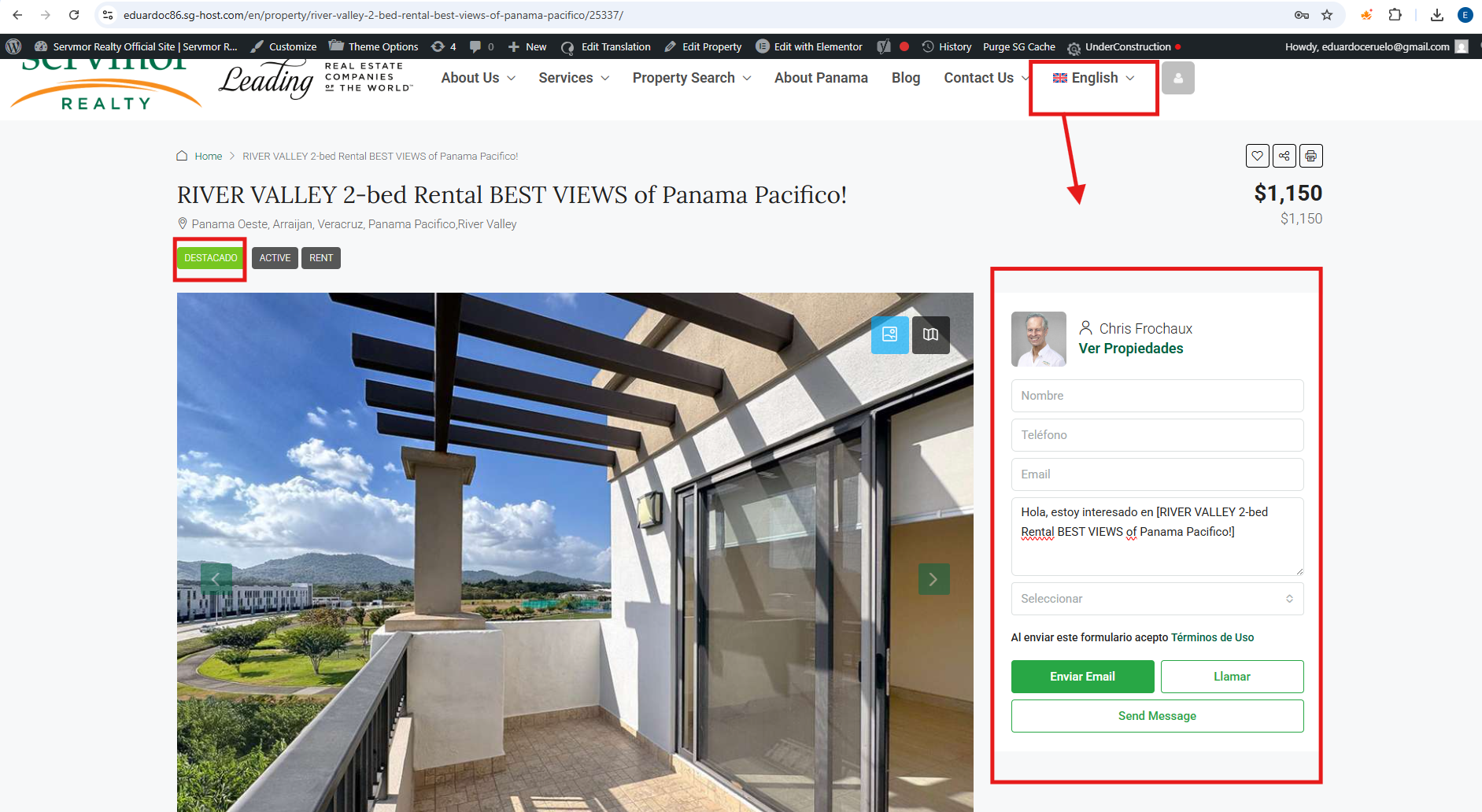
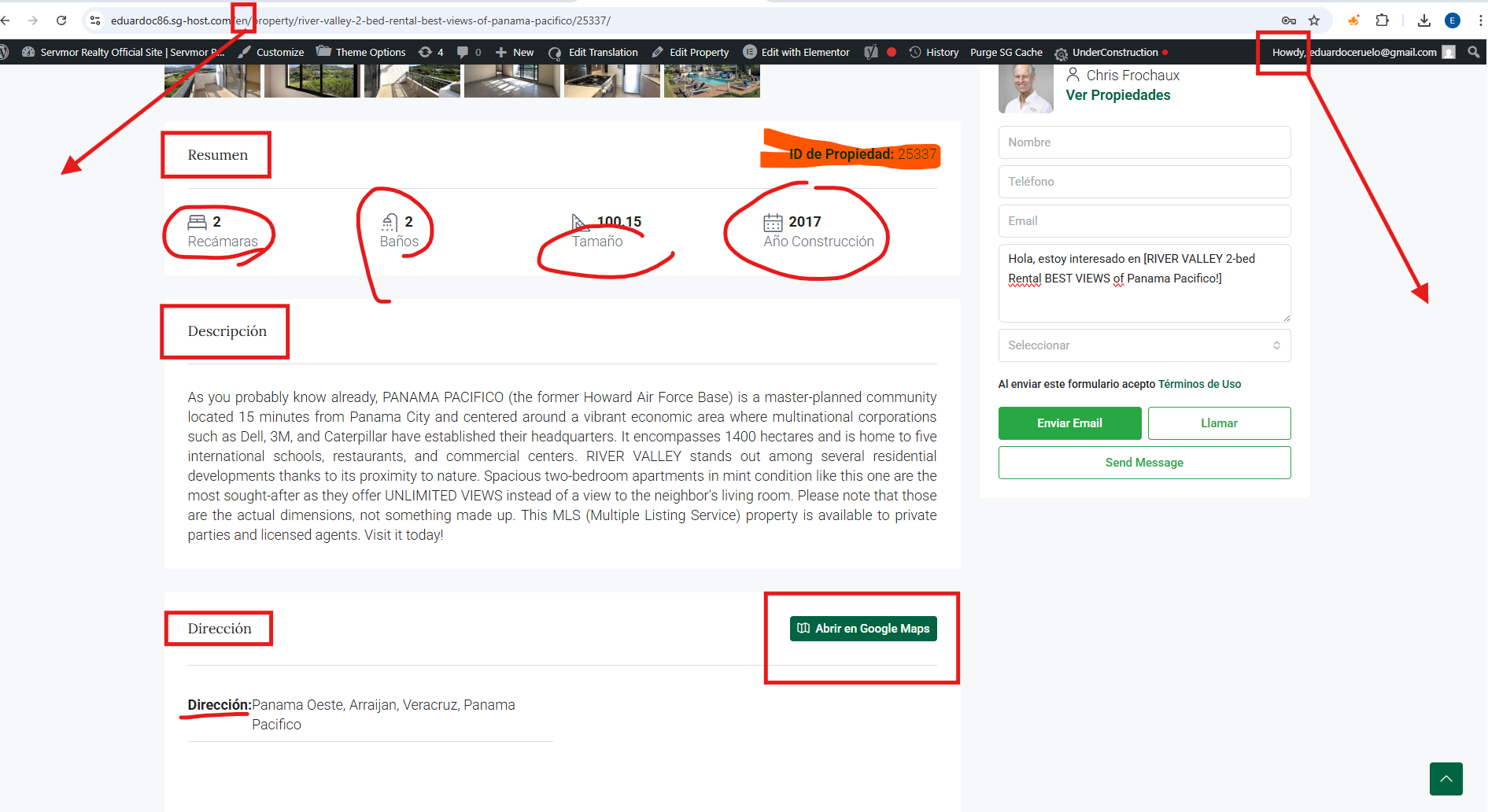
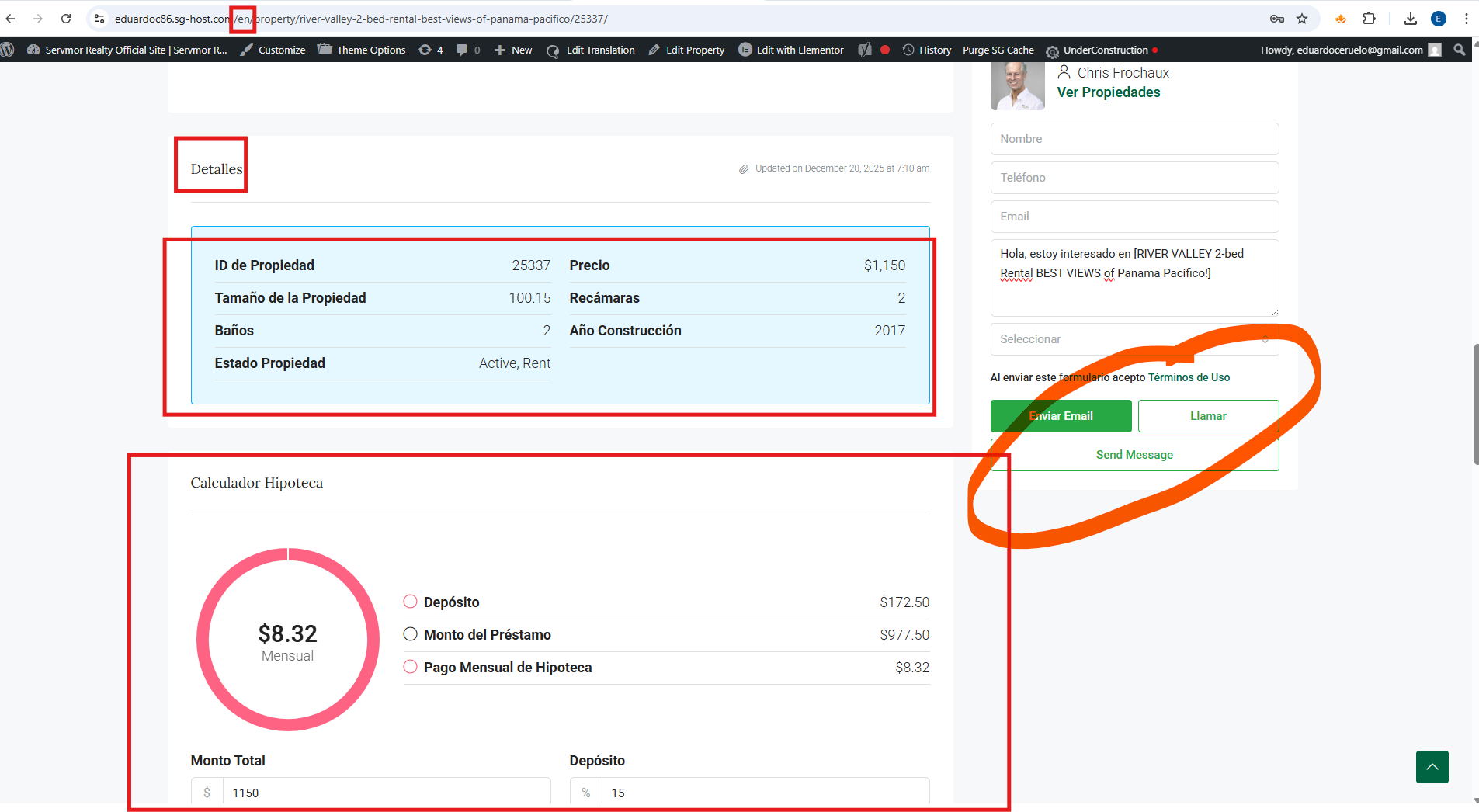
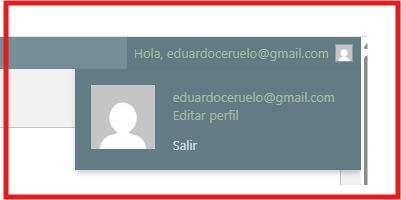
The translations change on their own, as does the system language; WPML is doing strange things, the translations change, and the admin is assigned a different language.
The system is acting strangely. I've translated the property pages many times, and after a while, the translations change. It's also happening now with the WordPress admin language, which is set to Spanish by default but then switches to English.
This is very frustrating ... is a bad plugin for me. Crazy translations, more than a mounth with this issue...making changes all time...
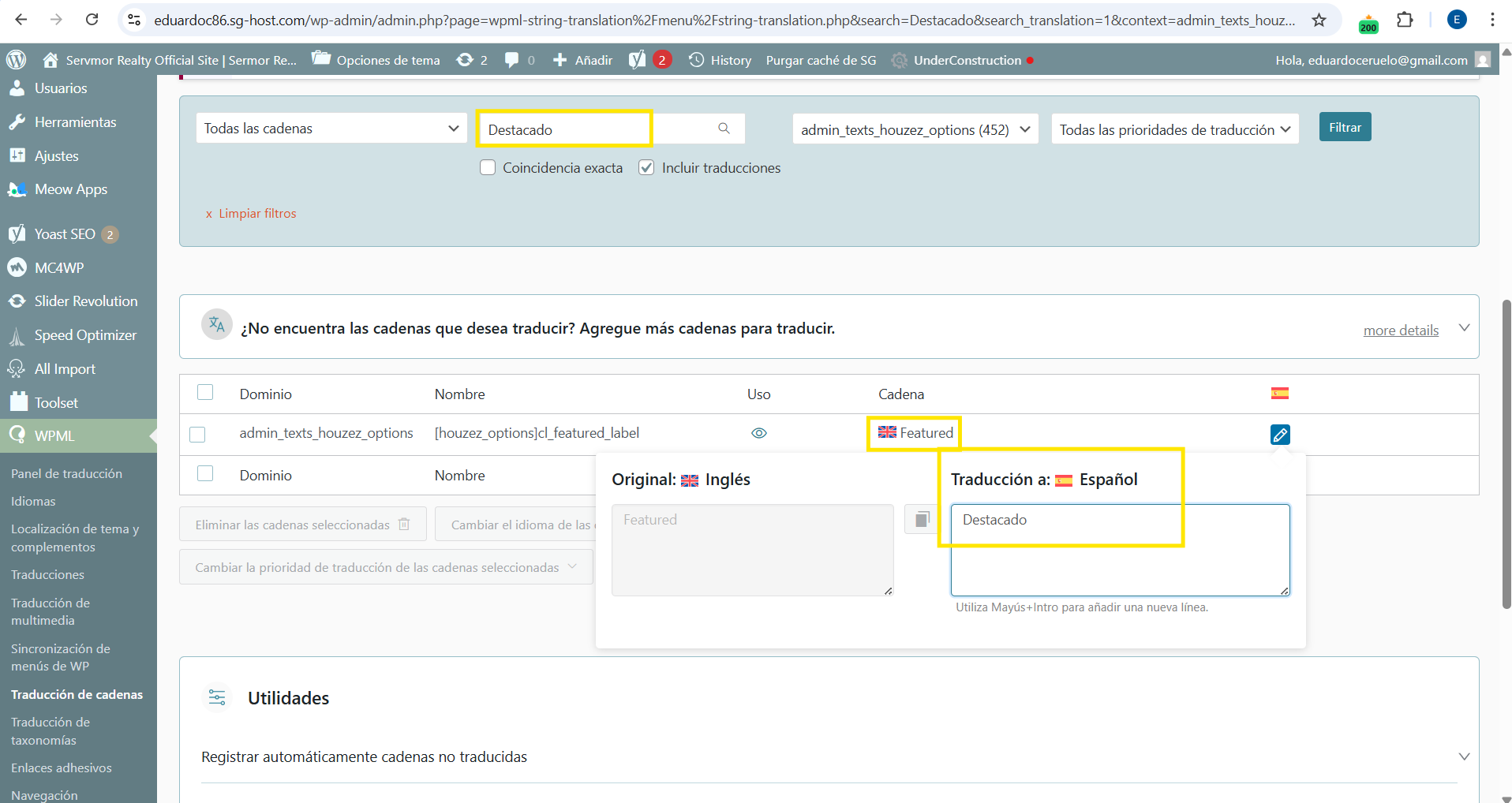
Por ejemplo, voy a traducción de cadenas, y busco una cadena que ya he traducido muchas veces pero siempre se vuelve a cambiar:
Cadena: "Al enviar este formulario acepto" la busco y aparece en inglés sin asignar la traducción, esto ya lo he realizado muchas veces repito!
a cadena está asignada al idioma inglés cuando es una cadena en español, cambio el idioma, la traduzco de nuevo y funciona, pasados unos días vuelve a estar mal otra vez.
Thanks for your patience. Based on the screenshots you shared, I can see the issue you had there. My apologies for the inconvenience.
I will require temporary access (WP-Admin and FTP) to a test site where the problem has been replicated, if possible. This will enable me to provide better assistance and determine if any configurations need to be modified.
Please note that it is important to have a backup for security purposes and to prevent any potential data loss. You can use the UpdraftPlus plugin (https://wordpress.org/plugins/updraftplus/) to fulfill your backup requirements.
Your upcoming reply will be treated with confidentiality and will only be visible to you and me.
✙ To resolve the issue, I may need your consent to deactivate and reactivate plugins and the theme, as well as make configuration changes on the site if necessary. This emphasizes the significance of having a backup.
Thanks for your reply. I'm not sure what you mean by "Please wait until 18 hours Panama local time.". Are you saying that the staging site will only work after that time?
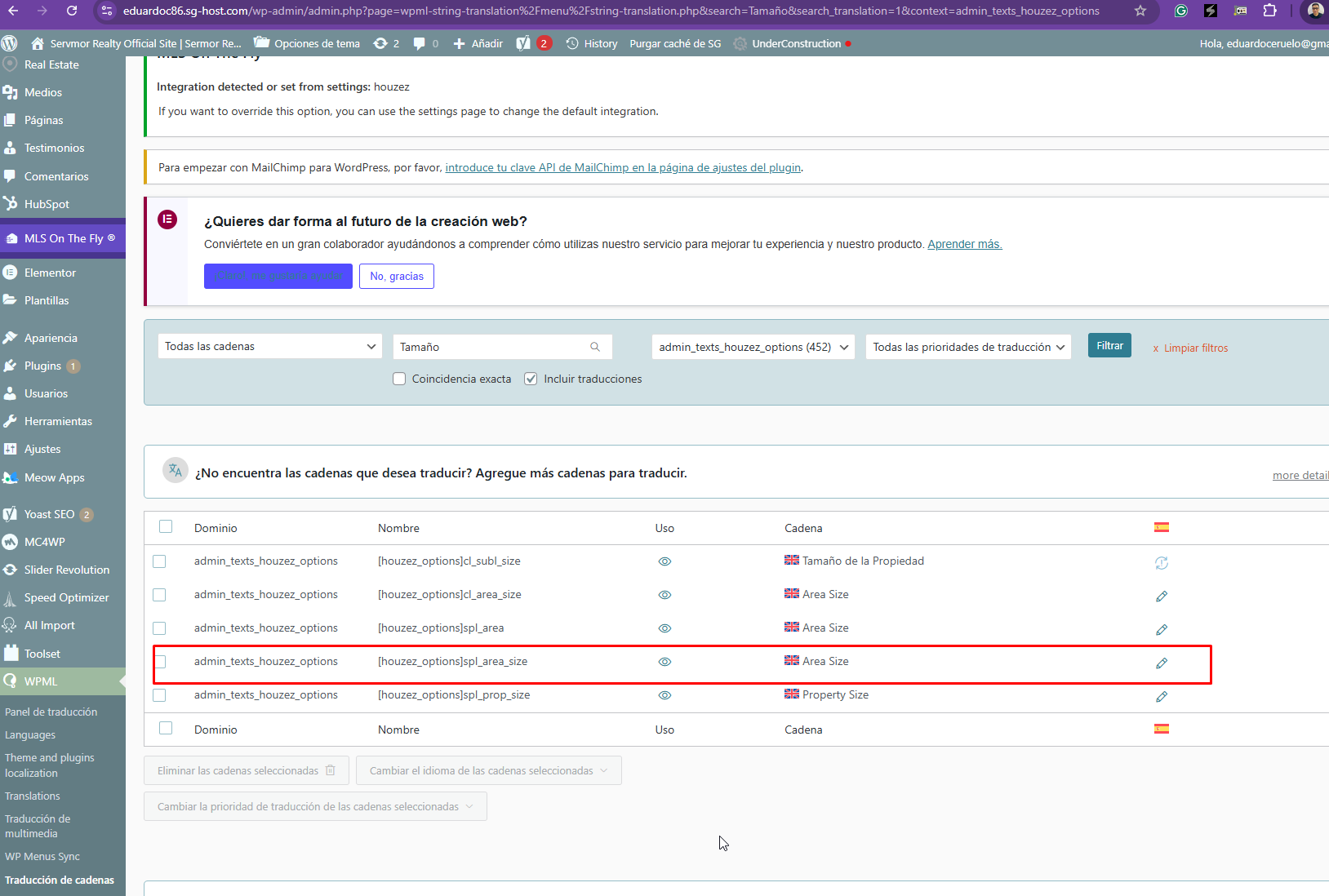
Thanks for your reply. I’ve checked your website and can confirm that the strings are being translated correctly in String Translation. Specifically, I’m referring to the string “Area Size”, which appears correctly here: hidden link
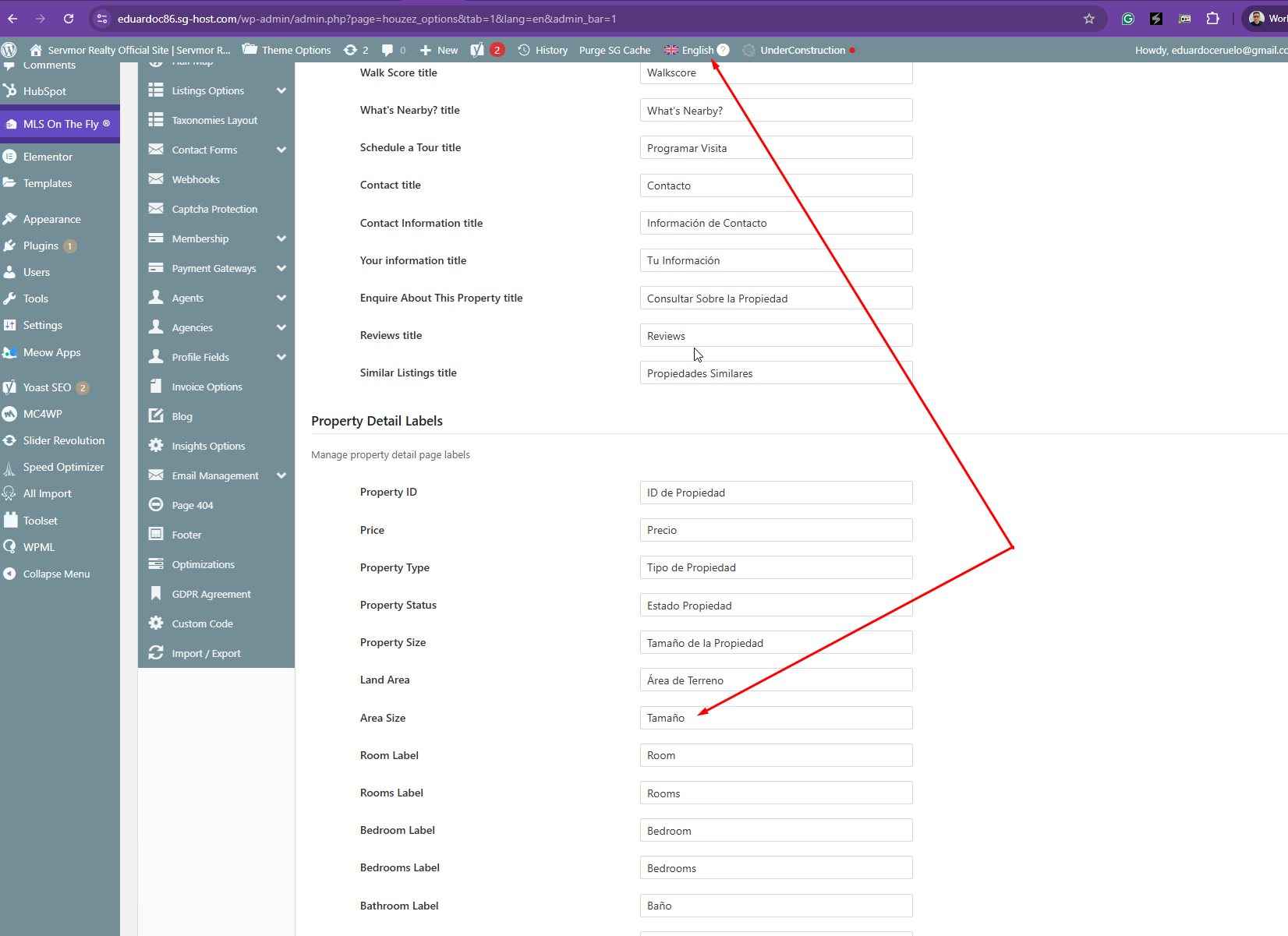
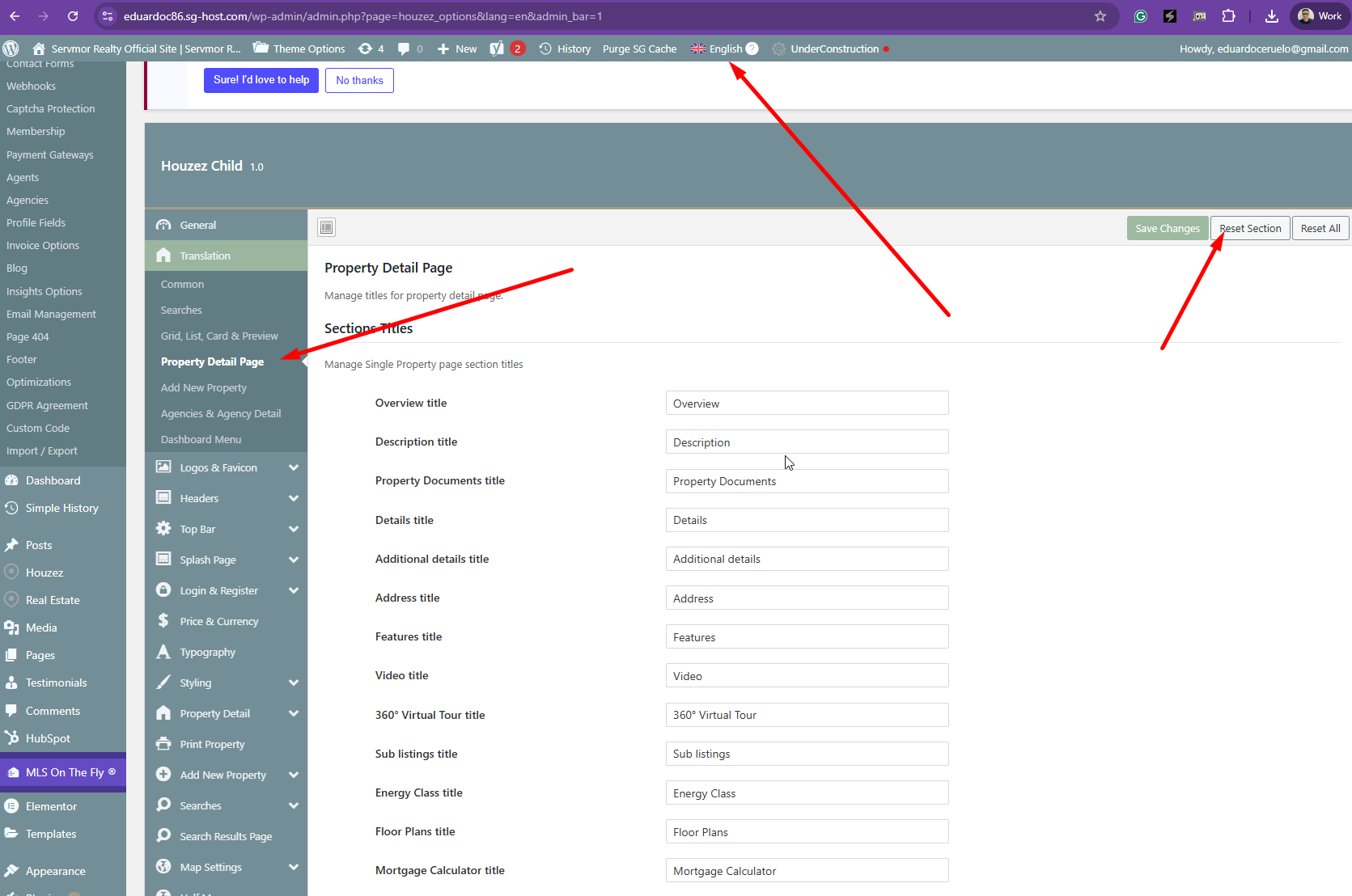
However, when I checked the theme options page in English: hidden link
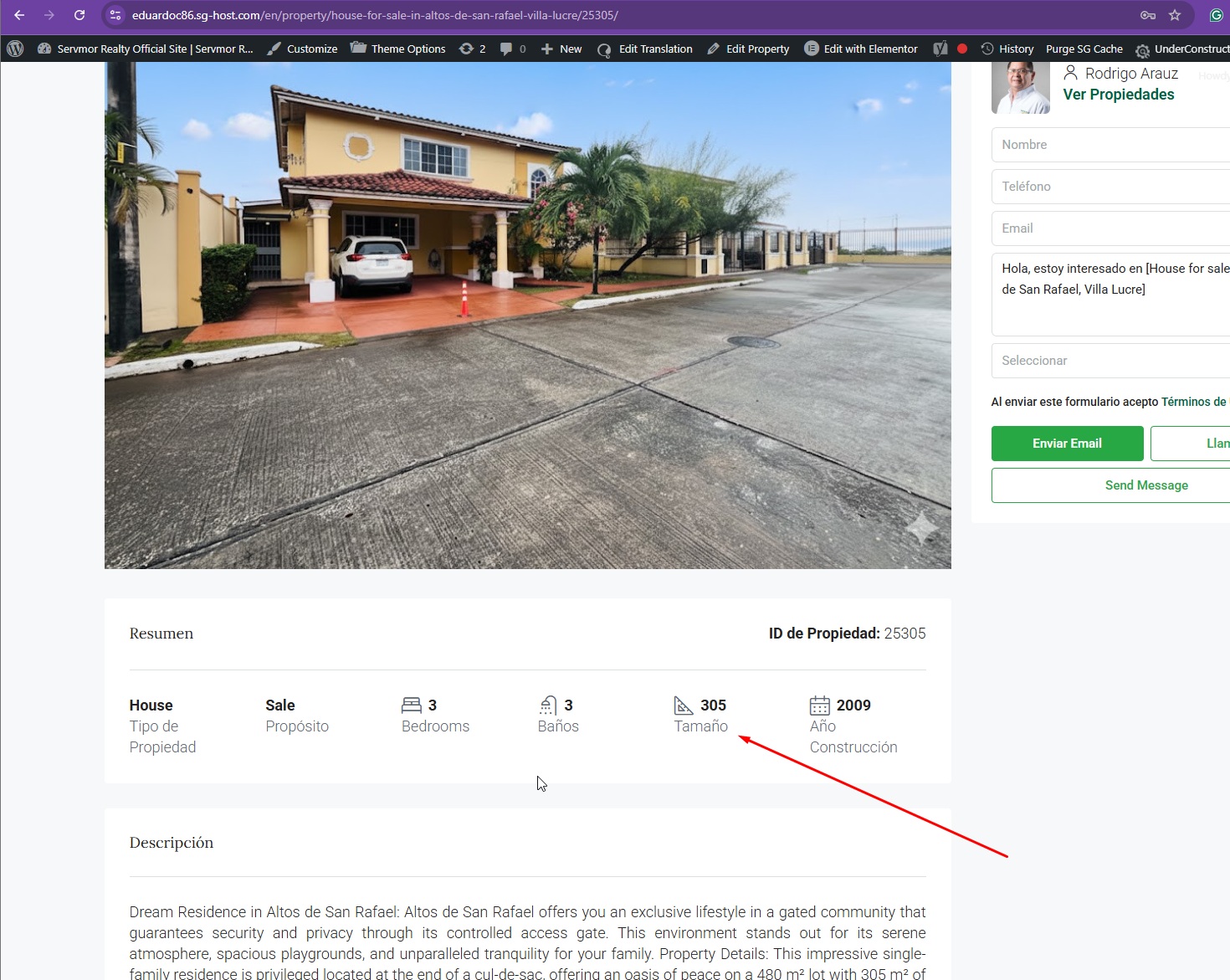
I noticed that “Area Size” is displayed as “Tamaño.” This indicates that the value from the theme options is overriding the translation coming from String Translation.
Could you please confirm whether the strings were translated directly inside the theme options previously, or if you only used WPML String Translation for this?
I’ve attached a few screenshots for reference to help clarify the behavior I’m seeing.
As you can see, I've translated both several times. At first, it works fine for each language, with the corresponding words, but after a few days, everything breaks down and it only shows up in Spanish. I have no idea what it could be, but it's very annoying to have to repeat this adjustment so many times.
First i translated directly inside the theme and after y used WPML String Translation for this.
Thanks for your reply, and sorry for any inconvenience this may have caused. I’ve reviewed the theme’s documentation here: hidden link
According to the documentation, the theme options need to be translated using WPML String Translation, and not via any other method.
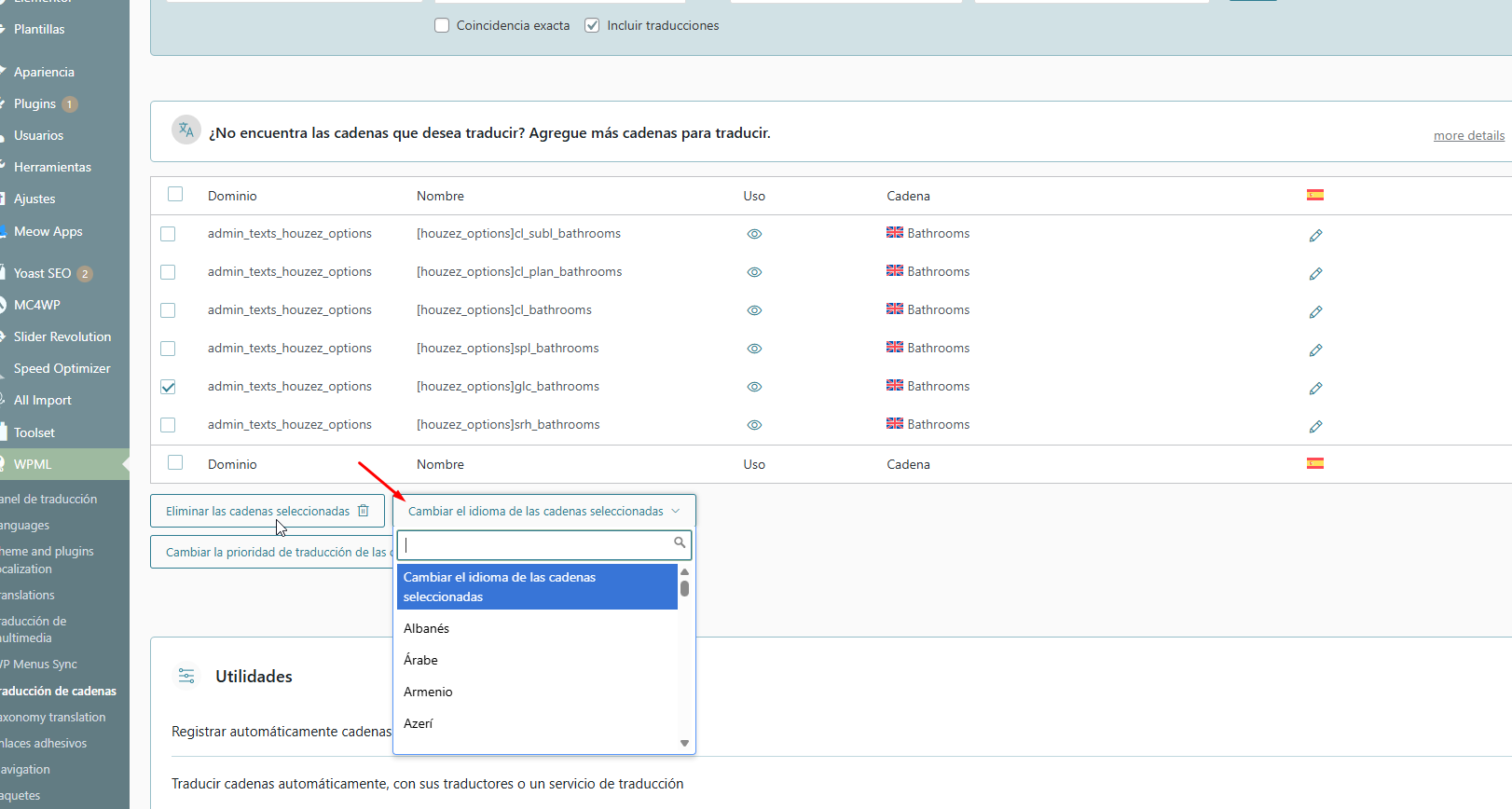
Could you please make a small adjustment to the translation again using String Translation so it displays correctly on the English version of the page below? hidden link . If a string is showing the wrong language, you can use the "Change String language" option as shown in the attached screenshot.
After that, we’ll monitor the site for a few days to see if the issue reoccurs.
Once the changes are done, I’ll need a snapshot of the site so I can troubleshoot this further in a local environment. Alternatively, with your permission, I can create the snapshot on your behalf. For this, I usually recommend using the free Duplicator plugin. If you’re already familiar with it, you can skip the steps and simply share the archive file you generate: https://wordpress.org/plugins/duplicator/
I did what you told me, I deleted the default theme translations and left only the WPML string translations. Now, everything looks correct in English, but it's not translating in Spanish.
I also got a new error in Spanish: the main menu logo isn't showing up in Spanish anymore.
The same thing happens with the rest of the translations on the entire page; now it doesn't show me anything in Spanish, but it does in English. All the strings are translated in the string translator.
hidden link
hidden link
New threads created by Kor and linked to this one are listed below:
Thanks for your patience, and apologies for the delay. I’ve downloaded a copy of the site and will continue troubleshooting this locally. I’ll get back to you as soon as possible with an update.