Skip to content Skip to sidebar

This thread is resolved. Here is a description of the problem and solution.

Problem:

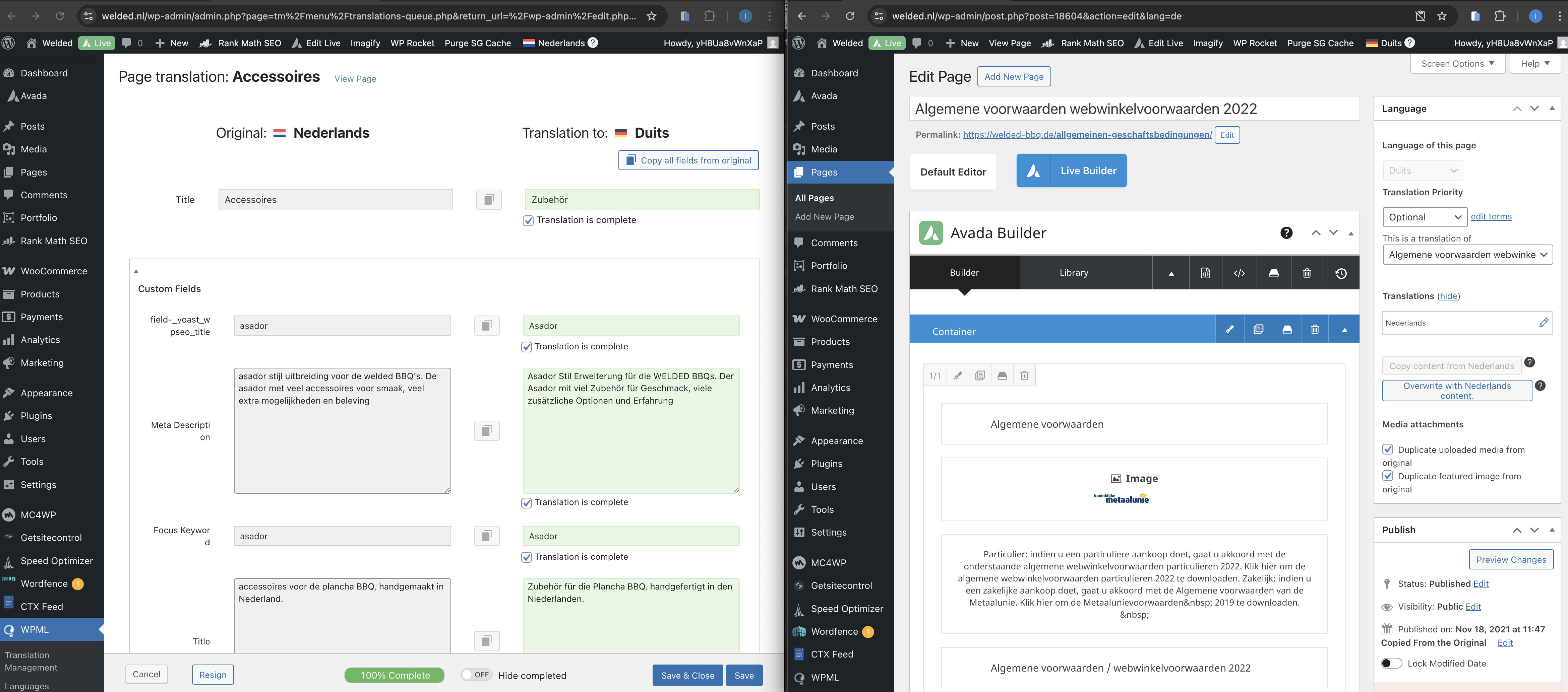
A WordPress site has translated Dutch pages into German. However, when you open the German pages in the admin panel, Dutch content is displayed instead of the translated German content.

Solution:

We recommend following these steps to ensure that the translated German content displays correctly:

1) Navigate to WPML>>Translation Management>>Translators.
2) Add yourself as a translator.
3) Open the Dutch page you wish to translate (e.g., Asado barbecue) for editing.
4) Make a minor change in the page content, such as adding a new title field for testing purposes.
5) Update the page.
6) Go back to WPML>>Translation Management.
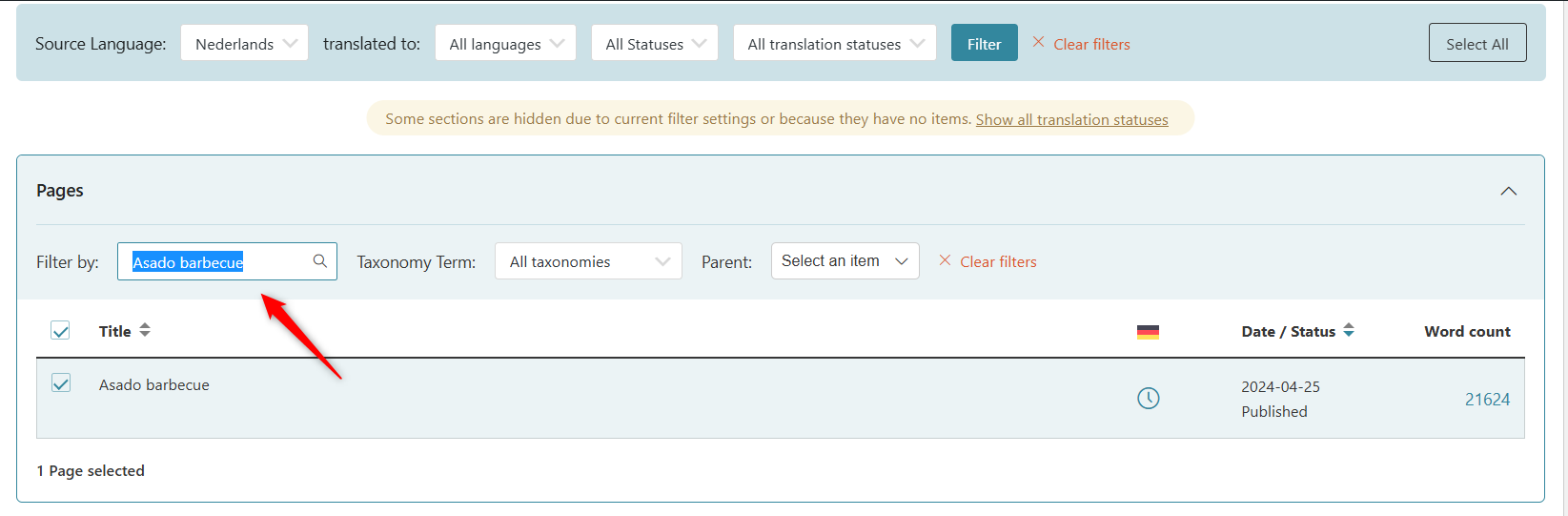
7) In the Pages section, filter the updated page by searching its title.
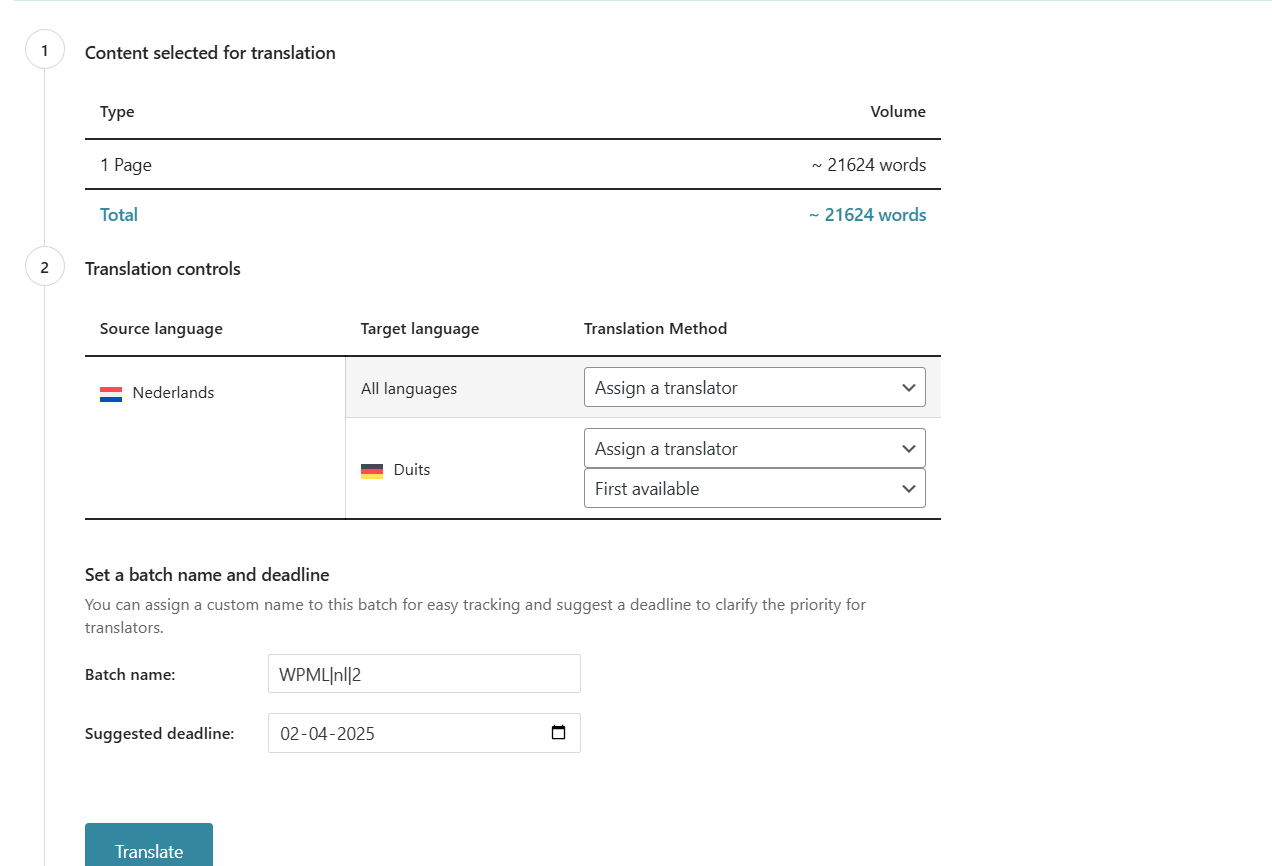
8) Send it for translation.
9) Visit WPML>>Translations (queue).
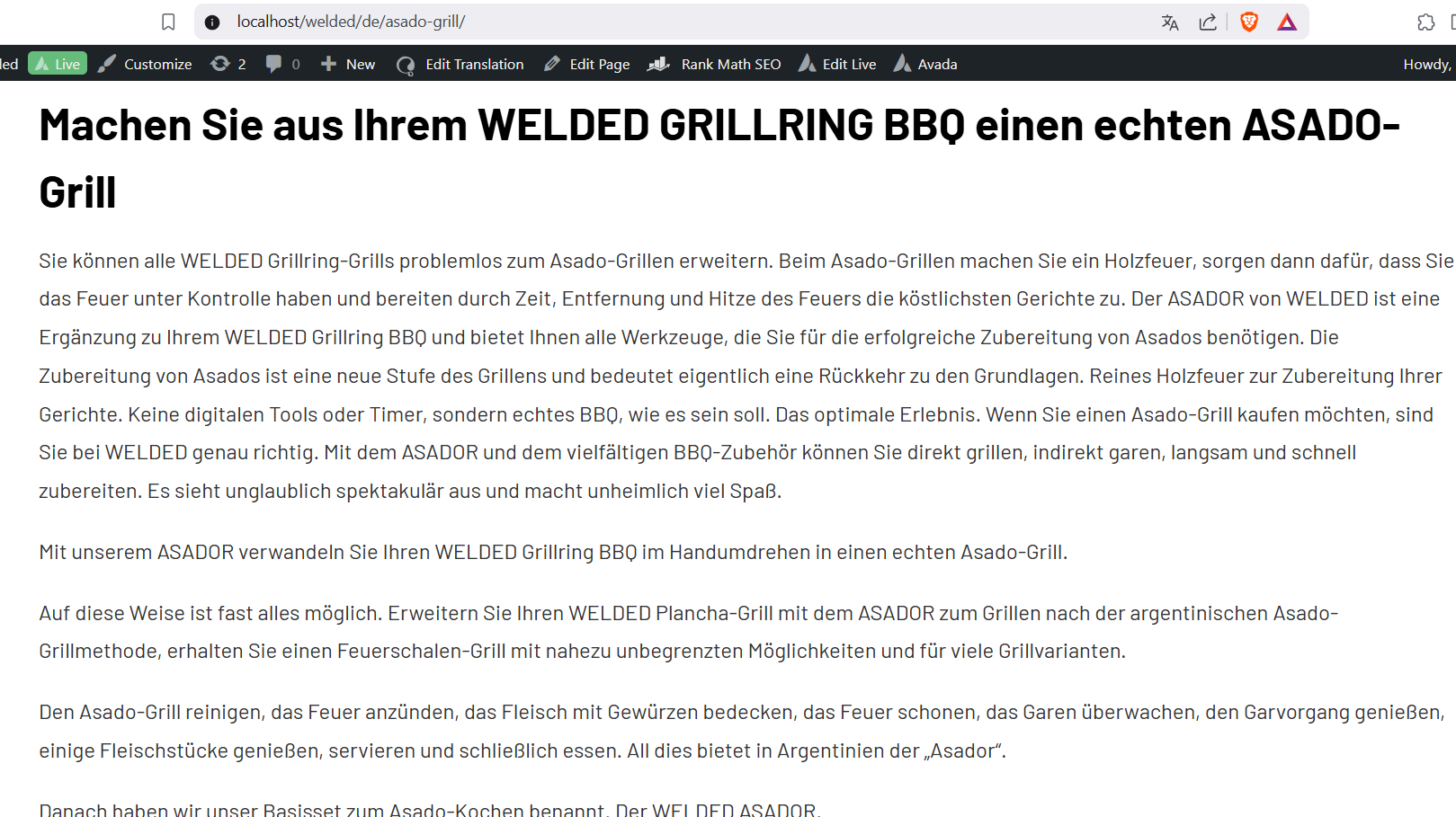
10) Translate the page.

Please ensure to perform a full site backup before attempting these steps. If this solution does not resolve your issue or seems outdated, we highly recommend checking related known issues at https://wpml.org/known-issues/, verifying the version of the permanent fix, and confirming that you have installed the latest versions of themes and plugins. If the problem persists, please open a new support ticket at WPML support forum for further assistance.

This is the technical support forum for WPML - the multilingual WordPress plugin.

Everyone can read, but only WPML clients can post here. WPML team is replying on the forum 6 days per week, 22 hours per day.

Tagged: 

This topic contains 0 reply, has 0 voices.

Last updated by Bigul 8 months, 2 weeks ago.

Assisted by: Bigul.

Author Posts
March 26, 2025 at 1:55 pm

Imre

Background of the issue:
I am trying to manage a WordPress site at hidden link using WPML. The owner has translated almost all Dutch pages into German.

Symptoms:
When I open the German pages in the admin panel, I see Dutch content instead of the translated German content.

Questions:
Why do the German pages show Dutch content in the admin panel?
How can I ensure that the translated German content is displayed correctly in the admin panel?

March 28, 2025 at 3:22 am #16870877

Bigul

Hello,

I made a copy of the site using the Duplicator plugin and am currently working on it locally. We will get back to you as early as possible. Please wait.

--
Thanks!

Bigul

March 31, 2025 at 3:20 pm #16880099

Bigul

Hello,

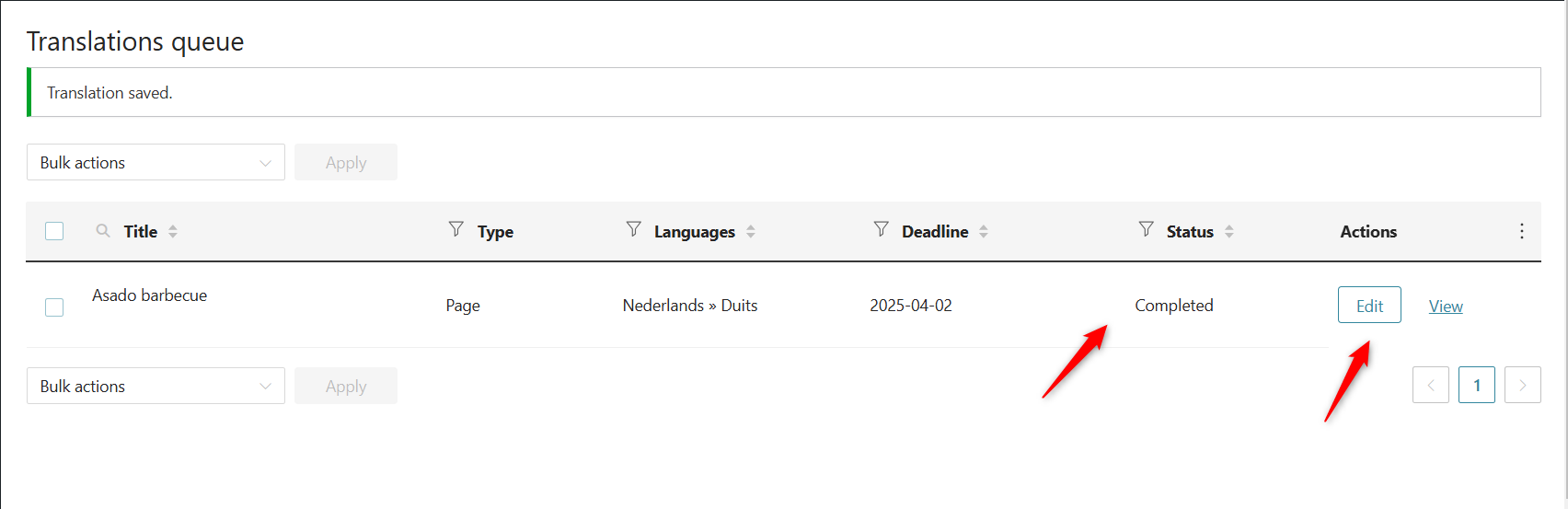
We are getting the expected results in our local copy after the following steps. Check the attached images for more details

1) Visit WPML>>Translation Management>>Translators
2) Add myself as a translator
3) Open the page (Asado barbecue) for editing in the Dutch language
4) Make a minor change in the page content (I added a new title field for testing)
5) Update the page
6) Visit WPML>>Translation Management
7) Scroll down to the Pages section
8) Filter the updated page by searching its title
9) Send it for translation
10) Visit WPML>>Translations (queue)
11) Translate the page

Please try it after a full site backup {mandatory} and let us know your feedback.

--
Thanks!

Bigul

2025-03-31_20h42_06.png
2025-03-31_20h41_42.png
2025-03-31_20h40_03.png
2025-03-31_20h39_15.png
April 1, 2025 at 7:17 am #16881580

Imre

Sorry but on the live site its not working how it should. Nice it works on your copy but this isnt helping us. I have no issues at all on other sites im using WPML.

April 1, 2025 at 8:14 am #16881767

Bigul

Hello,

Thank you for the update. This looks a bit unusual. Could you set up a staging/dev site (a clone of the live site) on the same server?

This will help us troubleshoot the bug without affecting the live site. Please let us know your thoughts.

--
Thanks!

Bigul

April 4, 2025 at 7:42 am #16895581
Imre

Hi there,

Everything i still not working ok.

In the Avada layouts i have a header, and in the german site header the logo is not working. hidden link

If i open the german layout header in admin i can see the right logo path is there hidden link so why frontend on hidden link if i look at the path behind the missing logo its: hidden link

I never have these kind of issues on other WPML sites

New threads created by Bigul and linked to this one are listed below:

https://wpml.org/forums/topic/avada-layouts-are-not-working/

April 4, 2025 at 8:11 am #16895689

Imre

I think it has something to do with Saving problems. Things are not properly saved.

April 4, 2025 at 7:07 pm #16898801

Bigul

Hello,

Thank you for the updates. We hope you are getting the expected results for the page translations after trying the steps suggested in the following thread. Please confirm.

https://wpml.org/forums/topic/translated-pages-when-open-in-admin-original-language-is-showed/#post-16880099

I have added a new ticket for the Avada Layouts issue. It will help us to avoid discussing multiple things in a single ticket. Thank you for your kind understanding.

--
Thanks!

Bigul