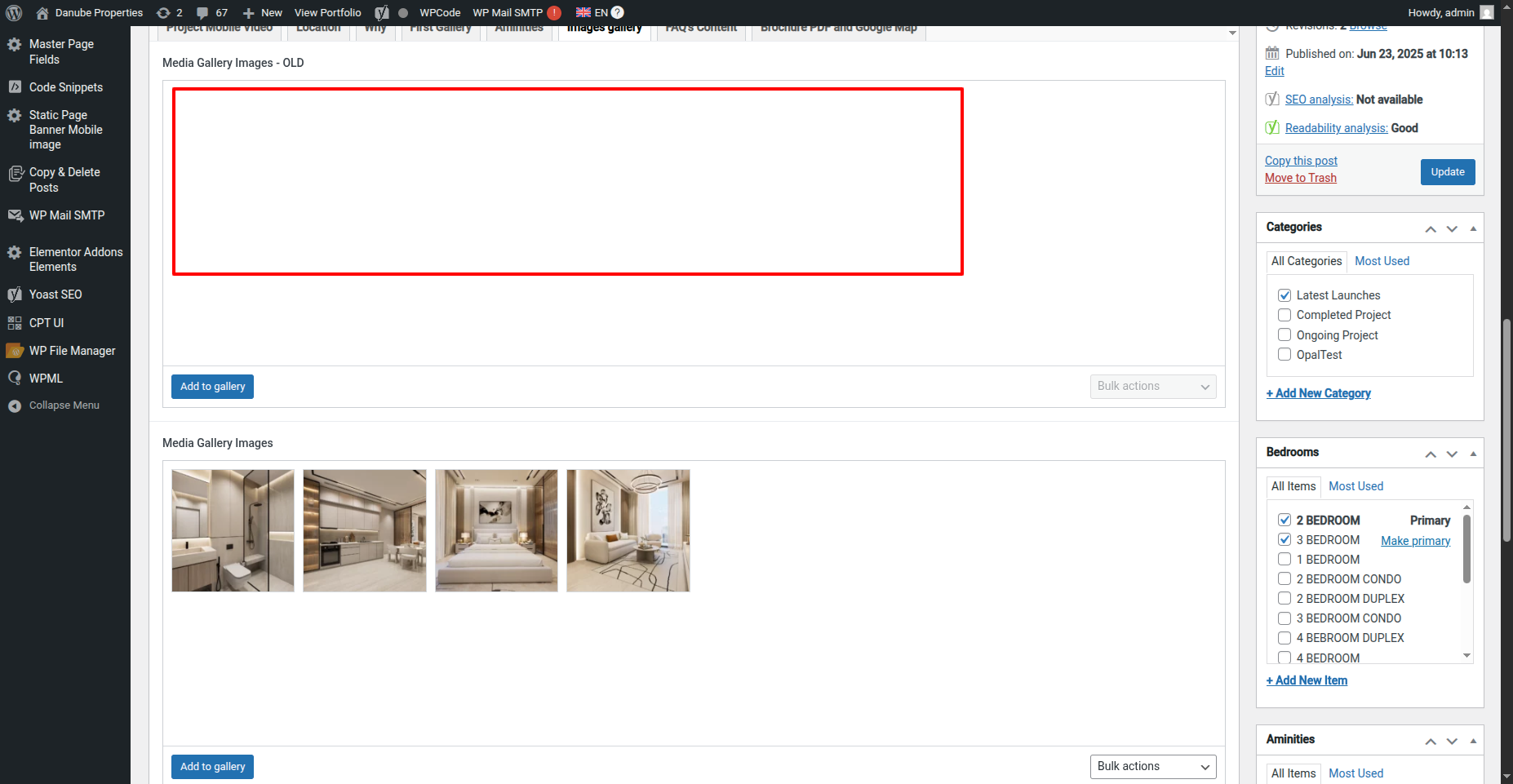
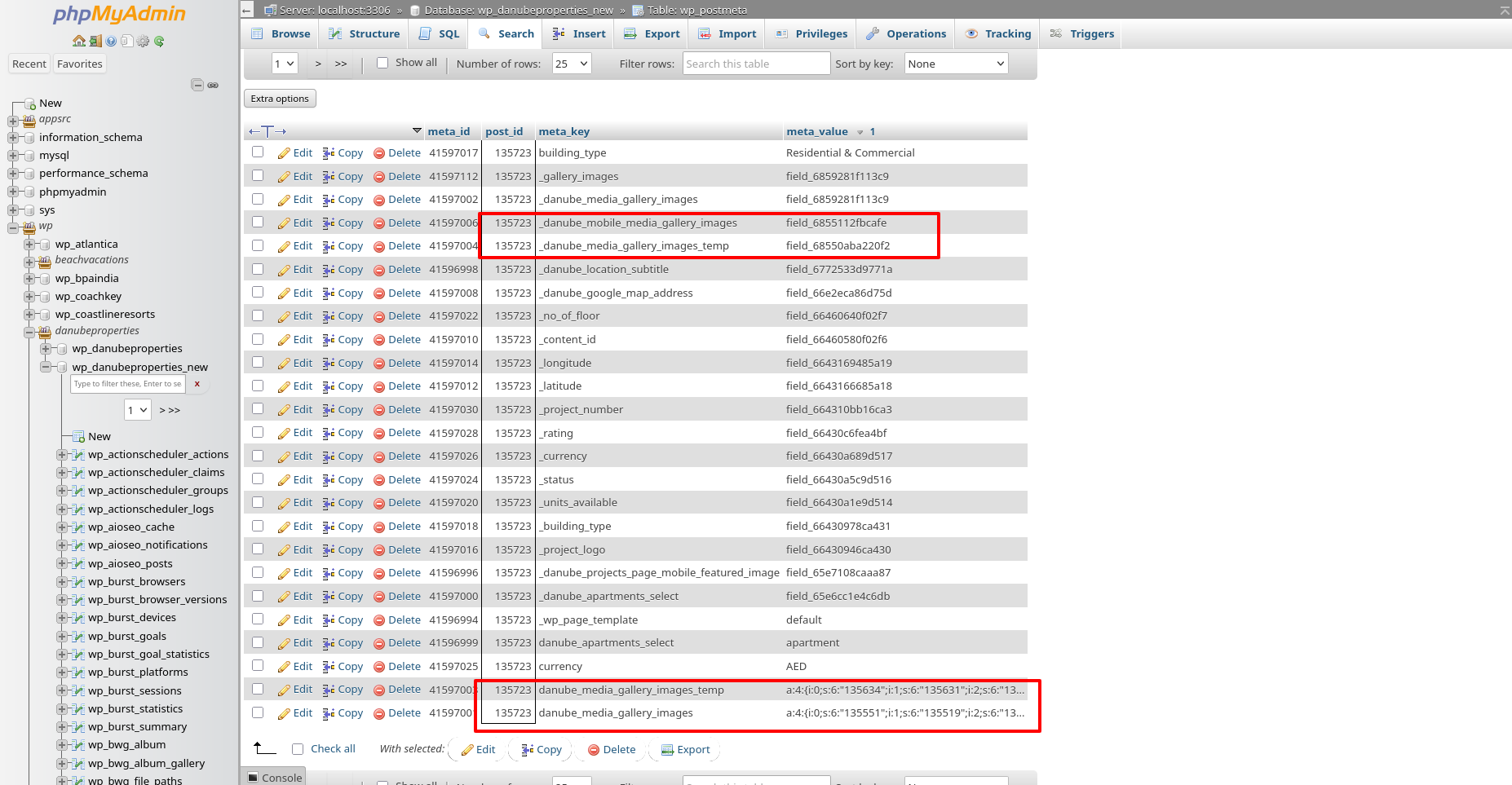
This thread is resolved. Here is a description of the problem and solution.
Problem: The client was experiencing an issue where the Gallery images in the existing Gallery field were not displaying after adding a new German language to the site using WPML.
Solution: We recommended checking the ACF multilingual configuration in WPML -> Settings -> Custom fields translation section and verifying any errors in the debug.log file. Additionally, we suggested creating a staging site to reproduce the issue without affecting the live site. After further investigation, it was found that another developer had added code to the WPCode Lite Plugin that caused the gallery images to load directly from a folder, bypassing the admin. We advised removing or adjusting this code to resolve the issue.
Please note that this solution might be outdated or not applicable to your specific case. We highly recommend checking related known issues at https://wpml.org/known-issues/, verifying the version of the permanent fix, and confirming that you have installed the latest versions of themes and plugins. If the issue persists, please open a new support ticket at WPML support forum.
This is the technical support forum for WPML - the multilingual WordPress plugin.
Everyone can read, but only WPML clients can post here. WPML team is replying on the forum 6 days per week, 22 hours per day.
Background of the issue:
I have a Gallery Images field in the Portfolio Post Type on my site hidden link. Initially, it worked fine. Recently, I added a new German language to the site using WPML, and now the Gallery images won't display in the Gallery field. I created a new Gallery field with a different name, and it works fine, but the old one is not working.
Symptoms:
Gallery images in the existing Gallery field do not display after adding a new language.
Questions:
What is causing the existing Gallery field to not display images after adding a new language?
How can I resolve the issue with the Gallery field not displaying images?
I'm seeing a few errors in the backend of your site related to the writing permission for /mo files. Also, when I edit a portfolio like hidden link to reproduce the issue, there are several errors in the Javascript Console that might be causing this problem.
Last but not least, I can see you are using the Expert mode in hidden link Why is that?
If you create a staging site with a copy of the live site, we can run further tests. As an alternative, if you confirm you have a full site backup that you can restore if necessary and authorize us, we can run further tests on the site.
But before we continue, I need to ask you to contact your hosting providers and request them to make the files and folder writing permission as described in this link: hidden link
You can see in the backend the warning message indicating the String Translation can't write in the languages directory.