This thread is resolved. Here is a description of the problem and solution.
Problem:
The client reported that when logging in as a WordPress Editor role user, they received an error message stating "Sorry, you are not allowed to access this page."
Solution:
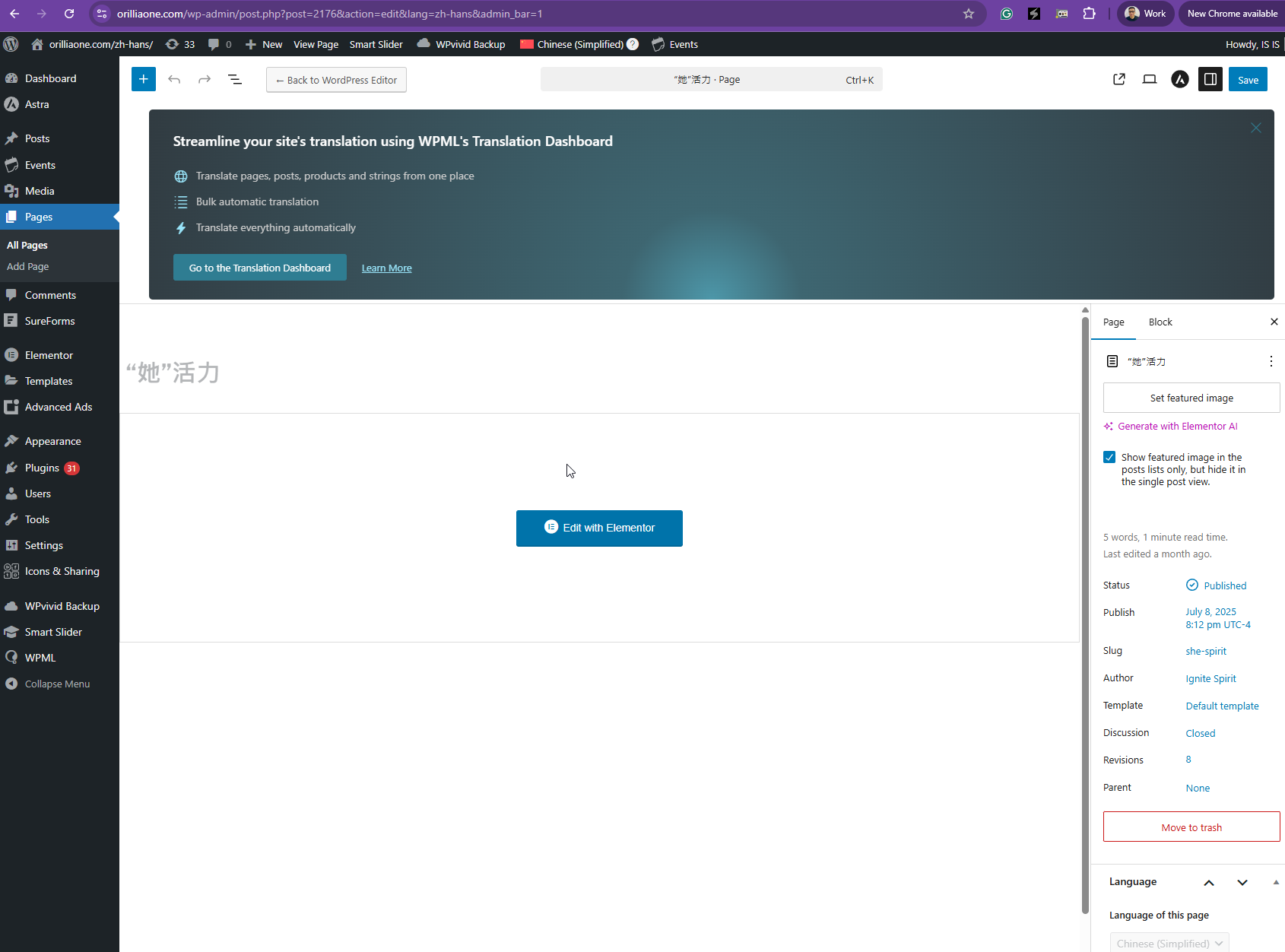
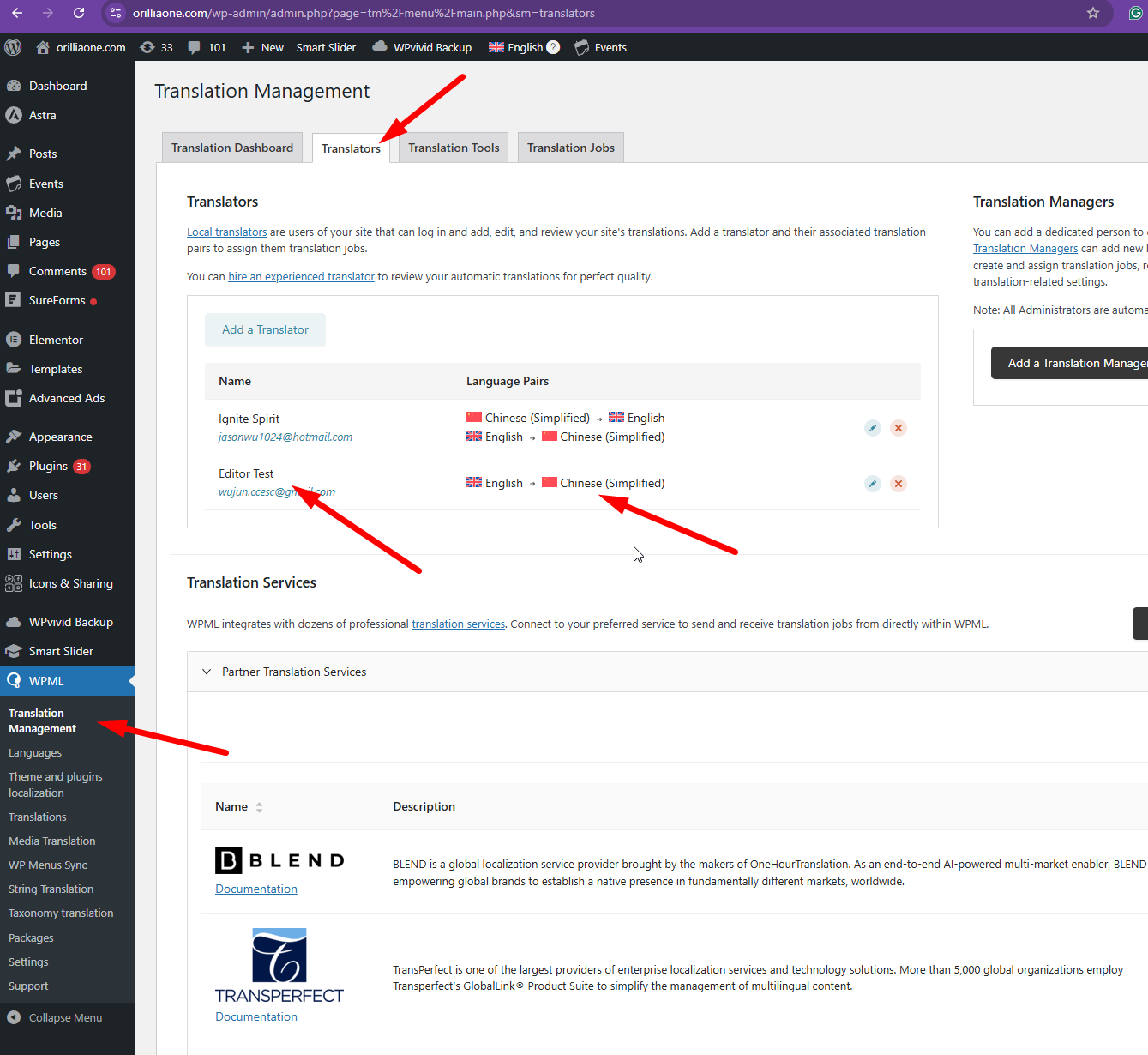
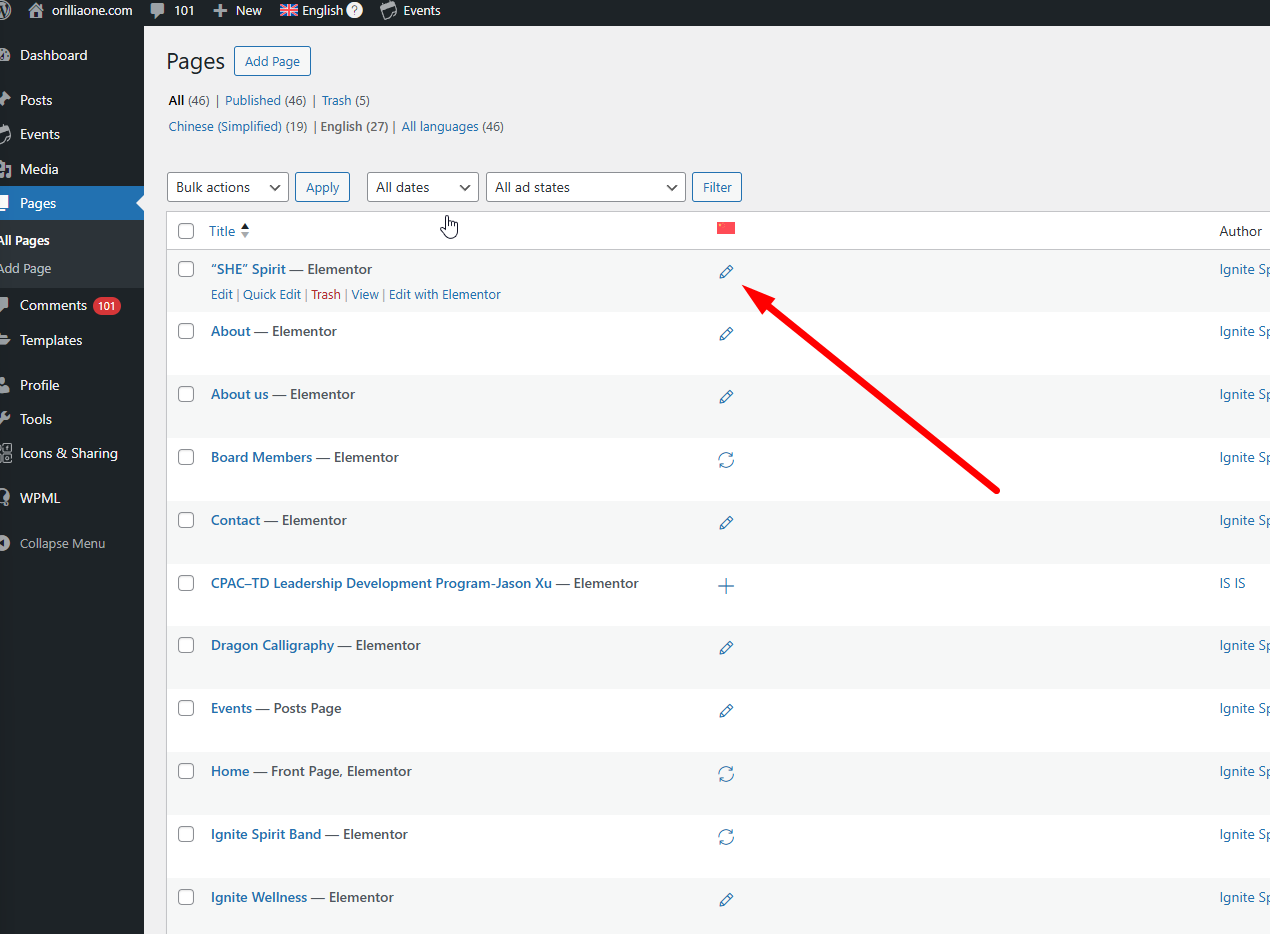
We resolved the issue by assigning the 'Editor Test' as the translator and setting the Chinese language for them. This adjustment allowed the editor to access and edit the translations successfully.
If you're experiencing similar issues, we recommend checking the user roles and permissions in your WPML settings. Ensure that the appropriate roles are assigned the necessary permissions to edit translations. For more detailed guidance, please visit our documentation on managing translator roles and permissions: Managing Translator Roles and Permissions.
Please note that this solution might be outdated or not applicable to your specific case. We highly recommend checking related known issues at https://wpml.org/known-issues/, verifying the version of the permanent fix, and confirming that you have installed the latest versions of themes and plugins. If the issue persists, please open a new support ticket at WPML Support Forum.
This is the technical support forum for WPML - the multilingual WordPress plugin.
Everyone can read, but only WPML clients can post here. WPML team is replying on the forum 6 days per week, 22 hours per day.
This topic is split from https://wpml.org/forums/topic/advanced-translation-editor-is-blank/
This topic contains 5 replies, has 0 voices.
Last updated by 8 months, 3 weeks ago.
Assisted by: Kor.