Home›Support›English Support›[Feature Request] Editor does not have access to necessary WPML-features despite authorisation
[Feature Request] Editor does not have access to necessary WPML-features despite authorisation
This thread is resolved. Here is a description of the problem and solution.
Problem: The client needed editors to access more WPML features, specifically the glossary function, without elevating them to Translation Managers. Despite being registered as translators, editors were unable to access or modify the glossary. Solution: We clarified that by default, editors do not have access to all WPML features. To allow editors to translate content, they must be added as translators via WPML->Translation Dashboard->Manage Translators & Services, which the client had already done. This setup enables editors to translate assigned content or initiate translations directly from pages or posts. However, for editors to access and manage the glossary, they must be assigned as Translation Managers. This role will allow them to update, add, or remove glossary items. The glossary itself automatically applies during translations in the Advanced Translation Editor, providing accuracy and context without direct editor intervention. For more details on managing glossary entries, visit How to Create and Manage Glossary Entries.
If this solution does not resolve your issue or seems outdated, we recommend checking related known issues at https://wpml.org/known-issues/, verifying the version of the permanent fix, and confirming that you have installed the latest versions of themes and plugins. If further assistance is needed, please open a new support ticket at WPML support forum.
This is the technical support forum for WPML - the multilingual WordPress plugin.
Everyone can read, but only WPML clients can post here. WPML team is replying on the forum 6 days per week, 22 hours per day.
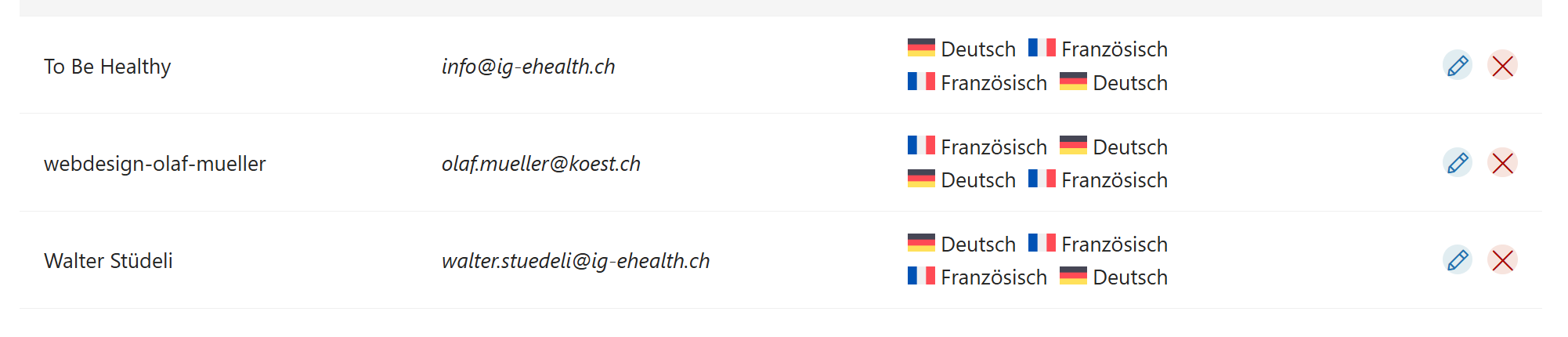
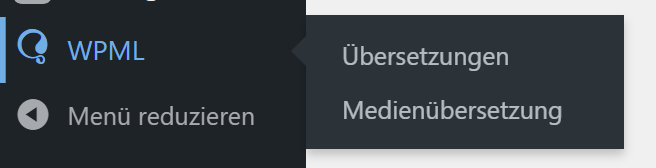
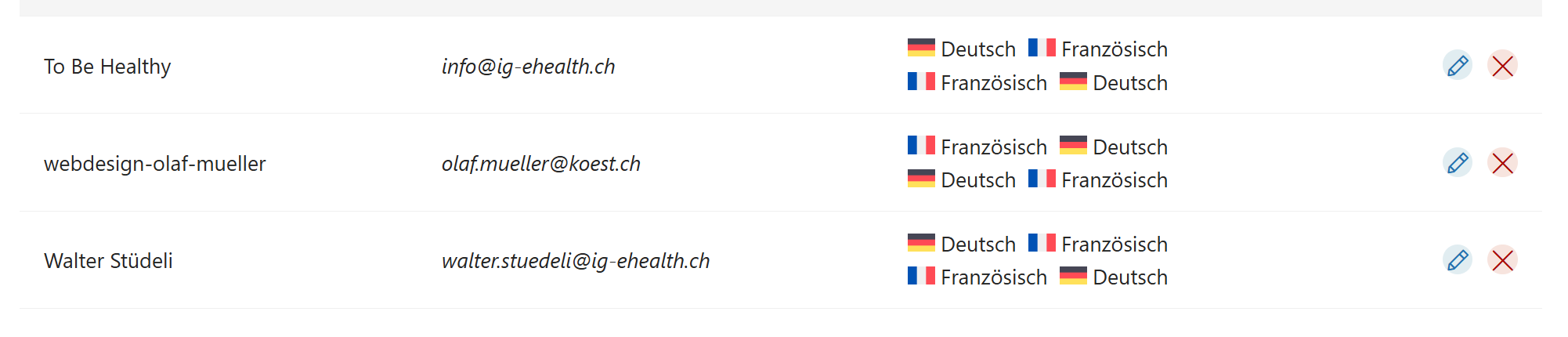
Hello, sorry, I again clicked on the much larger resolved button. The issue that despite authorization, editors do not have access to most of WPMLs functions is unresolved. PLEASE look at the screenshots.
An editor by default does not have access to WPML.
Going to WPML->Translation Dashboard->Manage Translators & Services you can add them as a translator (which you did already)
------> This gives the editor access to translate content.
For example they can now go to WPML->Translations and translate any content you or another Translation Manager assigns to them.
OR
They can go to pages or posts and click on the + button to add a translation.
They also have the ability to edit the translation if need be.
On the other hand, if they are added as a Translation Manager they will now have access to:
-----> Translate content, Access to Translation Dashboard, and String Translation.
The overall idea is that with the Editor role they can translate items that are either assigned to them (by a manager) OR go to pages/posts and translate an item.
thank you and sorry for the delay: flu has struck me down. I understand clearly what you are syaing. But that is not what I asked you about:
In this version the editor has no way to access the glossary-function. Which without saying is elementary when translating texts. So, how can I grant access to an editor to the glossary function?
Best regards,
Olaf
The Glossary helps with the translation accuracy, this should happen automatically regardless if an editor or translation manager or even an admin is using the software.
The only access an editor does not have is to the glossary directly (not it's use)
The glossary applies directly within the Advanced Translation Editor.
However, if you want them to have access to the Glossary in terms of updating it, removing or adding items then they need to be a translation manager.
"Once created, automatic translation engines will use the glossary entry to correctly translate your terms, and translators will receive additional context during translation."
I understand, and in this case they should be able to see the glossary translations take effect automatically.
Is this not happening? If yes, we will need to further review by accessing the backend.
NOTE that they are not going to be able to add their own glossary items but they should be able to see the glossary items automatically applied, that is a global setting.