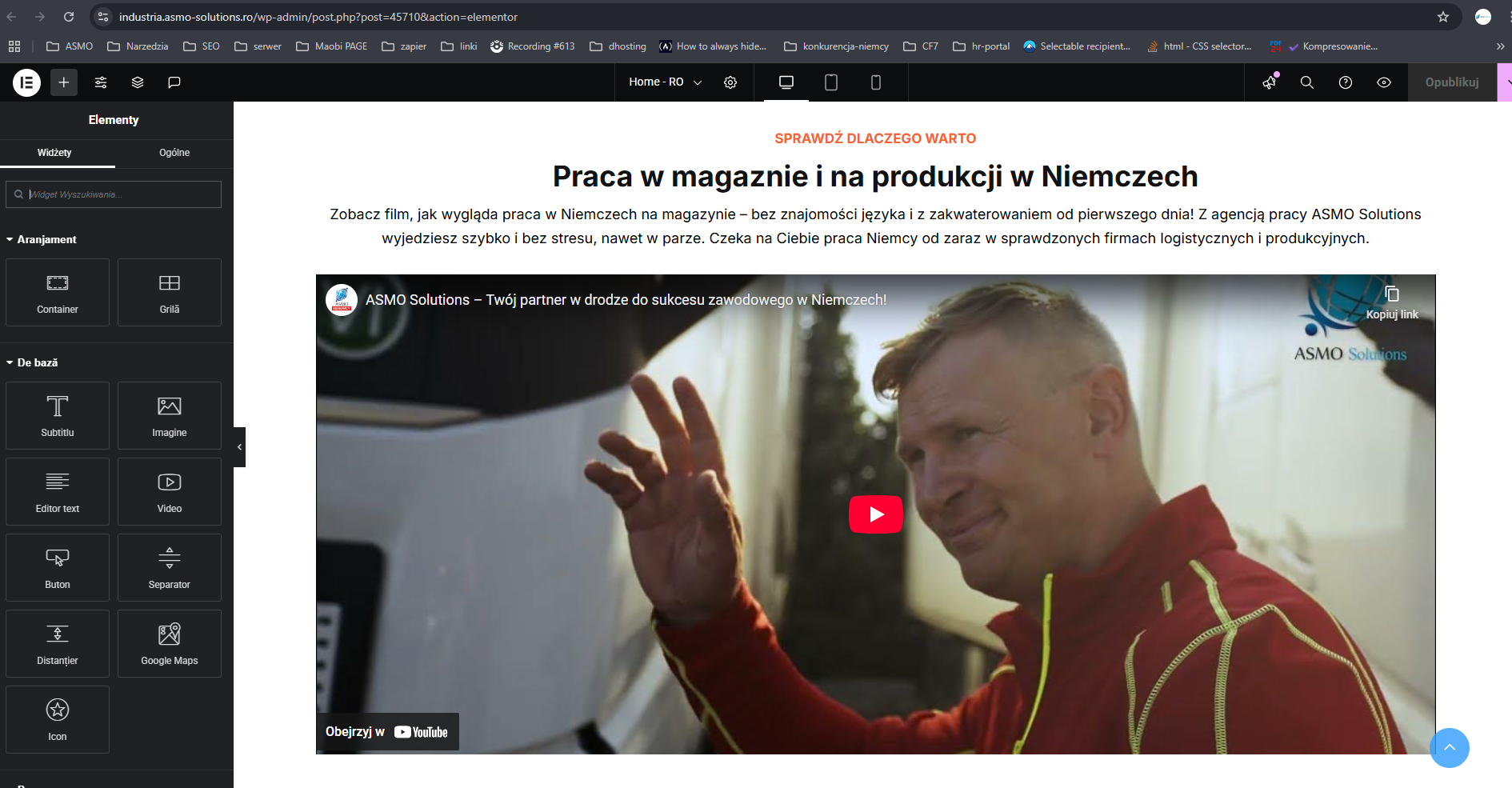
Background of the issue:
I am trying to translate the homepage of my site independently from the Polish (PL) version to the Romanian (RO) version using WPML. The site I need help with is hidden link. On other sites, such as b2b.asmo-solutions.pl, the translation works correctly.
Symptoms:
I have translated the homepage three times, but it keeps reverting to the Polish version. Additionally, all images have disappeared from the Romanian page: hidden link
Questions:
Why does the homepage translation revert to the Polish version after I translate it to Romanian?
Why have all the images disappeared from the Romanian page?
This change from the Polish version to the Romanian version happens after 1-2 days, I don't do any synchronisation there. Dtrons are set to be translated independently. I specifically deleted the RO version and duplicated it again and set it to translate independently.
This plugin is already driving me crazy, can you help configure it so that nothing is synced no pages and posts, they are supposed to be separate just content. Now the RO page doesn't work at all and I get the prompt: No input file specified.
I will need to closely examine your website. Therefore, I will require temporary access (WP-Admin and FTP) to a test site where the problem has been replicated, if possible. This will enable me to provide better assistance and determine if any configurations need to be modified.
Please note that it is important to have a backup for security purposes and to prevent any potential data loss. You can use the UpdraftPlus plugin (https://wordpress.org/plugins/updraftplus/) to fulfill your backup requirements.
Your upcoming reply will be treated with confidentiality and will only be visible to you and me.
✙ To resolve the issue, I may need your consent to deactivate and reactivate plugins and the theme, as well as make configuration changes on the site if necessary. This emphasizes the significance of having a backup.
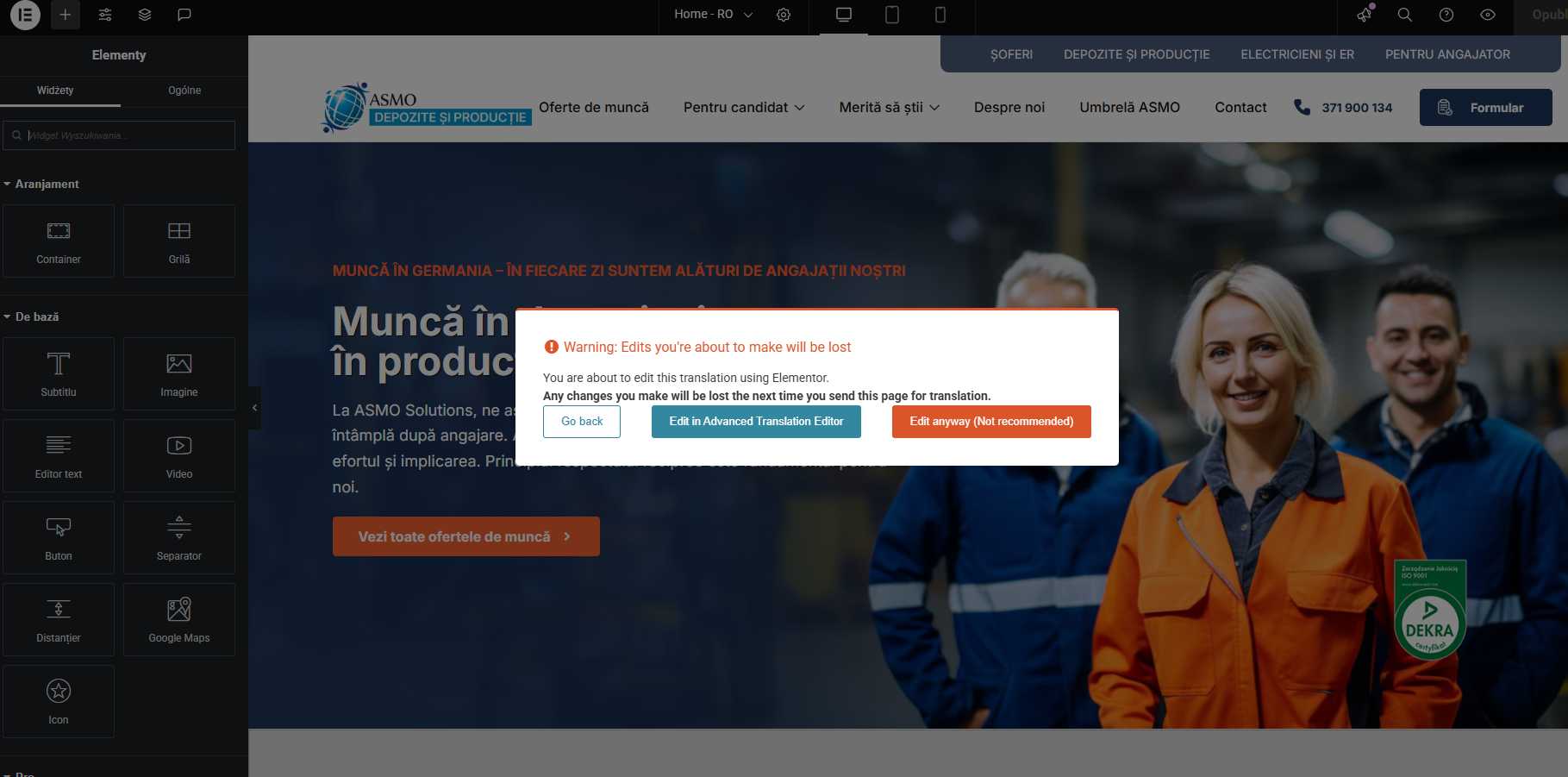
I have cleared the cache and the Romanian translation is held for now, but a prompt appeared when trying to edit in elementor.
I have this prompt in the home page edit of the RO version of elementor. Should I choose to edit in ATE? I would not like to translate the same page again.
But I translated all the other subpages independently in elementor and it was ok. The translations were not synchronised and despite being duplicates they were translated correctly in elementor. The problem was only with the homepage of the RO version, which kept changing to the page for the PL version.
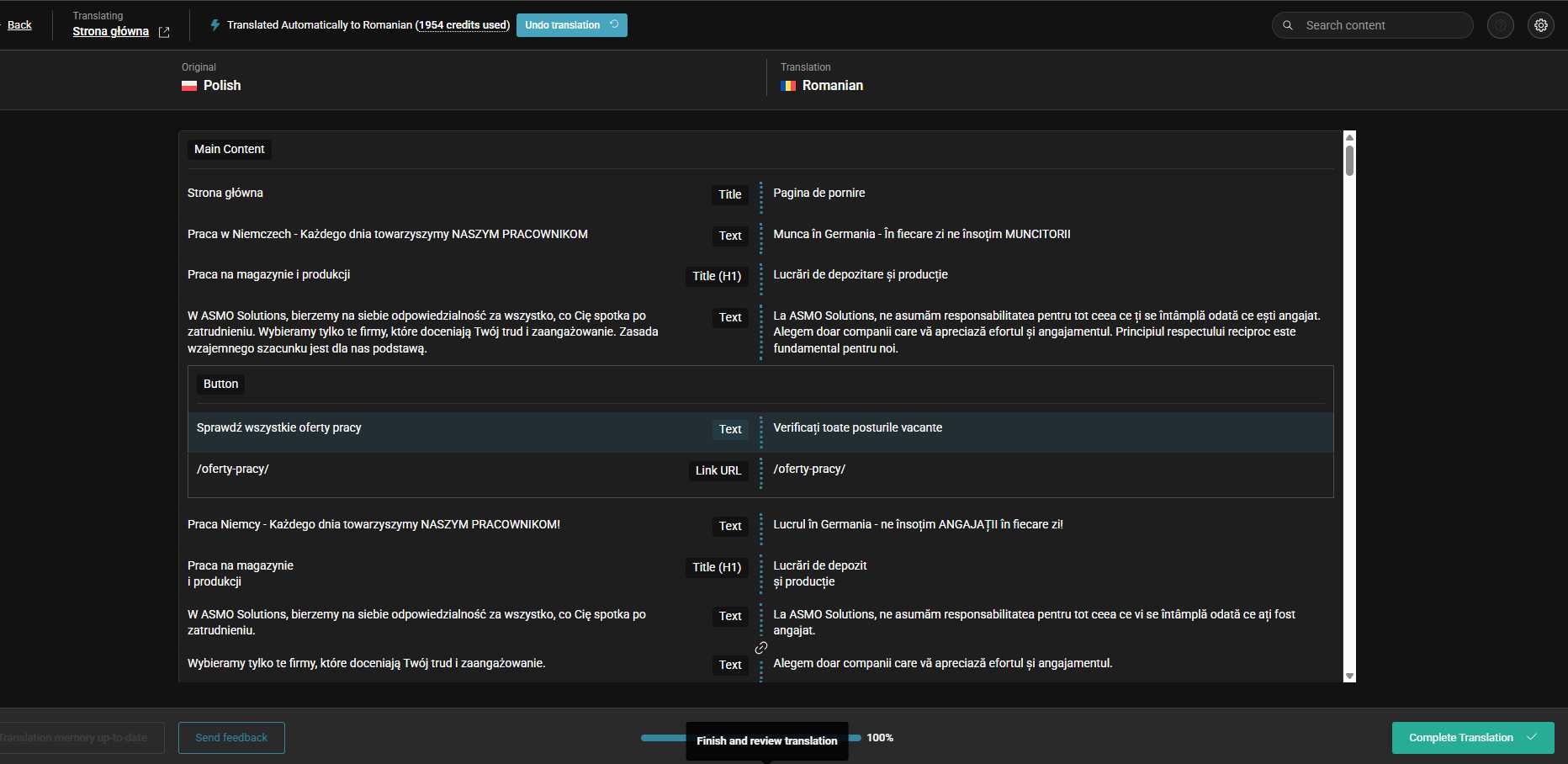
In ATE, links and many other options are not visible.
And if they are visible in ATE, they are links from the PL version, even though they are already changed in elementor in the RO version.
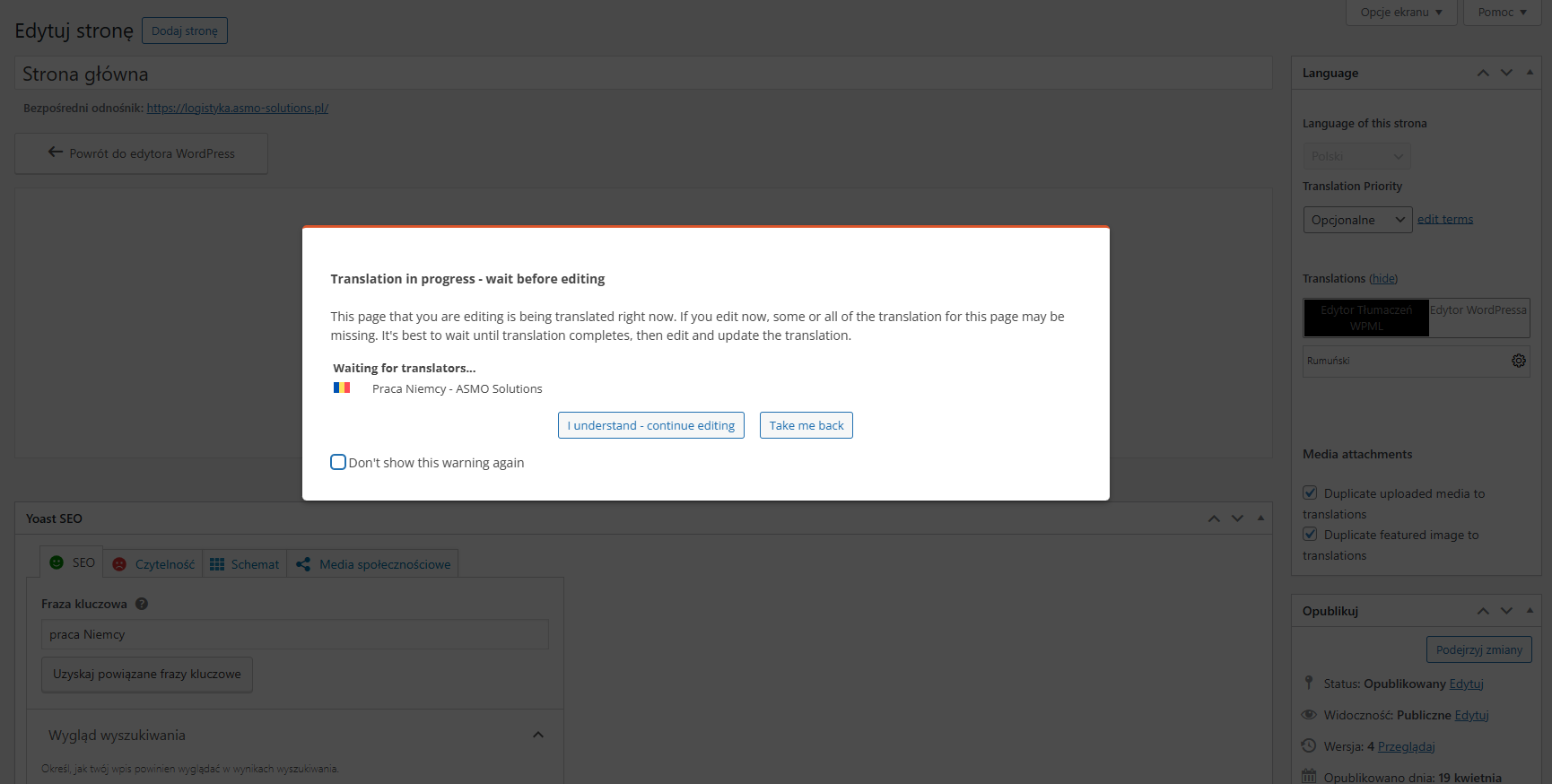
Monit on PL version. I do not want to translate automatically using credits. I want to translate both language versions separately in elementor as 2 independent subpages. What should I set up and where?
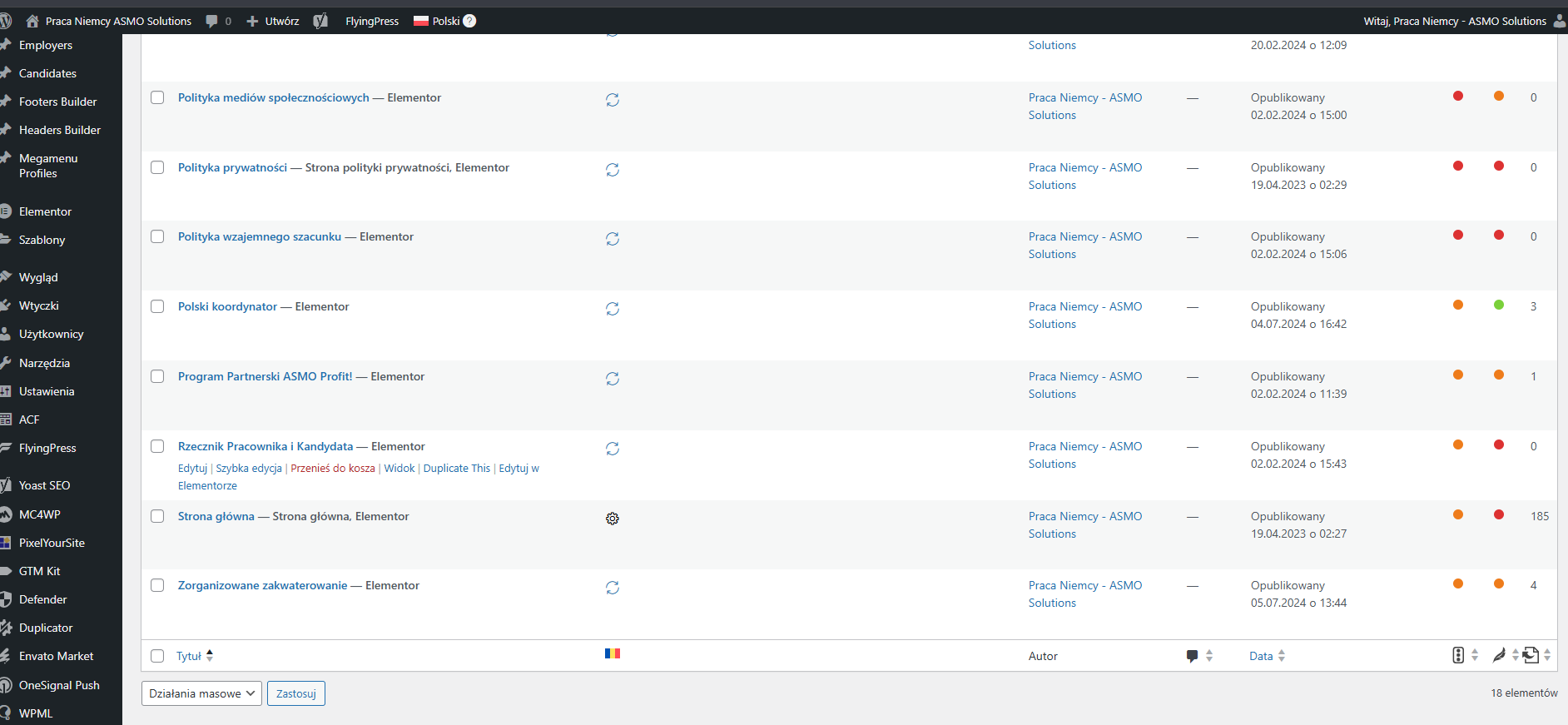
Please navigate to WPML > Translation Management > Translation Jobs and cancel the translation jobs. Then, try translating the page again and see if it works.
If you're not sure, please share your WP admin access here. Please note that it is important to have a backup for security purposes and to prevent any potential data loss. You can use the UpdraftPlus plugin (https://wordpress.org/plugins/updraftplus/) to fulfill your backup requirements.
Your upcoming reply will be treated with confidentiality and will only be visible to you and me.
✙ To resolve the issue, I may need your consent to deactivate and reactivate plugins and the theme, as well as make configuration changes on the site if necessary. This emphasizes the significance of having a backup.
I also remember that I removed this section from the RO version. Today it reappeared - that is, the page still syncs with the Polish version. I set the duplicate copy to 100% as translate independently.
The topic ‘[Closed] Home page elementor translation’ is closed to new replies.