Home›Support›English Support›[Resolved] Issue with YouTube Video Display in Product Pages When WPML CMS is Enabled
[Resolved] Issue with YouTube Video Display in Product Pages When WPML CMS is Enabled
This thread is resolved. Here is a description of the problem and solution.
Problem: If you're experiencing an issue where YouTube videos only display the cover photo on product pages when WPML Multilingual CMS is activated, even in the original language, and you're using the Woodmart theme, we can help.
Solution: 1. Navigate to WPML-> Settings-> Custom Fields Translation. 2. Click on "Show System Fields". 3. Search for and set the following fields to "Copy": -
woodmart_wc_video_gallery
-
_product_image_gallery
4. Click "Save". 5. Edit the product in the default language, make a minor edit, and update it. 6. Update its translation. After these steps, the video should appear correctly in all languages.
If the issue persists even when WPML is deactivated, it might not be related to translation. In this case, try creating a new test product in the default language with WPML activated and add the video. Check if the video displays correctly on the front end.
If this solution does not resolve your issue or seems outdated, we recommend checking related known issues at https://wpml.org/known-issues/, verifying the version of the permanent fix, and confirming that you have installed the latest versions of themes and plugins. If the problem persists, please open a new support ticket.
This is the technical support forum for WPML - the multilingual WordPress plugin.
Everyone can read, but only WPML clients can post here. WPML team is replying on the forum 6 days per week, 22 hours per day.
Background of the issue:
I am using the Woodmart theme on my website, which includes a feature that allows me to add YouTube videos to my product pages. This feature has worked perfectly in the past. However, I have recently encountered an issue where the video is no longer displaying correctly when WPML Multilingual CMS is active.
Symptoms:
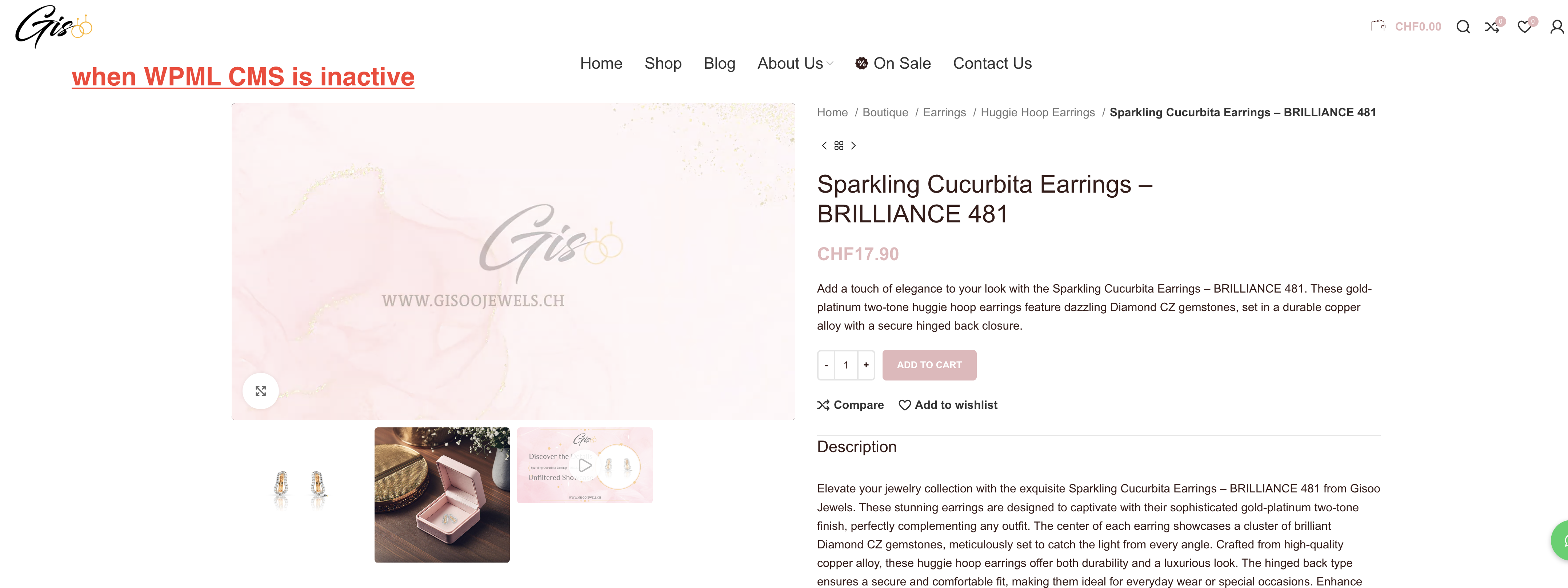
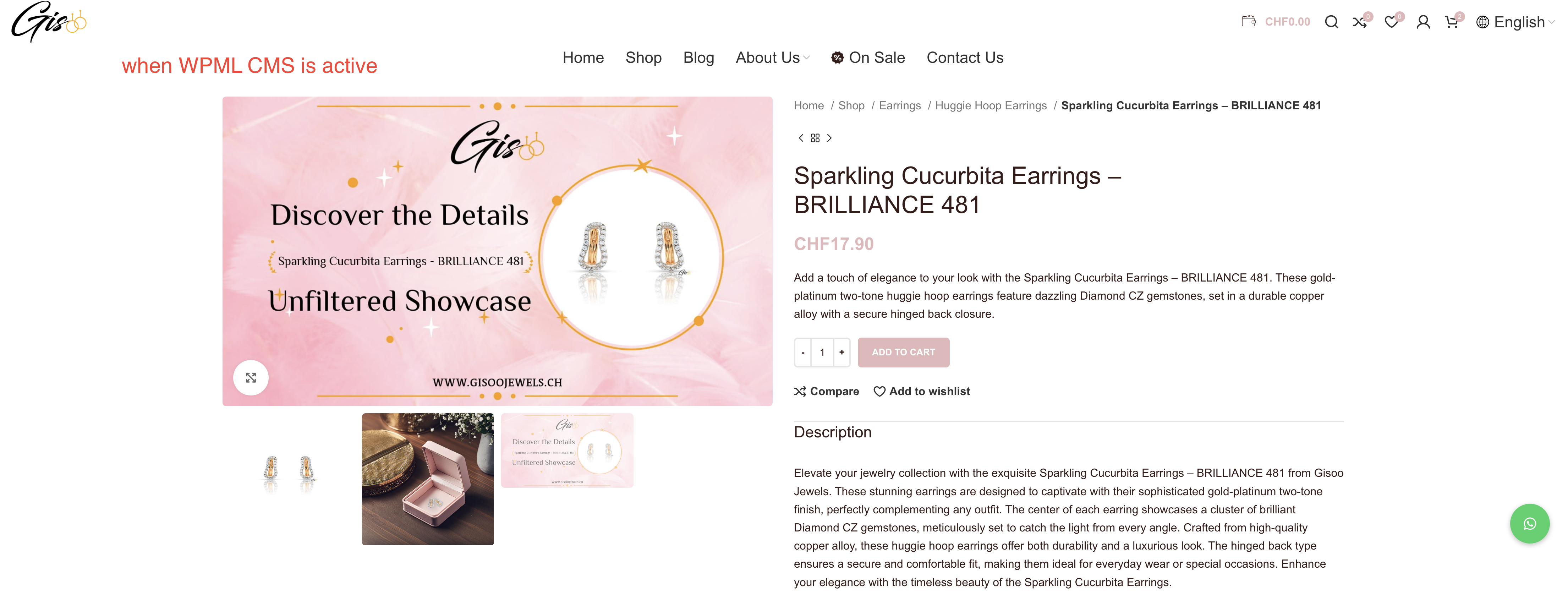
The video is no longer displaying correctly on product pages when WPML Multilingual CMS is activated. Instead of playing the video, it only shows the cover photo. When I deactivate WPML CMS, the video feature works as expected, and the videos play normally. This issue occurs even when viewing the product in the original language. I only have one YouTube video embedded in the following product:
Sparkling Cucurbita Earrings - Brilliance 481
Questions:
Could you please assist me in resolving the issue where the YouTube video only shows the cover photo when WPML CMS is enabled?
How can I ensure that the video feature works correctly alongside WPML CMS?
Thanks for contacting WPML forums support. I'll be glad to help you today.
First of all, sorry for the late reply; it was due to a higher workload.
Please log in to this hidden link">sandbox site and install the WoodMart theme. After that, please create a test product and translate it to replicate the issue.
If the issue is replicable, please let me know how to reproduce it to consult our compatibility team.
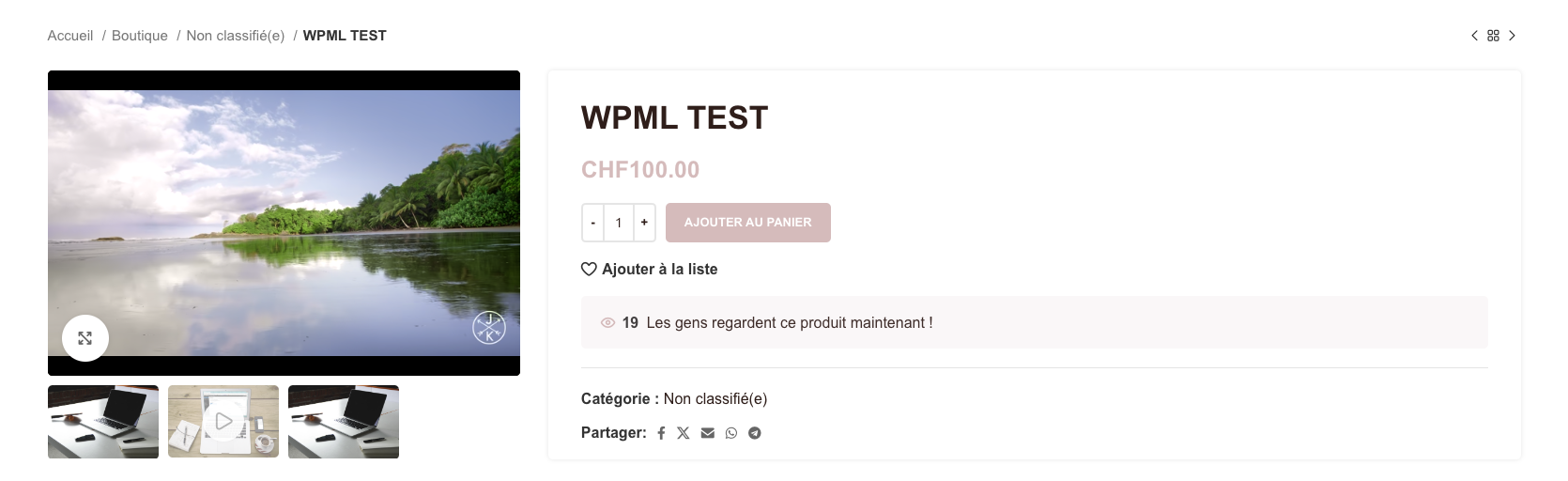
I have followed your instructions by logging into the sandbox site, installing the WoodMart theme, and creating a test product. I observed that the video feature works correctly in the original language (En) but not in the French and German translations.
However, upon further investigation, I noticed that the problem persists even when I deactivate WPML CMS, which suggests this might be irrelevant to my issue. Don’t you think it would be better to have a look directly at my website to better understand the problem?
1) Thanks for your update. On the sandbox site, I was able to fix the issue by the following steps:
1- Go to WPML-> Settings-> Custom Fields Translation
2- Click "Show System Fields"
3- Search for the following fields and set them to "Copy"
* woodmart_wc_video_gallery
* _product_image_gallery
4- Click "Save"
5- Edit the product in the default language
6- Make a minor edit and update it
7- Update its translation
Thank you for providing the steps to resolve the issue. I followed them carefully, but unfortunately, it did not fix my problem.
One important thing to note is that when I deactivate WPML CMS, the issue is resolved, and the video displays correctly. This problem only occurs when WPML CMS is activated, and I don’t have this issue only with regards to the translations but also with the original version of the product. This suggests that the guidance provided may not be related to the specific issue I'm facing.
Could you please advise on any further steps or consider taking a closer look at my website to help identify the root cause?
I would need to look closely at your site, so I would need to request temporary access (WP-Admin and FTP) Preferably to a test site where the problem has been replicated.
Your answer will be private, meaning only you and I can access it.
❌ Please backup your database and website ❌
✙ I need your permission to deactivate and reactivate the plugins and themes and change site configurations. This is also why the backup is critical.
✙ I also need your permission to take a local copy of your site to debug the issue without affecting your live site.
Yes, the video works correctly for the test product you created, but unfortunately, it still doesn’t work for the other products.
Additionally, it seems there’s a bigger problem now—I want to use a directory for the default language, but it seems that option has been changed. Deactivating the use of the directory for the default language is a significant change for a website, and I don’t think it should be used as a solution. Could you please tell me what we can do to fix the issue without making this change?
I re-enabled the "Use directory for default language" option, and the hidden link">video is still working correctly.
Please try the following on the existing products.
1- Edit the product in the default language
2- Delete the image that contains the video
3- Update the product
4- Re-add the image and the video
5- Update the product
6- Check the product on the front end
Thank you for re-enabling the "Use directory for default language" option. I followed the steps you provided, but unfortunately, it did not work for the product: Sparkling Cucurbita Earrings - Brilliance 481: hidden link
Additionally, this approach doesn't seem practical in the long run. If I had 1,000 products, manually updating each one would be very time-consuming. Could you explain what the main reason for this issue might be and how we can solve it?
On another note, I created two new products—one in English and one in French—and they no longer have this problem. Could you clarify what might have solved the issue for these new products? (However, even though I have the option to play the video, it doesn’t load and only shows a black loading screen. Are you able to play the videos easily on your end?)
Could you please have a look at the product Sparkling Cucurbita Earrings - Brilliance 481: hidden link and see why the steps you suggested earlier, which worked on the test product I created, do not work with this specific product? This product is actually where the issue first started.
Yes, the problem is solved—thank you! Could you please explain how you fixed it? I need to restore a backup due to losing the connection with Rank Math when it was deactivated, so understanding the fix will help me ensure the problem doesn’t recur.