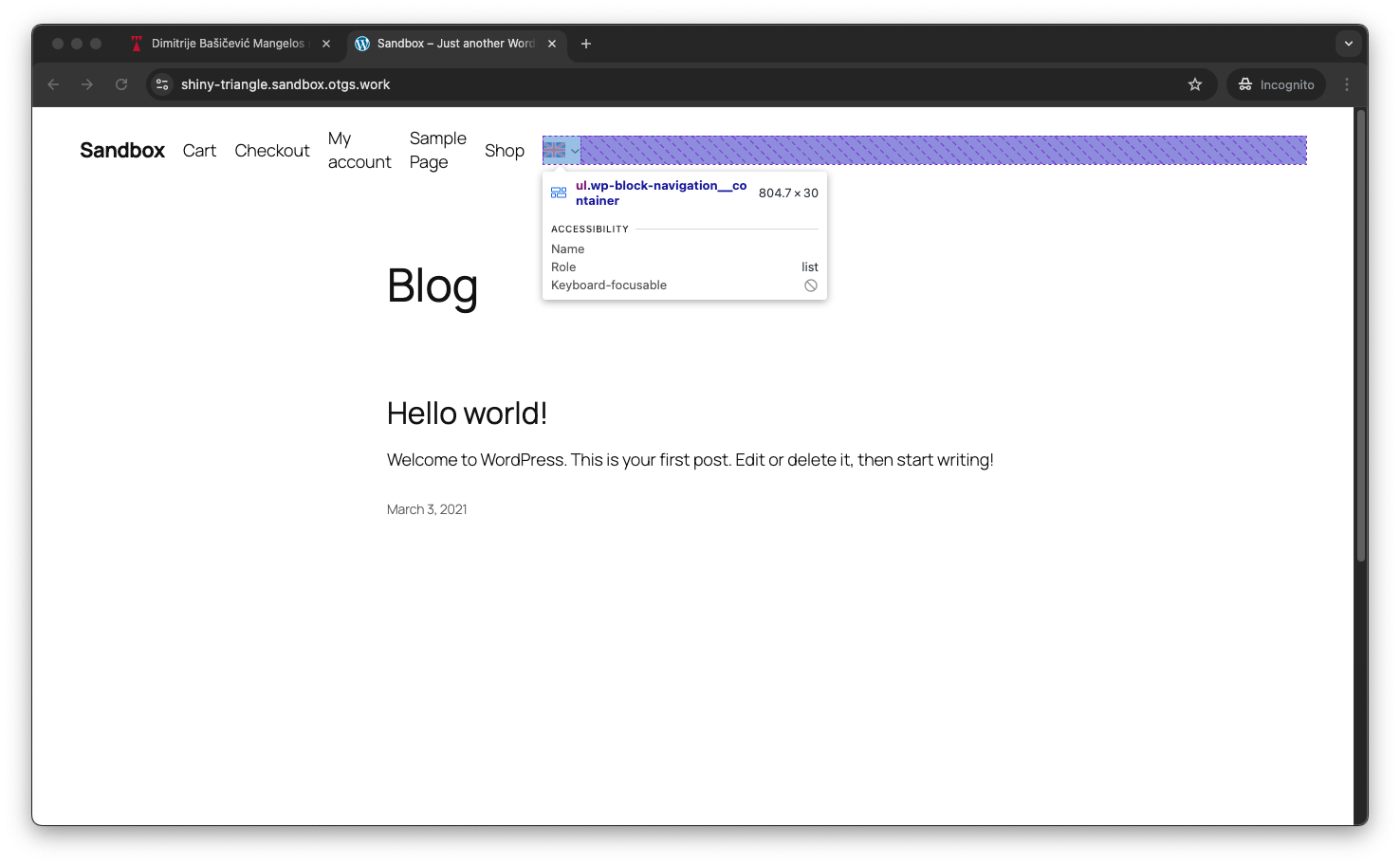
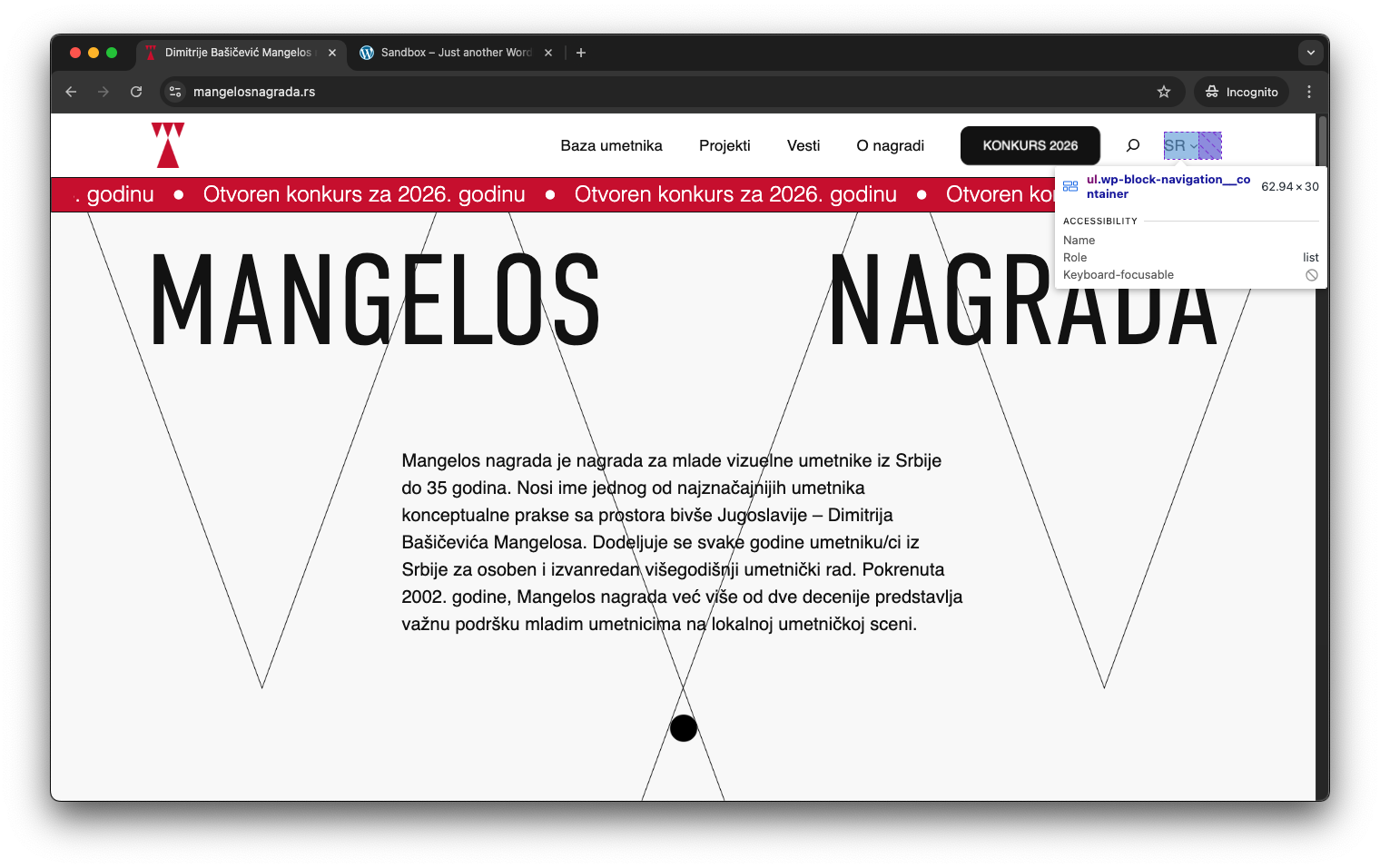
This thread is resolved. Here is a description of the problem and solution.
Problem: The client is trying to remove the padding-right on the language switcher in the top menu on the right but is unable to target the switcher properly or override the properties due to multiple !important tags. Solution: 1. The issue might be related to the CSS from WordPress itself, specifically from the Gutenberg block styles. The padding might be set by the following CSS rule in the file
2. If the issue persists, it might be due to the theme. We recommend testing with a different theme, such as the Twenty Twenty Five Theme, to see if the issue still occurs. You can use a WPML test site to experiment with different themes and settings.
3. Additionally, the padding issue might be influenced by CSS Flexbox properties set in the class
.wp-block-navigation__container
from the file
/wp-includes/blocks/navigation/style.css
, which uses
display: flex;
.
If these solutions do not resolve the issue or seem outdated, we highly recommend checking related known issues at https://wpml.org/known-issues/, verifying the version of the permanent fix, and confirming that you have installed the latest versions of themes and plugins. If the problem persists, please open a new support ticket.
This is the technical support forum for WPML - the multilingual WordPress plugin.
Everyone can read, but only WPML clients can post here. WPML team is replying on the forum 6 days per week, 22 hours per day.
I am trying to remove padding-right on the language switcher - top menu on the right. I have tried everything I could think of - from adding css in my theme stylesheet to adding custom css to the switcher itself - nothing works. It is like I can't target the switcher properly or the properties are overwritten with many !important tags.
Hi Andreas,
Sorry I missed to include the link! Here it is: hidden link
I might deploy this website within a day or so, so. you can also alternatively check: hidden link. Still no luck in removing the margin right, and to me it seems to come from the language switcher itself.
Thank you for your support!
Katarina
Hi Andreas,
Thank you for your reply! Unfortunately, this is not solving the issue. These classes also target the mobile menu, so removing the padding affects the mobile menu layout. I'm looking for a way to only target this language switcher element, because i don't know how else this could work. I appreciate your help.
Hi Andreas, I changed the align orientation of other menu items to left, and that changed the mobile menu to left align. I implemented your code and it successfully removes the padding-right on the item. However, the language switcher still doesn't stand at the right edge of the menu content (you can see that other elements on the page (title underneath) that the full width but the switcher has an extra 50px that is added to all the block items. If I remove it using these classes it affects the whole site
Languages: English (English )Spanish (Español )German (Deutsch )
Timezone: America/Lima (GMT-05:00)
This is related to the theme.
Here you can see a WPML test site using a WPML Language Switcher block inside the header, and this issue does not occur on the Twenty Twenty Five Theme.
One-Click-Login: hidden link
Maybe you would like to install your theme here and try to recreate the issue? This way, I could try to find a solution for you.
Make sure to leave me a comment once the theme is installed on this sandbox.
Hi Andreas,
Thank you! As I mentioned I did manage to remove the padding with your code, but the (computed) margin-right remains on the .wp-block-navigation ul. When I check your sandbox site I see that you still have the same issue there too. Aligning the items to the right doesn't fix it in my case, and I tried to do the same in sandbox now but I don't see that my save actually affects the website. I'm including the screenshot of that edit too, because it seems to work there but I can't verify.