[Resolved] Secondary currencies not working with Litespeed cache crawler
This thread is resolved. Here is a description of the problem and solution.
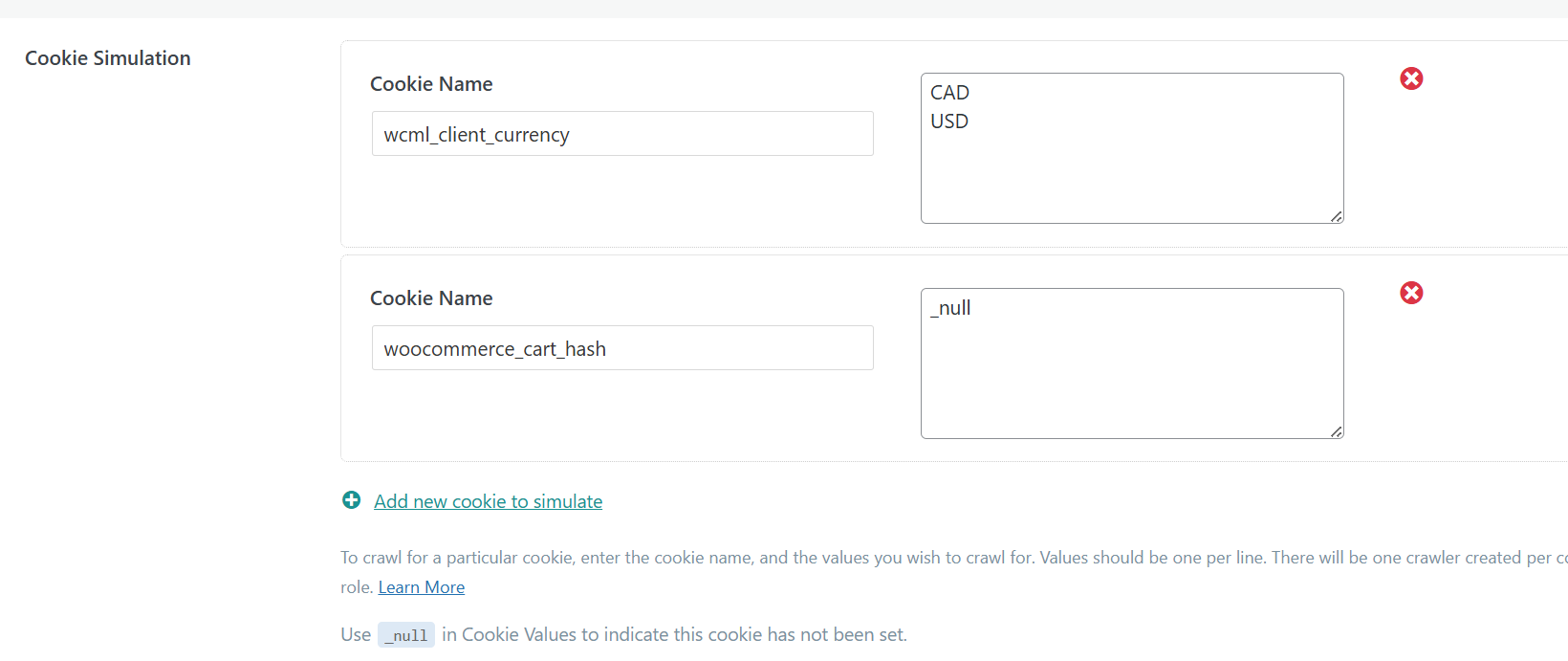
Problem: The client is experiencing an issue where the Litespeed cache crawler is only caching pages in the main currency (USD) and not in the secondary currency (CAD), despite having set the
wcml_client_currency
cookie to capture both currencies. Solution: We recommended the client to temporarily allow all currencies to be accessible from any location to test if the correct cached version is then served. Additionally, we conducted a test using cURL to ensure that the CAD currency pages are being cached when accessed directly with specific cookies set:
The test confirmed that the page with the CAD currency was correctly received. We have also communicated with LiteSpeed's support to address this known issue and are awaiting their feedback.
If this solution does not resolve your issue, or if it seems outdated or irrelevant to your case, we highly recommend checking related known issues at https://wpml.org/known-issues/, verifying the version of the permanent fix, and confirming that you have installed the latest versions of themes and plugins. If the problem persists, please do not hesitate to open a new support ticket for further assistance at WPML support forum.
This is the technical support forum for WPML - the multilingual WordPress plugin.
Everyone can read, but only WPML clients can post here. WPML team is replying on the forum 6 days per week, 22 hours per day.
I noticed that Litespeed cache is serving cached version of the pages that were crawled in the main currency (USD), but not in the secondary currency (CAD). We have set the wcml_client_currency cookie in the settings to capture both currencies. How can we make sure that the crawler is working for all currencies and the user is served the correct cached page? Thanks
I've sent all the details from your ticket to our development team. I will get back to you likely later today, with their feedback. Thank you for your patience.
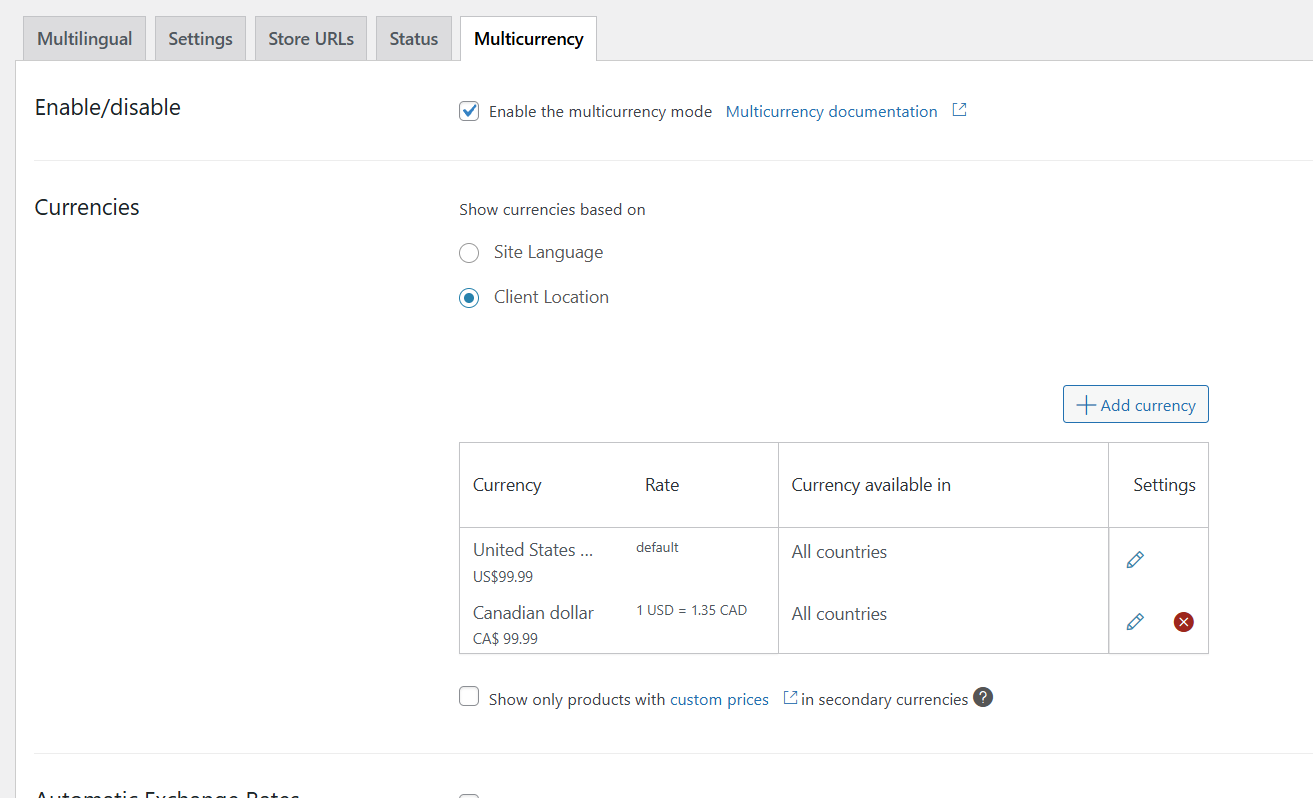
The currency is set via client location. This will backfire and cause issues as there is the visitor from his own server.
It turns out the issue is related to how the site sets the currency based on client location. In this case, using the wcml_client_currency cookie alone isn’t enough, because WCML applies internal checks tied to the visitor’s actual geolocation (when logged out), or shipping address (when logged in).
That means the crawler, running from the server’s location, can’t always trigger the correct currency-specific cache. To confirm this, you can temporarily allow all currencies to be accessible from any location and test whether the correct cached version is then served.
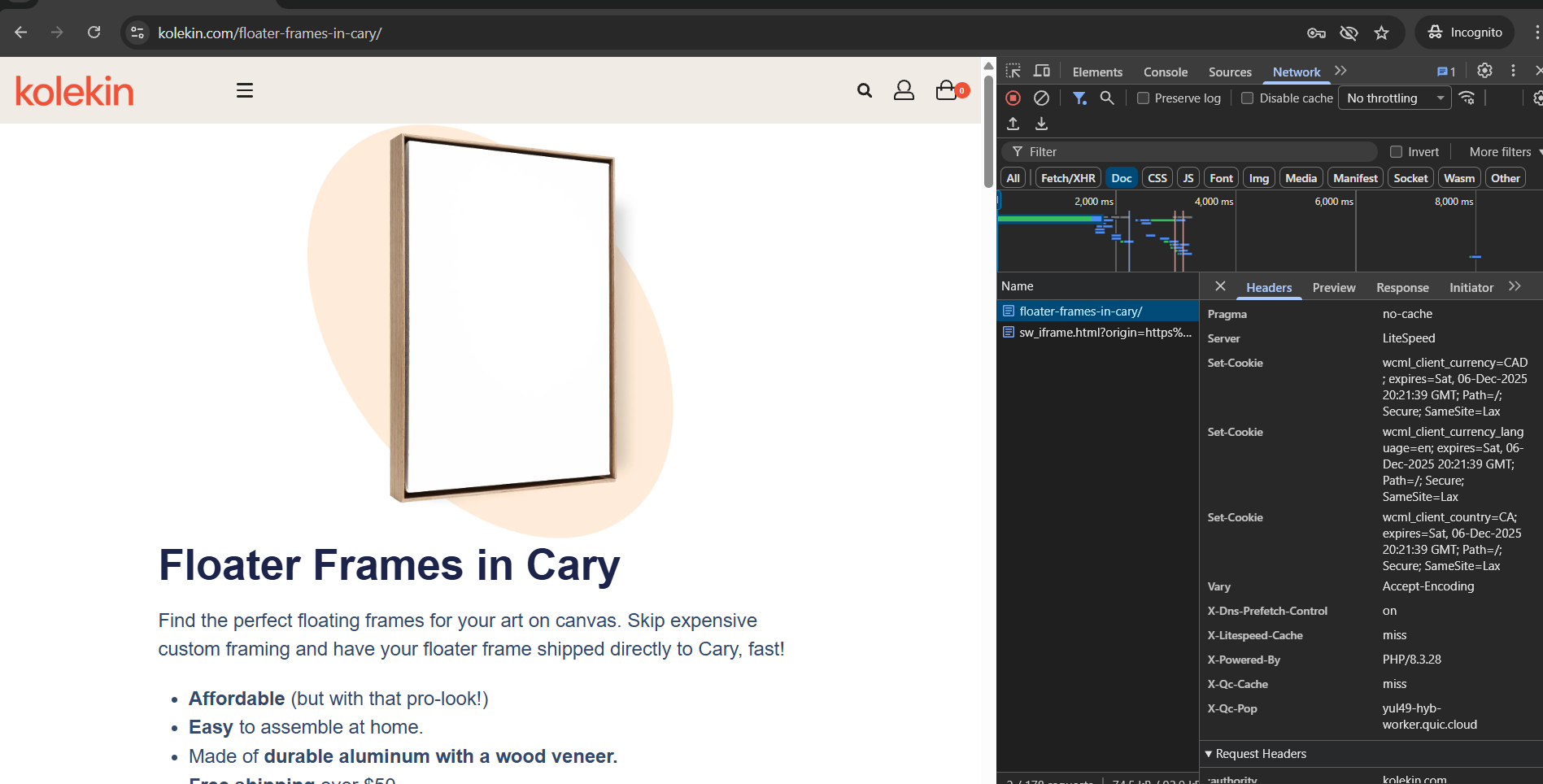
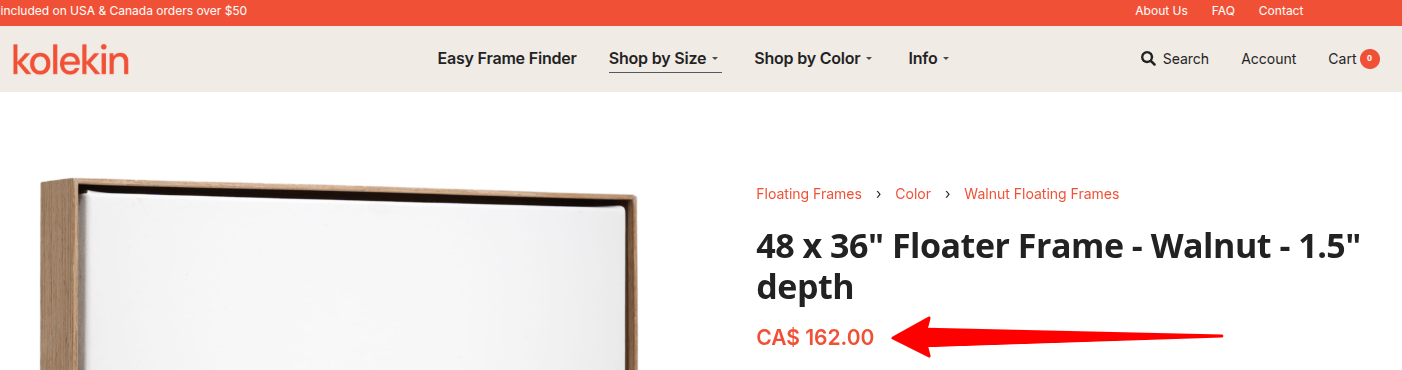
And correctly received the page with the CAD currency.
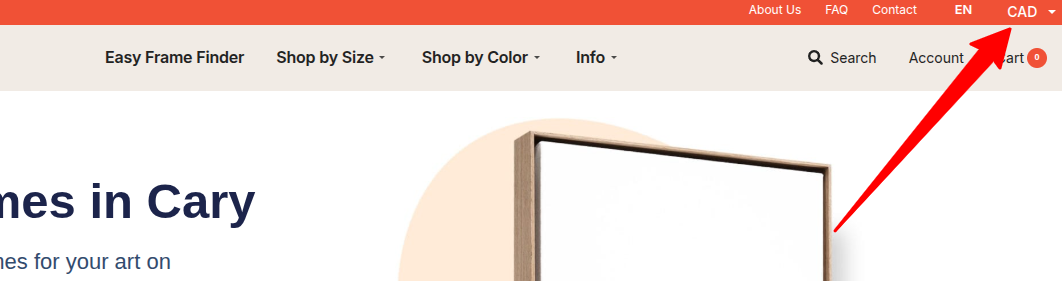
It also works fine for the page hidden link (we can see the currency in the header). Check attached image.
Please answer these 2 questions:
1. What does he expect to see on the "Floater Frames in Cary"? (the "50$" is a content string or is a dynamic variable?)
2. Why don't we see the top bar menu with the currency switcher on his screenshot?
The page I included as an example was just an example. There is nothing wrong with how this page is showing on the frontend. The currency switched wasn't showing because the screenshot was taken on mobile view.
The issue discussed in this ticket is only related to caching and the LS crawler.
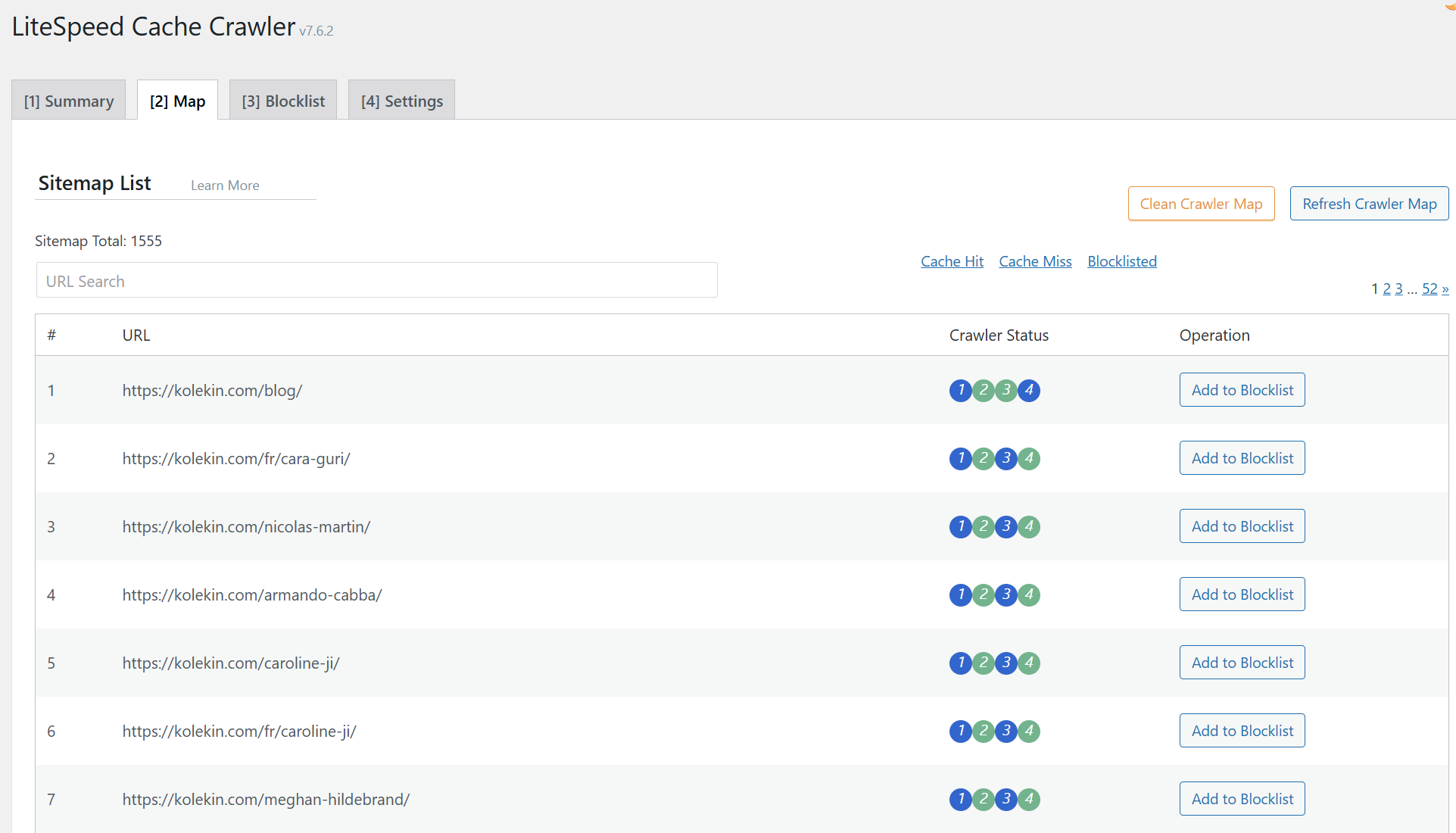
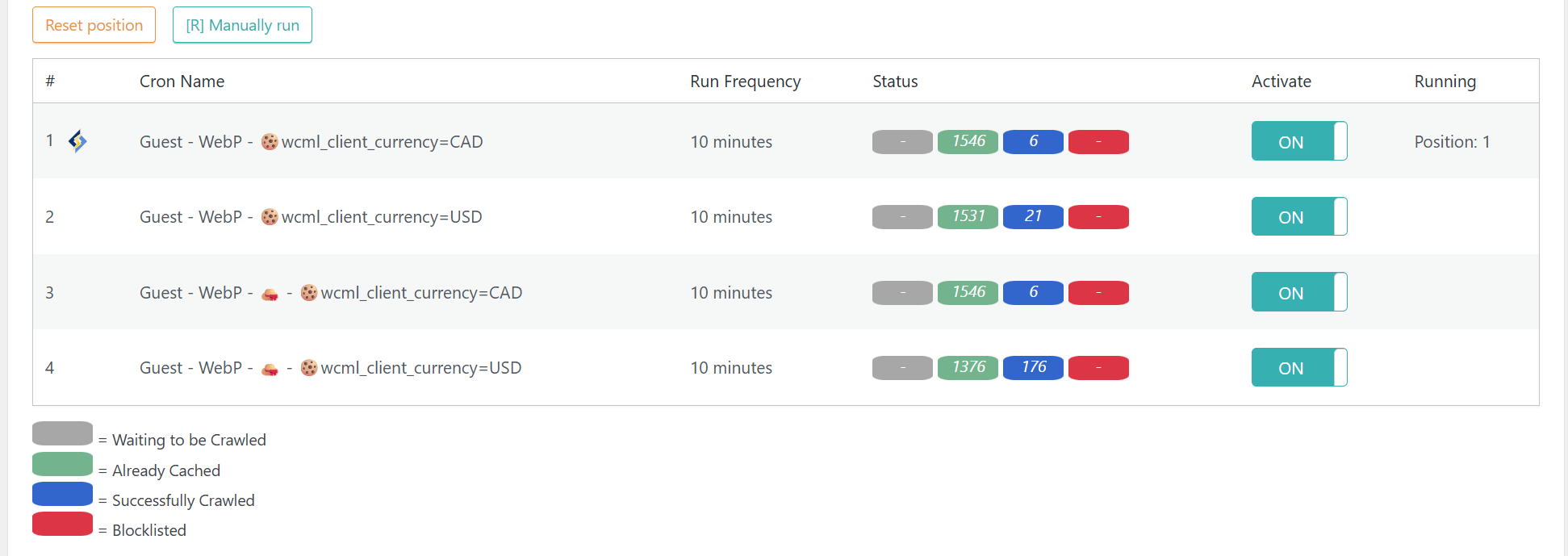
As you can see on the attached image here, all the pages were successfully crawled. The cached pages are served correctly for the main currency (USD) on the frontend. But the secondary currency pages (CAD), are shown the uncached pages (except the ones that are manually loaded by an user). How to test:
- Use a VPN and browse from Canada.
- Go to this page: hidden link
- Load random links from this page and see if you are getting cache Hits or Miss.
Having reviewed your website, we can say that everything appears to be correctly configured there, and it should be working correctly. However, we could confirm that it is not.
We shared details with LiteSpeed (who maintain the integration with WPML), and they tell us they already have similar reports and are investigating.
So, we await updates from them, and if anything is needed on our side we will proceed. For the time being, we have to wait on LS's feedback and cooperation.