To ensure the quickest and most accurate support, please provide your debug information so I can look at some of your configurations. We have an excellent article on how to locate it here: https://wpml.org/faq/provide-debug-information-faster-support/.
First try this:
-Back up the site and DB.
-Go to WPML → Support → Troubleshooting.
-Run, in order: Clear the cache in WPML, Remove ghost entries from translation tables, Fix element_type collation, Fix WPML tables collation, Set language information, Fix terms count, Fix post type assignment for translations.
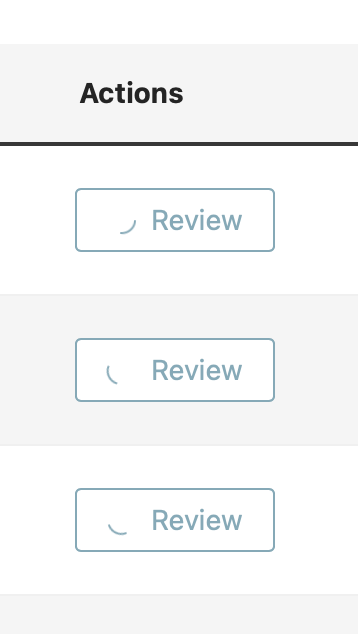
-Return to WPML → Translations and click Review again.
If it does not work:
1.
Please follow the instructions mentioned on this page: https://wpml.org/documentation/support/debugging-wpml/
Then, try to reproduce the issue and check your installation's **wp-content** folder to see if a file named **"debug.log"** was created (it will only be generated if a server error occurs).
If the file was created, please upload it to a platform like **Google Drive** or **Dropbox** (whichever you usually use) and share the link with me (make sure it is publicly accessible) so I can analyze it.
3.
If it's possible for you, do this test to see if there is a compatibility issue:
**IMPORTANT:** Please try this in a staging environment or at least with a backup of your site files and database before continuing.
Disable all plugins except WPML-related and temporarily change the theme to a default WordPress such as Twenty Twenty-five.
Is the issue resolved with these settings? If so, please reactivate one by one to see which conflicts.
Best Regards,
Otto
The topic ‘[Closed] When I’m in the translations queue and I click on the review button I only see a spinning circle in…’ is closed to new replies.