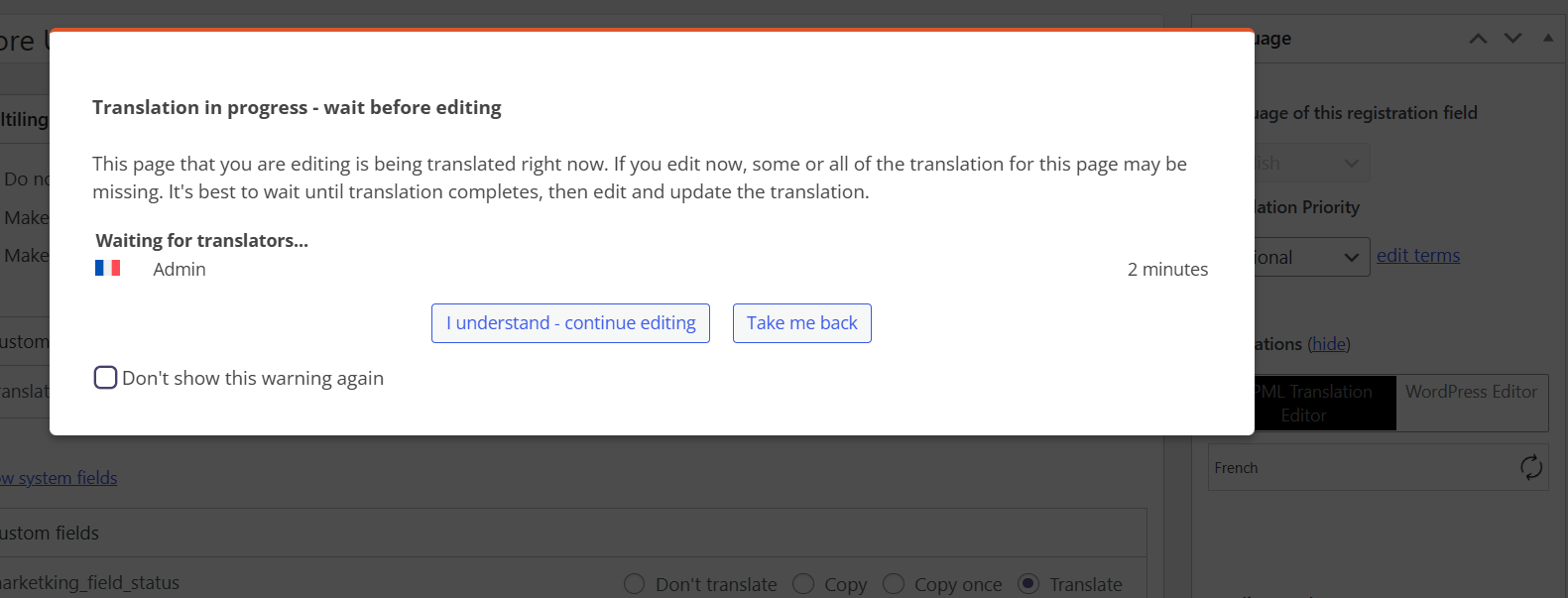
Background of the issue:
I am trying to translate something on my site using WPML, but I encounter an issue.
Symptoms:
There is a notice 'waiting for translator' and the page remains buffering, preventing me from translating pages or products.
Questions:
Why is there a 'waiting for translator' notice when I try to translate?
How can I resolve the buffering issue when translating pages or products?
After tested WPML in minimal settings, there is an improvement. My hosting plan maybe a part of the problem, but i think also WPML generates too many queries (i use Query monitor to identify the slowest plugins) which also explain the processing slowness of translations.
So, i will upgrade my hosting plan later, but if you can work to reduce the queries generated by WPML it could be a game changer.
Are there specific queries showing up on the query monitor report in minimal settings that are showing an error?
Another thing to try is to run the clean up steps and see if this improves anything. Please be sure to make a full backup of your site and database.
Then, go to WPML -> Support -> Troubleshooting.
Look for 'Clean up' and click the following:
- Synchronize posts taxonomies
- Clear the cache in WPML
- Remove ghost entries from the translation tables
- Fix element_type collation
- Set language information
- Synchronize local job IDs
- Fix Terms count
- Fix post assignment for translations
There is no error shown on the Query monitor report. I followed the "Clean up" steps and they helped to optimize WPML but the result is not very amazing. As i said before, i need to upgrade my hosting plan and also if you can work to reduce WPML requests number, it could be a game changer in term of performance.
I will close this ticket and open one later if needed for your follow-up.