This thread is resolved. Here is a description of the problem and solution.
Problem:
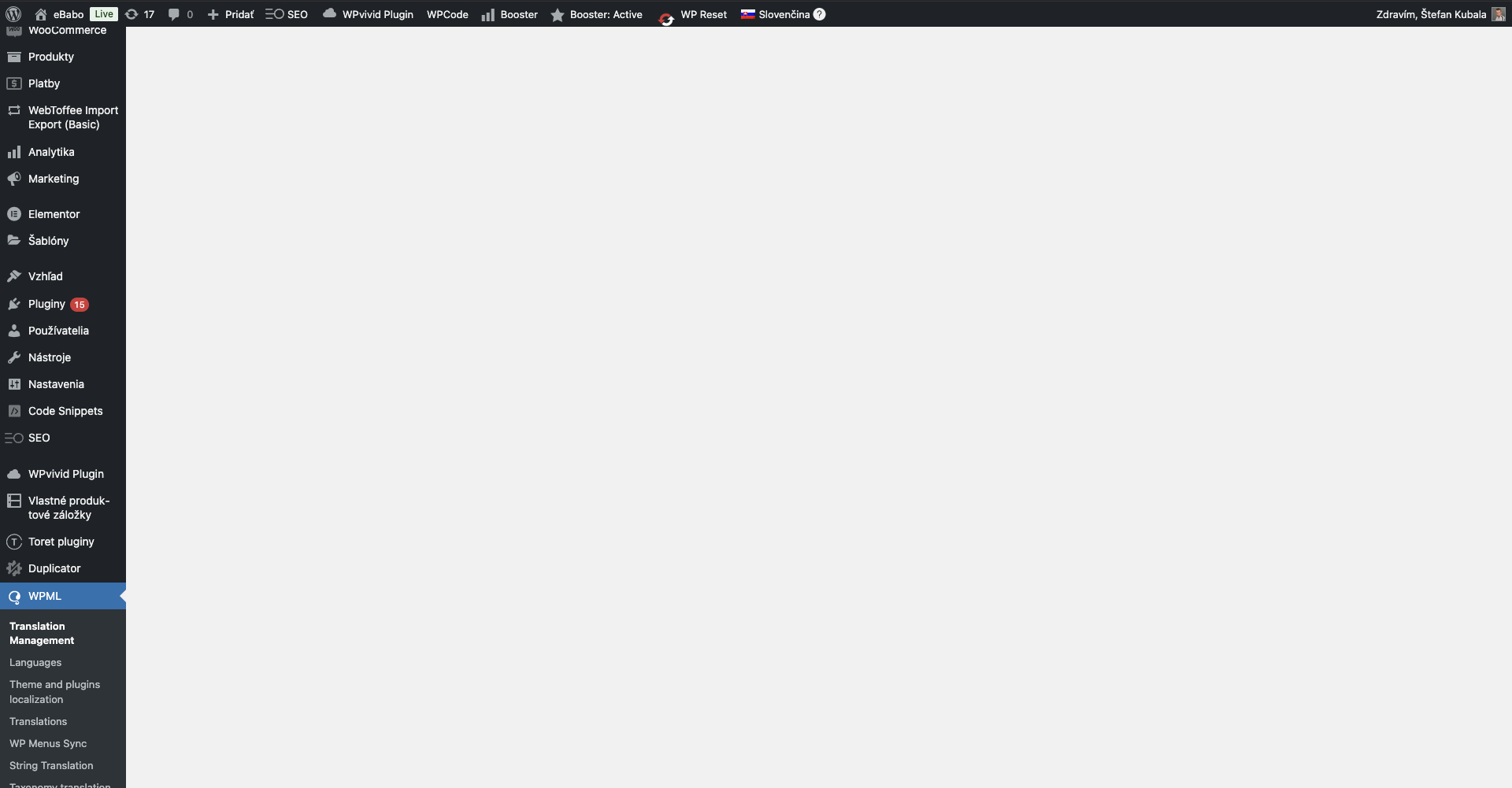
If you're trying to translate individual pages on your website using WPML and encounter issues where the page refreshes instead of opening the language editor, or if accessing WPML>Translation Management results in a blank page, this might be due to a recent site restoration or migration, or a missing file or database problem.
Solution:
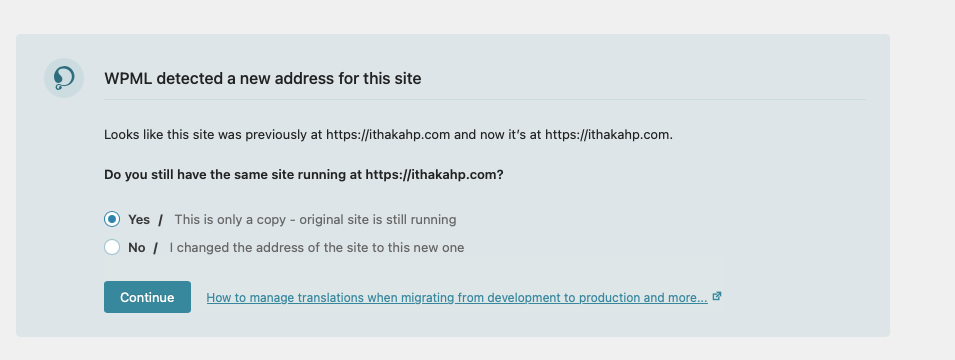
First, check if your site was recently restored or migrated. If so, look for a migration banner similar to this one: Migration Banner. If you didn't see the banner, we recommend restoring the site again and checking for it.
If this is a new WPML installation and there was no recent site restoration or migration, follow these steps:
1. Create a full backup of your site.
2. Activate the WordPress debug mode. You can find instructions here: Debug WordPress.
3. Visit WPML -> Translation Management.
4. Attempt to translate a page.
5. Check the debug.log file in the wp-content folder for fatal errors. If found, share the latest fatal error message in your next comment.
If these steps do not resolve your issue, or if the solution seems outdated or irrelevant to your case, we highly recommend checking related known issues at WPML Known Issues, verifying the version of the permanent fix, and confirming that you have installed the latest versions of themes and plugins. If the problem persists, please open a new support ticket.
This is the technical support forum for WPML - the multilingual WordPress plugin.
Everyone can read, but only WPML clients can post here. WPML team is replying on the forum 6 days per week, 22 hours per day.
This topic contains 1 reply, has 0 voices.
Last updated by 1 year, 1 month ago.
Assisted by: Carlos Rojas.