
This is the technical support forum for WPML - the multilingual WordPress plugin.
Everyone can read, but only WPML clients can post here. WPML team is replying on the forum 6 days per week, 22 hours per day.
Tagged: Bug
This topic contains 22 replies, has 0 voices.
Last updated by Prosenjit Barman 1 week, 6 days ago.
Assisted by: Prosenjit Barman.
| Author | Posts |
|---|---|
| February 9, 2026 at 9:07 am #17804137 | |
 emmanuelF-11 |
Hello, We are preparing to migrate our website to a new WordPress site. We are encountering a problem importing blog posts and their translated versions. We use WPLM export/import plugin last version (3.1.14) From this current WP site, we export a category of blog articles, which downloads an .XML file, and we import the XML into the new WP. We have tested with a total number and a reduced number, and the problem is the same: the translations are not imported. Furthermore, the number of articles displayed is incorrect when we perform the import (33 instead of 16 with translation or 8). Do you have a solution to fix this problem? Thank you. |
| February 9, 2026 at 11:01 am #17804741 | |
 Prosenjit Barman WPML Supporter since 03/2023 Languages: English (English ) Timezone: Asia/Dhaka (GMT+06:00) |
Hi there Since the chat was idle for a while, I converted it into a ticket. No worries, though, we can continue the conversation here until your issue/concern is fully resolved. Please check the chat transcript. It explains the recommended export-import steps and how to run the importer so that the content and its translations are imported correctly and stay properly connected. Follow those steps and let me know how it goes! If you need any help along the way or have questions, feel free to reply here and I will be happy to assist. Looking forward to your response. Best regards |
| February 10, 2026 at 11:55 am #17808763 | |
|
emmanuelF-11 |
Hi, Here is a video showing their procedure, which successfully retrieves the English articles, but when I go to WPML => Export - Import, I don’t see the command to connect the French articles with the English ones. Here is a video: hidden link Thansk! |
| February 11, 2026 at 4:52 am #17811384 | |
|
Prosenjit Barman WPML Supporter since 03/2023 Languages: English (English ) Timezone: Asia/Dhaka (GMT+06:00) |
Hi Emmanuel, Thank you for the update. Since you're using the default WordPress Export/Import tool, there are some important preparation steps you need to complete before exporting to ensure WPML properly handles the translation relationships. Before you start exporting: 1. Navigate to "WPML → Export and Import" on your source site These steps are crucial — they tell WPML to prepare the content for export with the standard WordPress tools. Once you've completed the preparation steps above, follow this process: 1. Go to Tools → Export on your source site On your destination site: 1. Go to Tools → Import After the import completes successfully: 1. Go to WPML → Export and Import on the destination site After completing all steps, you should see in your Pages list that the original pages and their translations are properly connected. Please follow these steps carefully and let me know how it goes. I'm here to help if you encounter any issues or need clarification on any step! Best regards, |
| February 12, 2026 at 3:24 pm #17817556 | |
|
emmanuelF-11 |
we still have the problem, with your new instructions... 🙁 here is a new video hidden link best, |
| February 13, 2026 at 8:57 am #17819716 | |
|
Prosenjit Barman WPML Supporter since 03/2023 Languages: English (English ) Timezone: Asia/Dhaka (GMT+06:00) |
Hi there! Thank you so much for taking the time to record that video – it was really helpful. I've gone through everything you shared, and I can confirm that your process was fine. I actually tried replicating this on my local setup following the same steps, and sure enough, I was able to reproduce the exact same issue. Now that I've confirmed this is a real issue (and not just a one-off situation), I'm going to escalate this to our internal team right away. I'll make sure this gets the attention it deserves and push for either a fix or a solid workaround as quickly as possible. The moment I hear anything back or have an update for you, I'll surely let you know! I really appreciate your cooperation on this and your patience while we get it sorted out. Best regards, |
| February 16, 2026 at 5:45 am #17824203 | |
|
Prosenjit Barman WPML Supporter since 03/2023 Languages: English (English ) Timezone: Asia/Dhaka (GMT+06:00) |
Hi! Hope you’re doing well. I’d like to share an update regarding the issue you reported when exporting posts from a specific category. Our team investigated this and was able to identify the root cause. A patch has already been created, and the issue is now fixed in our development environment. In the meantime, I can share a workaround that you can apply on your site to resolve the issue right away. Please follow the steps below: - Log in to the site where you are exporting the content from. if ( admin_url( 'export.php' ) !== $_SERVER['HTTP_REFERER'] ) {
with this: if ( false === strpos( $_SERVER['HTTP_REFERER'], admin_url( 'export.php' ) ) ) {
- Click `Update File` Once this is done, please try exporting posts from a specific category again. The exported file should now include the language and other necessary translation information correctly. Just as usual, the export/import workflow remains the same (export from both languages and then import). No changes are needed on the import side, since the issue was happening only during export. Please try it out and let me know how it goes. I’ll be happy to help if you need any clarification or run into any issues. Best regards, |
| February 16, 2026 at 10:41 am #17825293 | |
|
emmanuelF-11 |
Hello, we tested your workaround, but got a Critical error in return. Current code : if ( admin_url( 'export.php' ) !== $_SERVER['HTTP_REFERER'] ) { return false; } You proposed update : if ( false === strpos( $_SERVER['HTTP_REFERER'] )) { return false; } When we launch then the export, we got a critical error. |
| February 17, 2026 at 5:17 am #17827479 | |
|
Prosenjit Barman WPML Supporter since 03/2023 Languages: English (English ) Timezone: Asia/Dhaka (GMT+06:00) |
Hi there! Thank you for the update. It looks like an important part of the solution was missed, which is likely why you encountered the fatal error. In your last response, you mentioned using this code:
if ( false === strpos( $_SERVER['HTTP_REFERER'] ) ) {
    return false;
}
However, the correct solution is this:
if ( false === strpos( $_SERVER['HTTP_REFERER'], admin_url( 'export.php' ) ) ) {
    return false;
}
It seems the following part was missing from the fix I shared earlier: admin_url( 'export.php' ) Please update the code accordingly, and it should work fine. I tested this same solution on my side and can confirm that it resolves the issue. Please try again by following the same steps I shared, and let me know how it goes. I’ll be happy to help if you need any further assistance or clarification. Best regards, |
| February 18, 2026 at 10:34 am #17831721 | |
|
emmanuelF-11 |
Hello, thank you for this update. But, now, we still face an issue. When we navigate onto an article on the front, if we switch this article to english (toggle at the bottom of the page), the french is still displayed. You can test there : hidden link It seems that the link between french and english version of the articles is not correctly done. When I go to wordpress > list of articles. I can see the french article, the icon for English version is set to the pen, meaning the english version is existing and I shall be able to edit. when I try to edit the english version, I can see a list of notifications, the content is mainly french as if the export was not done correctly - see shot attached Thanks for your response Alexandre 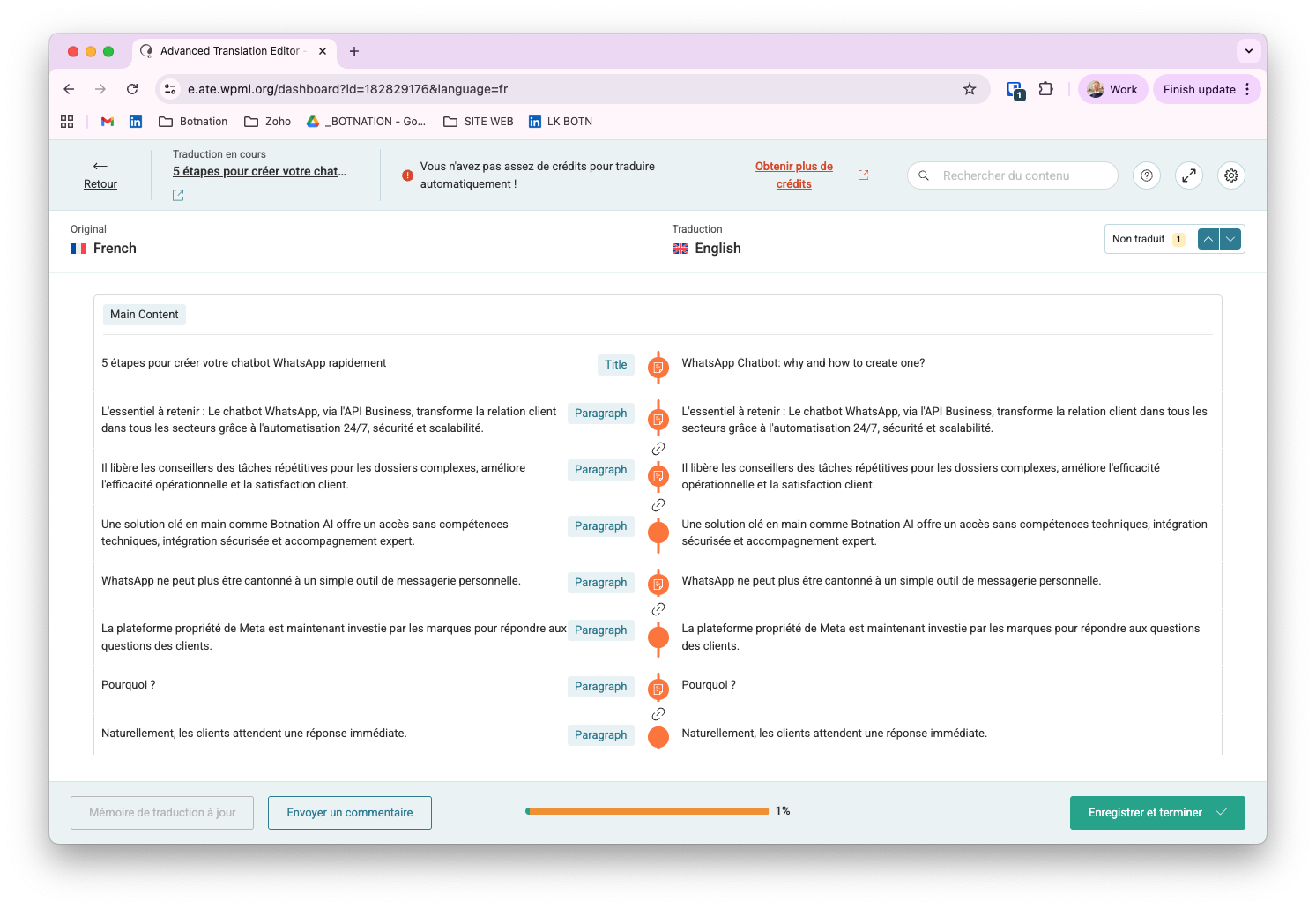 |
| February 19, 2026 at 5:28 am #17834275 | |
|
Prosenjit Barman WPML Supporter since 03/2023 Languages: English (English ) Timezone: Asia/Dhaka (GMT+06:00) |
Hi Alexandre, Thank you for the update! Glad to hear that the French and English version appear connected after the changes. Regarding your concern about switching to the English version still showing French content — I checked and can see that the language switcher is indeed pointing to the French URL even when English is selected. However, when I manually edited the URL and added the /en/ directory, the English version loaded correctly without any issues. You can check it here: hidden link So it looks like the translations are correctly connected, but for some reason, the URL generated by the language switcher seems to be broken. Could you please try the following steps and see if it helps? - Go to WPML > Support > Troubleshooting Once done, clear your site/server cache (if any) and also clear your browser cache, then test again. Please check and let me know how it goes. I’ll be happy to help if you need any further assistance or clarification. Best regards, |
| February 20, 2026 at 2:14 pm #17838640 | |
|
emmanuelF-11 |
Hello, Thanks for your answer. 1. A lot of imported images cannot be used. We dont see them in front, and in the backoffice, we can see an error and see a grey image which parameter cannot be changed - see shots. The error is in french - meaning: impossible to get the main image data 2. lots of images are not appearing after the import of blog articles. You can see that navigating through the english blog pagination : hidden link We tried to use the OTGS plugin. I uploaded it but we cannot activate it in the WP extension part. Maybe the plugin WPML Media Translation coud be used there ? Can you provide us with it ? Thanks for your answer. Alexandre 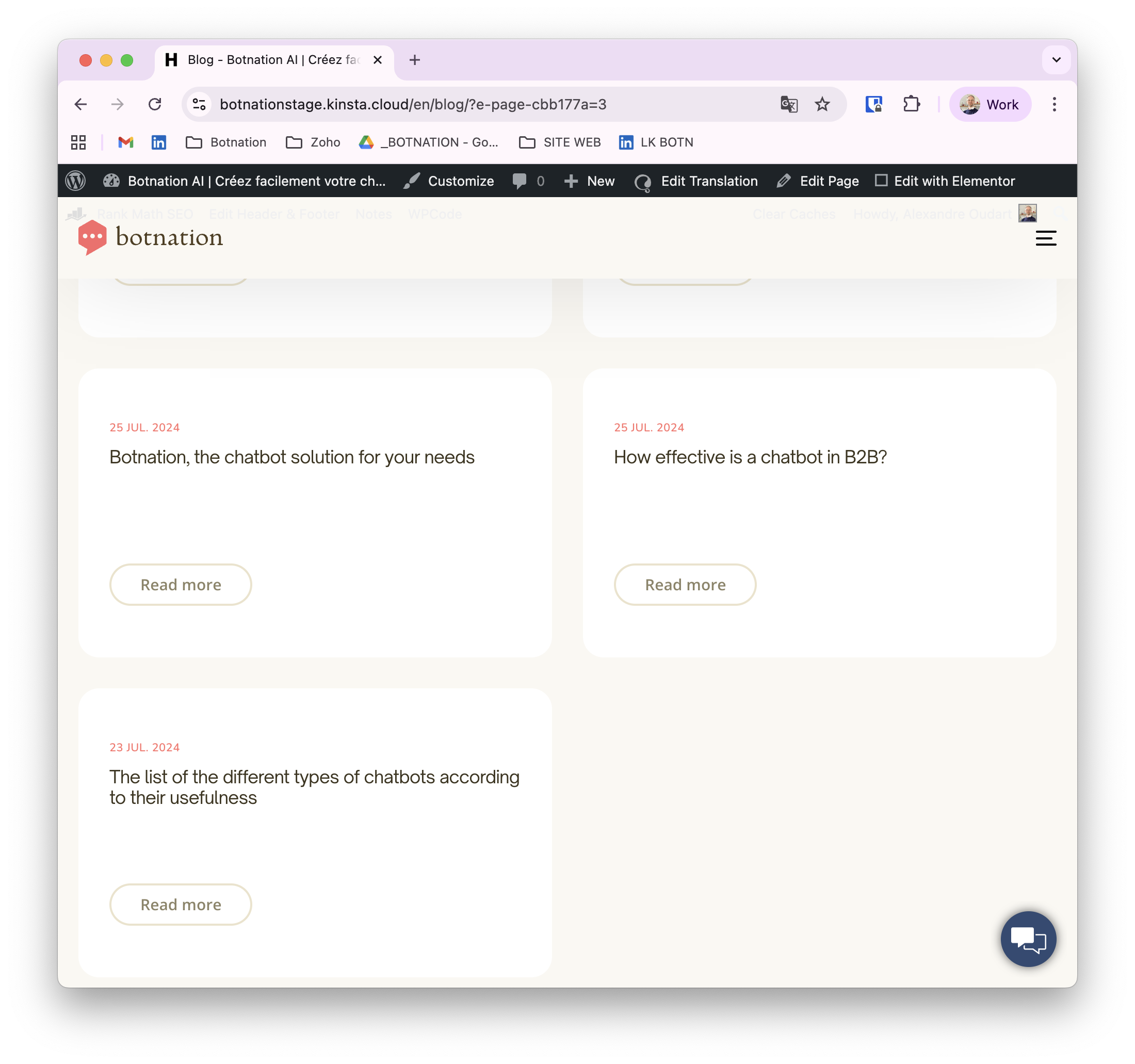  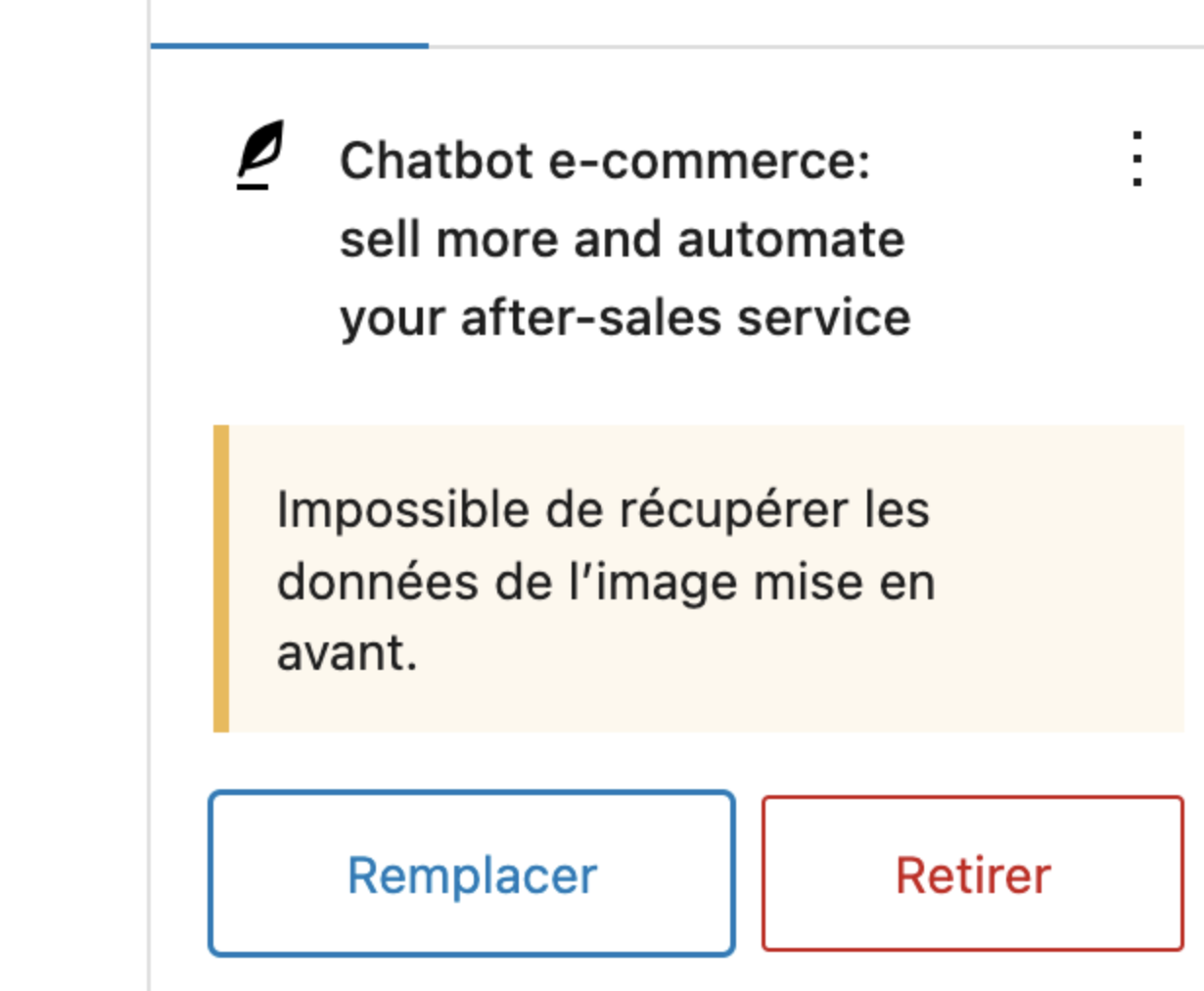 |
| February 23, 2026 at 7:12 am #17841697 | |
|
Prosenjit Barman WPML Supporter since 03/2023 Languages: English (English ) Timezone: Asia/Dhaka (GMT+06:00) |
Hi Alexandre! Hope you're doing well! Sorry for the delayed response over the weekend. I understand you're still experiencing issues with the imported posts. Let's work through this together. First, regarding the images — when you ran the importer, did you select the option highlighted in the attached screenshot before starting the import? Enabling that option ensures that media attachments are imported along with the posts. If it wasn't selected, that would explain why the images aren't displaying correctly. If that option was already enabled and the issue persists, please try the following steps on the destination site: 1. Go to WPML > Settings and scroll down to the Media Translation section. Ensure that the option "Automatically detect best options for translating image texts (alt, caption, title)" is enabled, then save your changes. 2. Next, navigate to WPML > Support > Troubleshooting and perform the following actions: 3. Once all steps are complete, open one of the translated posts and check whether the images are now displaying correctly. Please give this a try and let me know how it goes. I'm happy to continue investigating if the issue persists! Best regards,  |
| February 23, 2026 at 1:43 pm #17843342 | |
|
emmanuelF-11 |
Hello, Thanks for this explanation. But : I can access the Support / Troubleshooting, but we get nothing like this (see shot attached) - Under the Cleanup section, select "Media" from the dropdown and click "Synchronize posts taxonomies" Can you pls help me in getting the plugin WMPL Media Translation. As I ask you on the previous message. Thanks in advance for your precious answers Alexandre 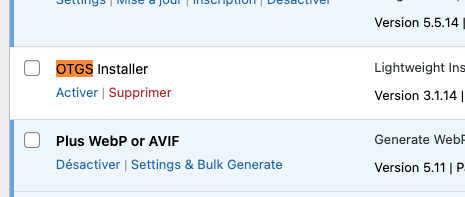  |
| February 24, 2026 at 9:47 am #17845343 | |
|
Prosenjit Barman WPML Supporter since 03/2023 Languages: English (English ) Timezone: Asia/Dhaka (GMT+06:00) |
Hi there, Thank you for the update. From your screenshot, I can see that you accessed the ATE logs section, not the Troubleshooting page. Please have a look at the attached screenshot to see exactly where the Troubleshooting section is located. Regarding the OTGS Installer plugin: once WPML is installed and activated, the OTGS Installer is no longer required as a separate active plugin. If you’d like to install WPML add-ons (for example, WPML Media Translation), you can do so by navigating to: - Plugins → Add Plugin → Commercial All available WPML components are listed there, and you can install whichever ones you need directly from that page. Please let me know if anything remains unclear — I’ll be happy to guide you further. Best regards,  |



