This thread is resolved. Here is a description of the problem and solution.
Problem:
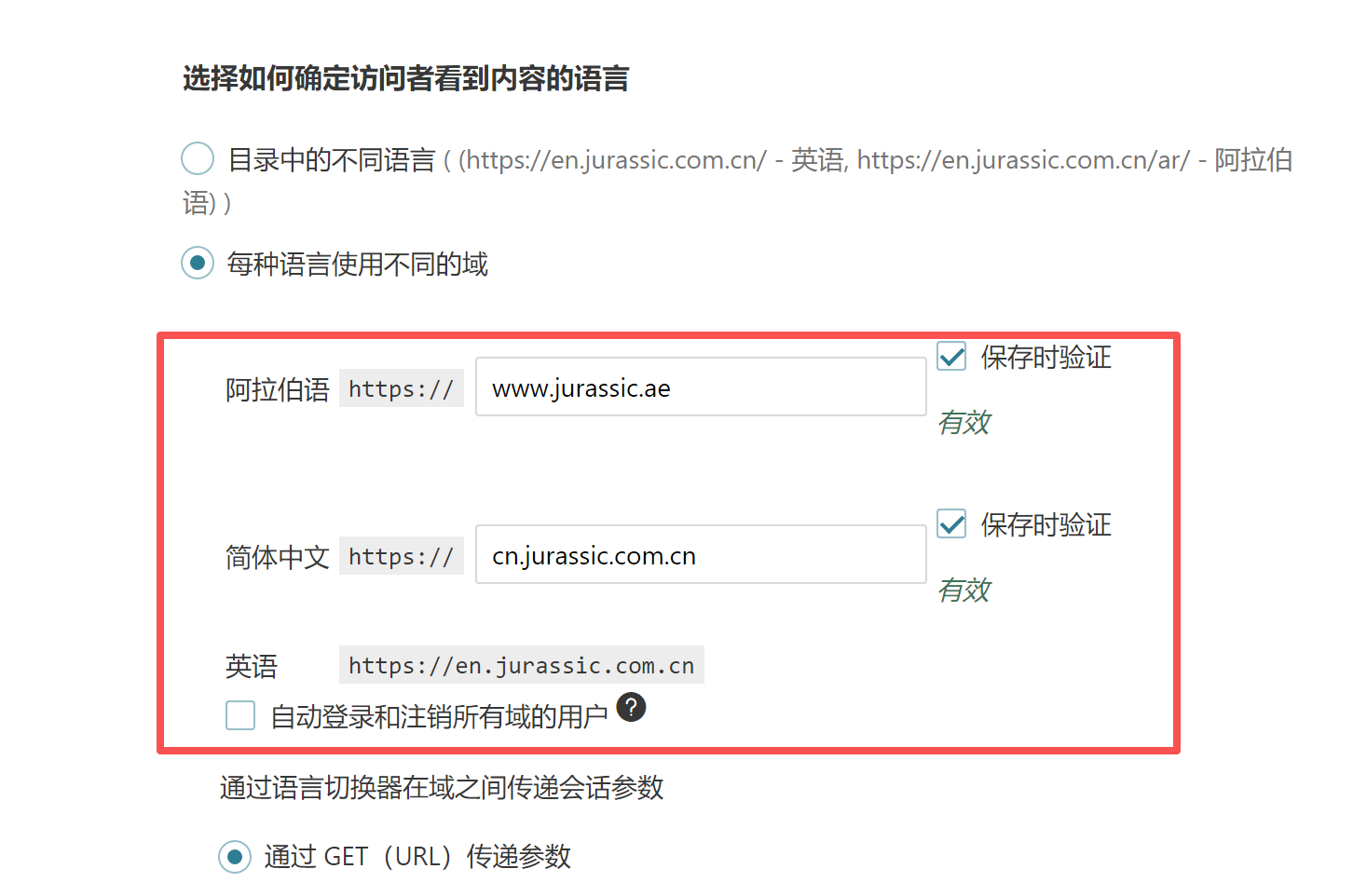
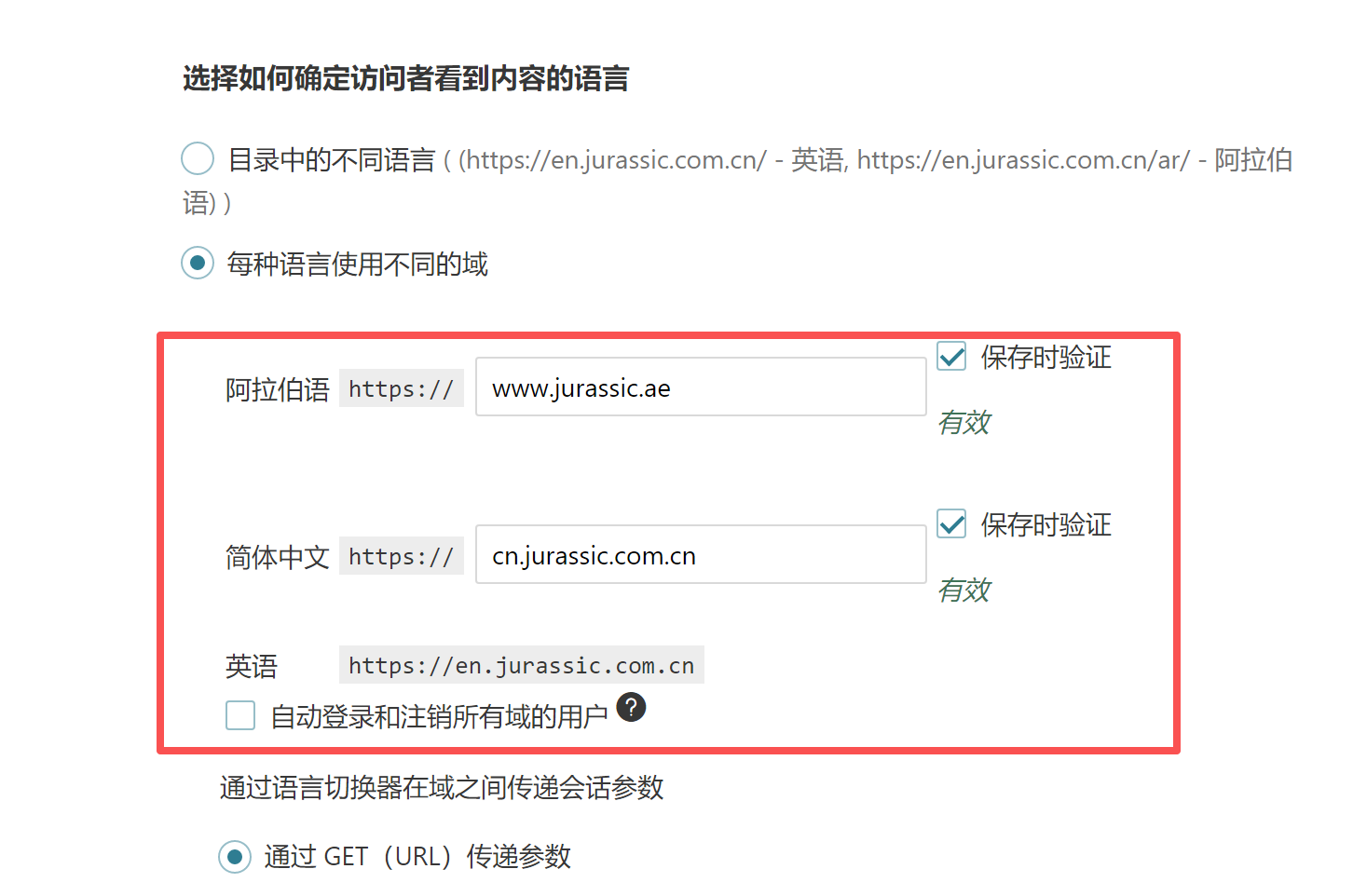
If you're experiencing an issue where your Chinese domain (https://cn.jurassic.com.cn) automatically redirects to the English domain (https://en.jurassic.com.cn), and the Chinese language option is not appearing in your footer language selector, this might be due to the domain/language settings in WPML.
Solution:
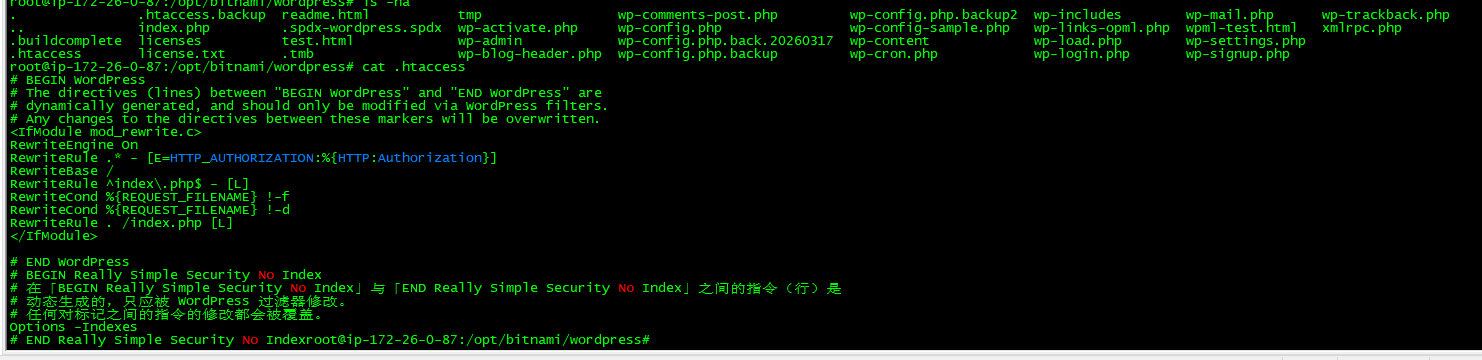
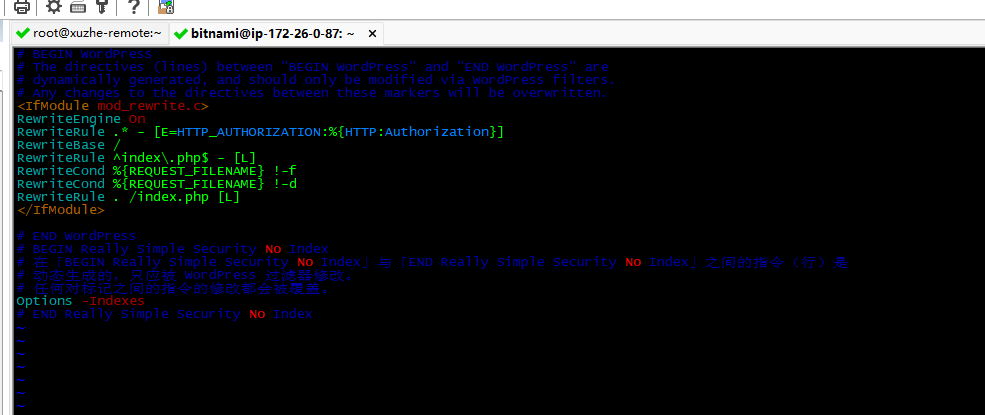
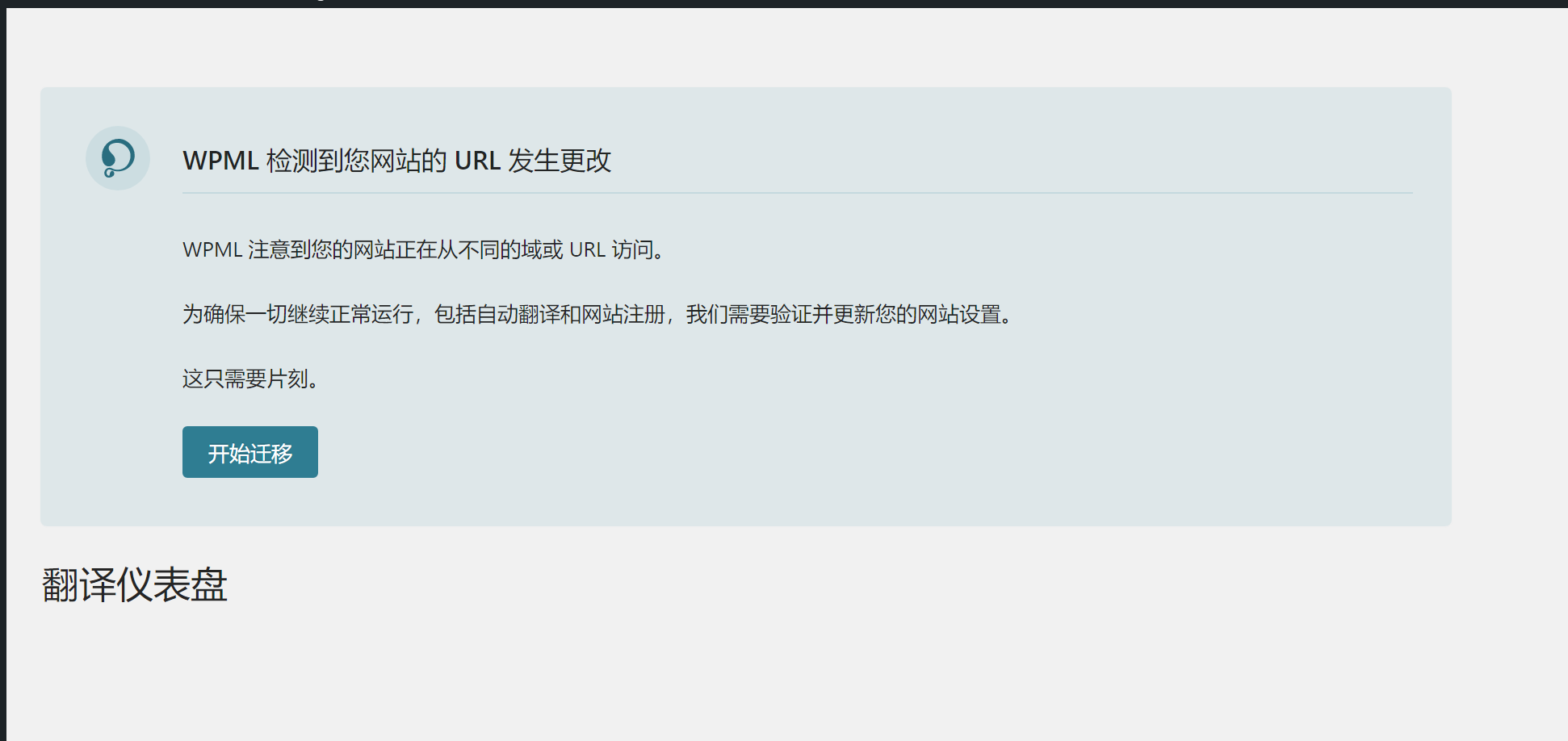
First, check if the Chinese version is set to "hidden" under WPML->Languages in your admin panel. If it is hidden, please unhide it and test the site again. Additionally, if your site has recently been migrated (e.g., from staging to production), this could trigger a migration warning due to a URL change. In such cases, go through the configuration wizard available in WPML settings to ensure all settings are correctly updated. If these steps do not resolve the issue, it might be a more complex problem related to domain/language mapping or a server-level conflict.
Please note that this solution might be outdated or not applicable to your specific case. We highly recommend checking related known issues at https://wpml.org/known-issues/, verifying the version of the permanent fix, and confirming that you have installed the latest versions of themes and plugins. If the problem persists, we encourage you to open a new support ticket at WPML support forum for further assistance.
This is the technical support forum for WPML - the multilingual WordPress plugin.
Everyone can read, but only WPML clients can post here. WPML team is replying on the forum 6 days per week, 22 hours per day.