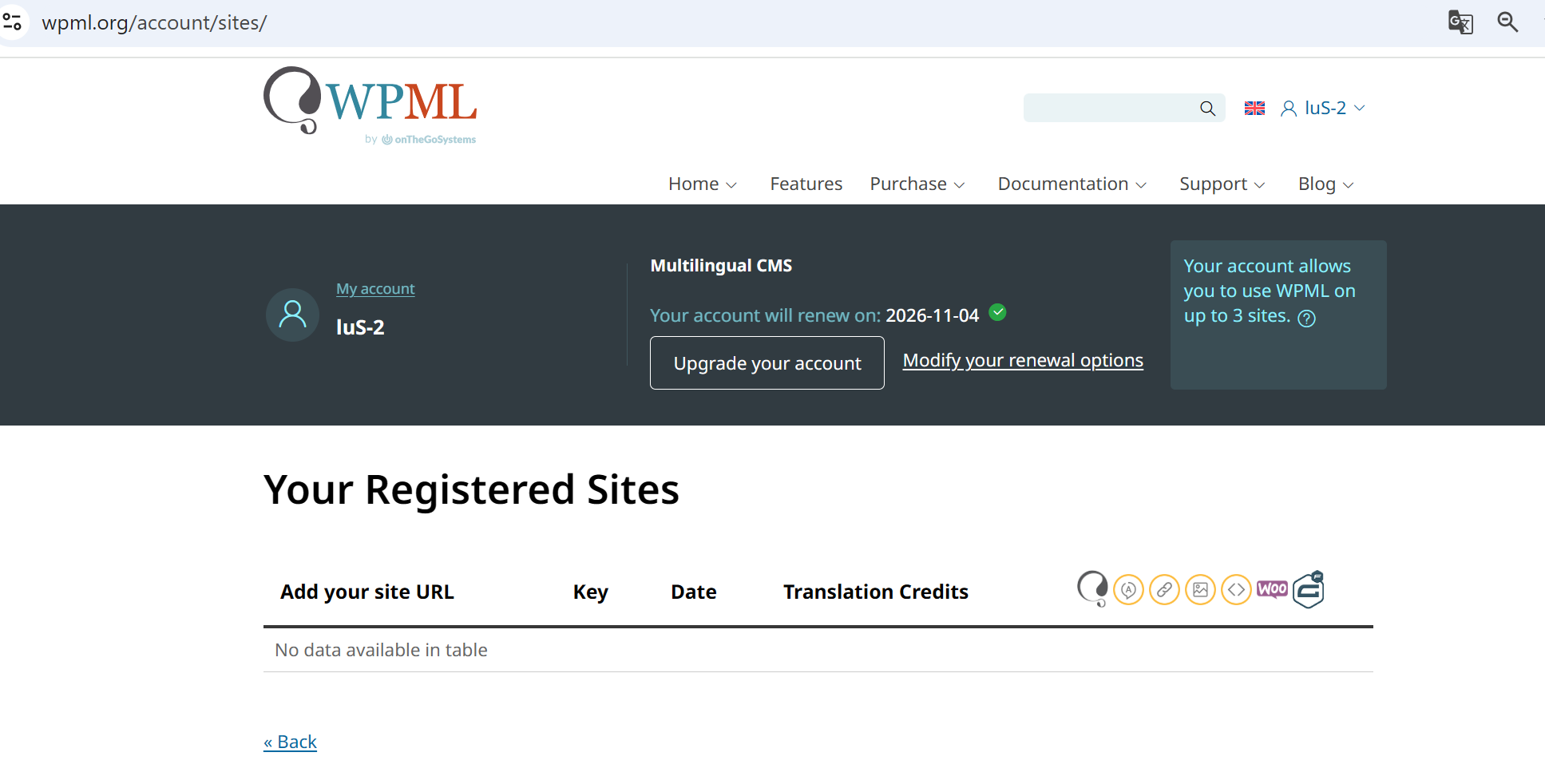
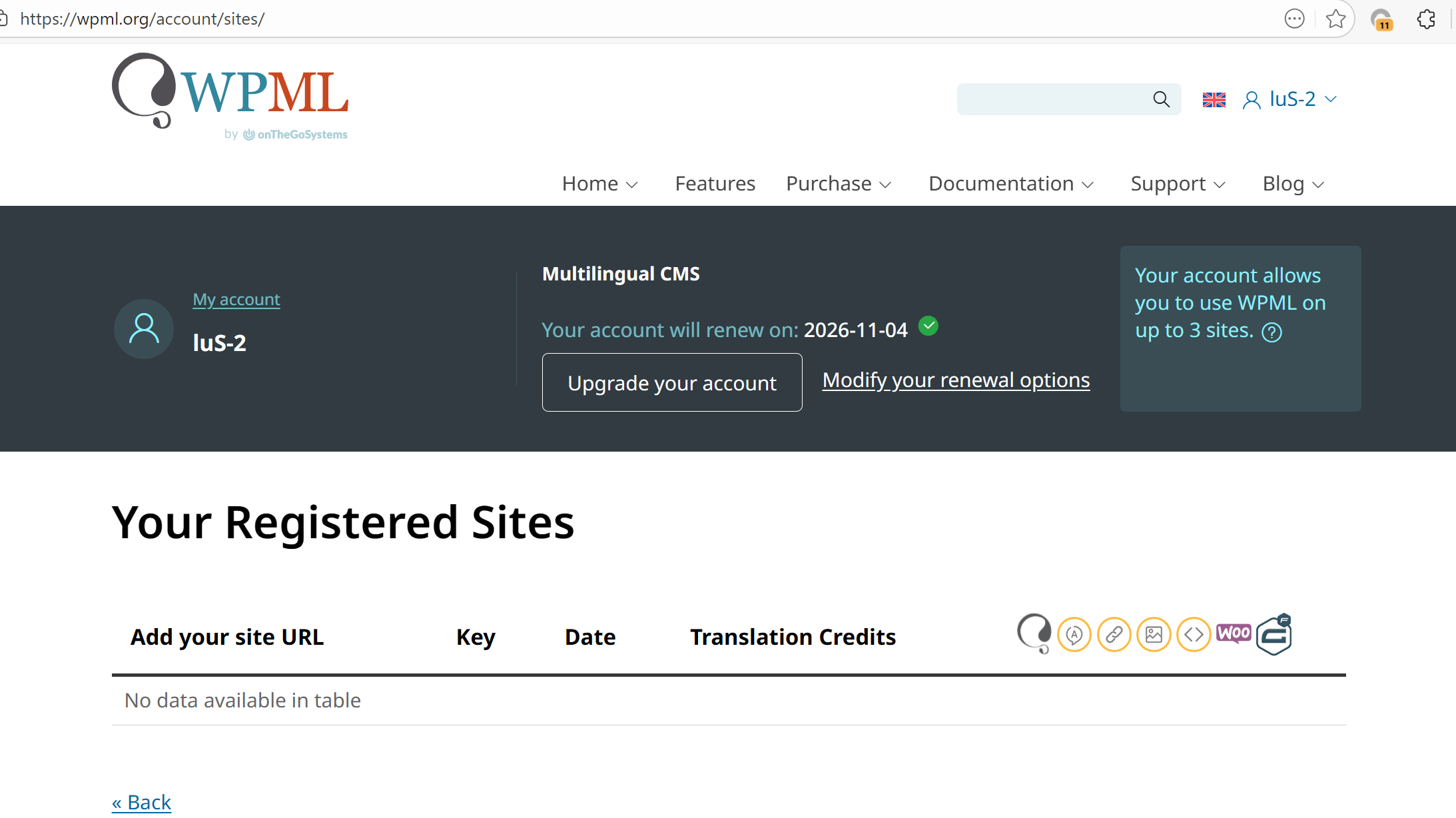
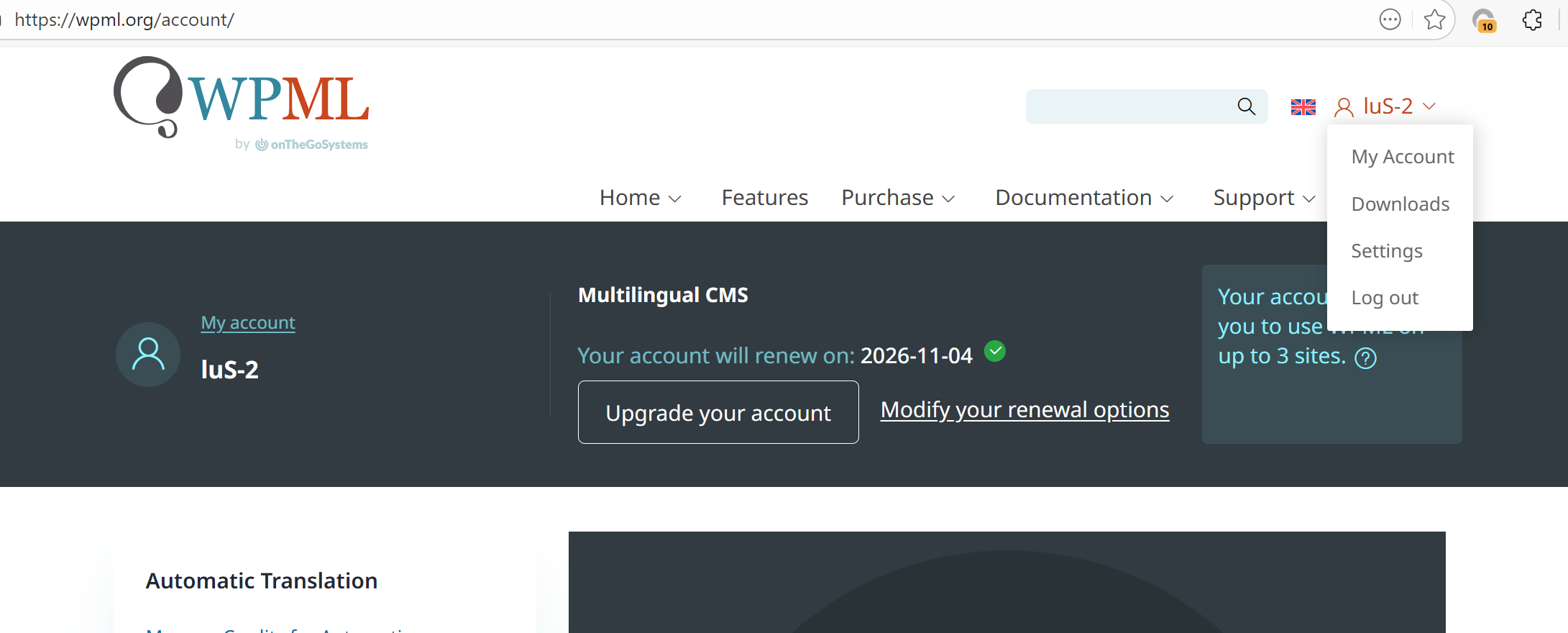
Thanks for reaching out. I can see from your screenshot that the “Register a New Site” button is missing. I’ve forwarded your ticket to my colleague, Mercedes Barreda, and she will investigate this issue as soon as possible.
Hello,
We are sorry for this. You should be able to see a link to register your site.
Can you please try clearing your cache, logging out and in your account again?
Let me know how it goes.
I have already cleared the browser cache, logged out, and logged in again. However, as you can see from the screenshot, there is no “Sites” option in the account drop-down menu.
I then manually entered /sites in the browser address bar, but under the sites I registered, I still cannot see any information. At present, I already have one site using this translation, but it is also not visible. I need to add a new site key.
I’ve cleared the browser cache and logged in again. However, the Sites option is still missing from the account dropdown menu. Even when I manually enter the URL"https://wpml.org/account/sites/", I still cannot see the key generation button under the account. Nothing has changed.
We have already renewed for three months, but the service is still unusable. Our website needs to go live as soon as possible, and this is very urgent. Is there any other way to resolve this quickly?