Background of the issue:
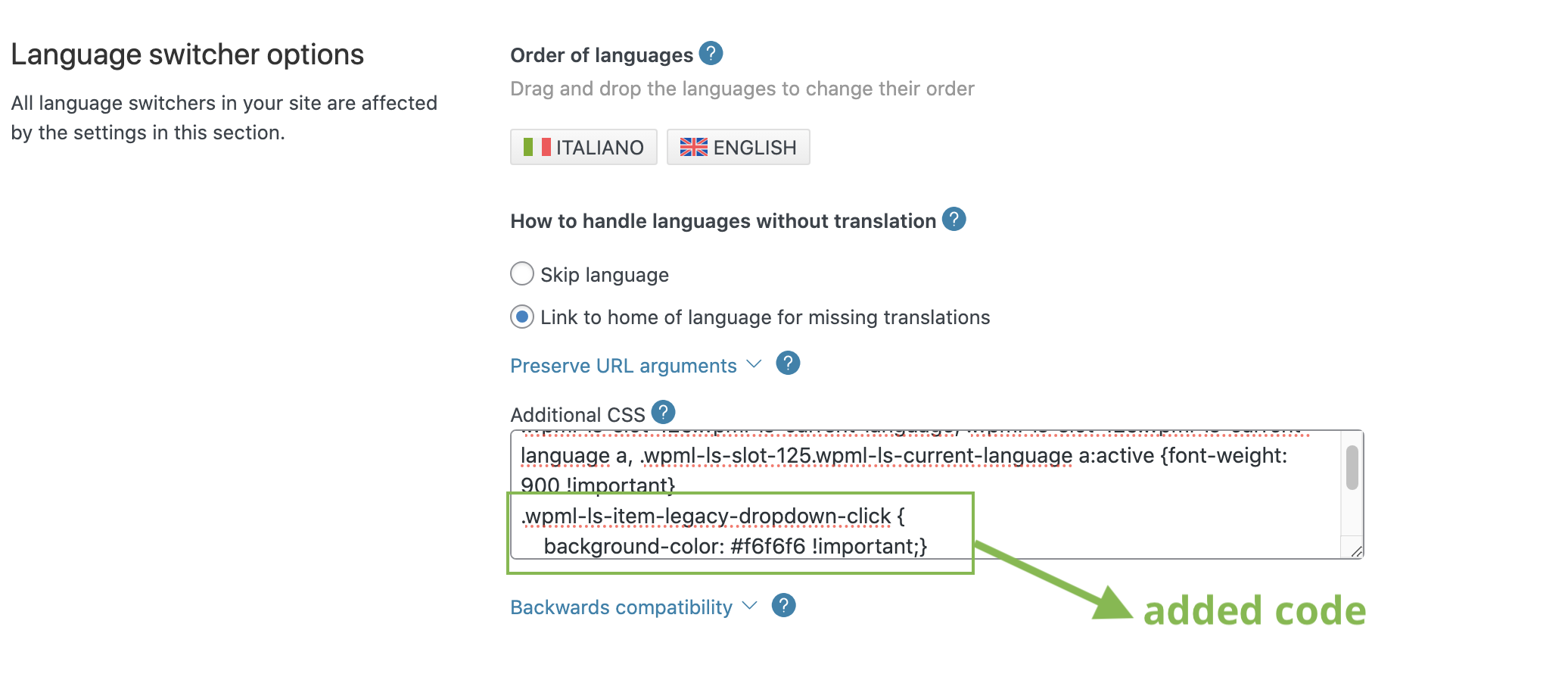
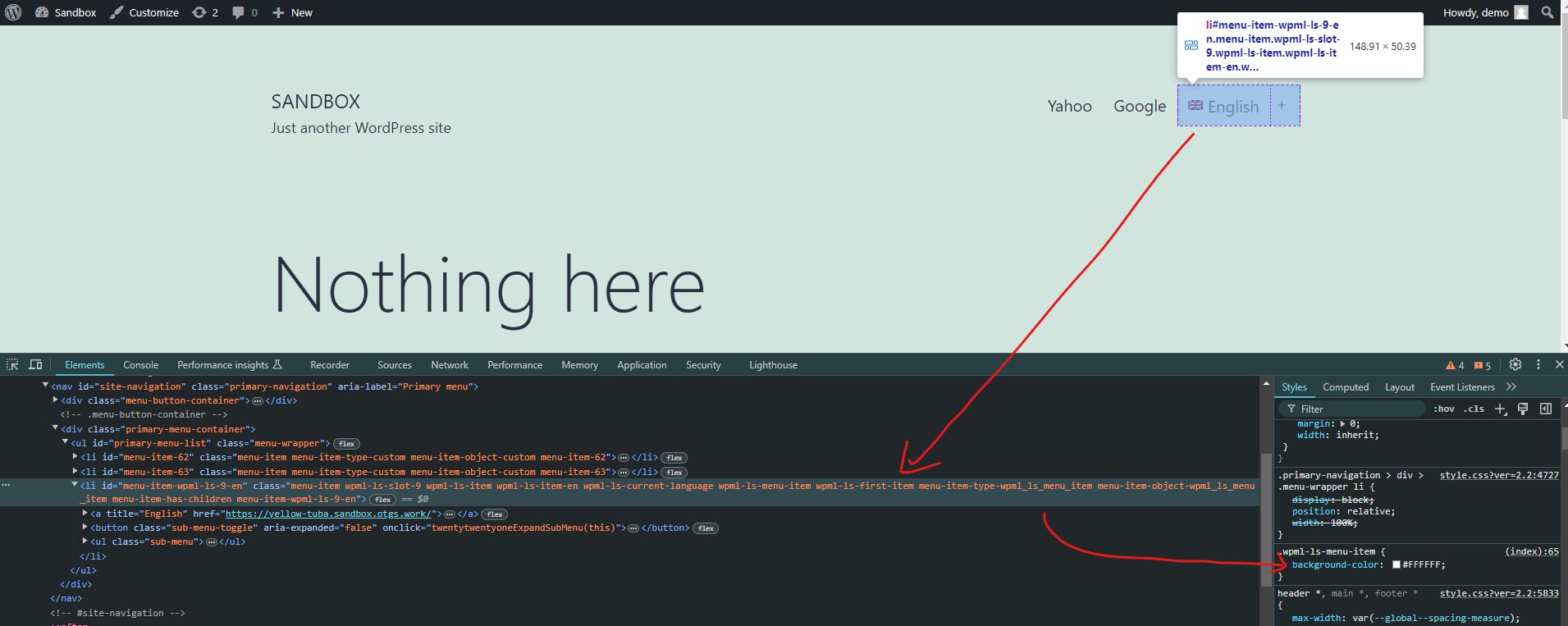
I'm trying to change the background color for the language selector on my site hidden link. I'm using the Elementor WPML widget, but the setting for changing the background color doesn't work. I tried using custom CSS in the WPML language selector panel, but the CSS code can't override the original CSS line set to #ffffff !important. watching with Developer tool, the code I added is strikethrough (so is overcome from the original code) and only works in preview mode when changing the original code (Please look at the second screenshot).
So, The custom CSS code for changing the background color of the language selector is not working because the original CSS line is set to #ffffff !important.
Many thanks
Symptoms:
Questions:
How can I change the background color for the language selector?....
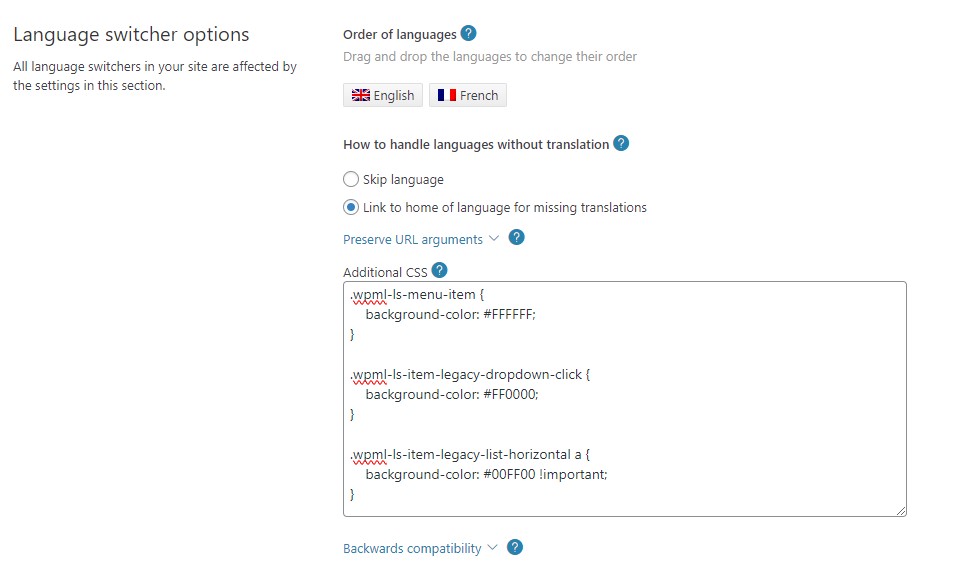
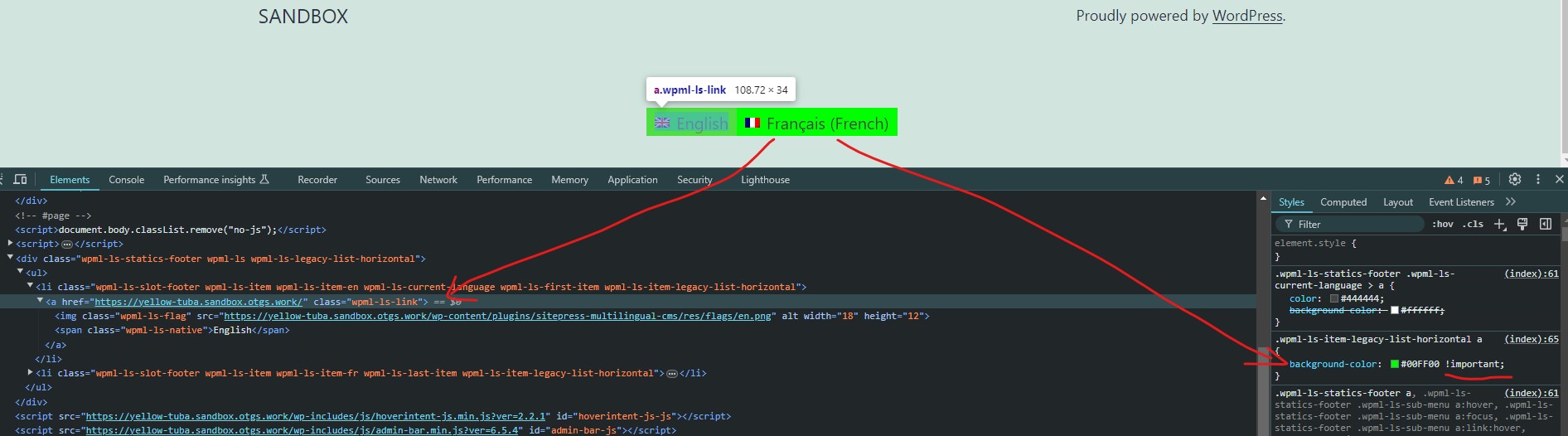
I've tried to reproduce the problem at hidden link but it seems to work fine for me in all the cases (i.e. Menu, Widget and Footer switchers) - please see attached.
However, if you think you can reproduce the problem, please use this sandbox site hidden link (one-click login) and let me know the exact steps so I can then try to reproduce it.