Skip to content Skip to sidebar

This thread is resolved. Here is a description of the problem and solution.

Problem:
If you're experiencing issues with editing ACF flexible content fields and encountering a PHP Fatal error related to type-safety issues in theme code on translated pages, along with a PHP Notice about incorrect translation loading, we can help.
Solution:
First, ensure you have a backup of your site. Then, make the following changes in the

/public/wp-content/themes/epgglobal/components/builder_page.php

file:
Replace:

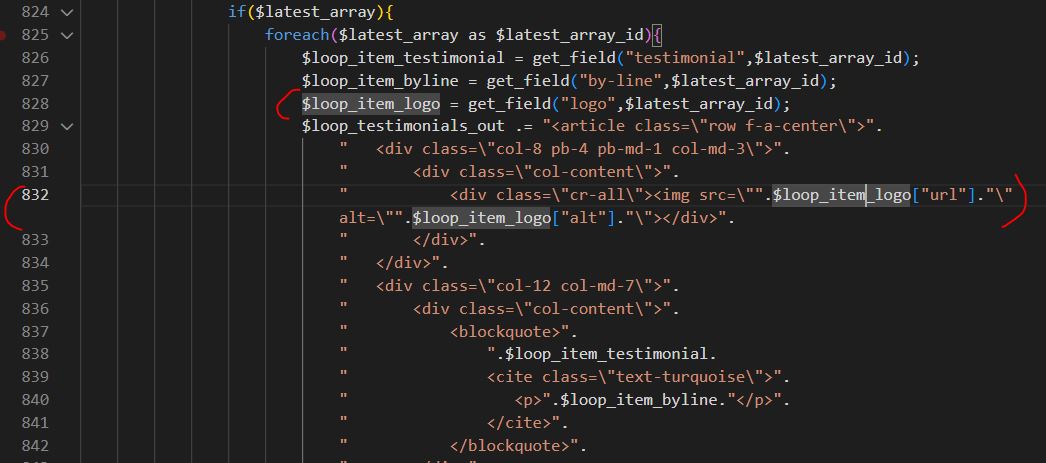
$loop_item_logo = get_field("logo", $latest_array_id);

With:

$loop_item_logo = get_field("logo", $latest_array_id);<br />$logo_url = '';<br />$logo_alt = '';<br />if (is_array($loop_item_logo)) {<br />    $logo_url = $loop_item_logo['url'] ?? '';<br />    $logo_alt = $loop_item_logo['alt'] ?? '';<br />}

And replace:

<div class="cr-all"><img src=".$loop_item_logo["url"]." alt=".$loop_item_logo["alt"]."/></div>

With:

<div class="cr-all"><img src=".$logo_url." alt=".$logo_alt."/></div>

We tested this solution locally and it resolved the issues. If this solution does not apply to your case, or if it seems outdated, we highly recommend checking related known issues at https://wpml.org/known-issues/, verifying the version of the permanent fix, and confirming that you have installed the latest versions of themes and plugins. If you still need assistance, please open a new support ticket at WPML support forum.

100% of people find this useful.

This is the technical support forum for WPML - the multilingual WordPress plugin.

Everyone can read, but only WPML clients can post here. WPML team is replying on the forum 6 days per week, 22 hours per day.

Tagged: 

This topic contains 12 replies, has 0 voices.

Last updated by Lucas Vidal de Andrade 4 weeks ago.

Assisted by: Lucas Vidal de Andrade.

Author Posts
January 15, 2026 at 10:54 am

karenO-2

ACF flexible content field cannot be edited. When tryng to change the settings, the following error comes up:

PHP Fatal error: Uncaught InvalidArgumentException: item should be a Collection or an array or an object in /var/www/vhosts/zebedeedemo.com/epgglobal-dev.zebedeedemo.com/wp-content/plugins/sitepress-multilingual-cms/vendor/wpml/fp/core/Obj.php:112

There is also a recurring error

PHP Notice: Function _load_textdomain_just_in_time was called incorrectly. Translation loading for the acf domain was triggered too early. This is usually an indicator for some code in the plugin or theme running too early. Translations should be loaded at the init action or later. Please see Debugging in WordPress for more information. (This message was added in version 6.7.0.) in /var/www/vhosts/zebedeedemo.com/epgglobal-dev.zebedeedemo.com/wp-includes/functions.php on line 6131

The site works OK on the front end, including translations

Using the following plugins

Advanced Custom Fields Multilingual Version 2.1.5 by OnTheGoSystems
Advanced Custom Fields PRO Version 6.7.0.2 by WP Engine
WPML Multilingual CMS Version 4.8.6 by OnTheGoSystems

January 15, 2026 at 12:54 pm #17733471

karenO-2

Hi Lucas, I'm afraid this fix didn't work for the translations of the home page fields but it could be the theme:

[15-Jan-2026 12:47:53 UTC] PHP Fatal error: Uncaught TypeError: Cannot access offset of type string on string in /var/www/vhosts/zebedeedemo.com/epgglobal-dev.zebedeedemo.com/wp-content/themes/epgglobal/components/builder_page.php:832
Stack trace:
#0 /var/www/vhosts/zebedeedemo.com/epgglobal-dev.zebedeedemo.com/wp-content/themes/epgglobal/page.php(5): include_once()
#1 /var/www/vhosts/zebedeedemo.com/epgglobal-dev.zebedeedemo.com/wp-includes/template-loader.php(125): include('...')
#2 /var/www/vhosts/zebedeedemo.com/epgglobal-dev.zebedeedemo.com/wp-blog-header.php(19): require_once('...')
#3 /var/www/vhosts/zebedeedemo.com/epgglobal-dev.zebedeedemo.com/index.php(17): require('...')
#4 {main}
thrown in /var/www/vhosts/zebedeedemo.com/epgglobal-dev.zebedeedemo.com/wp-content/themes/epgglobal/components/builder_page.php on line 832

I'll check the theme to see if there anything that could be changed on it

acf-edit-issue-19.JPG
January 15, 2026 at 12:59 pm #17733490

karenO-2

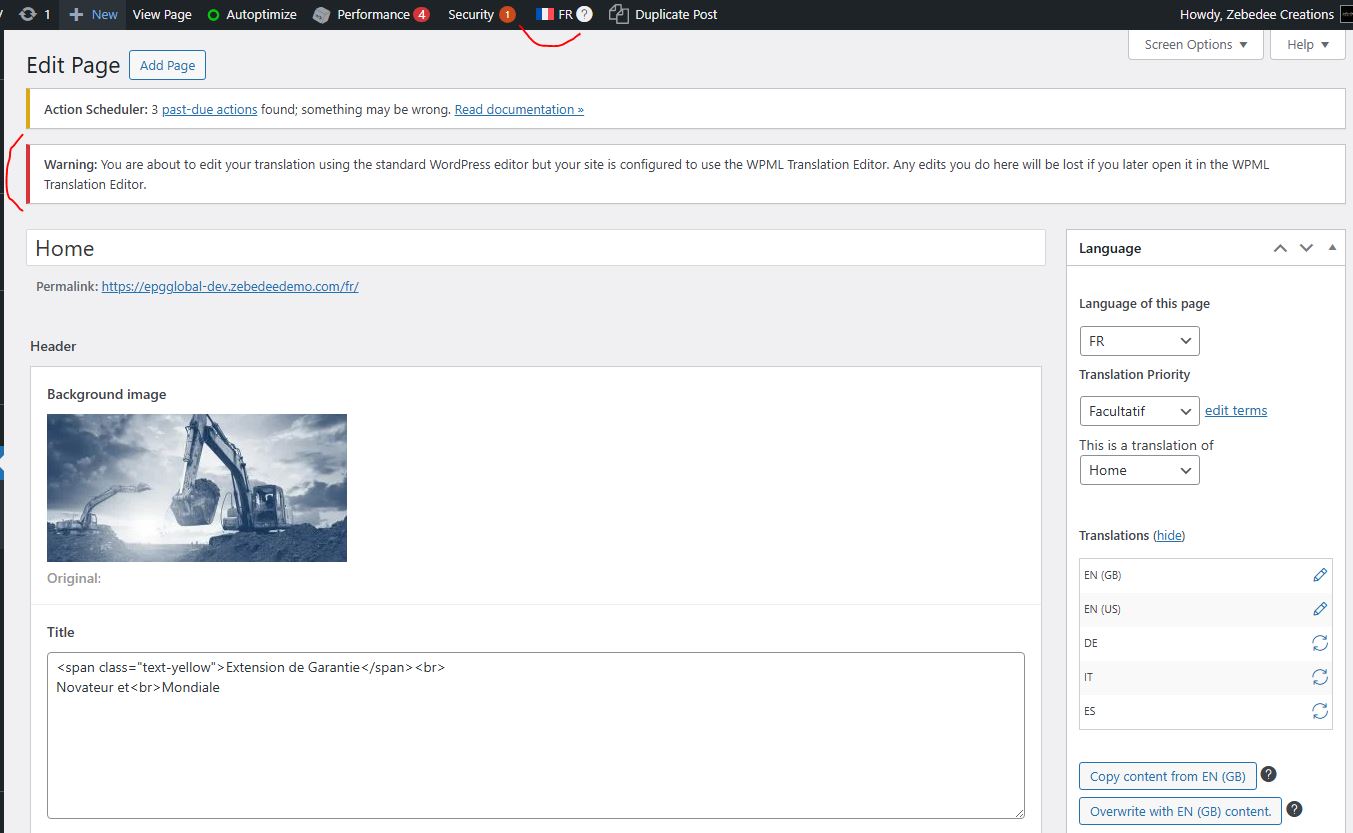
Also, when trying to edit the page we received the attached warning, does it mean we cannot use the flag at the top to change the language to be edited?

acf-edit-issue-20.JPG
January 15, 2026 at 1:10 pm #17733553

karenO-2

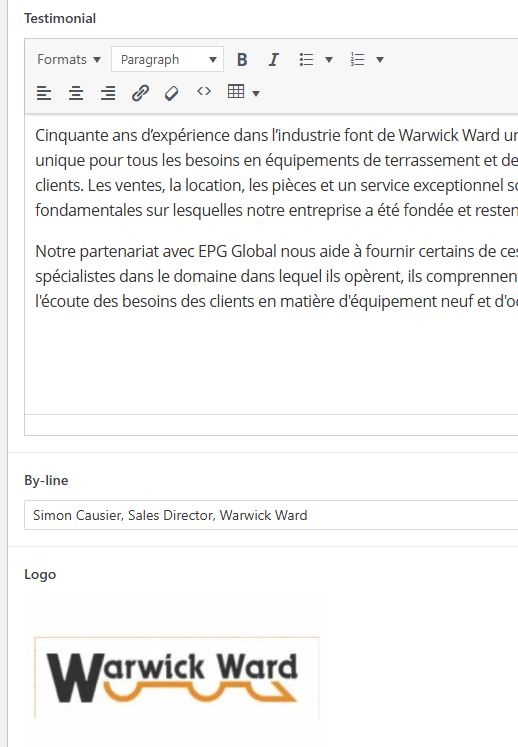
I checked the theme and the affected line relates to testimonial logos, but all the French translations have logos attached so I can't quite see the issue.

Please see attached

acf-edit-issue-22.JPG
acf-edit-issue-21.JPG
January 15, 2026 at 1:16 pm #17733633

karenO-2

Please note this works on the live site with the same data hidden link

January 15, 2026 at 1:31 pm #17733687

karenO-2

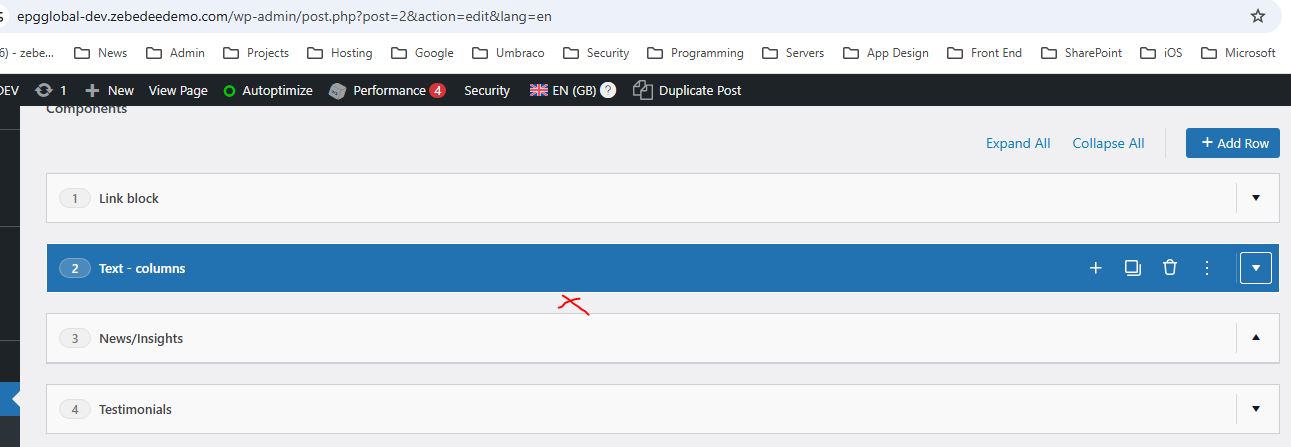
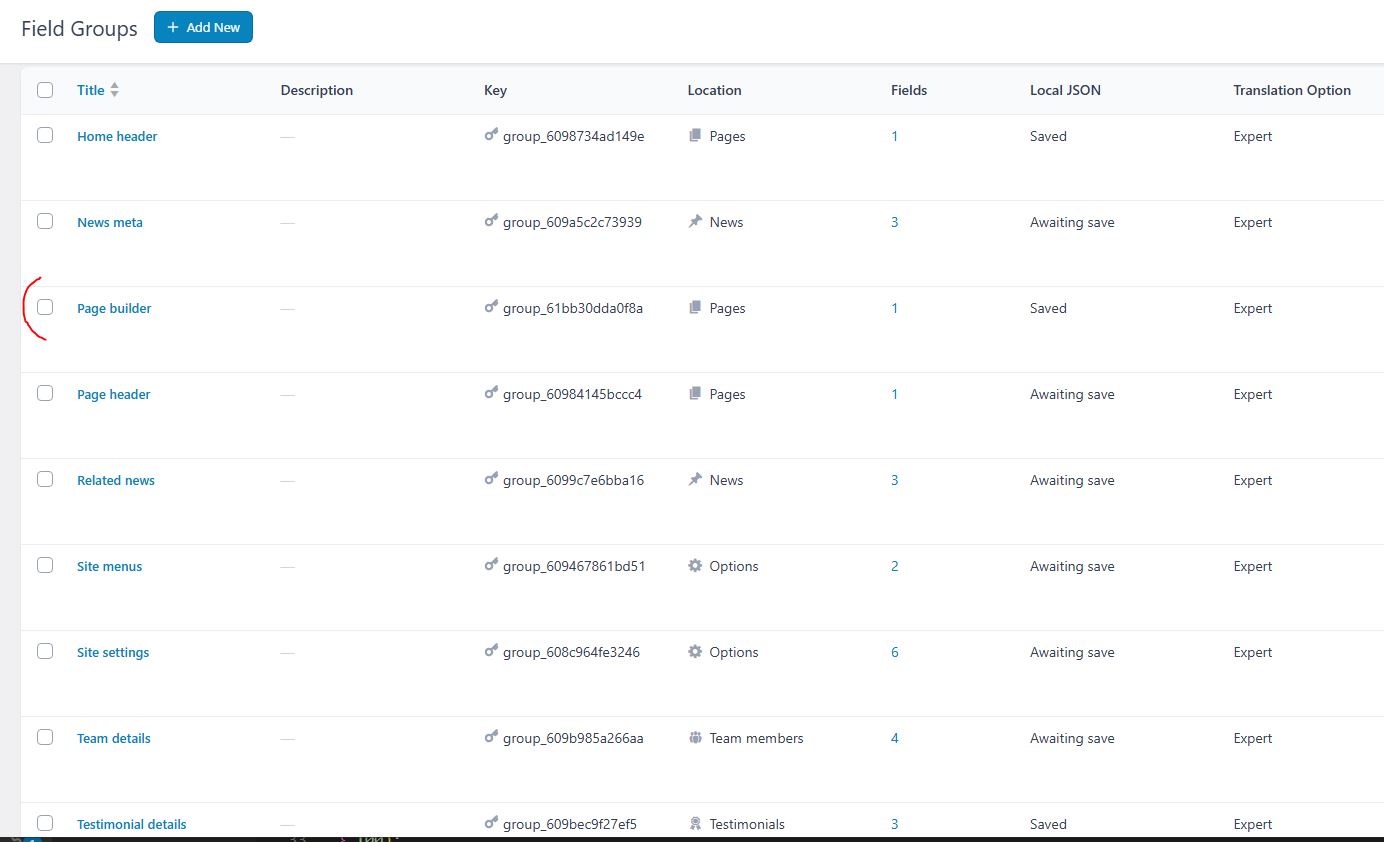
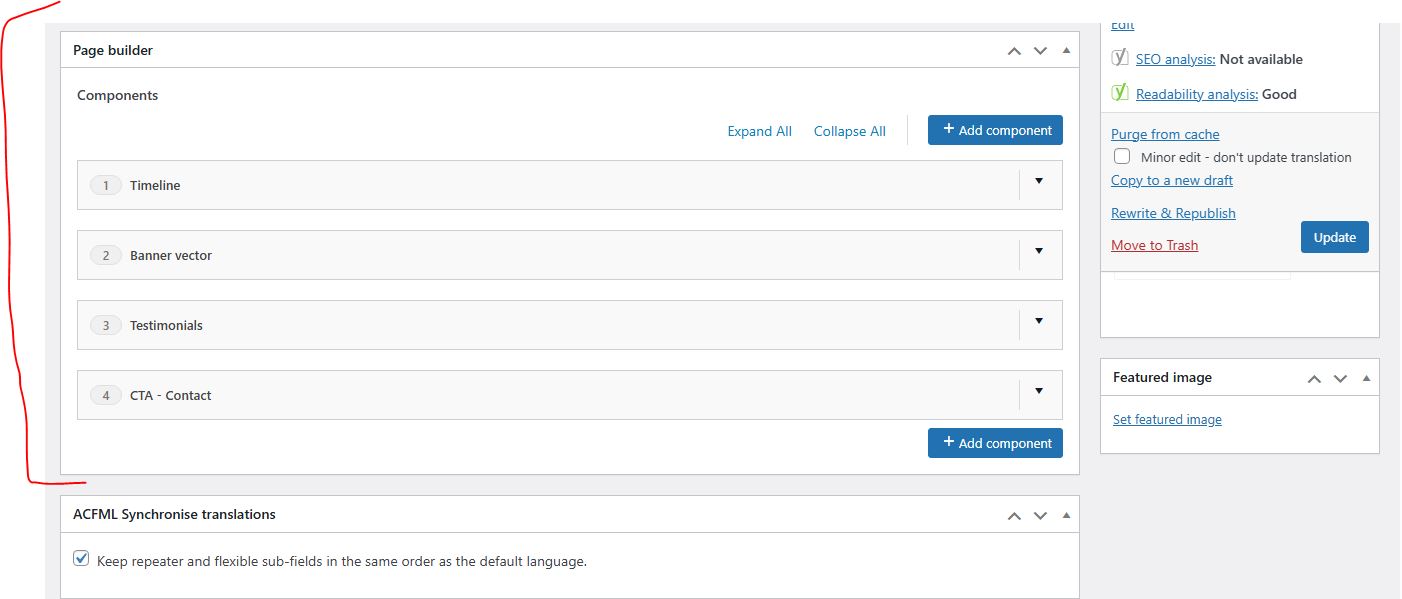
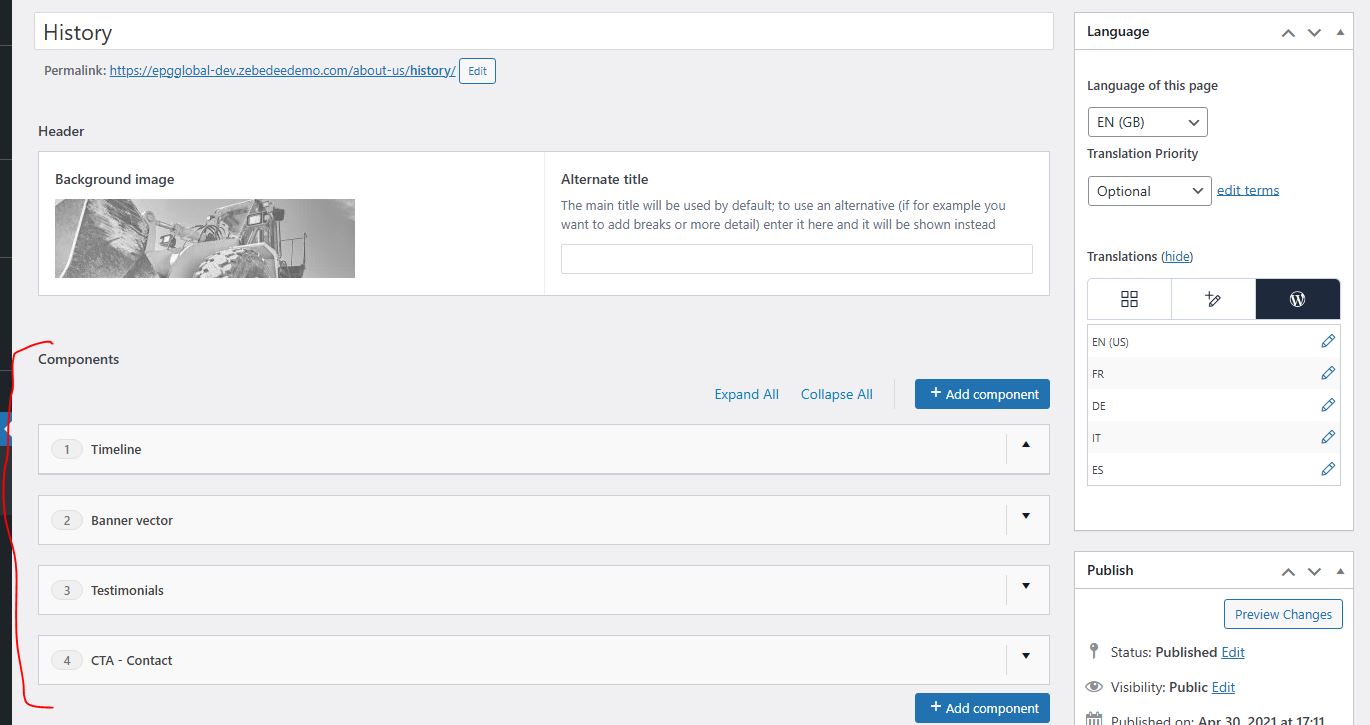
Also, when editing a page, I can seill see the same set of components twice. There is only one set of page builder components on the field groups.

acf-edit-issue-25.JPG
acf-edit-issue-24.JPG
acf-edit-issue-23.JPG
January 15, 2026 at 1:44 pm #17733933

Lucas Vidal de Andrade
WPML Supporter since 11/2023

Languages: English (English ) Spanish (Español ) German (Deutsch ) Portuguese (Brazil) (Português )

Timezone: Europe/Vienna (GMT+01:00)

"Also, when trying to edit the page we received the attached warning, does it mean we cannot use the flag at the top to change the language to be edited?"

Since the home page is set to use the WordPress Editor, the message should not show. I checked again, and it's not there. You can ignore it, if it shows again, since you have the "WordPress Editor" option activated for the home page.
______

Now, as to the issue itself, I'm lost. Can you please clarify?

1. Did you follow the steps, and cleaned up the translated field groups, as instructed?
2. I re-saved a ACF field group and had no errors. The error you shared above is new one? If so, where does it happen and how can I reproduce it?
3. Are you having any issues with your translated content?

If possible, let's try to check one thing at a time. It's unproductive to check many things in parallel.

January 15, 2026 at 2:36 pm #17734247

karenO-2

I'm very sorry for the confusion, let's recap

1. Did you follow the steps, and cleaned up the translated field groups, as instructed?

>> Yes, all extras removed and only the ones showing when the translation setting was active remain.

2. I re-saved a ACF field group and had no errors. The error you shared above is new one? If so, where does it happen and how can I reproduce it?

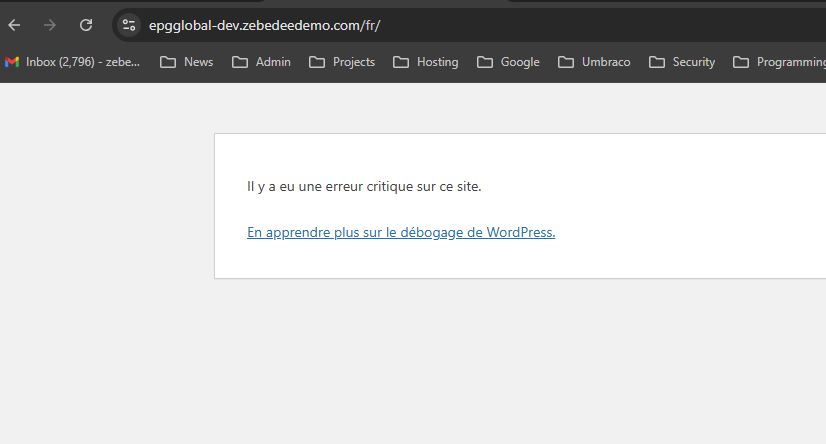
>> The error is a new one, appearing on the front end on translated pages, e.g.
hidden link

3. Are you having any issues with your translated content?

>> Yes, cannot see any translated content on the front end

Let me know if there is any more info I can provide.

January 15, 2026 at 3:20 pm #17734573

Lucas Vidal de Andrade
WPML Supporter since 11/2023

Languages: English (English ) Spanish (Español ) German (Deutsch ) Portuguese (Brazil) (Português )

Timezone: Europe/Vienna (GMT+01:00)

Thanks for sharing. I was able to properly understand the issue now.

In summary, what's happening, is that $loop_item_logo is expected to be an array (with keys like ['url'], ['alt']), but on translated pages, it's returning a string instead.

I also noticed that the ACF fields are not editable inside the pages. Can you fix that, so we can proceed the check how those values are being handled?

I recommend that you create a staging version of the website, and check how those fields behave with other plugins (including WPML) deactivated. This way, you can work on a cleaner environment.

January 15, 2026 at 3:45 pm #17734734

karenO-2

Hi Lucas, I'll try with the plugin deactivation on this site as it's a DEV site anyway.

I'll confirm when the ACF fields respond again

January 15, 2026 at 4:09 pm #17734814

karenO-2

Hi Lucas

I realised the issue with ACF Fields was caused by the "Flexible Content Extended for Advanced Custom Fields" which has been removed now.

I have resaved the About Us page in French but it still throws an error:

hidden link

Let me know if there are any other fixes you could suggest.

January 16, 2026 at 10:20 am #17736440

Lucas Vidal de Andrade
WPML Supporter since 11/2023

Languages: English (English ) Spanish (Español ) German (Deutsch ) Portuguese (Brazil) (Português )

Timezone: Europe/Vienna (GMT+01:00)

Hello,

Thank you for the feedback. I'll check that and get back to you in the next few hours. Thank you for your patience.

January 16, 2026 at 12:34 pm #17736927

Lucas Vidal de Andrade
WPML Supporter since 11/2023

Languages: English (English ) Spanish (Español ) German (Deutsch ) Portuguese (Brazil) (Português )

Timezone: Europe/Vienna (GMT+01:00)

Hello there,

Thank you for waiting. What is happening, is not a WPML bug per se. WPML is exposing a latent type-safety issue in the theme code that only surfaces on translated pages.

What is actually happening:
get_field( 'logo', $latest_array_id ) is assumed to always return an ACF image array:

[ 'url' => ..., 'alt' => ... ]

That assumption is unsafe.

To work it around, please ensure to have a backup and make the following changes on the /public/wp-content/themes/epgglobal/components/builder_page.php file:

Replace:

'$loop_item_logo = get_field("logo",$latest_array_id);'

With:

$loop_item_logo = get_field("logo", $latest_array_id);

$logo_url = '';
$logo_alt = '';

if ( is_array( $loop_item_logo ) ) {
    $logo_url = $loop_item_logo['url'] ?? '';
    $logo_alt = $loop_item_logo['alt'] ?? '';
}

And replace:

<div class=\"cr-all\"><img src=\"".$loop_item_logo["url"]."\" alt=\"".$loop_item_logo["alt"]."\"></div>".

With:

<div class=\"cr-all\">"."<img src=\"".$logo_url."\" alt=\"".$logo_alt."\">"."</div>".

I tested this solution on a local copy and it worked. Let me know your results.